Skip to content
View in the app

A better way to browse. Learn more.

Demonland

A full-screen app on your home screen with push notifications, badges and more.

To install this app on iOS and iPadOS
  1. Tap the Share icon in Safari
  2. Scroll the menu and tap Add to Home Screen.
  3. Tap Add in the top-right corner.
To install this app on Android
  1. Tap the 3-dot menu (⋮) in the top-right corner of the browser.
  2. Tap Add to Home screen or Install app.
  3. Confirm by tapping Install.

The New Look Demonland

Featured Replies

  • Popular Post

Welcome to the New-Look Demonland!

You may have noticed that Demonland has undergone a bit of a makeover. We’ve freshened things up with a new look and feel, but rest assured — the heart and soul of the site remain the same.

This thread is your go-to place for reporting any bugs, glitches, or issues you encounter while navigating the updated site. Please let us know if something isn’t working as it should so we can sort it out as quickly as possible.

Just a quick note: difficulty adjusting to change isn’t a bug — we get it, new things can feel a bit strange at first. Give it a little time, and we’re confident you’ll feel right at home.

Trouble Logging In?

As mentioned prior to the upgrade, you now need to log in using your email address, not your old username.
If you're running into login issues, please follow these steps:

  1. Try the "Forgot Password" tool if you still have access to your original email address.

  2. If you're still stuck, use the "Contact Us" link at the bottom of the page and we'll help you out.

What’s Changed?

Apart from the updated visual design, most of the features and functionality you’re familiar with remain unchanged. It’s the same Demonland you know and love — just with a modern facelift.

We’ve also added Dark Mode! If that’s more your style, you can toggle it on by clicking the Moon icon at the bottom of the page.

Help Us Iron Out the Kinks

While we’ve done our best to test everything, there may still be a few gremlins lurking. If you spot anything broken or behaving oddly, please report it here. We'll continue to tweak and fine-tune the design over the coming days.

Thanks for your patience and support — and enjoy the new Demonland experience!

A MASSIVE THANK YOU TO @Nasher for persisting with the upgrade and finding the solution. We nearly had another failed upgrade. We were 19 points down in the 3rd quarter and he went BANG! BANG BANG BANG!!!

 
  • Author

To report or edit a post, simply click the three dots located to the right of the poster’s name.

Previously, the Report and Edit "buttons" were positioned beneath the post itself. That layout was moved to the three dots a long time ago in a previous update but I was able to reinstate it to below the post using a third-party tweak to the website code.

Unfortunately, when we upgraded to the new platform, those custom tweaks—along with a few others I had made over the years—were removed, as expected. I’ll look into reinstating them if possible, but for now, you’ll need to get used to the new location of these functions.

If you notice anything else that seems missing, has moved, or if you're having trouble finding a feature you previously used, feel free to post in this thread. I’ll either investigate or point you in the right direction.

 
44 minutes ago, Demonland said:

Please let us know if something isn’t working as it should so we can sort it out as quickly as possible.

Does our forward line count?

In all seriousness, love the new look. Well done to all involved!


Yay for the upgrade, well done Andy and Nasher. Dark mode is very pretty - navy and red.


👏💪🏻 👏🏻Excellent work Andy @Demonland and @Nasher

I've 'road tested' a few features I often use and they work as usual or are better!!! In particular:

  • Love the GIF's :

    Happy I Love You GIF

  • Really like that the text of a quoted post is in red so easy to separate from the comment

  • Having the Menu down the side makes it so much easier to navigate the site. (I couldn't work out what the 'Threads' menu option was about? No biggie, just curious)

Thank you.

ps I noticed the colour of the emoji's changed ... again no biggie


Look brilliant Andy. This takes a lot of work and it's appreciated. Thank you.

btw, I couldn't find who is currently reading/writing in a thread which had been at the bottom of the thread. Is it somewhere else?

  • Author
1 minute ago, Lucifers Hero said:

btw, I couldn't find who is currently reading/writing in a thread which had been at the bottom of the thread. Is it somewhere else?

Add ons like that are usually 3rd party installations which were ask removed in the upgrade which I knew was going to happen.

I remember reading somewhere in the software manufacturers forum that widgets (that’s what they’re called) like that are very resource heavy pulling data and can slow the site down.

  • Author
59 minutes ago, Lucifers Hero said:

👏💪🏻 👏🏻Excellent work Andy @Demonland and @Nasher

I've 'road tested' a few features I often use and they work as usual or are better!!! In particular:

  • Love the GIF's :

    Happy I Love You GIF

  • Really like that the text of a quoted post is in red so easy to separate from the comment

  • Having the Menu down the side makes it so much easier to navigate the site. (I couldn't work out what the 'Threads' menu option was about? No biggie, just curious)

Thank you.

ps I noticed the colour of the emoji's changed ... again no biggie

Threads is Facebook/Instagram/Meta’s version of Twitter. I don’t really use it anymore so that link may disappear at some point.

Fabulous


Everything looks pretty schmick. Did we lose bolded title threads when not read and normal text when you have read them? Same with notifications?

The app is much more mobile friendly. Massive improvement.

Edit: never mind, looks to be working.

Edited by GS_1905

  • Author
2 minutes ago, GS_1905 said:

Everything looks pretty schmick. Did we lose bolded title threads when not read and normal text when you have read them? Same with notifications?

The app is much more mobile friendly. Massive improvement.

The bolded or unbolded topic titles depending on whether you’ve read the thread is still a feature. You have to be logged in though which is the same as in the past.

On the homepage there is a slight delay but it’s only a few minutes.

Oh wow, dark mode really is so beautiful! Going to be excitedly telling anyone I come across today about the update (all of whom will be like "uhhh that's nice DP")


I love it. Feels like day 1 of Colonial Stadium in 2000!

Are we still able to choose background themes? Is there a dark mode?

Everything has gone vertical. Freaking me out.

IyEORt.gif

I'm going to make one practical suggestion, which I understand might be an absolute shirt-sew to adjust, but having a slightly wider text space in the threads would reduce scrolling a bit. If the centre panel can be widened just a little, or maybe the profile images in posts adjusted so there isn't as much blank space along the left side.

But these are quibbles and tweaks.

I thought it was a nice update. It was a nice update, I thought. I bet it looks super snazzy on mobile.


Looks and feels great! Huge thanks for all your hard work and commitment to this wonderful site @Demonland and @Nasher . Donation forthcoming.


Join the conversation

You can post now and register later. If you have an account, sign in now to post with your account.

Guest
Unfortunately, your content contains terms that we do not allow. Please edit your content to remove the highlighted words below.
Reply to this topic...

Featured Content

  • PREVIEW: Essendon

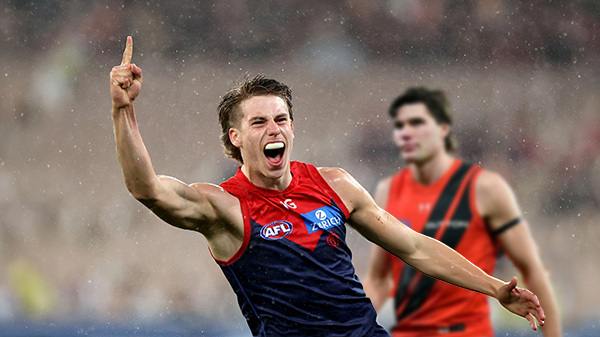
    Not long ago, the narrative surrounding Melbourne was steeped in pessimism. There was some concern among the pundits (and even some fans) that the club would arrive at the AFL’s Gather Round still winless, vulnerable to a familiar adversary in the Essendon Football Club, and facing significant scrutiny from an ever-critical media on a national stage. Things have changed.

    • 2 replies
  • REPORT: Gold Coast

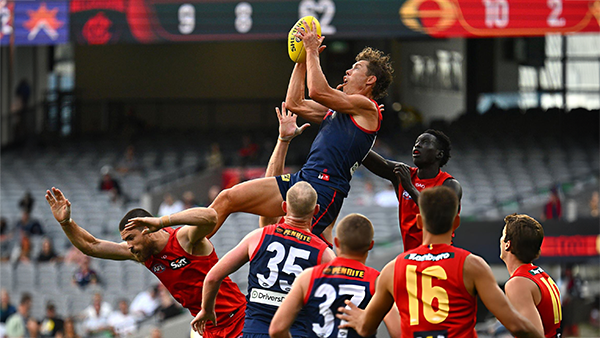
    Steven King astutely identified the issues that had plagued the Melbourne Football Club over the past two and a half seasons when he auditioned for the newly created coaching role. The side that had claimed the 2021 premiership had become stodgy, slow-paced, and hesitant to take the initiative. 

    • 4 replies
  • PREGAME: Essendon

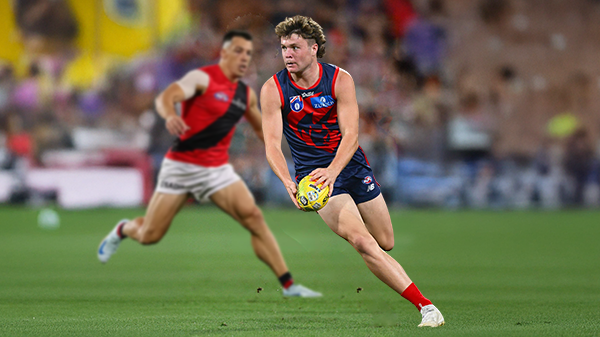
    Gather Round is upon us and the Demons face off against the Bombers who are on a 17 game losing streak. Who comes in and who goes out?

      • Haha
    • 212 replies
  • CASEY: Box Hill

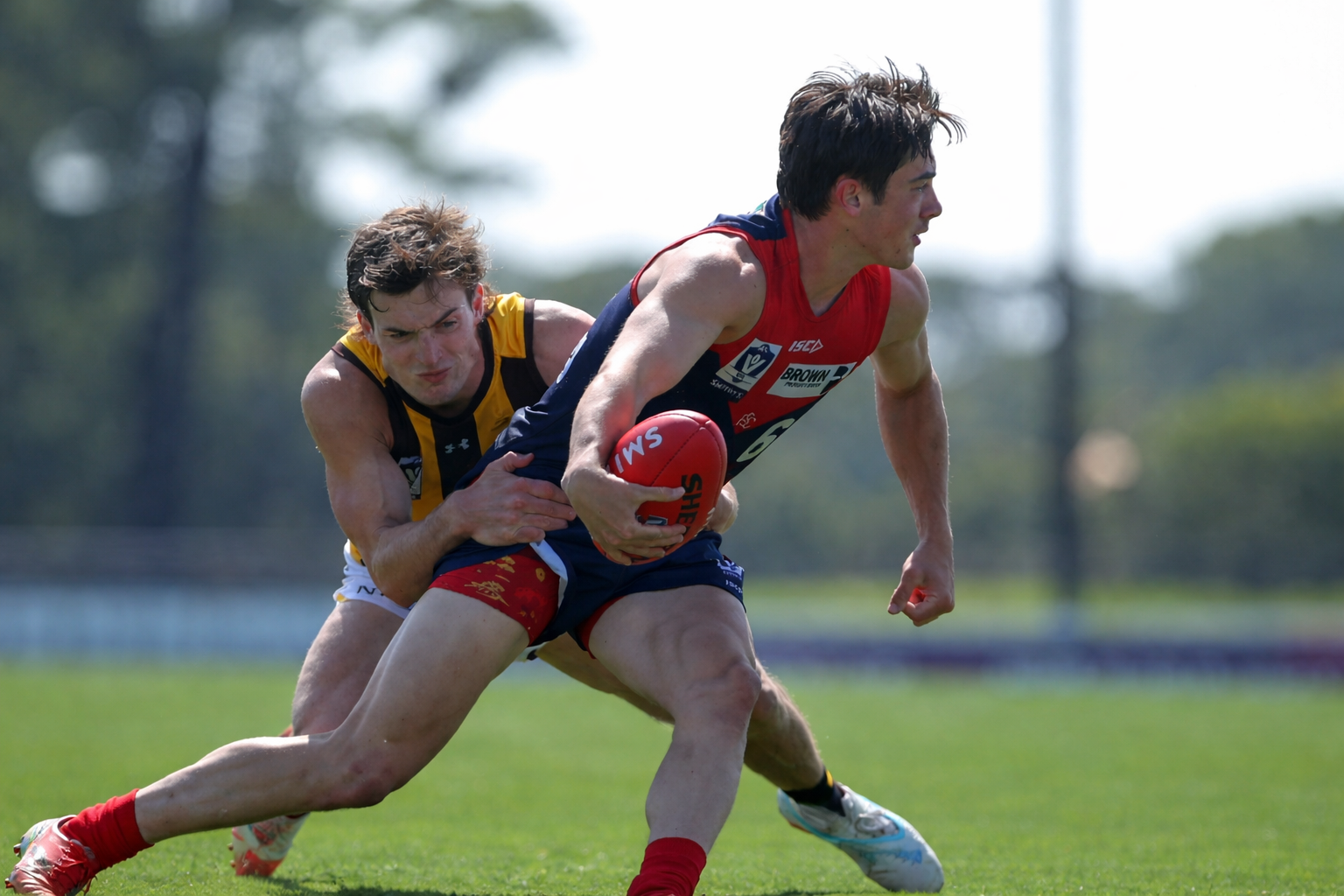
    The Casey Demons secured their first win of the season by the narrow margin of four points against the Box Hill Hawks at Casey Fields on Easter Sunday morning.

    • 0 replies
  • POSTGAME: Gold Coast

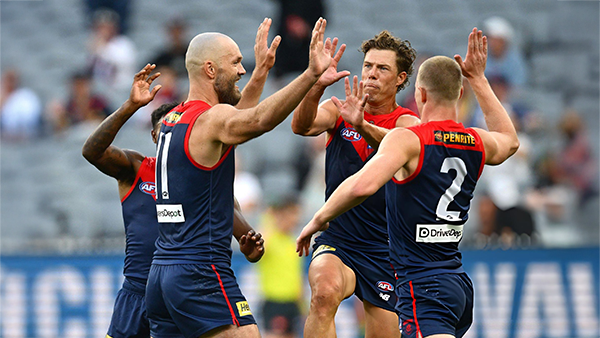
    The Demons put four quarters of hard contested, fast running and high pressure football to knock off the ladder leaders and early premiership contenders the Gold Suns by 20 points at the MCG on Easter Sunday.

      • Clap
      • Love
      • Thanks
      • Like
    • 494 replies
  • PODCAST: Gold Coast

    I’ll be away for the next few weeks, so Binman will be holding the fort for our podcasts covering the Suns, Bombers and Lions matches. As a result, there will be no live podcasts during this period, and we won’t be taking calls or voicemails. Binman will still be dipping into this thread to select a few questions to answer, while also combining the long-form Stats Files podcast with the Demonland Podcast for these shows. Your questions and comments are a huge part of what makes the podcast work, so please post anything you’d like to ask or say below and we’ll do our best to give you a shout-out on the show. Please try to keep each post focused on one specific topic or player to make podcast preparation a little easier. If you have multiple topics you’d like to raise, please put them in separate posts.

    • 28 replies

Account

Navigation

Search

Search

Configure browser push notifications

Chrome (Android)
  1. Tap the lock icon next to the address bar.
  2. Tap Permissions → Notifications.
  3. Adjust your preference.
Chrome (Desktop)
  1. Click the padlock icon in the address bar.
  2. Select Site settings.
  3. Find Notifications and adjust your preference.