Skip to content
View in the app

A better way to browse. Learn more.

Demonland

A full-screen app on your home screen with push notifications, badges and more.

To install this app on iOS and iPadOS
  1. Tap the Share icon in Safari
  2. Scroll the menu and tap Add to Home Screen.
  3. Tap Add in the top-right corner.
To install this app on Android
  1. Tap the 3-dot menu (⋮) in the top-right corner of the browser.
  2. Tap Add to Home screen or Install app.
  3. Confirm by tapping Install.

POLL: Light or Dark?

Light or Dark Mode 86 members have voted

  1. 1. Which theme of Demonland do you prefer?

Please sign in or register to vote in this poll.

Featured Replies

Just wondering which theme everyone prefers the most; Light or Dark?

The results may help me decide which theme to make as the default.

At the moment the Light theme is the default so most people will be using that one and many may not even be aware that there is now a Dark Mode of Demonland.

To switch to the Dark Mode (or back to the Light Mode) navigate to the bottom of the page. Towards the left hand side there is an icon of a Crescent Moon. Click that to switch to Dark Mode. Click the Light Bulb next to it to switch back to Light Mode.

So which one do you prefer?

  • Demonland changed the title to POLL: Light or Dark?
 

I thought this was another thread about measuring Demonlanders’ collective psyche. Disappointing.

Edited by Deemented Are Go!

Can’t say as I haven’t worked out how to change it from light.

Andy?

 
3 minutes ago, monoccular said:

Can’t say as I haven’t worked out how to change it from light.

Andy?

If on your phone, scroll to the bottom - the icons highlighted below switch the mode.

Screenshot_20250402_223354_Chrome.jpg

dark has better readability


48 minutes ago, biggestred said:

Dark mode seems highly appropriate currently

How about Red Mode in a few weeks if we keep losing by 10 goals? blink

Edited by John Demonic

Darkness is all appropriate for the Dees long suffering collective at the present time.

 
  • Author
10 hours ago, monoccular said:

Can’t say as I haven’t worked out how to change it from light.

Andy?

To switch to the Dark Mode (or back to the Light Mode) navigate to the bottom of the page. Towards the left hand side there is an icon of a Crescent Moon. Click that to switch to Dark Mode. Click the Light Bulb next to it to switch back to Light Mode.


Not sure but dark mode might be better for battery life.

I find dark background more relaxing on the eyes and probably improves battery life a bit


To be brutally honest I wasn't mad on the new format. I'm probably not mad on change in general.

Until I switched to dark mode. It's great.

28 minutes ago, In Harmes Way said:

Hello dark mode my old friend

🎶...

Literally the mood on the field and on the app.

15 minutes ago, Demonland said:

This intrigued me but I've found conflicting theories.

Screenshot 2025-04-03 at 10-17-47 do darker websites improve battery life on phones - Google Search.png

Screenshot 2025-04-03 at 10-18-39 do darker websites improve battery life on phones - Google Search.png

Interesting post. I just thought my iphone battery lasted longer when its screen was less bright. ?

When I first saw the Poll Name I suspected it was regarding how we see our demonic future !!


16 hours ago, Demonland said:

The results may help me decide which theme to make as the default.

Don't set a default, just let people choose. That way everyone's happy.

  • Author
2 minutes ago, lorn said:

Don't set a default, just let people choose. That way everyone's happy.

I need to choose a default theme for the site that is presented to visitors.

Currently, it's set to Light, allowing users the option to switch to Dark Mode if they prefer. Alternatively, I can set the default to the Navy Dark Theme, with the option for users to switch back to Light.

Either way, users will always have the flexibility to pick their preferred theme. I'm simply looking for some guidance on what the default should be, as many users aren't aware they have the option to switch and usually stick with what's presented initially. This poll is designed to help me gauge member preferences and make an informed decision on what should be the best look and feel of Demonland to visitors to the site.

Loved dark as soon as I switched to it. It's the navy blue with red user names and white text. It's the Guernsey colours and different to all the other websites I visit.

I'm surprised that there are so many picking the light theme in the poll.

 
16 hours ago, Demonland said:

Just wondering which theme everyone prefers the most; Light or Dark?

The results may help me decide which theme to make as the default.

At the moment the Light theme is the default so most people will be using that one and many may not even be aware that there is now a Dark Mode of Demonland.

To switch to the Dark Mode (or back to the Light Mode) navigate to the bottom of the page. Towards the left hand side there is an icon of a Crescent Moon. Click that to switch to Dark Mode. Click the Light Bulb next to it to switch back to Light Mode.

So which one do you prefer?

Thank you and dark i go

I'm usually dark mode all the way, but for some reason I prefer light mode for this site. I find the topics list clearer that way. Maybe I need more time to adjust.


Join the conversation

You can post now and register later. If you have an account, sign in now to post with your account.

Guest
Unfortunately, your content contains terms that we do not allow. Please edit your content to remove the highlighted words below.
Reply to this topic...

Featured Content

  • PREVIEW: Essendon

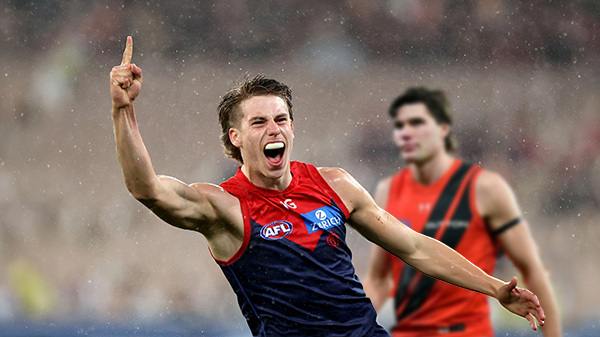
    Not long ago, the narrative surrounding Melbourne was steeped in pessimism. There was some concern among the pundits (and even some fans) that the club would arrive at the AFL’s Gather Round still winless, vulnerable to a familiar adversary in the Essendon Football Club, and facing significant scrutiny from an ever-critical media on a national stage. Things have changed.

    • 0 replies
  • REPORT: Gold Coast

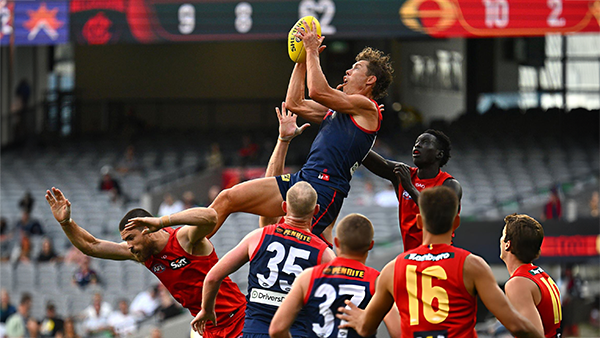
    Steven King astutely identified the issues that had plagued the Melbourne Football Club over the past two and a half seasons when he auditioned for the newly created coaching role. The side that had claimed the 2021 premiership had become stodgy, slow-paced, and hesitant to take the initiative. 

      • Thanks
    • 4 replies
  • PREGAME: Essendon

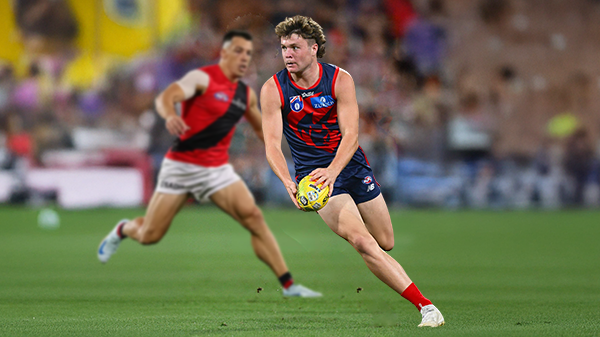
    Gather Round is upon us and the Demons face off against the Bombers who are on a 17 game losing streak. Who comes in and who goes out?

      • Clap
      • Haha
      • Love
      • Like
    • 177 replies
  • CASEY: Box Hill

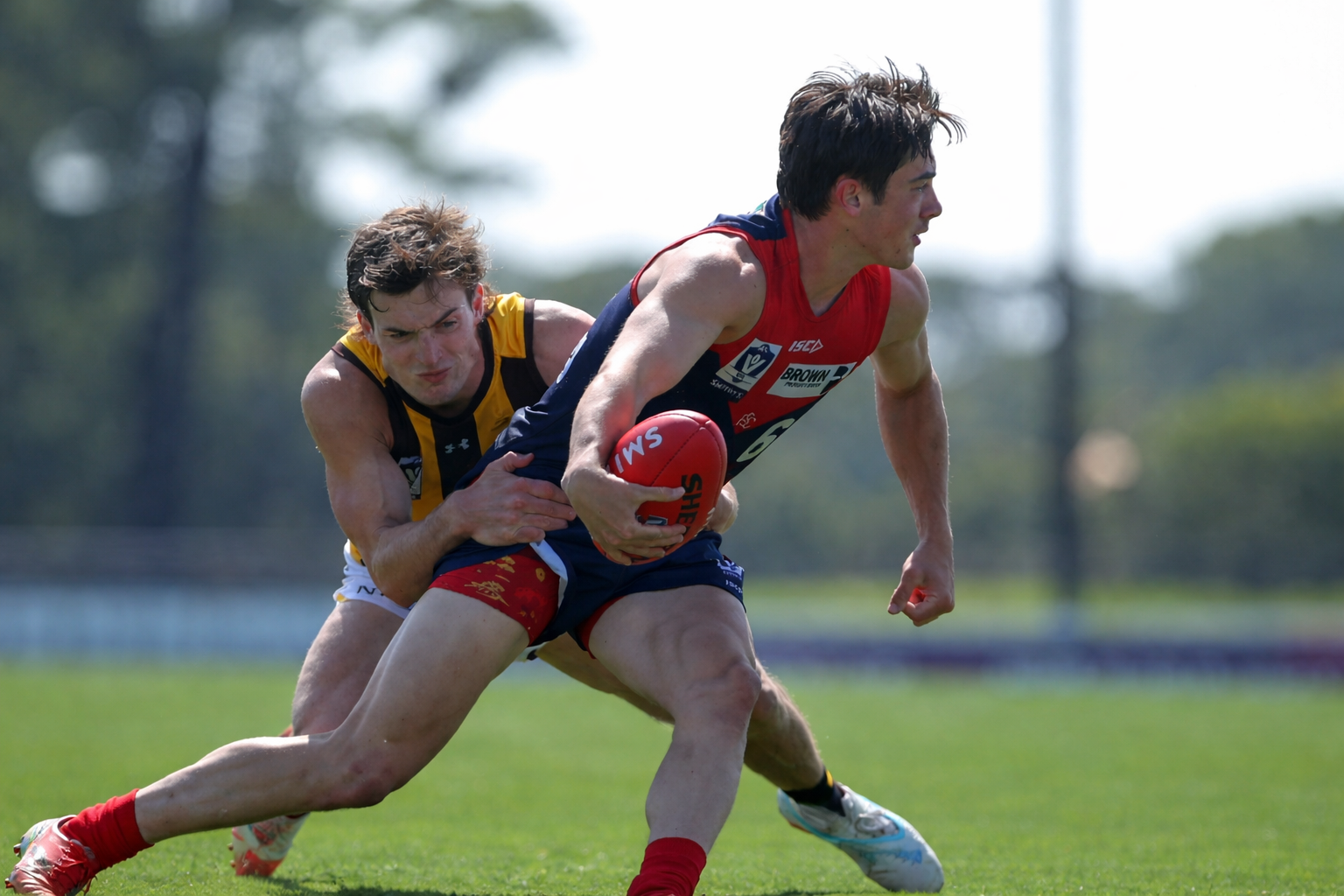
    The Casey Demons secured their first win of the season by the narrow margin of four points against the Box Hill Hawks at Casey Fields on Easter Sunday morning.

    • 0 replies
  • POSTGAME: Gold Coast

    The Demons put four quarters of hard contested, fast running and high pressure football to knock off the ladder leaders and early premiership contenders the Gold Suns by 20 points at the MCG on Easter Sunday.

      • Clap
      • Haha
      • Love
      • Like
    • 483 replies
  • PODCAST: Gold Coast

    I’ll be away for the next few weeks, so Binman will be holding the fort for our podcasts covering the Suns, Bombers and Lions matches. As a result, there will be no live podcasts during this period, and we won’t be taking calls or voicemails. Binman will still be dipping into this thread to select a few questions to answer, while also combining the long-form Stats Files podcast with the Demonland Podcast for these shows. Your questions and comments are a huge part of what makes the podcast work, so please post anything you’d like to ask or say below and we’ll do our best to give you a shout-out on the show. Please try to keep each post focused on one specific topic or player to make podcast preparation a little easier. If you have multiple topics you’d like to raise, please put them in separate posts.

    • 27 replies

Account

Navigation

Search

Search

Configure browser push notifications

Chrome (Android)
  1. Tap the lock icon next to the address bar.
  2. Tap Permissions → Notifications.
  3. Adjust your preference.
Chrome (Desktop)
  1. Click the padlock icon in the address bar.
  2. Select Site settings.
  3. Find Notifications and adjust your preference.