Skip to content
View in the app

A better way to browse. Learn more.

Demonland

A full-screen app on your home screen with push notifications, badges and more.

To install this app on iOS and iPadOS
  1. Tap the Share icon in Safari
  2. Scroll the menu and tap Add to Home Screen.
  3. Tap Add in the top-right corner.
To install this app on Android
  1. Tap the 3-dot menu (⋮) in the top-right corner of the browser.
  2. Tap Add to Home screen or Install app.
  3. Confirm by tapping Install.

Site Software Update

Featured Replies

 
8 minutes ago, Demonland said:

We just did a major update to the site software. Some of the formatting and colours are out of whack and I will attempt to fix all of this in the next day or so. Please bare with me whilst I iron out all the kinks.

Gravatar sizing not responsive on mobile - iOS Firefox (iPhone 7)

safari the same

Also replicable in Brave on iOS


Edited by Superunknown


FYI those pics / letters (?are these called avatars) obscure the first bits of text on my iPad with IOS 13.


Thanks demonland, I like that when I open a topic it takes me too last page.

Easy too see as well.


Love that I'm not accidentally clicking on the podcast as I'm scrolling down now :). Appreciate the work you put in mate

3 minutes ago, kev martin said:

Thanks demonland, I like that when I open a topic it takes me too last page.

Easy too see as well.


It also takes me to the last unread thread, thank you.

Though I cannot 'edit' the page I wrote on.


5 minutes ago, kev martin said:

It also takes me to the last unread thread, thank you.

Though I cannot 'edit' the page I wrote on.

Click the three horizontal dots to the right of your username on the post you want to edit. The option to edit drops down. 

Edited by Ethan Tremblay

23 minutes ago, Ethan Tremblay said:

Click the three horizontal dots to the right of your username on the post you want to edit. The option to edit drops down. 

Thanks Ethan, edited.

Edited by kev martin

A very brutal screen with far too much dominance of the various updates on the right of the screen which IIRC were at the bottom of the page.

Good luck but sorry don't like it.


Thanks for your efforts to improve the site. I'm sure it will prove to be better for us if we just take the time to get used to it. Merci!

  • Author
1 hour ago, Diamond_Jim said:

A very brutal screen with far too much dominance of the various updates on the right of the screen which IIRC were at the bottom of the page.

Good luck but sorry don't like it.

I'm still working on it but I don't understand what you're referring to. Are you able to send a screenshot? Are you on mobile or desktop?


Thanks again for all the work you out into the site, much appreciated ?

is it possible to have a more prominent separator between the pinned and non-pinned threads? Just makes it easier to quickly navigate to the first un-pinned article.

iPhone XT, iOS 13.7

9 hours ago, Demonland said:

We just did a major update to the site software. Some of the formatting and colours are out of whack and I will attempt to fix all of this in the next day or so. Please bare with me whilst I iron out all the kinks.

Working a treat so far Andy.  Noice work.  Any chance you can add a delete option for the weird double postings that occur for some reason or errors as per previous version a few years back?

  • Author
15 minutes ago, Rusty Nails said:

Working a treat so far Andy.  Noice work.  Any chance you can add a delete option for the weird double postings that occur for some reason or errors as per previous version a few years back?

Can you point me to an example of the double post error?

  • Author
24 minutes ago, —coach— said:

Thanks again for all the work you out into the site, much appreciated ?

is it possible to have a more prominent separator between the pinned and non-pinned threads? Just makes it easier to quickly navigate to the first un-pinned article.

iPhone XT, iOS 13.7

Not sure I can do this?

9 hours ago, Demonland said:

We just did a major update to the site software. Some of the formatting and colours are out of whack and I will attempt to fix all of this in the next day or so. Please bare with me whilst I iron out all the kinks.

I think you mean bear with me. Bare= naked. Hopefully you’re not going to bare some part of your body for us!


9 hours ago, Demonland said:

I still have some tweaking to do but this should fix the issue you were having. 

Issue now resolved DL

Site looks back to normal for me, Andy.  Checked my mobile and things seem to be running smoothly there as well. ?

 
  • Author
11 minutes ago, Wiseblood said:

Site looks back to normal for me, Andy.  Checked my mobile and things seem to be running smoothly there as well. ?

I’ve tried to get the site to look visually the same in terms of colours. I had to revert back to the default skin. There are many little tweaks, not necessarily colour related that are gone and I’m in the process of remembering and finding some things. There I things I know how to change but just need to find the relevant code and where it might now reside within the software. 

i think there are some new functionality within the software I need to activate. Will get to that soon. 

I really like the new look on the iPhone - much cleaner.

Thanks for all the work you do @Demonland to keep the site up and running, as well as running the podcast. I’m not sure of the costs involved in doing all this, but is there a Donate button, so that those that wish to can chuck in a dollar or two from time to time?


Join the conversation

You can post now and register later. If you have an account, sign in now to post with your account.

Guest
Unfortunately, your content contains terms that we do not allow. Please edit your content to remove the highlighted words below.
Reply to this topic...

Featured Content

  • PREVIEW: Gold Coast

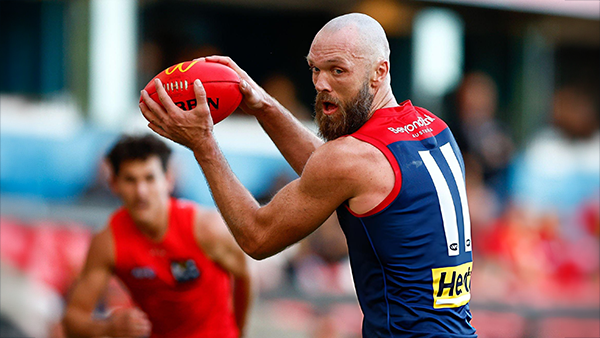
    Melbourne’s slow starts have been a troubling theme for a while. Against the Suns, they started slowly in both of their games, they trailed by 5.7.37 to 0.1.1 at quarter time at Peoples First Stadium in Round 16. This season, the story has remained the same and if the Demons fail to shake off this issue against the unbeaten Gold Coast Suns, they will be in serious danger of capitulating once again in their Easter Sunday showdown.

      • Clap
      • Love
      • Thanks
      • Like
    • 6 replies
  • NON-MFC: Round 04

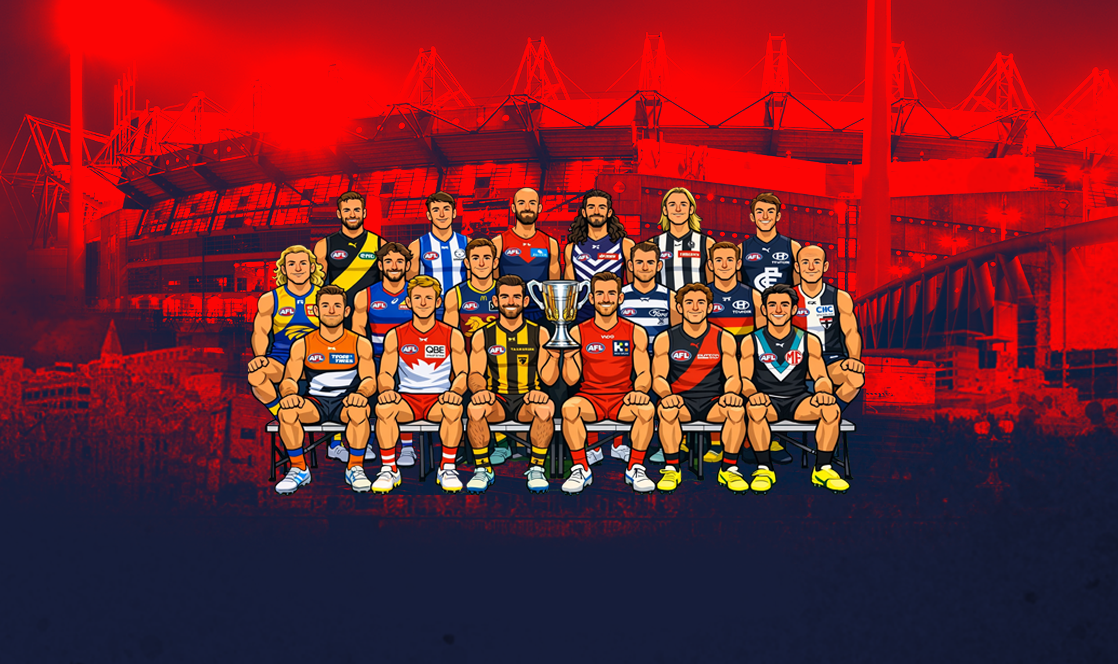
    Round 4 of the 2026 AFL Premiership Season is upon us and it is the last week of the early season byes. Who are you tipping this week and what are the best results for the Dees Finals chances? 😜

      • Haha
    • 72 replies
  • PREGAME: Gold Coast

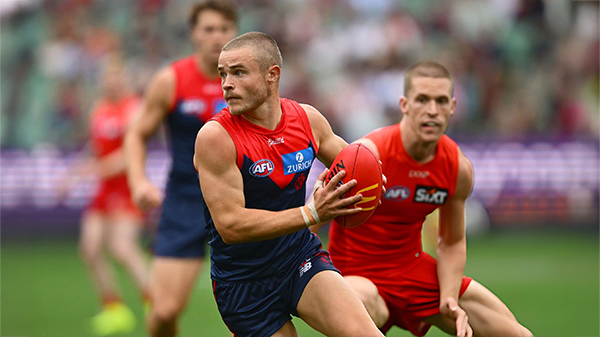
    The Demons are back at the MCG for the second week in a row. They face the Suns off a 15 day break without their prized recruit and former Demon champion Christian Petracca. This will be a massive test for the Demons who will be facing a genuine Premiership contender. Who comes in and who goes out?

      • Thanks
    • 289 replies
  • REPORT: Carlton

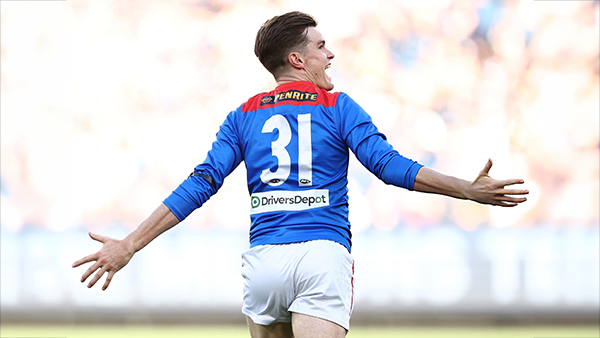
    The text messages started flooding in shortly after quarter time. One read: “Is Melbourne even at the ground?” Moments later, as Carlton’s Elijah Hollands kicked the first goal of the second term, the Blues held a commanding 43-point lead. By then, the Demons’ only score was a behind kicked by Brody Mihocek nearly five minutes into the game. Ironically, Mihocek would also register the last minor score of the day after the game took a dramatic turnaround. 

      • Clap
      • Love
      • Thanks
      • Like
    • 4 replies
  • POSTGAME: Carlton

    The Demons snatched Victory form the Jaws of Defeat as they clawed their way back from 43 points down to win by 23 points in Max Gawn and Tom McDonald's 250th matches at the MCG. Never in Doubt!!!

      • Clap
      • Haha
      • Love
      • Thanks
      • Like
    • 556 replies
  • PODCAST: Carlton

    The Demonland Podcast will air LIVE on TUESDAY, 31st March @ 8:00pm. Join Binman, George & I as we dissect the Dees miraculous 66 point turnaround win against the Blues at the G.

      • Thanks
      • Like
    • 49 replies

Account

Navigation

Search

Search

Configure browser push notifications

Chrome (Android)
  1. Tap the lock icon next to the address bar.
  2. Tap Permissions → Notifications.
  3. Adjust your preference.
Chrome (Desktop)
  1. Click the padlock icon in the address bar.
  2. Select Site settings.
  3. Find Notifications and adjust your preference.