layzie
Life Member
-
Joined
-
Last visited
Everything posted by layzie
-
This. We are destined for a Grand Final week tribunal headline, destined.
-
Really great work Joeboy.
-
-
-
I have no idea but this is my guess: At some point they probably decided to review all goals in the finals whether they were on the screen or not, they've done it behind the scenes and then decided it needed to be pulled back. I didn't like it at the time but I haven't dared to watch it again to tell if it was the right decision or not. A lot of people told me it was.
-
The Ronald Dale Barassi cup is a no brainer to me if they were going to name it. He's the Vince Lombardi and Tom Brady of our sport all rolled into one.
-
It's a slight concern isn't it!
-
Sometimes the cool light of day starts on the following Monday when all the water cooler convos come home to roost.
-
That's right. So I guess what I'm asking is at when is it acceptable to say the above and when does it become a counter-intuitive exercise? We talked a lot last year about how much Tom McDonald meant to our structure but when we had him back this year he was suddenly useless in a lot of people's eyes. Had Melksham been injured last year I don't think many people would have batted an eye lid. Teams deal with injuries and we've dealt with ours very well.
-
Big shout out to @WheeloRatings as well. That data is absolute gold and in most cases none of us can access normally even if we wanted to pay for it.
-
Yep, not gonna win a thing with those two up front. Like safety steel it's time to get real.
-
Sliding doors? Or doors to doom?
-
-
-
We need a very good forward coach. Best in class.
-
There's no cool light of day here, both yesterday and today have been pretty warm.
-
Watched the Kayo mini of yesterday's game. Not only was a thrilled to see the Dubs get up and Jesse play a brilliant game but how great was it to see the Port Adelaide Crows fans crying like the jerks that they are. Looks like it's not your year thundercrackers!
-
Port also went out in straight sets. Is that a positive?
-
-
You better damn believe it. They ride in waves and make our decision making with ball in hand look like kindergarten. Love watching this team, come on dubs go all the way. Brisbane v GWS Grand Final would wipe away about 70% of the hurt this year.
-
Damn, there's the first of the omissions. Thanks DD for all your work in the Stat Files thread for player rankings.
-
-
I capitalise my footy club abbreviations.
-
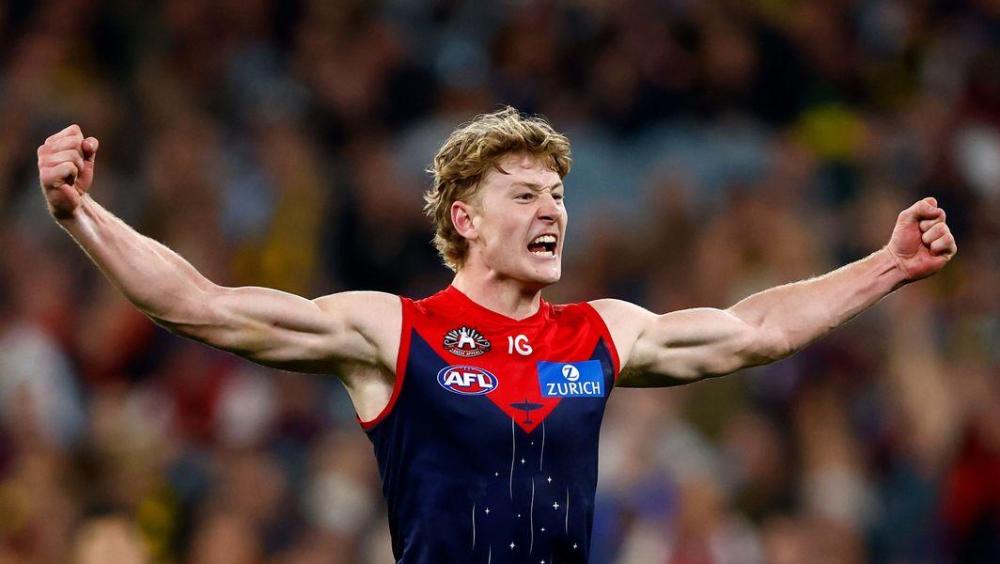
The Ruinator. Wont post my photo because it always get taken down but you can have this instead.
-
It's coach shooting season.