Skip to content
View in the app

A better way to browse. Learn more.

Demonland

A full-screen app on your home screen with push notifications, badges and more.

To install this app on iOS and iPadOS
  1. Tap the Share icon in Safari
  2. Scroll the menu and tap Add to Home Screen.
  3. Tap Add in the top-right corner.
To install this app on Android
  1. Tap the 3-dot menu (⋮) in the top-right corner of the browser.
  2. Tap Add to Home screen or Install app.
  3. Confirm by tapping Install.

NEW LOOK FORUM: Please be patient

Featured Replies

2 hours ago, Demonland said:

What colours are you seeing?

I'm on the default Demons theme.  The white background is very white. 


Edit:  Safe for work theme the same issue. 

Edited by RalphiusMaximus

 
  • Author
1 minute ago, RalphiusMaximus said:

I'm on the default Demons theme.  The white background is very white. 

I might still play around with the colour scheme. It's a work in progress. I'm busy ironing out other things at the moment. I may play around with cream, bone, white, off white, ivory or beige.

Found the theme.  Not really sure if much changed as a result.

The circular avatars are cutting some of us off.  Will need to find a new appropriate avatar, but Moonshadow has just become Full Moon Face. :pj:

 
  • Author
1 minute ago, bjDee said:

Found the theme.  Not really sure if much changed as a result.

The circular avatars are cutting some of us off.  Will need to find a new appropriate avatar, but Moonshadow has just become Full Moon Face. :pj:

If you didn't experience a change then you were already on the right theme. There are only two themes. A red and blue one and a generic light blue and white one.

3 minutes ago, Demonland said:

If you didn't experience a change then you were already on the right theme. There are only two themes. A red and blue one and a generic light blue and white one.

Well I experienced the change, I just didn't notice it.  I see the difference now, but expected it might replace a lot more of the white than it did. No biggie, and I'm grateful Andy and all site jockeys for keeping us running and up to date with the latest version of DemonFaceBook.

Cheers guys.


  • Author
10 minutes ago, bjDee said:

Well I experienced the change, I just didn't notice it.  I see the difference now, but expected it might replace a lot more of the white than it did. No biggie, and I'm grateful Andy and all site jockeys for keeping us running and up to date with the latest version of DemonFaceBook.

Cheers guys.

Just out of interest what colour would you prefer over white? Keep in mind that it's hard to read with a dark background colour so it needs to be light. I don't have a problem with the white as it doubles as a torch in the dark. 

I reckon a border around posts would reduce a lot of the 'white' appearance comments.

 
7 hours ago, McQueen said:

I reckon a border around posts would reduce a lot of the 'white' appearance comments.

Agree. Some darker contrast colour as the border around posts, and darker shading on quotes to distinguish them more from the post they are in. Any colour you like as long as it's a red or a blue. 


8 hours ago, Demonland said:

Just out of interest what colour would you prefer over white? Keep in mind that it's hard to read with a dark background colour so it needs to be light. I don't have a problem with the white as it doubles as a torch in the dark. 

Thanks for the new site.  Great work. 

What could reduce some white is if the 'profile' detail under each poster's avatar was removed each post would be smaller (and more posts would fit on a screen 'page'). Also, the 'box' with the post being quoted is almost white so this could be darkened in some way.

...If people want to see 'profile' detail they can point the cursor at the avatar for a summary or click on it to see the detail.  For mine, seeing the detail repeated for each post is more of a distraction...don't know about other posters. 

Edited by Lucifer's Hero

Just now, Good Times Grimes said:

Is there any way of automatically scrolling to the first unread post when opening a thread, rather than opening each thread to the first post?

click on solid dot or star to the left of thread title. same as before. if you hover over solid dot text should pop up explaining it

(i think yesterday this was temporarily changed)

  • Author
5 minutes ago, Good Times Grimes said:

Is there any way of automatically scrolling to the first unread post when opening a thread, rather than opening each thread to the first post?

I'm working on this fix from the homepage. 

From the topic index click on the circle or star to the left of the topic to take you to your last unread post. 

This has always been the case. 

1 minute ago, daisycutter said:

click on solid dot or star to the left of thread title. same as before. if you hover over solid dot text should pop up explaining it

(i think yesterday this was temporarily changed)


Just now, Demonland said:

I'm working on this fix from the homepage. 

From the topic index click on the circle or star to the left of the topic to take you to your last unread post. 


Awesome, thanks a lot guys.


  • Author
39 minutes ago, daisycutter said:

click on solid dot or star to the left of thread title. same as before. if you hover over solid dot text should pop up explaining it

(i think yesterday this was temporarily changed)

It was temporarily changed but I changed back. I might maker the change permanent as it makes no sense for clicking the link not to go to the first unread post. This only works if you are logged in. 

10 hours ago, bing181 said:

Have to adjust my Sarcasometer ... my apologies.

Thanks for the other info, and the work overall, much appreciated.

It's not adjustable at the moment. It's one of the things Andy still has to fix.

I-DONT-LIKE-5cg3rc.jpg

Thanks for screwing everything up you JERKS!  How DARE you take this site offline just to make these stupid changes.  Who do you think you are?  I demand a refund on the zero upon zero amount of dollars i have donated to this site as compensation for mental distress.


DISCLAIMER:

Not to be taken seriously and mental distress may have already been existent in poster.


1 hour ago, Demonland said:

It was temporarily changed but I changed back. I might maker the change permanent as it makes no sense for clicking the link not to go to the first unread post. This only works if you are logged in. 

i use about a dozen other forums (mostly infrequently i might add)

on all of them clicking on the text of the thread title takes you to start of thread and they provide separate "buttons" for next unread post and last post (of course for unlogged users there is no automatic tracking of their previous navigation)

i'm not quite sure what you are saying you would make permanent, but it would be best to stick to "industry standard"

  • Author
1 minute ago, daisycutter said:

i use about a dozen other forums (mostly infrequently i might add)

on all of them clicking on the text of the thread title takes you to start of thread and they provide separate "buttons" for next unread post and last post (of course for unlogged users there is no automatic tracking of their previous navigation)

i'm not quite sure what you are saying you would make permanent, but it would be best to stick to "industry standard"

Just thinking out loud. Doesn't it make sense to click on a link and be taken to your last unread post? Why should you by default have to find your way back. I would be that most people don't even know about the circle/star on the left that takes you to the first unread post.


25 minutes ago, Demonland said:

Just thinking out loud. Doesn't it make sense to click on a link and be taken to your last unread post? Why should you by default have to find your way back. I would be that most people don't even know about the circle/star on the left that takes you to the first unread post.

well that was how it worked before the upgrade and i don't remember anyone complaining or having problems then

plus, it's worth repeating, best to stick to "industry standard"

of course this is just my opinion and it's your forum. i can live with whatever you decide.....cheers 

  • Author
2 minutes ago, daisycutter said:

well that was how it worked before the upgrade and i don't remember anyone complaining or having problems then

plus, it's worth repeating, best to stick to "industry standard"

of course this is just my opinion and it's your forum. i can live with whatever you decide.....cheers 

The only place it took you to the first unread post was from the homepage. Ironically this is the one thing I can't get working since the upgrade.

When ever your were in the forum topic index under Melbourne Demons or the Trading Board or the other Boards if you clicked on the topic link you went to the first post but if you clicked on the circle/star on the left then it took you to your first unread post.

I am aware that this is industry standard but I never understood it. If you are logged in then it makes sense for any link you click in a forum to take you to the first new post since your last visit.

3 minutes ago, Demonland said:

The only place it took you to the first unread post was from the homepage. Ironically this is the one thing I can't get working since the upgrade.

When ever your were in the forum topic index under Melbourne Demons or the Trading Board or the other Boards if you clicked on the topic link you went to the first post but if you clicked on the circle/star on the left then it took you to your first unread post.

I am aware that this is industry standard but I never understood it. If you are logged in then it makes sense for any link you click in a forum to take you to the first new post since your last visit.

well, previously, i never used the homepage (with the combined recent post list) as it didn't suit me so i can't comment on how it worked in detail

i always worked from the specific sub-forum page (either Melbourne Demons, Other Sports or General Discussion etc)

from these sub forum lists, clicking the solid dot = last unread post and clicking thread text was = first thread post

are you saying it didn't work for you that way?

 
  • Author
5 minutes ago, daisycutter said:

well, previously, i never used the homepage (with the combined recent post list) as it didn't suit me so i can't comment on how it worked in detail

i always worked from the specific sub-forum page (either Melbourne Demons, Other Sports or General Discussion etc)

from these sub forum lists, clicking the solid dot = last unread post and clicking thread text was = first thread post

are you saying it didn't work for you that way?

No. It has always worked that way.

All I'm saying is that my preference would be that clicking on the thread text takes you to the last unread post.

Re first unread posts, it used to be that if you were logged in and then clicked the View New Posts (iirc) button, all topic titles would take you to the newest post in the thread.

Edited by Trisul


Archived

This topic is now archived and is closed to further replies.

Featured Content

  • NON-MFC: 2026 Opening Round

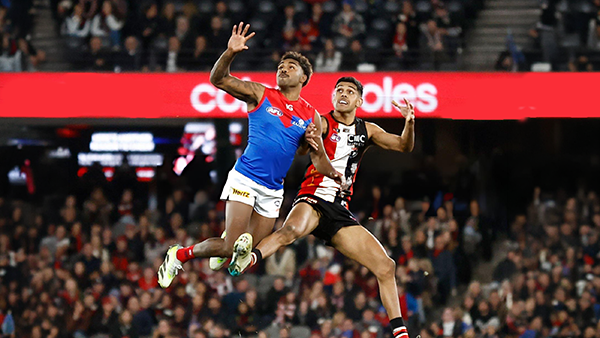
    Finally the 2026 AFL Premiership Season is upon us. While Melbourne sits out Opening Round, there is still plenty of footy to enjoy with five non-MFC clashes to kick off the new season. It all begins on Thursday night with a blockbuster at the SCG as Sydney hosts Carlton in what should be a strong early test for both sides. On Friday night, Gold Coast gets its chance to open the season in front of a home crowd when the Suns and Christian Petracca take on Geelong at People First Stadium. Saturday features a double-header, starting in the afternoon with Greater Western Sydney and Clayton Oliver meeting the Hawks at Engie Stadium. That is followed on Saturday night by Brisbane Lions hosting the Western Bulldogs at the Gabba, with the Lions embarking on their campaign to win the Threepeat. Opening Round wraps up on Sunday night at the MCG, where St Kilda takes on Collingwood in the only game in town in the first week of the season. There is no shortage of storylines across the round, so discuss all the action from the non-MFC games of Opening Round.

    • 135 replies
  • PREGAME: St. Kilda

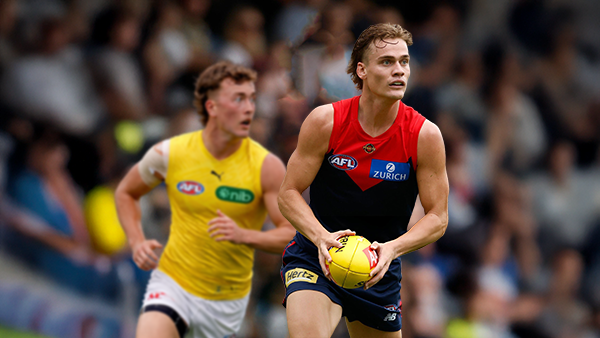
    With just over two weeks until their opening match of the 2026 AFL Premiership season, the Demons are already well on the path to redemption and have the Saints firmly in their sights ahead of their mid-March clash at the MCG. What do you think the team will look like when they run out on to the G?

      • Sad
    • 134 replies
  • REPORT: Richmond

    Mars is not usually a place known for lighting strikes but on Friday evening it happened twice in the vicinity of the stadium in Ballarat that carries the name and is a half completed building site with limited capacity for spectators.

    • 4 replies
  • POSTGAME: Richmond

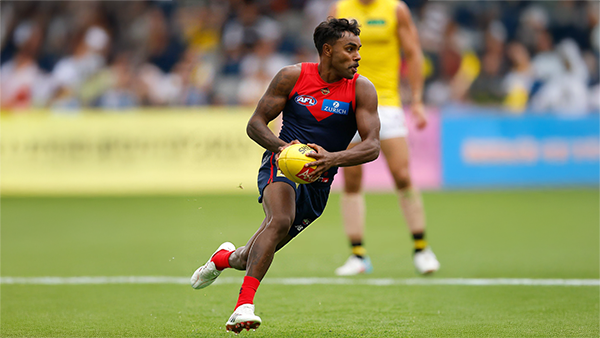
    The Dees ran another clinic for the second week in a row as they easily accounted for the Tigers in the lightning interrupted shortened match at Mars Stadium in Ballarat.

      • Clap
      • Haha
      • Love
      • Thanks
      • Like
    • 118 replies
  • VOTES: Richmond

    Kozzy Pickett was the man of the match last week and has a vote lead over backup ruck Max Heath who didn't play this week and 5 votes over former Saint Jack Steele. Who gets the votes in this weeks shortened match win over the Tigers? Your votes please. 6, 5, 4, 3, 2 & 1.

    • 15 replies
  • GAMEDAY: Richmond

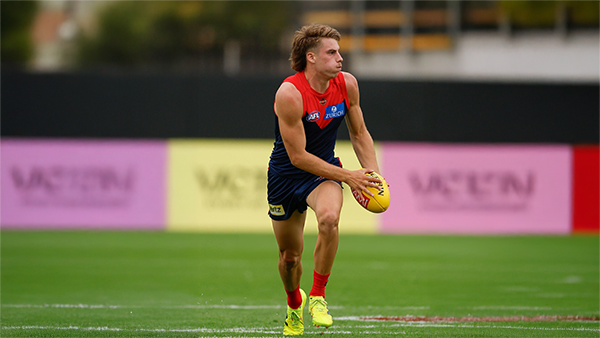
    It's Game Day and the 2026 AFL Premiership season is almost upon us as the Demons take to the field for their final practice match before the first ball is kicked in anger in 16 days time. What are you expecting to see from the Dees today as they take on the Tigers at Mars Stadium in Ballarat?

      • Sad
    • 337 replies

Account

Navigation

Search

Search

Configure browser push notifications

Chrome (Android)
  1. Tap the lock icon next to the address bar.
  2. Tap Permissions → Notifications.
  3. Adjust your preference.
Chrome (Desktop)
  1. Click the padlock icon in the address bar.
  2. Select Site settings.
  3. Find Notifications and adjust your preference.