




Perseverance
Featured Replies
Featured Content
-
REPORT: Intraclub Match
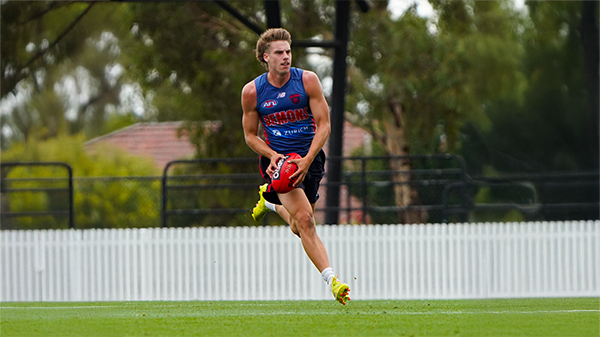
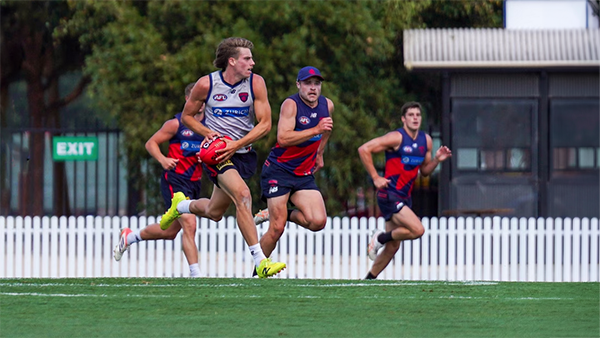
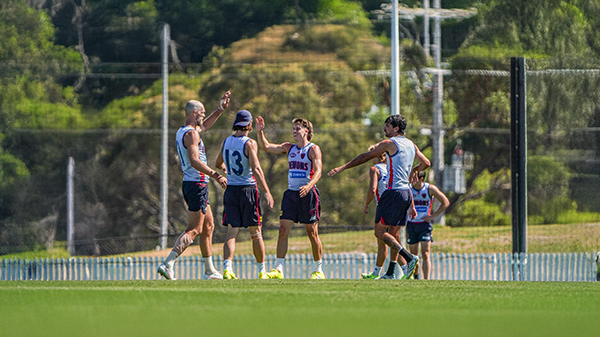
The so-called 'match simulation' at Casey Fields today was more like a casual kickaround with the lids off. With State of Origin stars missing, injuries galore, and players coming back from rehab, the Dees even had to dig deep into their VFL squad. The result? Not exactly a thrilling high class spectacle, more like a waltz with your little sister.- 0 replies
-
INTRACLUB: Friday 13th February 2026
The Demons hit the track for their final intraclub match before they take on North Melbourne and Richmond in the Community Series Practice Matches in the lead up to the 2026 AFL Premiership Season.-
-
- 398 replies
-
-
TRAINING: Wednesday 11th February 2026
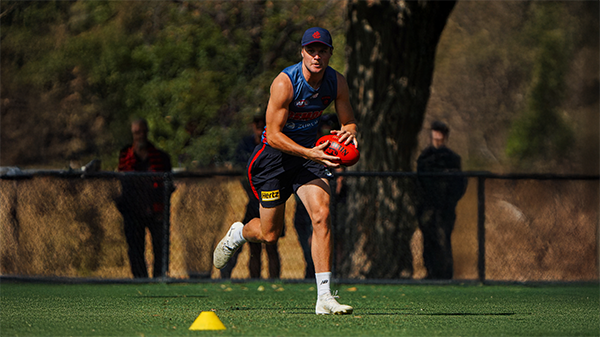
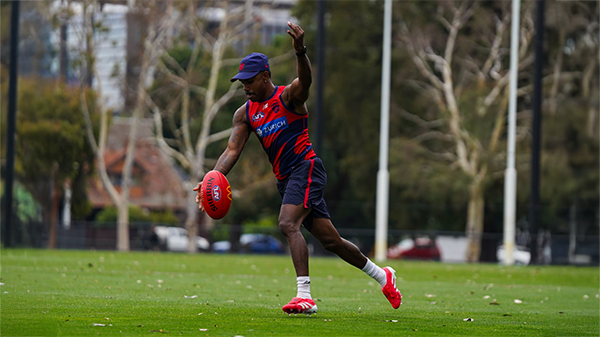
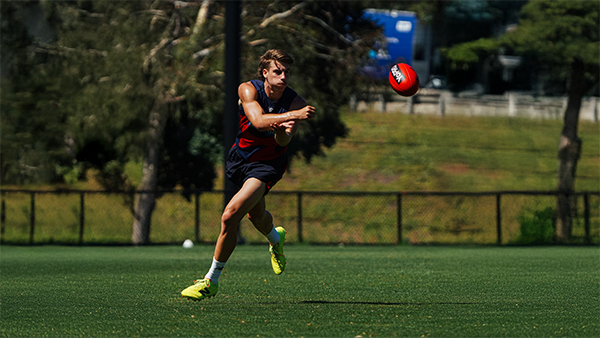
It was a hot and muggy morning as the boys hit the track and a couple of Demonland Trackwatchers were on hand to bring you their observations from Wednesday's preseason training session at Gosch's Paddock.- 2 replies
-
MATCH SIM: Friday 6th February 2026
A couple Demonland Trackwatchers as well as a Jounalist were in attendance out at Casey Fields this morning to bring you their observations from the Match Simulation including reports that Jai Culley left the field with a suspected broken arm.- 1 reply
-
TRAINING: Wednesday 4th February 2026
It was sunny and hot morning as Demonland Trackwatchers took up positions along the boundary lines to bring you their observations from Wednesday morning's preseason training session at Gosch's Paddock.- 1 reply
-
TRAINING: Wednesday 28th January 2026
A plethora of Demonland Trackwatchers were once again out in force to bring you their preseason training observations from Wednesday morning's open session at Gosch's Paddock.- 3 replies




|

|

|

|
 |
 |
 |
 |
 |
 |
 |
 |
Join the conversation
You can post now and register later. If you have an account, sign in now to post with your account.