Skip to content
View in the app

A better way to browse. Learn more.

Demonland

A full-screen app on your home screen with push notifications, badges and more.

To install this app on iOS and iPadOS
  1. Tap the Share icon in Safari
  2. Scroll the menu and tap Add to Home Screen.
  3. Tap Add in the top-right corner.
To install this app on Android
  1. Tap the 3-dot menu (⋮) in the top-right corner of the browser.
  2. Tap Add to Home screen or Install app.
  3. Confirm by tapping Install.

New Forum Upgrade

Featured Replies

  • Author

is it possible to tone down the WHITE BACKGROUND. it is hard to read fine print, and also is tiring on the eyes after a whille.

otherwise you are doing a top job thanks Matt

I'm planning on doing some testing out of different colours tonight. I don't want to go too dark on the actual forums but it's good feedback to know about the white.

Keep the feedback coming guys. I will take all into consideration but obviously not everyones going to be 100% happy.


I like the look of it. Although a little bright!

Good work Andy!


Apart from the troubleshooting it seems a lot smoother in here. :)

That's it now! Black text on white background. With plenty of red & blue about the site

The bright red text on bright blue? neither my monitor or I can cope with it. :lol:


  • Author

I like it, the error messages are pretty annoying but I like the changes aside from that.

The error messages and issues actually have nothing to do with th update to the forum software. They are occurring as a result of our new web host and I've logged a complaint so hopefully that will resolve it or we'll be looking for a new home again.

Nice Work

A new Image, just in time to reflect The Dee's new Winning image on the field in the coming years

AHHH CHANGE!!!!

 
  • Author

Thanks all. There are still a few tweaks here and there that we need to make but I can assure you that any changes we have made are for the best.

Please let me know of any bugs or glitches that you notice.

If you are using an iPhone or another mobile device and you get the following screen:

photo.jpg

Click that link to get the message board as you see it on a computer.

For some reason it detects that the site is being view on a mobile and displays like that. I'm not sure if you can manually change that setting. Maybe Nasher can take a look. It seems that once you click that link it displays the forums as normal on a mobile device.

I've now fixed this issue for iPhone and iPod Touch (and soon to be iPad) users. The forum should display as it does on a computer now. Let me know if it doesn't.

Now. Just have to figure out how to quote individual sections of text within a post.

On the bottom right hand corner of each post, next to the reply button, there appears to be a Multiquote Button, which turns green when pressed. If you press this to 'activate' each of the responses you want to reply to, then press the Add Replay at the bottom of the page, all the posts will then appear as quotes in your post screen, and you can then reply to multiple people in the same post.


I feel like i'm watching a new TV, cool....

A change is as good as a holiday

:)

Just one small issue for me now - the breadcrumb navigation links on the top left are mostly unreadable - font colour & background are similar colours. Just need to get size and font colour sorted.

Otherwise looking good!

  • Author

Just one small issue for me now - the breadcrumb navigation links on the top left are mostly unreadable - font colour & background are similar colours. Just need to get size and font colour sorted.

Otherwise looking good!

Not sure what that means or is referring to. Could you be more specific and let me know what the text says (that's if you can see it) ;)

All looks good on my screen but different screens display colours differently (ie: lighter or darker).

  • Author

With one line posts creating such a large imprint (for completed profiles), as you scroll through a thread there is very little red and blue.

This is as much red and blue as we are going to get.

Screenshot04.png

Screenshot05.png

I experimented with blue backgrounds and white writing or red backgrounds with blue writing (and many other variations) but it just looked tacky and not very "clean" and sometimes very hard to read.

I think there is enough red and blue for now.

This is as much red and blue as we are going to get.

Screenshot04.png

Screenshot05.png

I experimented with blue backgrounds and white writing or red backgrounds with blue writing (and many other variations) but it just looked tacky and not very "clean" and sometimes very hard to read.

I think there is enough red and blue for now.

Looks fantastic. Thanks for all the hard work Andy!


This is as much red and blue as we are going to get.

Fair enough. Will there be a couple of skins to choose from as before?

Love the new look, good work Andy.

How dos the rep work?

This is as much red and blue as we are going to get.

I think there is enough red and blue for now.

Looks much better with the extra Red. Thanks for all the time & effort.

Not sure what that means or is referring to. Could you be more specific and let me know what the text says (that's if you can see it) ;)

All looks good on my screen but different screens display colours differently (ie: lighter or darker).

Whatever you've done, you've fixed it - see attached file.

Looking real good! Well done!

post-2155-12648578695213_thumb.gif

  • Author

Fair enough. Will there be a couple of skins to choose from as before?

At the moment no but perhaps in the future. I've pretty much done a bastardised customisation of the template to get it looking like it belongs on a demons website.

If this was my full time job I would offer many more. :P


  • Author

Love the new look, good work Andy.

How dos the rep work?

if you are referring to the reputation plus or minus buttons on each post that tabulates the "reputation" points of a poster, I have disabled this features as I thought it might create unnecessary tension between posters despite it being anonymous. After all we are all demons supporters. We don't all have to agree but we should be civil. Despite it being able to highlight the good, I felt that it wasn't necessary. We can all work out for ourselves who we choose to like and dislike without announcing it .

if you are referring to the reputation plus or minus buttons on each post that tabulates the "reputation" points of a poster, I have disabled this features as I thought it might create unnecessary tension between posters despite it being anonymous. After all we are all demons supporters. We don't all have to agree but we should be civil. Despite it being able to highlight the good, I felt that it wasn't necessary. We can all work out for ourselves who we choose to like and dislike without announcing it .

I agree, it was trialled on bigfooty with poor results


Just to bring it to your attention still happening today-Service Temporarily Unavailable

The server is temporarily unable to service your request due to maintenance downtime or capacity problems. Please try again later.

--------------------------------------------------------------------------------

Apache/1.3.41 Server at demonland.com Port 80

Error 503 shows

However, if you log out and back in,it generally comes up.Some other times when you try to get into Demonland forums it happens as well.

Thanks for amount of time you are spending on this matter

  • Author

Just to bring it to your attention still happening today-Service Temporarily Unavailable

The server is temporarily unable to service your request due to maintenance downtime or capacity problems. Please try again later.

--------------------------------------------------------------------------------

Apache/1.3.41 Server at demonland.com Port 80

Error 503 shows

However, if you log out and back in,it generally comes up.Some other times when you try to get into Demonland forums it happens as well.

Thanks for amount of time you are spending on this matter

It's going to occur every now and again due to genuine loads on the system. The changes I have made by disabling some of the non essential features has definitely cut down the amount of times this is happening. A few days ago this was happening all the time now I haven't received the error messages for a few days.


Archived

This topic is now archived and is closed to further replies.

Featured Content

  • POSTGAME: Brisbane

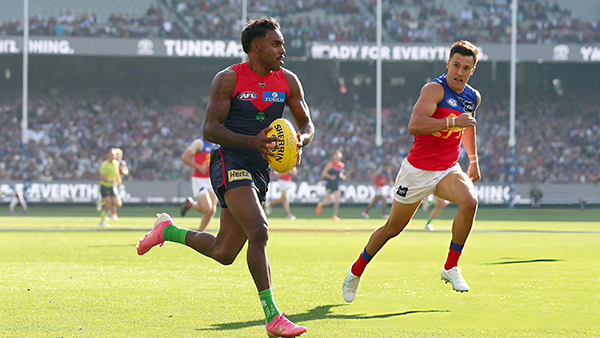
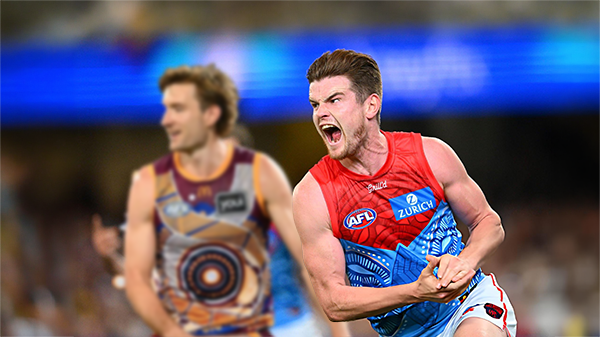
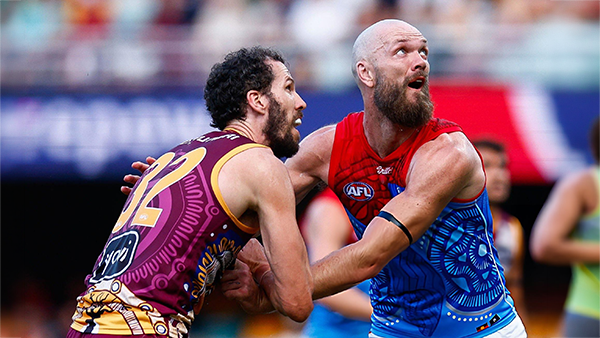
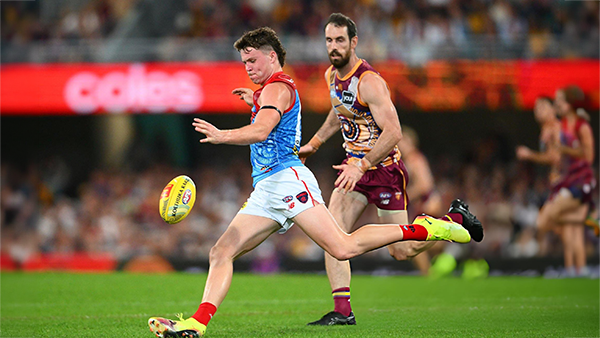
    MCG magic strikes again as the Demons unleash a devastating second-half surge to edge Brisbane in a thrilling two-point statement win. Never in doubt 🍀🔴🔵😈

      • Shocked
      • Haha
      • Love
      • Like
    • 266 replies
  • PODCAST: Brisbane

    Andy is still traveling but the boys will still be bringing you a podcast this week so get your questions and comments in for Binman and George as they dissect the thrilling win over the Lions at the G.

      • Like
    • 9 replies
  • VOTES: Brisbane

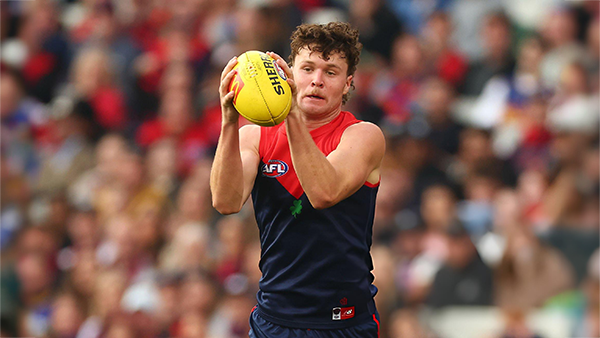
    Reigning Champion and Captain Max Gawn already has a healthly lead just 5 rounds in to the Demonland Player of the Year Award vote count. He leads from Kozzy Pickett, Jack Steele, Tom Sparrow & Jacob van Rooyen. Your votes please. 6, 5, 4, 3, 2 & 1.

      • Thanks
    • 51 replies
  • GAMEDAY: Brisbane

    It's Game Day and the Demons return to the MCG after a dismal performance in Gather Round to face the reigning dual Premiers Brisbane. What do expect to see from the Dees today?

      • Thanks
    • 568 replies
  • PREVIEW: Brisbane

    They really had me fooled when I picked them with great confidence to beat the Bombers at Gather Round last week. I should have recognised that nothing is more quintessentially Melbourne than defeating the undefeated early premiership favourite one week and losing to a winless cellar dweller on its way to establishing a record losing streak the next. 

      • Clap
      • Thanks
      • Like
    • 6 replies
  • PREGAME: Brisbane

    The Demons return to Melbourne and the hallowed turf of the MCG where they face dual reigning Premiers Brisbane on Sunday. Who comes in and who goes out?

    • 464 replies

Account

Navigation

Search

Search

Configure browser push notifications

Chrome (Android)
  1. Tap the lock icon next to the address bar.
  2. Tap Permissions → Notifications.
  3. Adjust your preference.
Chrome (Desktop)
  1. Click the padlock icon in the address bar.
  2. Select Site settings.
  3. Find Notifications and adjust your preference.