Demonland
Primary Administrators
-
Joined
-
Last visited
Everything posted by Demonland
-
Looks like he's staying. DEES LOCK IN ANOTHER FRINGE FORWARD Melbourne forward Jake Melksham will see out his contract at the Demons next year after giving consideration to a move to a third AFL club. Melksham played only 12 games at the Demons this year as the new wave of small forwards took over, playing his last game in Round 22 before watching the finals from the sidelines. The former Essendon player, who crossed to the Demons and then sat out 12 months through the Dons player bans, had been a dangerous goalkicking forward who kicked 32 goals in 2018. But he fell out of favour as Kysaiah Pickett, Charlie Spargo and Alex Neal-Bullen all played effective roles in the finals as small forwards alongside Ben Brown, Luke Jackson, Tom McDonald and Bayley Fritsch. The Demons marched to a premiership with mid-sizer Fritsch kicking six goals in the Grand Final as Spargo and Pickett applied immense forward pressure. Rivals keen for mid-sized forwards do not have the salary cap given uncertainty over total player payments to make bids for a player of Melksham’s calibre. So he will attempt to make himself a senior regular again for the Demons. Veteran defender Michael Hibberd, who also crossed from Essendon to Melbourne, will secure a one-year deal with the Demons.
-
I've purchased the DVD because I'm a sucker. I may as well have purchased it on Laser Disc or 35mm as I'll be able to watch it the same number of times. The DVD should come with a USB drive so I can actually watch it on a medium that I still have access to.
-
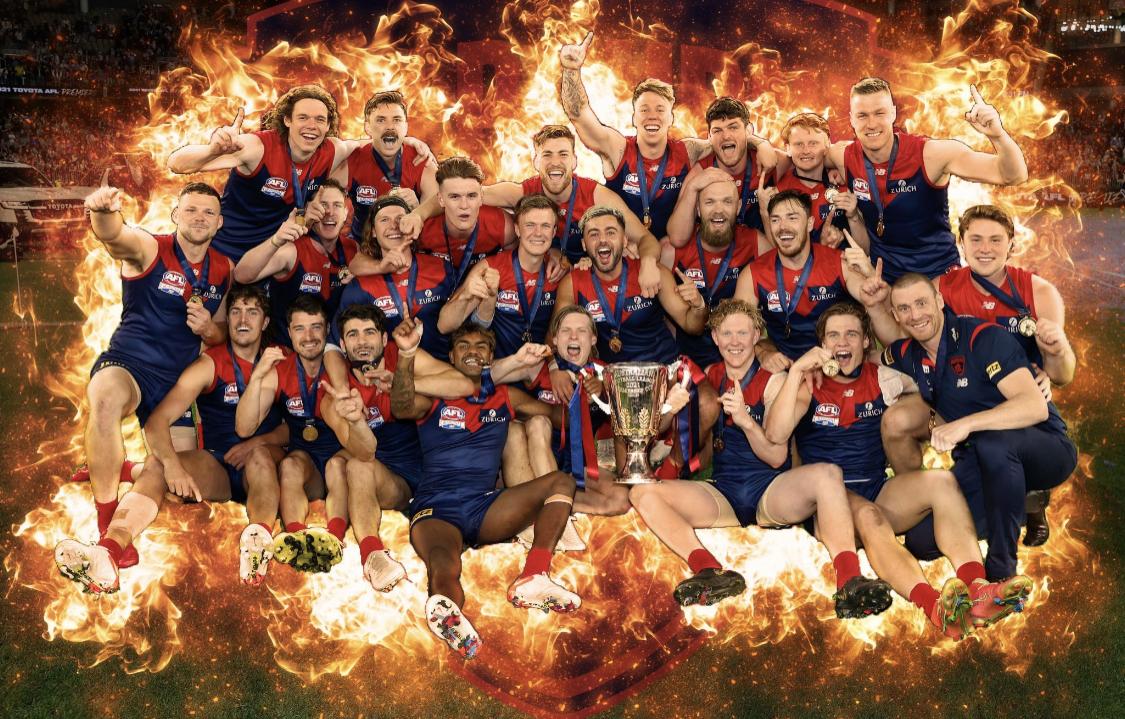
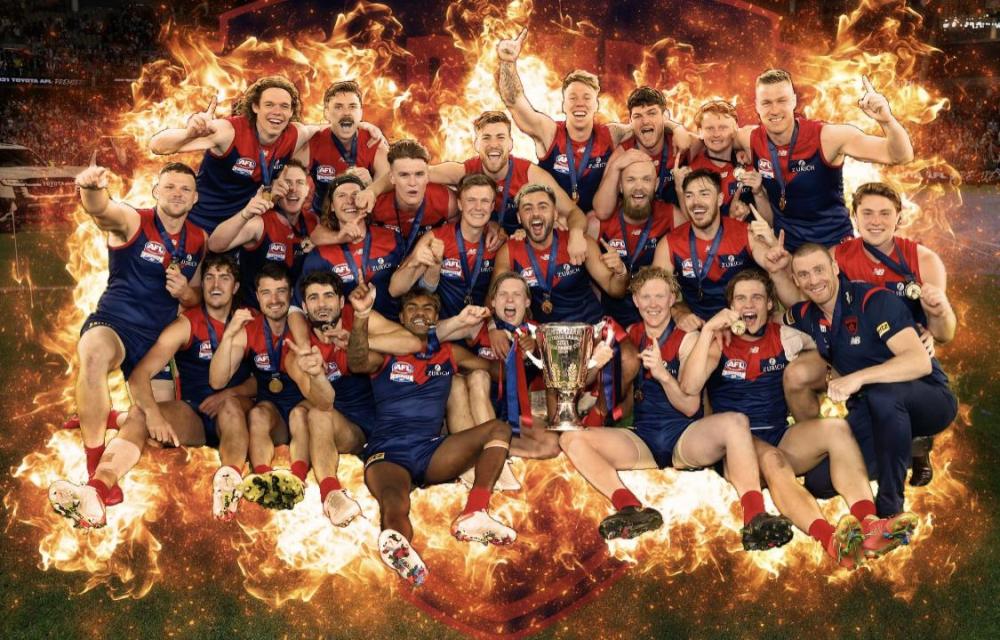
Part 1: Moving right along … For the first time in aeons, the end of the football season hasn’t felt as if it passed so swiftly. We’re still living the dream of 25 September, 2021 and rightfully so — we were patient, long-suffering and we’ve earned the right to party hard (as long as we’re not infecting the rest of the state as some health authorities contend). But we’ve also come into October which in football terms means that for one segment of the Melbourne Football Club — the recruiting department — there’s work to be done. And while many remain content to continue watching replays of the 2021 Grand Final on rotation, we must also pay our respects to the club’s National Recruiting Manager Jason Taylor, List Manager Tim Lamb and their recruiting staff and congratulate them on gathering together our premiership list. The football world has acclaimed and acknowledged their role in smashing our club’s 57 year drought, so it’s a big thank you to the all important group of people who put together this wonderful list of 2021 Demons: PRIMARY LIST: — Oskar Baker Toby Bedford Jake Bowey Angus Brayshaw Ben Brown Bayley Fritsch Max Gawn James Harmes Michael Hibberd Marty Hore * Jayden Hunt Luke Jackson Neville Jetta Nathan Jones Ed Langdon Bailey Laurie Jake Lever Tom McDonald Jay Lockhart Steven May Jake Melksham Alex Neal-Bullen Clayton Oliver Christian Petracca Harrison Petty Kysaiah Kropinyeri Pickett Trent Rivers Fraser Rosman Christian Salem Charlie Spargo Joel Smith Tom Sparrow Adam Tomlinson Aaron vandenBerg Jack Viney Sam Weideman ROOKIE LIST: CATEGORY A Mitch Brown Kade Chandler Majak Daw Kye Declase James Jordon Aaron Nietschke * Deakyn Smith Daniel Turner ROOKIE LIST: CATEGORY B Austin Bradtke * inactive players (long term injuries) And so, we move right along into the coming months when, even the most successful clubs must inevitably experience some change. Indeed, the first change was already well documented a fortnight before the grand final when we farewelled a champion player and club stalwart Nathan Jones. The former skipper had been an emergency in the Preliminary Final against Geelong but made the decision to fly back home to be at the birth of his twins with wife Jerri. Sadly, he wasn’t there to share the Grand Final victory at Optus Stadium but he was close enough in spirit and his contribution over the years and to the premiership win will never be forgotten. On the Monday after the Grand Final, more list changes were announced at the club. Veteran defender Neville Jetta joined Jones in announcing his retirement after 159 games over 13 seasons with the club. A courageous leader of the Demon backline in its resurgence over the past six or seven seasons, Jetta also played a significant role in improving the club’s culture over this period. He missed selection in the finals but his role during the season and throughout his career will not be forgotten. Following the exit interviews, the club also announced that Aaron vandenBerg will depart to pursue opportunities elsewhere and that Jay Lockhart and rookies Austin Bradtke and Aaron Nietschke would be delisted. List manager Tim Lamb said vandenberg had made a significant contribution over his seven years at the club. “I know our supporters loved the brutal way that Vanders played the game. His performances in some big games for the club, including the 2018 AFL Finals Series will be long remembered,” Lamb said. Lockhart managed 22 games for the club playing as a small defender and forward, while Nietschke was unlucky in his time with the Demons suffering an ACL in each of his three years at the club. Bradtke was also unable to break into senior ranks and was restricted in his development over the past two years by the Covid19 pandemic. The club also followed up with more player signings and by the time the AFL Free Agency period opened up on Friday, it was clear that any role that it would play in that exercise would be minor, if at all. When the trade period opens, our expectations of much change should not be all that high either. The uncertainty and the financial restrictions that the pandemic has brought with it appear to have had an effect in limiting the likelihood of unrestrained player mobility from club to club that we saw a few years ago. As we go into the trade period which kicks off on Monday, 4 October and concludes on Wednesday, 13 October, with the Melbourne Football Club list reading like this:- PRIMARY LIST: — Oskar Baker Toby Bedford Jake Bowey Angus Brayshaw Ben Brown Bayley Fritsch Max Gawn James Harmes Michael Hibberd Marty Hore Jayden Hunt Luke Jackson Ed Langdon Bailey Laurie Jake Lever Tom McDonald Steven May Jake Melksham Alex Neal-Bullen Clayton Oliver Christian Petracca Harrison Petty Kysaiah Kropinyeri Pickett Trent Rivers Fraser Rosman Christian Salem Charlie Spargo Joel Smith Tom Sparrow Adam Tomlinson Jack Viney Sam Weideman ROOKIE LIST: CATEGORY A Mitch Brown Kade Chandler Majak Daw Kye Declase James Jordon Deakyn Smith Daniel Turner ROOKIE LIST: CATEGORY B Nil
-
‘Twas a joke. I’m riding the wave. It’s good to be the king.Friends with Premiership are no longer able to lord over my previous non-Premiership status over me but once the new season starts I would like to think I’ll be a little more humble just in case this was an aberration year. Too soon?Spoiler Alert …. 10/10Time to reverse the narrative and ditch the negativity. Only positive vibrations from now on. How good would Back 2 Back at the G be?28% from 2005 to 2015 because players from 2016-2020 haven't had enough time to establish themselves. Of the 110 players taken in the top 10 in that time period, 31 have worn All-Australian blazers – a 28 per cent strike rate. And of those 31, a combined 10 have come from either the 2005 or 2012 drafts. Most years you have closer to a 20 per cent chance of landing an All-Australian calibre player in the top 10, but 2005 and 2012 both had strike rates of 50 per cent. 2005 Marc Murphy (ALL-AUSTRALIAN) Dale Thomas (ALL-AUSTRALIAN) Xavier Ellis Josh Kennedy (ALL-AUSTRALIAN) Scott Pendlebury (ALL-AUSTRALIAN) Beau Dowler Paddy Ryder (ALL-AUSTRALIAN) Jarrad Oakleigh-Nicholls Mitch Clark Marcus Drum 5/10 2006 Bryce Gibbs Scott Gumbleton Lachlan Hansen Matthew Leuenberger Travis Boak (ALL-AUSTRALIAN) Mitch Thorp Joel Selwood (ALL-AUSTRALIAN) Ben Reid (ALL-AUSTRALIAN) David Armitage Nathan Brown 3/10 2007 Matthew Kreuzer Trent Cotchin (ALL-AUSTRALIAN) Chris Masten Cale Morton Jarrad Grant David Myers Rhys Palmer Lachie Henderson Ben McEvoy Patrick Dangerfield (ALL-AUSTRALIAN) 2/10 2008 Jack Watts Nic Naitanui (ALL-AUSTRALIAN) Stephen Hill Hamish Hartlett Michael Hurley (ALL-AUSTRALIAN) Chris Yarran Daniel Rich (ALL-AUSTRALIAN) Ty Vickery Jack Ziebell Phil Davis 3/10 2009 Tom Scully Jack Trengove Dustin Martin (ALL-AUSTRALIAN) Anthony Morabito Ben Cunnington Gary Rohan Brad Sheppard (ALL-AUSTRALIAN) John Butcher Andrew Moore Jake Melksham 2/10 2010 David Swallow Harley Bennell Sam Day Andrew Gaff (ALL-AUSTRALIAN) Jared Polec Reece Conca Josh Caddy Dyson Heppell (ALL-AUSTRALIAN) Dion Prestia Daniel Gorringe 2/10 2011 Jon Patton Stephen Coniglio Dom Tyson Will Hoskin-Elliott Matt Buntine Chad Wingard (ALL-AUSTRALIAN) Nick Haynes (ALL-AUSTRALIAN) Billy Longer Adam Tomlinson Liam Sumner 2/10 2012 Lachie Whitfield (ALL-AUSTRALIAN) Jonathan O’Rourke Lachie Plowman Jimmy Toumpas Jake Stringer (ALL-AUSTRALIAN) Jack Macrae (ALL-AUSTRALIAN) Ollie Wines (ALL-AUSTRALIAN) Sam Mayes Nick Vlastuin Joe Daniher (ALL-AUSTRALIAN) 5/10 2013 Tom Boyd Josh Kelly (ALL-AUSTRALIAN) Jack Billings Marcus Bontempelli (ALL-AUSTRALIAN) Kade Kolodjashnij Matthew Scharenberg James Aish Luke McDonald Christian Salem Nathan Freeman 2/10 2014 Paddy McCartin Christian Petracca (ALL-AUSTRALIAN) Angus Brayshaw Jarrod Pickett Jordan De Goey Caleb Marchbank Paul Ahern Peter Wright Darcy Moore (ALL-AUSTRALIAN) Nakia Cockatoo 2/10 2015 Jacob Weitering Josh Schache Callum Mills Clayton Oliver (ALL-AUSTRALIAN) Darcy Parish (ALL-AUSTRALIAN) Aaron Francis Jacob Hopper Callum Ah Chee Sam Weideman Harry McKay (ALL-AUSTRALIAN) 3/10I was able to visit our spiritual home today.
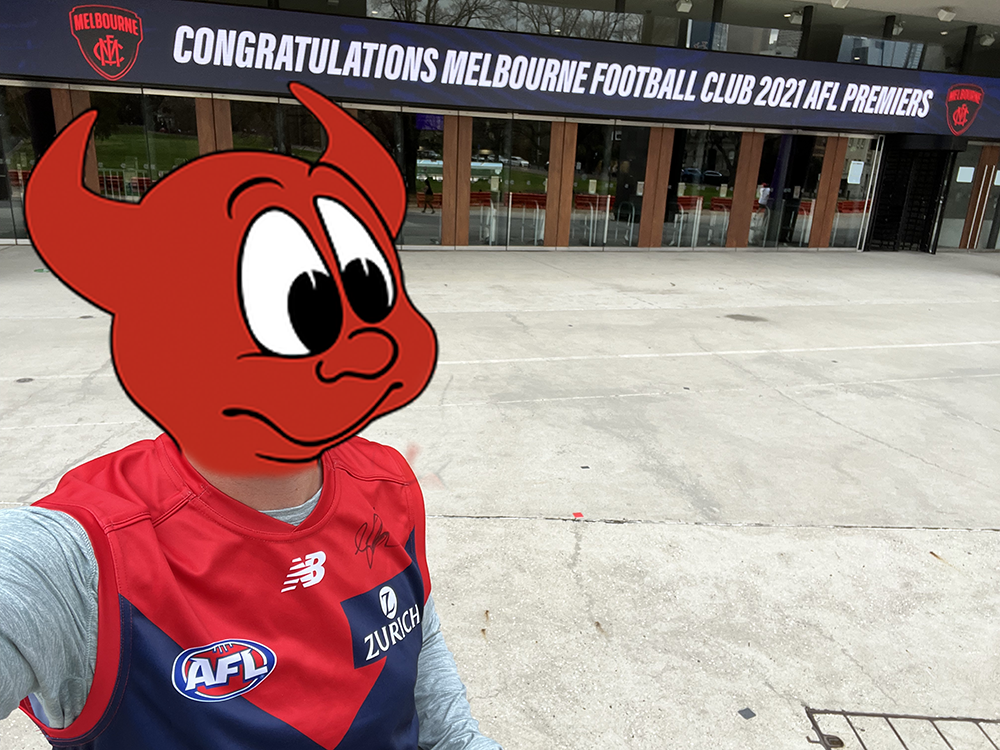 Pity the airport is more than 15 km from where I live.
Account
Navigation
Search
Configure browser push notifications
Chrome (Android)
- Tap the lock icon next to the address bar.
- Tap Permissions → Notifications.
- Adjust your preference.
Chrome (Desktop)
- Click the padlock icon in the address bar.
- Select Site settings.
- Find Notifications and adjust your preference.
Safari (iOS 16.4+)
- Ensure the site is installed via Add to Home Screen.
- Open Settings App → Notifications.
- Find your app name and adjust your preference.
Safari (macOS)
- Go to Safari → Preferences.
- Click the Websites tab.
- Select Notifications in the sidebar.
- Find this website and adjust your preference.
Edge (Android)
- Tap the lock icon next to the address bar.
- Tap Permissions.
- Find Notifications and adjust your preference.
Edge (Desktop)
- Click the padlock icon in the address bar.
- Click Permissions for this site.
- Find Notifications and adjust your preference.
Firefox (Android)
- Go to Settings → Site permissions.
- Tap Notifications.
- Find this site in the list and adjust your preference.
Firefox (Desktop)
- Open Firefox Settings.
- Search for Notifications.
- Find this site in the list and adjust your preference.