Demonland
Primary Administrators
-
Joined
-
Last visited
-
Currently
Viewing Topic: COACHES VOTES: Round 02
Everything posted by Demonland
-
I've included the following link into the OP.
-
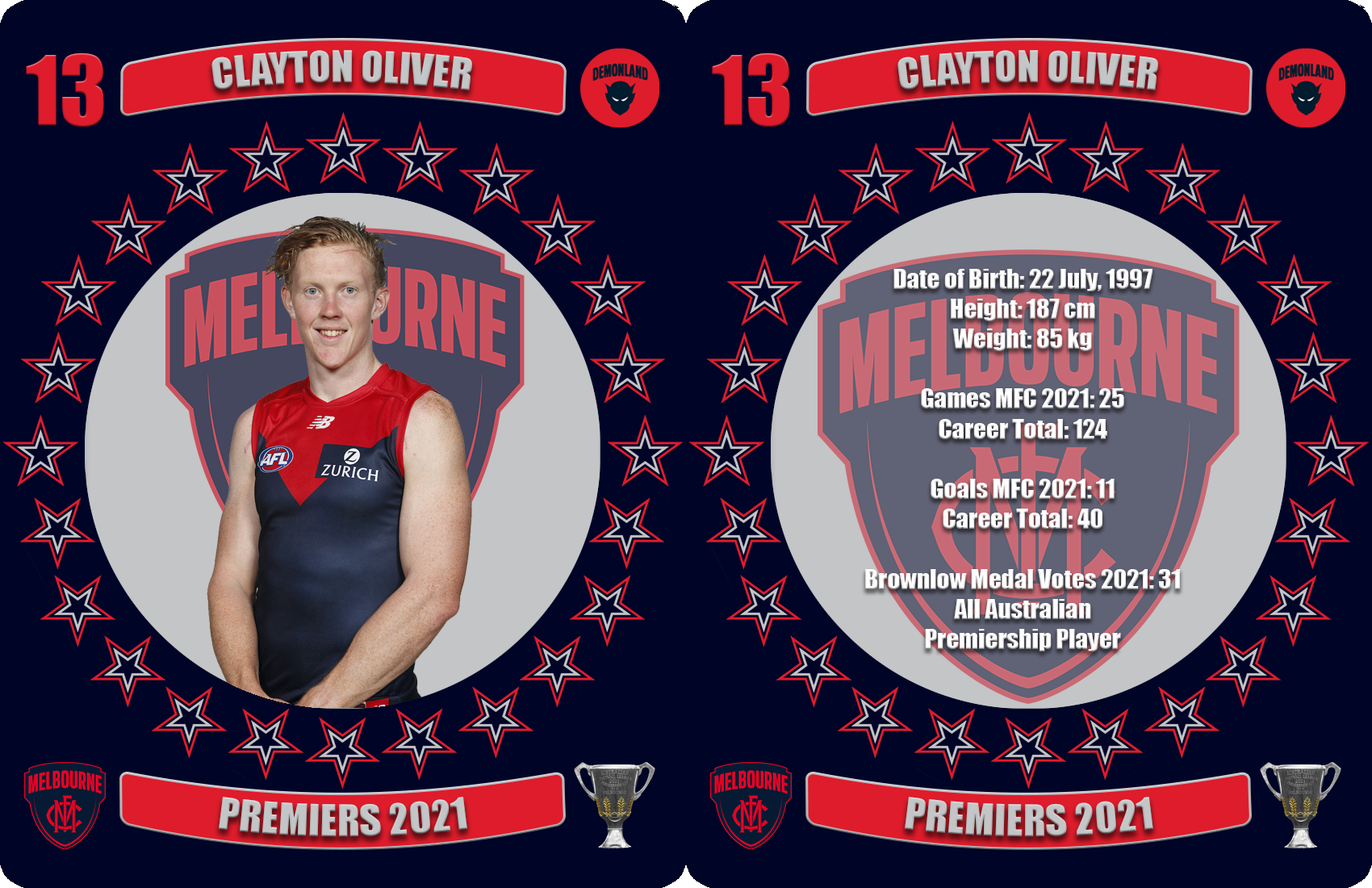
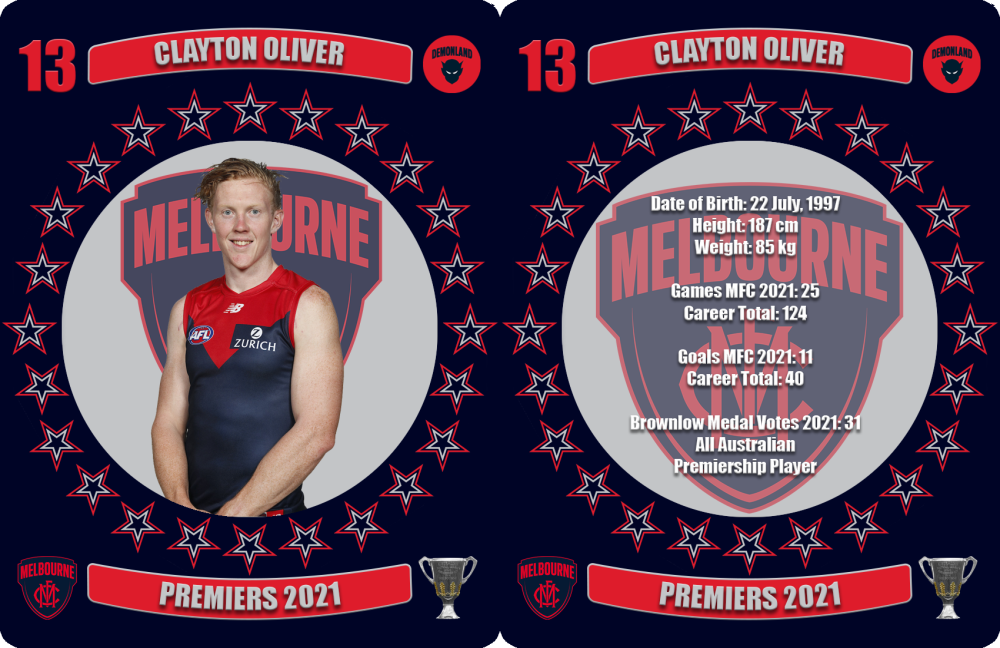
A consistent star in the team’s midfield, his work ethic, his class and his sublime skills showed out with his 31 vote third placing in the Brownlow Count and his three outstanding finals performances that played a major role in the winning of the premiership cup. Date of Birth: 22 July, 1997 Height: 187 cm Weight: 85 kg Games MFC 2021: 25 Career Total: 124 Goals MFC 2021: 11 Career Total: 40 Brownlow Medal Votes 2021: 31 All Australian Premiership Player
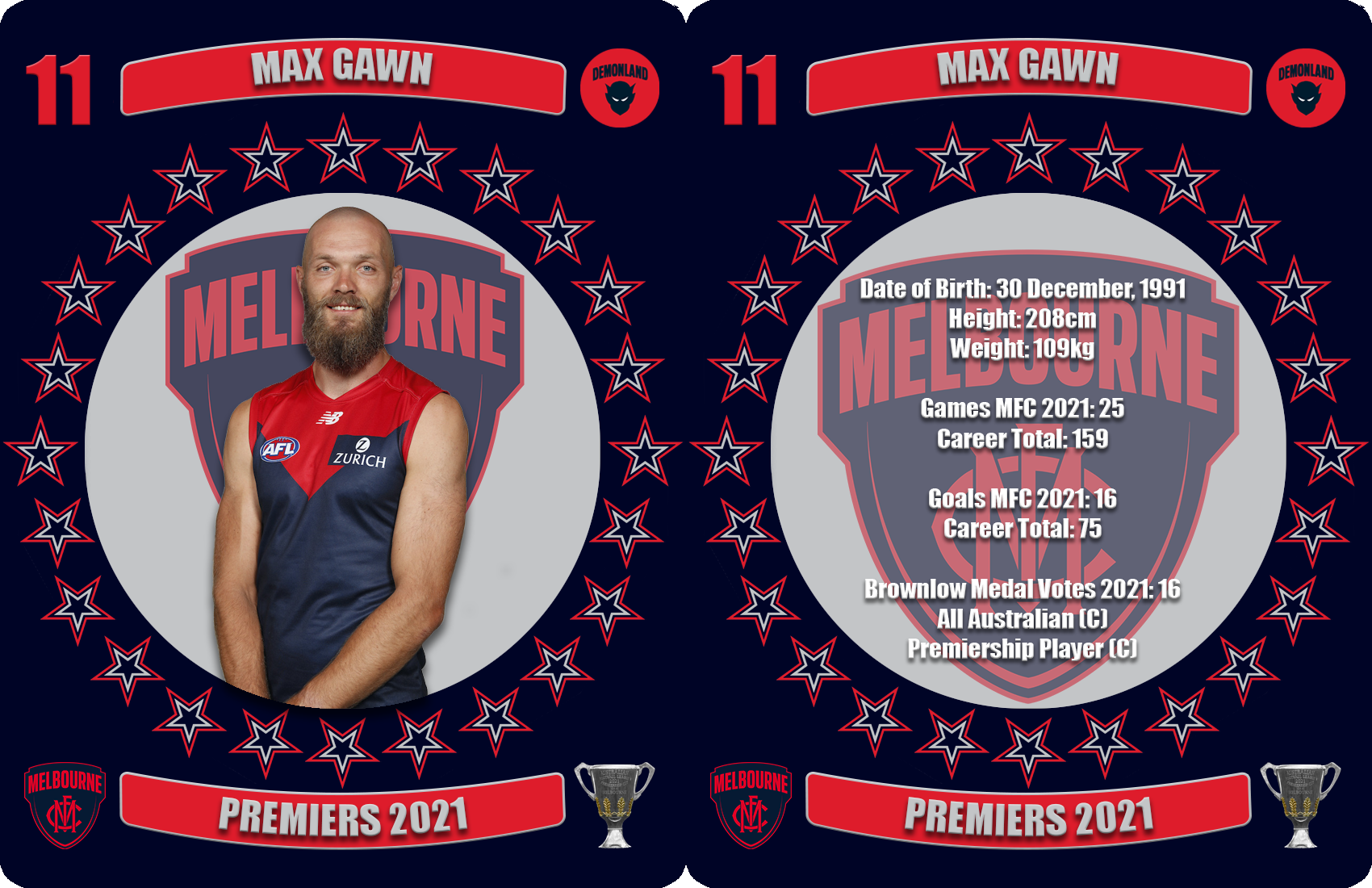
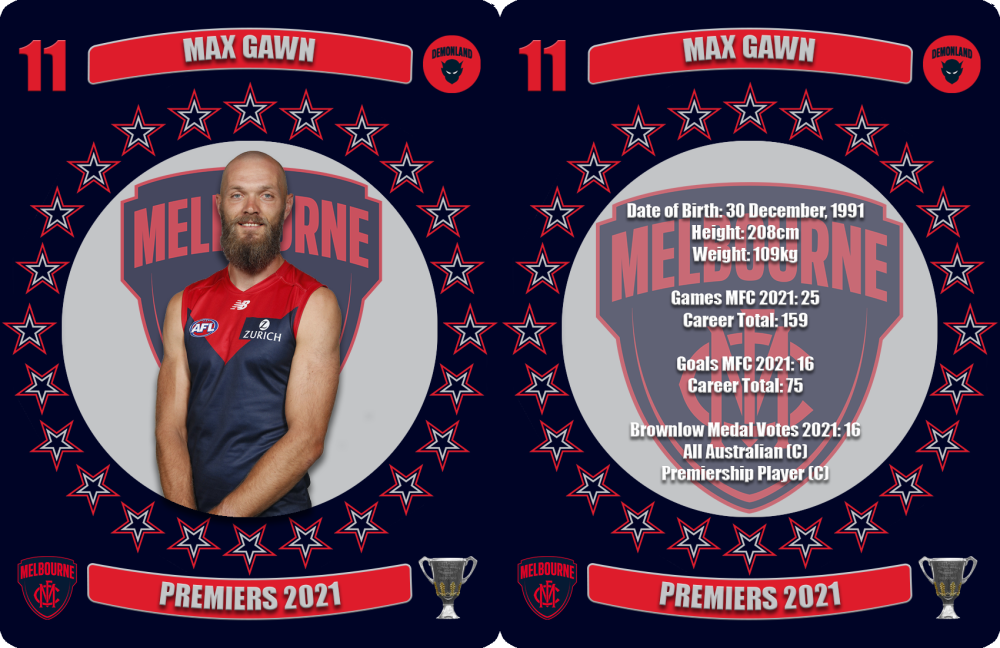
 Experienced Football Administrator Marcus Wagner has been appointed Melbourne Football Club’s new General Manager, Football Operations and AFLW. Wagner, who has spent the last 13 years at the Collingwood Football Club, began his career in performance analytics before progressing to head up the club’s football operations. Over his journey with Collingwood, he has been heavily involved in the development of the club’s high performance training facilities and its AFLW program. Wagner will oversee the Football Operations for the AFL, AFLW, VFL and VFLW programs, filling the role previously served by Daniel McPherson, who announced his departure early in the month having accepted a position with North Melbourne. He will commence at the club in November.Bedford had a strong year at Casey finishing runner up in the best and fairest but was unable to break into the Melbourne team and increase his AFL games tally of 2 games due to the durability and form of the Demons’ small forwards. Date of Birth: 27 May, 2000 Height: 179cm Weight: 71kg Games CDFC 2021: 9 Goals CDFC 2021: 8The competition’s premier ruckman and five time All Australian, he was peerless in the ruck and caused havoc when “resting” up forward or drifting back into defence. A great premiership captain. Date of Birth: 30 December, 1991 Height: 208cm Weight: 109kg Games MFC 2021: 25 Career Total: 159 Goals MFC 2021: 16 Career Total: 75 Brownlow Medal Votes 2021: 16 All Australian (C) Premiership Player
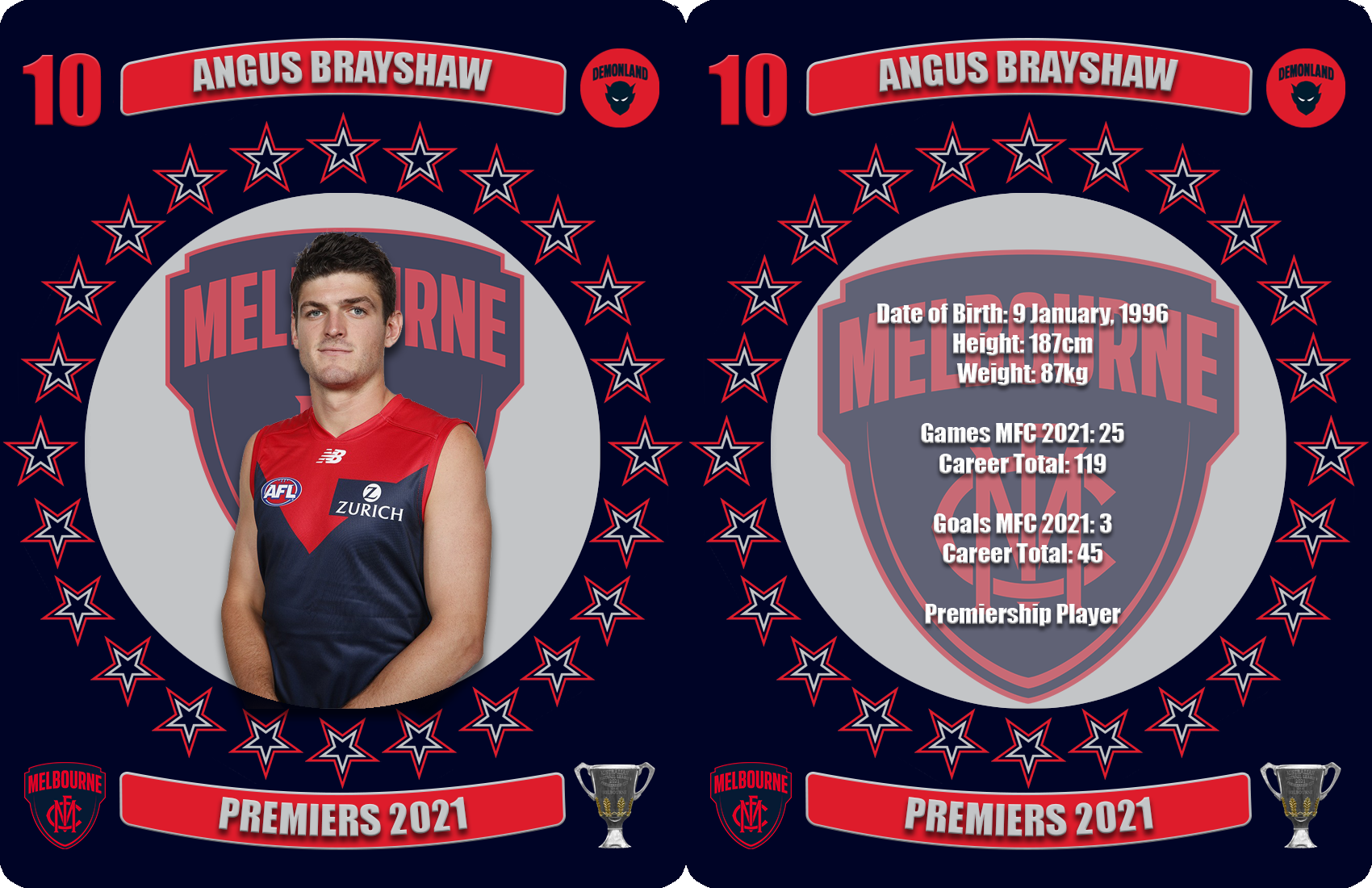
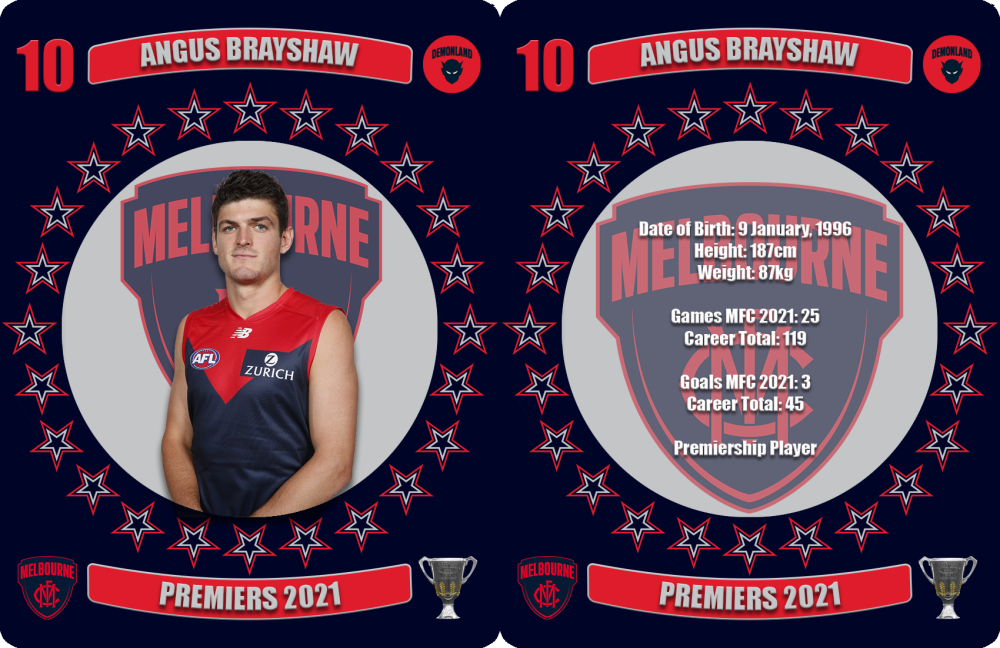
 Found his niche on a wing and got better and better as the season went on and put in some starring performances in the finals. His diving mark and goal in the third term of the grand final to put the team in front was inspired. Date of Birth: 9 January, 1996 Height: 187cm Weight: 87kg Games MFC 2021: 25 Career Total: 119 Goals MFC 2021: 3 Career Total: 45 Premiership Player
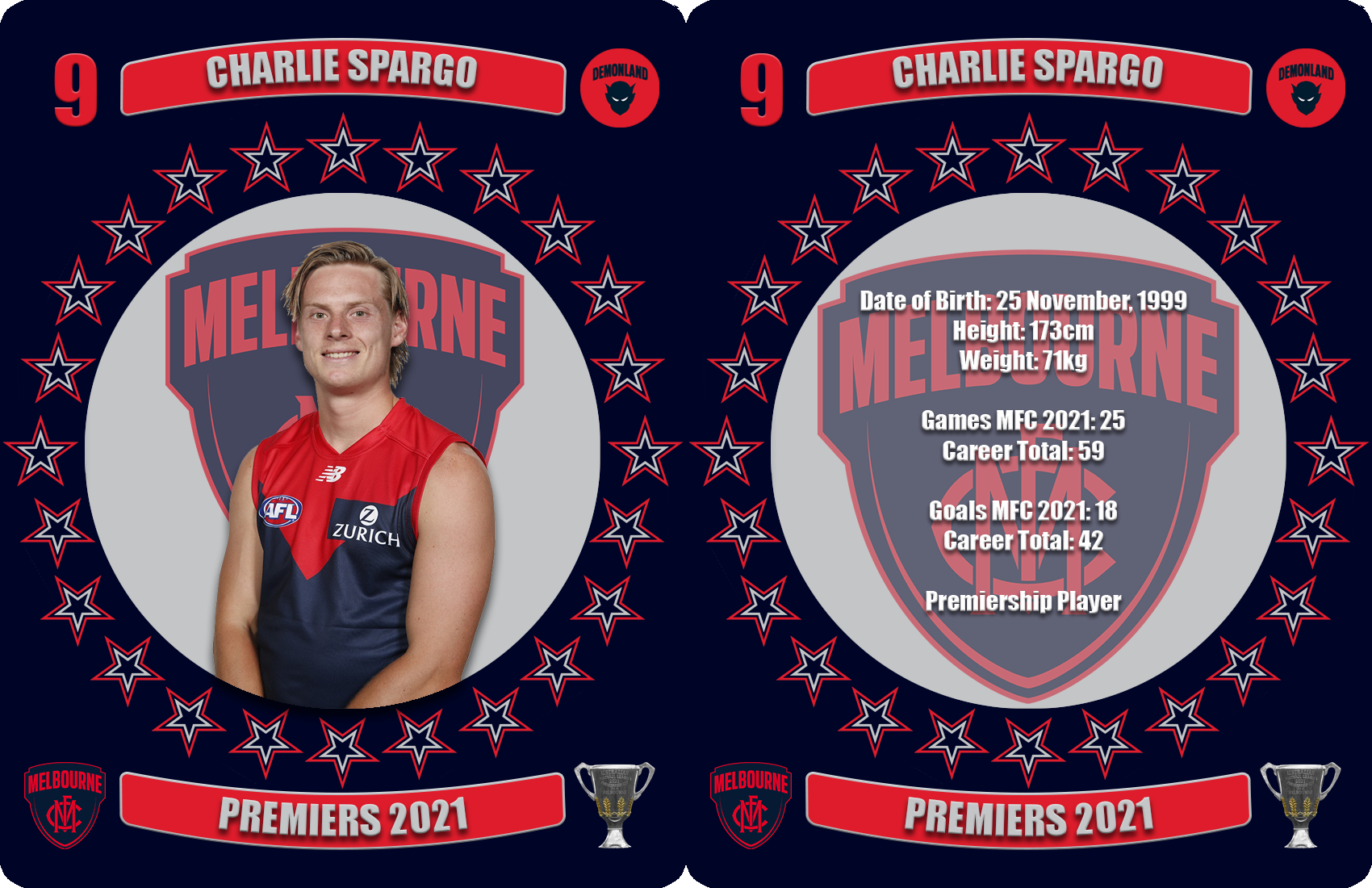
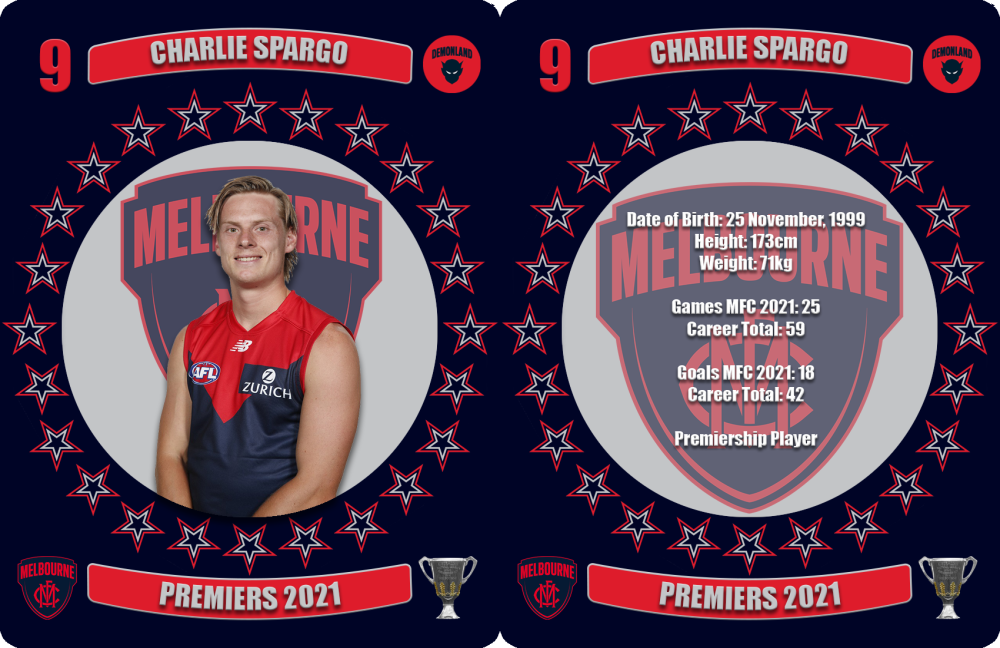
 You can watch the entire match quarter by quarter on The AFL site.Spargo was one of the team’s big improvers performing his role of the small pressure forward with a reliable kicking foot on a regular basis throughout the year - something of which he had only shown in glimpses previously. Date of Birth: 25 November, 1999 Height: 173cm Weight: 71kg Games MFC 2021: 25 Career Total: 59 Goals MFC 2021: 18 Career Total: 42 Premiership Player
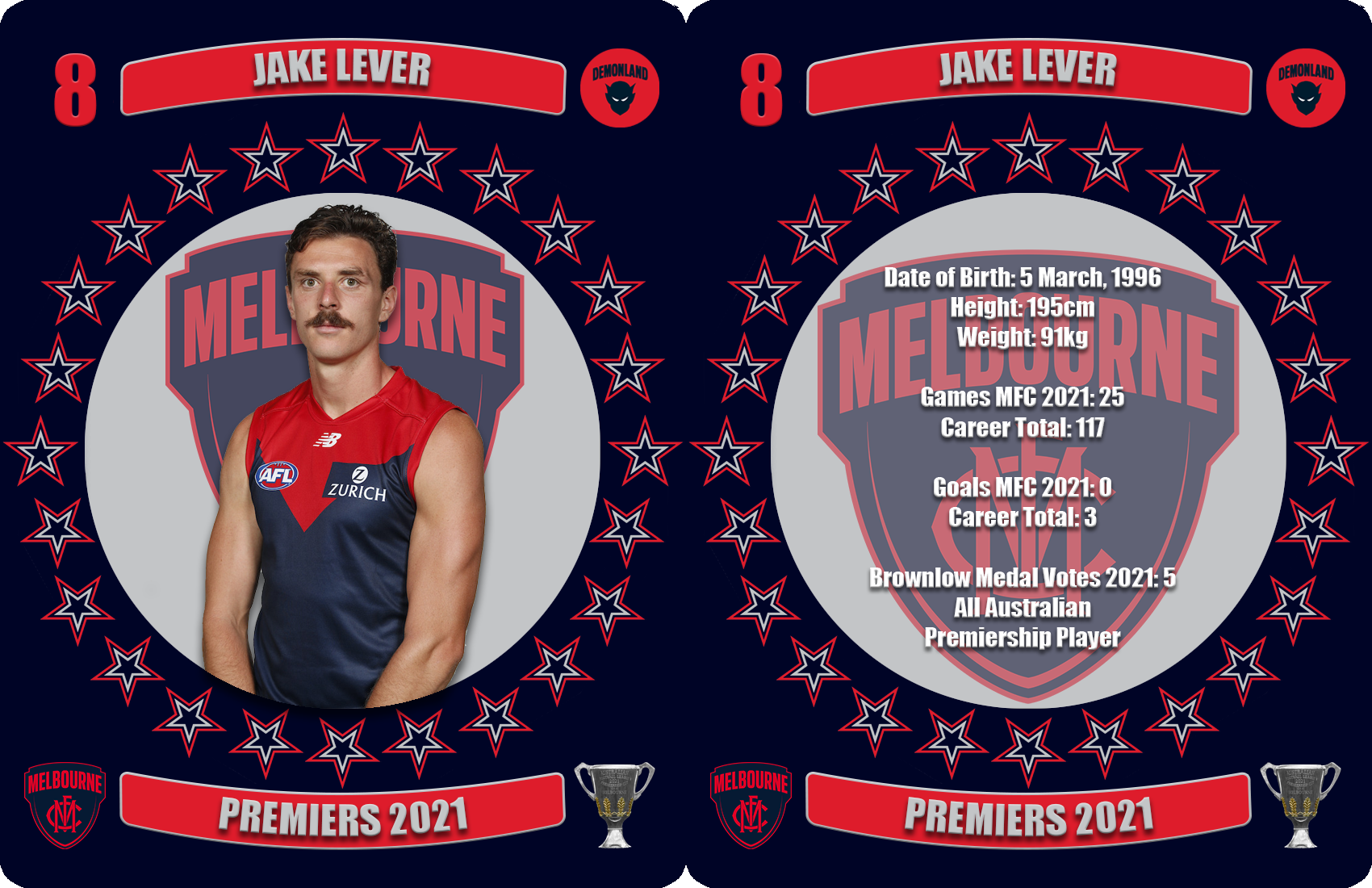
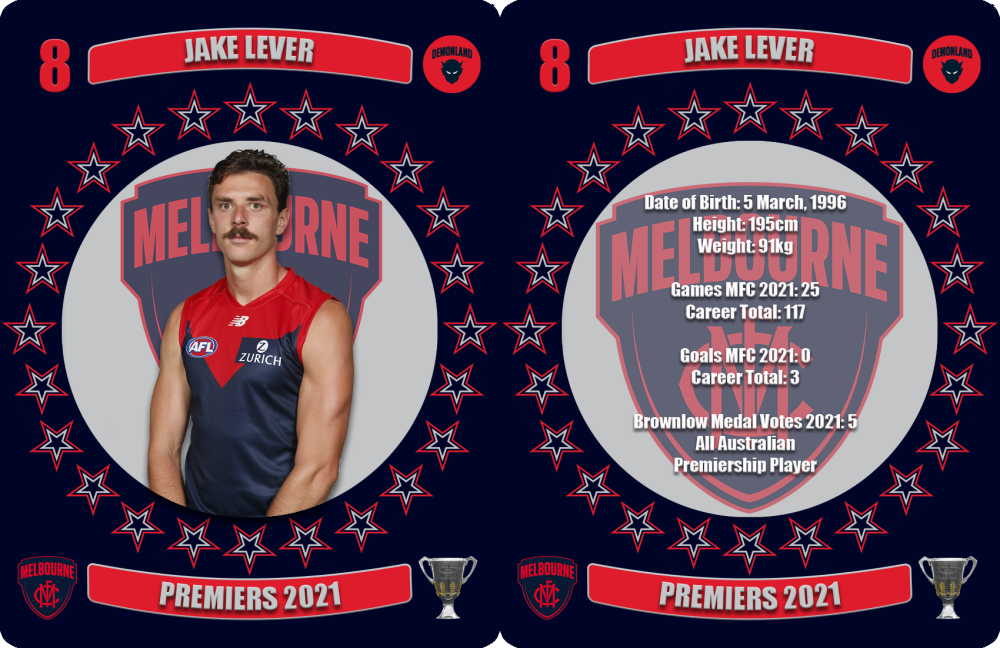
 Shares a leadership role in the team’s defence with Steven May and had a sensational season with his record breaking rebounding defensive work. He was instrumental in helping the team into such a strong position at the end of the season and for his outstanding work in the finals. Date of Birth: 5 March, 1996 Height: 195cm Weight: 91kg Games MFC 2021: 25 Career Total: 117 Goals MFC 2021: 0 Career Total: 3 Brownlow Medal Votes 2021: 5 All Australian Premiership Player
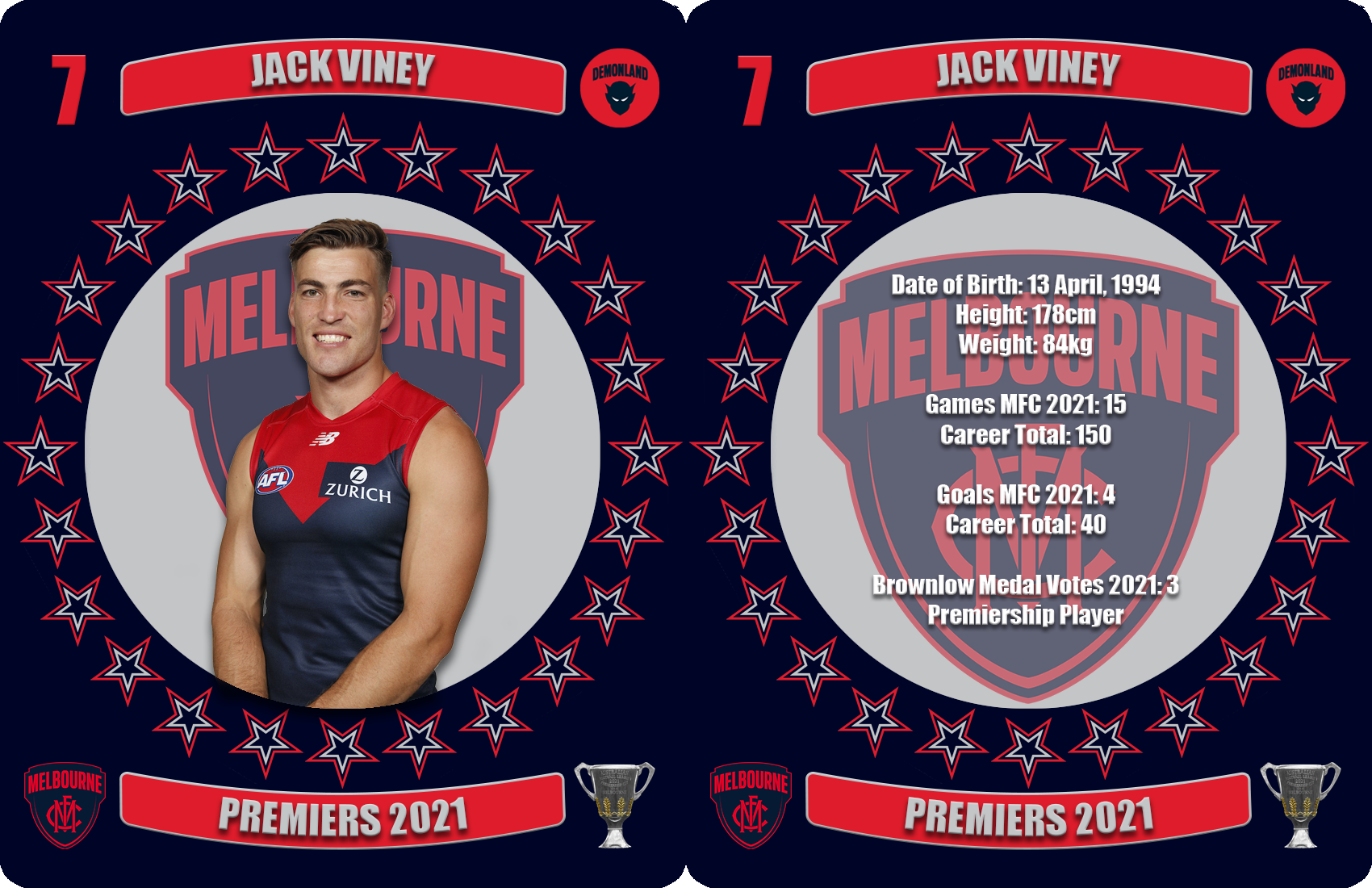
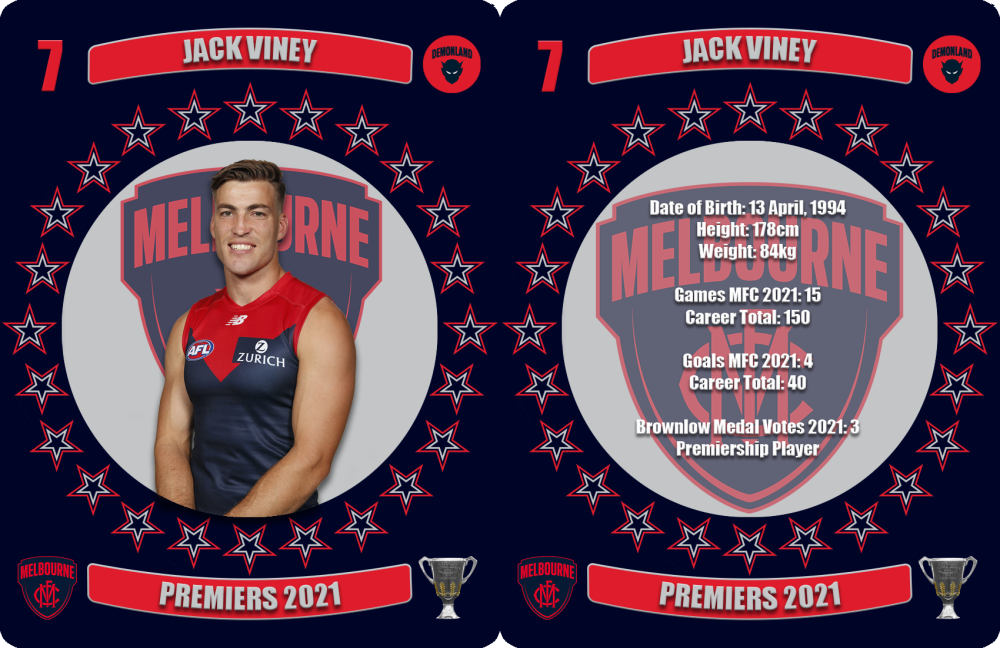
 In fairness to @binman that match felt like a lifetime ago but good point nonetheless.For us yes. Matthew Scarlett might disagree.Or longer ones if there is a lot of rage & new MFCSS variants.There were some concerns with injury and form going into the middle of the season and there was that embarrassing three week suspension incurred against the Crows but the determined, tough nut was born for finals football in the red and blue. His strength and non-negotiable hardness at the football was so important in the last month of the season. Date of Birth: 13 April, 1994 Height: 178cm Weight: 84kg Games MFC 2021: 15 Career Total: 150 Goals MFC 2021: 4 Career Total: 40 Brownlow Medal Votes 2021: 3 Premiership Player
 Every non-premiership year is going to be such a let down.
Account
Navigation
Search
Configure browser push notifications
Chrome (Android)
- Tap the lock icon next to the address bar.
- Tap Permissions → Notifications.
- Adjust your preference.
Chrome (Desktop)
- Click the padlock icon in the address bar.
- Select Site settings.
- Find Notifications and adjust your preference.
Safari (iOS 16.4+)
- Ensure the site is installed via Add to Home Screen.
- Open Settings App → Notifications.
- Find your app name and adjust your preference.
Safari (macOS)
- Go to Safari → Preferences.
- Click the Websites tab.
- Select Notifications in the sidebar.
- Find this website and adjust your preference.
Edge (Android)
- Tap the lock icon next to the address bar.
- Tap Permissions.
- Find Notifications and adjust your preference.
Edge (Desktop)
- Click the padlock icon in the address bar.
- Click Permissions for this site.
- Find Notifications and adjust your preference.
Firefox (Android)
- Go to Settings → Site permissions.
- Tap Notifications.
- Find this site in the list and adjust your preference.
Firefox (Desktop)
- Open Firefox Settings.
- Search for Notifications.
- Find this site in the list and adjust your preference.