





Demonland
Primary Administrators
-
Joined
-
Last visited
Everything posted by Demonland
-
Quietly went about his work in the midfield, on a wing or down back and his impact on the team effort was highly underestimated but evidenced by the fact that he was among the leaders in the club’s best and fairest when he lost his place in the starting 22 for the final round of the year and then suffered an injured foot which effectively ended his season. "Jordan famously started as the medical sub in the Demons’ premiership win last year but didn’t get any game time. The young midfielder backed up his debut season, which came in his third year at the club, with 22 games in 2022, but will be looking to take another step forward with his game next season." - Herald Sun Date of Birth: 20 December 2000 Height: 187cm Weight: 82kg Games MFC 2022: 22 Career Total: 47 Goals MFC 2022: 7 Career Total: 13 Games CDFC 2022: 1 Goals CDFC 2022: 1
 Melbourne has all but assured itself of a top two finish to the (second) 2022 AFLW season after crushing Essendon by 41 points on Sunday. It now holds a four point lead over third placed Adelaide along with a handy percentage advantage with one round remaining before the finals. The Demons opened kicking with the advantage of the squally wind that often prevails at Casey Fields and for the third week in a row, they kept their opponents scoreless in the opening term. Speedster Alyssa Bannan opened proceedings with the first goal and the dangerous Kate Hore added to the goal tally with the first of her three goals not long after. The lead at the first break was just 14 points but Karen Paxman who was in dominant form, added to Essendon’s woes by kicking a goal against the wind early in the second quarter. The plucky Bombers showed some fight with a goal to Catherine Phillips and for a few minutes they seemed to have grabbed away the home team’s momentum. Eden Zanker’s goal ruined the revival in mid term and the Demons went in at half time with a comfortable 17 point lead which they stretched to 38 points at the last break and the game was virtually all over. Both teams were goalless in the final term. Melbourne dominated all over the ground with Lauren Pearce and Tayla Harris giving Paxman, Tyla Hanks, Eliza West and Olivia Purcell plenty of supply. Libby Birch and Tahlia Gillard were irrepressible and Shelley Heath was again excellent. Hore did the rest up forward. Numerically, the Demons were well on top in the key statistics of disposals, uncontested possessions and inside 50s and they now look forward to the final game on Saturday against the lowly Eagles who can expect an inhospitable reception at Casey Fields. MELBOURNE 2.2.14 4.2.26 7.5.47 7.8.50 ESSENDON 0.0.0 1.3.9 1.3.9 1.3.9 GOALS MELBOURNE Hore 3 Bannan 2 Paxman Zanker ESSENDON Phillips BEST MELBOURNE Paxman Hore Purcell Birch Gillard Heath ESSENDON Prespakis Phillips Vogt Marshall Toogood Bannister INJURIES MELBOURNE Mithen (head) ESSENDON Nil REPORTS MELBOURNE Nil ESSENDON Nil CROWD 1,518 at Casey Fields ODDSPOT Not only did the Demons keep their opponents scoreless in the opening quarter for the third week in a row but, in each of those games the final score kicked against them was 1.3.9.
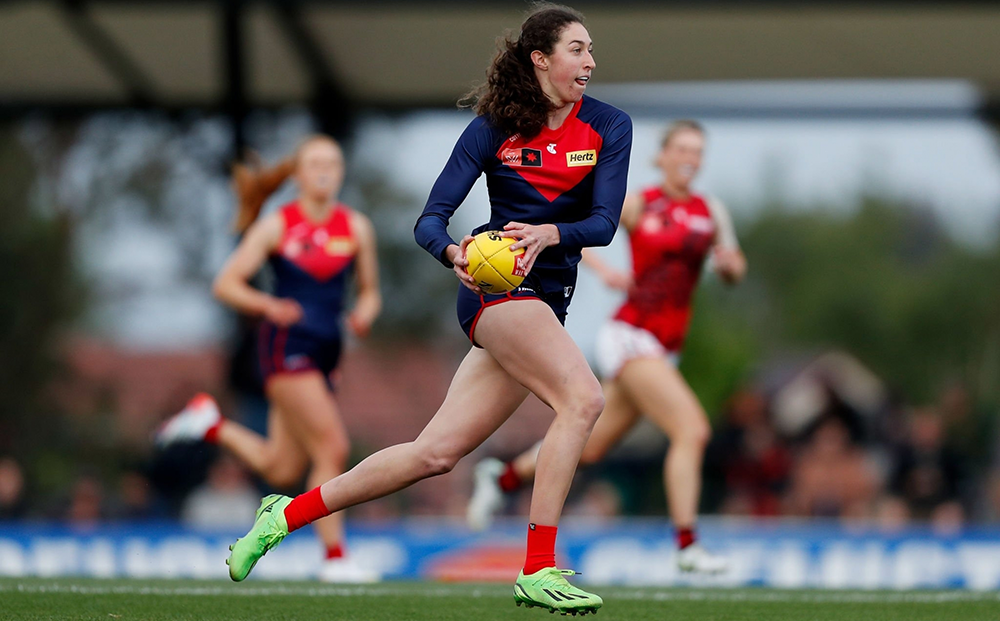 He will get to learn at the feet of two of the best current ruckmen.In the absence of any footy highlights here are some Basketball Highlights.After tasting premiership success in his second season at the club, the long kicking defender’s form slumped in mid year but he returned to the side for the run into the finals. More is expected from him in 2023. "The defender played 18 games in 2022, but missed a chunk mid-season when he was dropped from the team. Forced his way back in round 18 and then played the remainder of the season. Has a year to run on his current deal." - Herald Sun Date of Birth: 30 July 2001 Height: 188cm Weight: 91kg Games MFC 2022: 18 Career Total: 52 Goals MFC 2022: 2 Career Total: 5 Games CDFC 2022: 6 Goals CDFC 2022: 1
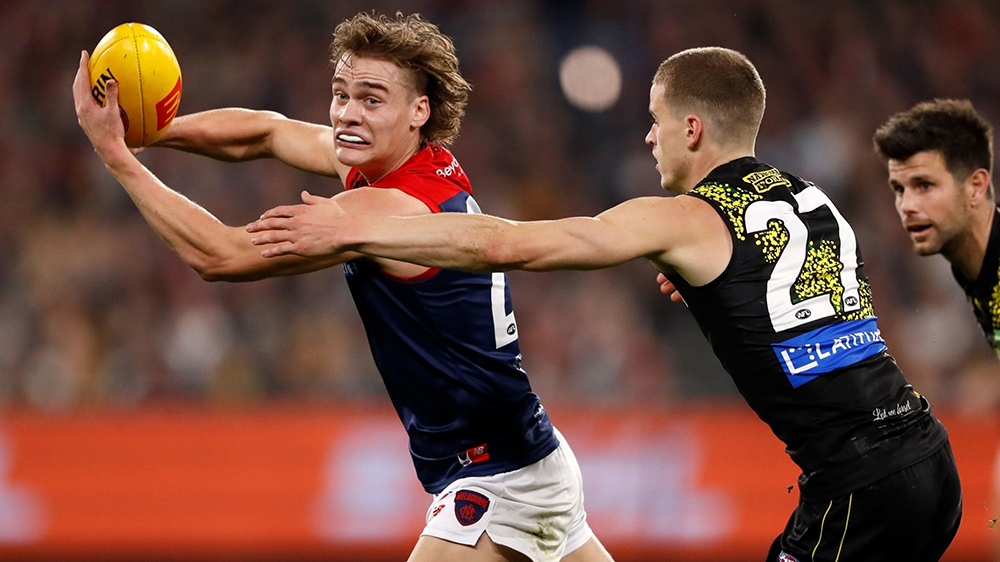 Well played Saints Media.The small defender known for his efficient ball use was Melbourne’s lucky charm for 17 consecutive games from the time he made the team late in 2021 until Round 11, 2022. Finally ran out of luck and was omitted late in the season. Still considered vital to the team’s chances going forward. "After winning a premiership in his seventh game last year, Bowey was named Melbourne’s best young player in his second season in the AFL. Bowey played 17 games for the Demons in 2022, earning a Rising Star nomination for his career-best 34-disposal performance in round 2 against Gold Coast. Signed a two-year contract extension at the end of last year." - Herald Sun Date of Birth: 12 September 2002 Height: 176cm Weight: 72kg Games MFC 2022: 17 Career Total: 24 Goals MFC 2022: 2 Career Total: 2 Games CDFC 2022: 4 Goals CDFC 2022: 2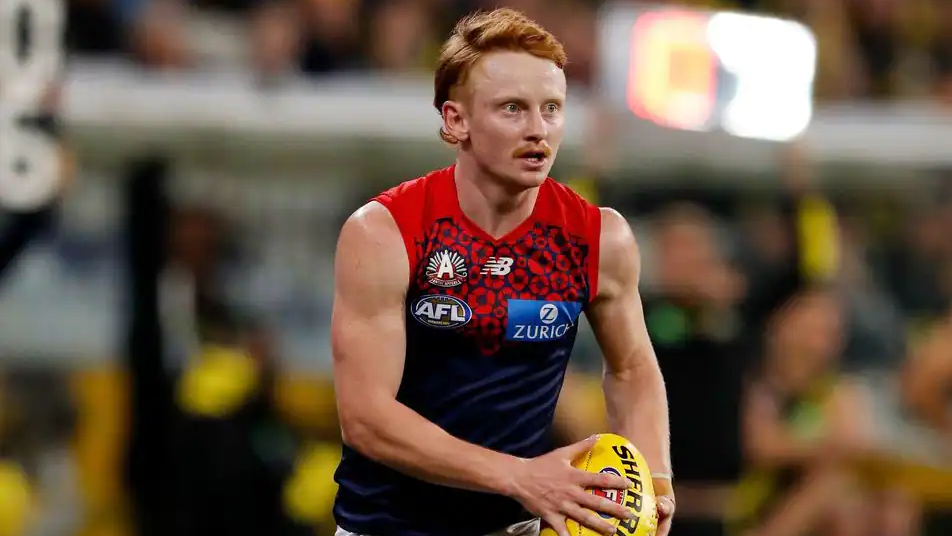
Account
Navigation
Search
Configure browser push notifications
Chrome (Android)
- Tap the lock icon next to the address bar.
- Tap Permissions → Notifications.
- Adjust your preference.
Chrome (Desktop)
- Click the padlock icon in the address bar.
- Select Site settings.
- Find Notifications and adjust your preference.
Safari (iOS 16.4+)
- Ensure the site is installed via Add to Home Screen.
- Open Settings App → Notifications.
- Find your app name and adjust your preference.
Safari (macOS)
- Go to Safari → Preferences.
- Click the Websites tab.
- Select Notifications in the sidebar.
- Find this website and adjust your preference.
Edge (Android)
- Tap the lock icon next to the address bar.
- Tap Permissions.
- Find Notifications and adjust your preference.
Edge (Desktop)
- Click the padlock icon in the address bar.
- Click Permissions for this site.
- Find Notifications and adjust your preference.
Firefox (Android)
- Go to Settings → Site permissions.
- Tap Notifications.
- Find this site in the list and adjust your preference.
Firefox (Desktop)
- Open Firefox Settings.
- Search for Notifications.
- Find this site in the list and adjust your preference.






