Skip to content
View in the app

A better way to browse. Learn more.

Demonland

A full-screen app on your home screen with push notifications, badges and more.

To install this app on iOS and iPadOS
  1. Tap the Share icon in Safari
  2. Scroll the menu and tap Add to Home Screen.
  3. Tap Add in the top-right corner.
To install this app on Android
  1. Tap the 3-dot menu (⋮) in the top-right corner of the browser.
  2. Tap Add to Home screen or Install app.
  3. Confirm by tapping Install.

Demon App

Featured Replies

Can someone ( way smarter than I am ) please create a demonland App. I'd pay for the mother flipper as I'm sure heaps of other follower would. Following on the phone through Safari smokes major rod !


a while ago they had a version of the forums that was for iphone/andriod use, it was like a barebone format and quite good. Something happened and it was taken down but from memory if you pay for the subscription it is still available? someone else may be able to clarify this. an app was mentioned at this time but the admins did not have the time or funds to be able to set one up.

Yeah there was one, and i think you are right, it was too costly and exercise on its own.

And you may get it with a membership to the site. not sure.

Mine still works


It still just leads you to the same page but I just pulled up the website hit the arrow button at the bottom and select add to home screen. Looks like an app icon but just links to website. Works for me

Pay for sub and it will come up automatically in a much easier to use format. Not an app, just a mobile 'skin'.


When open in safari just click the little rectangle with the arrow in the top right corner, and then ADD TO HOME SCREEN.

Whilst not technically an App I guess, it is a shortcut with a Dees emblem. Just click and it opens.


Archived

This topic is now archived and is closed to further replies.

Featured Content

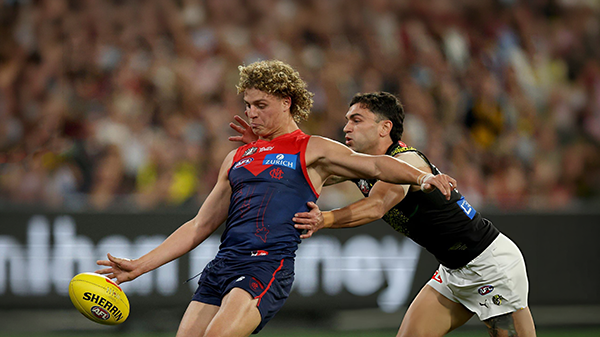
  • PREGAME: Richmond

    The Dees hit the big Friday night stage for the first and only time this season when they take on the Tigers under lights on ANZAC Eve at the G. Who comes in and who goes out?

      • Clap
      • Like
    • 225 replies
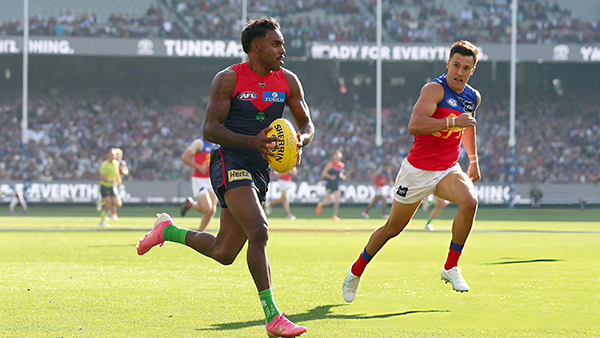
  • REPORT: Brisbane

    Before Sunday, the last time the Brisbane Lions had walked onto the turf of the Melbourne Cricket Ground, they celebrated the pinnacle of the sport - an AFL premiership secured in emphatic fashion for the second consecutive year.

    • 1 reply
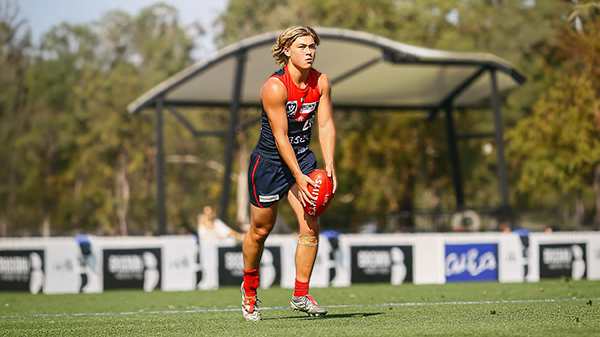
  • CASEY: Brisbane

    From the outset, the Casey Demons lacked any spring in their steps. They were out-hustled and out-bustled and finally outplayed by the Brisbane Lions by 38 points on their home turf in perfect conditions at Casey Fields.

    • 0 replies
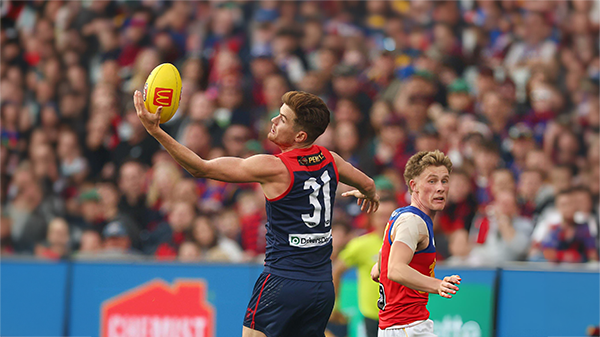
  • POSTGAME: Brisbane

    MCG magic strikes again as the Demons unleash a devastating second-half surge to edge Brisbane in a thrilling two-point statement win. Never in doubt 🍀🔴🔵😈

      • Clap
      • Love
      • Thanks
      • Like
    • 509 replies
  • PODCAST: Brisbane

    Andy is still traveling but the boys will still be bringing you a podcast this week so get your questions and comments in for Binman and George as they dissect the thrilling win over the Lions at the G.

    • 14 replies
  • VOTES: Brisbane

    Reigning Champion and Captain Max Gawn already has a healthly lead just 5 rounds in to the Demonland Player of the Year Award vote count. He leads from Kozzy Pickett, Jack Steele, Tom Sparrow & Jacob van Rooyen. Your votes please. 6, 5, 4, 3, 2 & 1.

      • Like
    • 63 replies

Account

Navigation

Search

Search

Configure browser push notifications

Chrome (Android)
  1. Tap the lock icon next to the address bar.
  2. Tap Permissions → Notifications.
  3. Adjust your preference.
Chrome (Desktop)
  1. Click the padlock icon in the address bar.
  2. Select Site settings.
  3. Find Notifications and adjust your preference.