Skip to content
View in the app

A better way to browse. Learn more.

Demonland

A full-screen app on your home screen with push notifications, badges and more.

To install this app on iOS and iPadOS
  1. Tap the Share icon in Safari
  2. Scroll the menu and tap Add to Home Screen.
  3. Tap Add in the top-right corner.
To install this app on Android
  1. Tap the 3-dot menu (⋮) in the top-right corner of the browser.
  2. Tap Add to Home screen or Install app.
  3. Confirm by tapping Install.

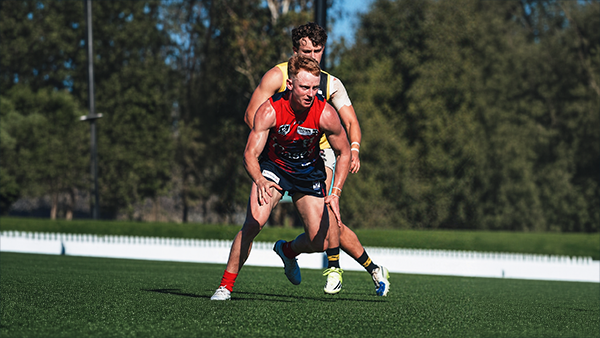
TRAINING: Friday 21st January 2022
Featured Replies

3 hours ago, La Dee-vina Comedia said:

I have a technical question. When I open the gallery in my Chrome browser, the tops and bottoms of the photos are "chopped off" so I basically see a lot of headless players. Any suggestions as to how fix this gratefully received. (Note: Any answers need to be understood by someone with the technical knowledge equivalent of someone under ten years old...or over 60).

Also, that's a nasty swollen joint on Joel Smith's left hand ring finger. I wonder whether that's permanent damage or just some temporary swelling? 

i presume you are talking about viewing on a phone?

 
2 minutes ago, La Dee-vina Comedia said:

No, on a laptop. (HP Spectre using Windows 10)

i just checked a gallery on mfc website. it centres/sizes properly (no chopping off) and I use chrome browser too.

just a guess, it might have something to do with the resolution setting for your screen

 
1 minute ago, daisycutter said:

i just checked a gallery on mfc website. it centres/sizes properly (no chopping off) and I use chrome browser too.

just a guess, it might have something to do with the resolution setting for your screen

Thanks. That's probably it. But given everything else loads and works perfectly, I'm loathe to change any settings. I'll just have to continue to guess who is who.

And use it to remind me of possibly the best newspaper headline ever:

Headless Body in Topless Bar" writer dies. But why was that headless body  there?

6 hours ago, La Dee-vina Comedia said:

I have a technical question. When I open the gallery in my Chrome browser, the tops and bottoms of the photos are "chopped off" so I basically see a lot of headless players.

My best guess would be the zoom setting in your browser. I can replicate the problem here by changing mine.

You can try changing it by holding down the "ctrl" key on your keyboard and pressing the "+" (to increase zoom) and "-" (to decrease zoom) keys to change it. In this case you'd want to decrease the zoom by holding down "ctrl" and pressing the "-" key until you can see the full pictures.

You'll be able to see the zoom level change in the top right corner as you do it, like this.


14 hours ago, deva5610 said:

My best guess would be the zoom setting in your browser. I can replicate the problem here by changing mine.

You can try changing it by holding down the "ctrl" key on your keyboard and pressing the "+" (to increase zoom) and "-" (to decrease zoom) keys to change it. In this case you'd want to decrease the zoom by holding down "ctrl" and pressing the "-" key until you can see the full pictures.

You'll be able to see the zoom level change in the top right corner as you do it, like this.

Many thanks, deva. That's done the trick. I had no idea it would be that simple to fix.

Join the conversation

You can post now and register later. If you have an account, sign in now to post with your account.

Guest
Unfortunately, your content contains terms that we do not allow. Please edit your content to remove the highlighted words below.
Reply to this topic...

Featured Content

  • CASEY: Richmond

    The winds finally returned to Casey Fields for the Demons’ third home game of the VFL season, and its impact was immediate. After two opening rounds played in uncharacteristically fine conditions, the Anzac Day clash brought back the familiar gusty conditions that have been a feature of the region at this time of the year.
    Forced to kick into the breeze first, the slow-starting Demons faced a tricky opening against an enthusiastic young Tigers outfit. Casey responded by turning the contest into a scramble, pressuring Richmond into errors and missed targets. The tactic proved crucial, keeping the game tight for three and a half quarters before the Demons pulled away with the autumn wind at their backs.

    • 1 reply
  • REPORT: Richmond

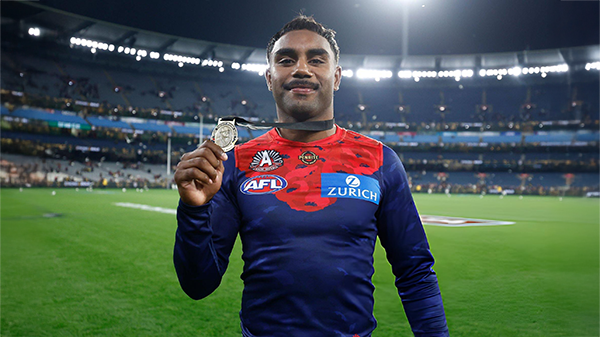
    It seemed as if the whole purpose of the Anzac Eve clash at the MCG between the Demons and the Tigers was building toward that single, unforgettable moment when Kozzie Pickett soared above Campbell Gray and all but fittingly etched his name onto the face of the 2026 Frank ‘Checker’ Hughes Medal. 

    • 1 reply
  • POSTGAME: Richmond

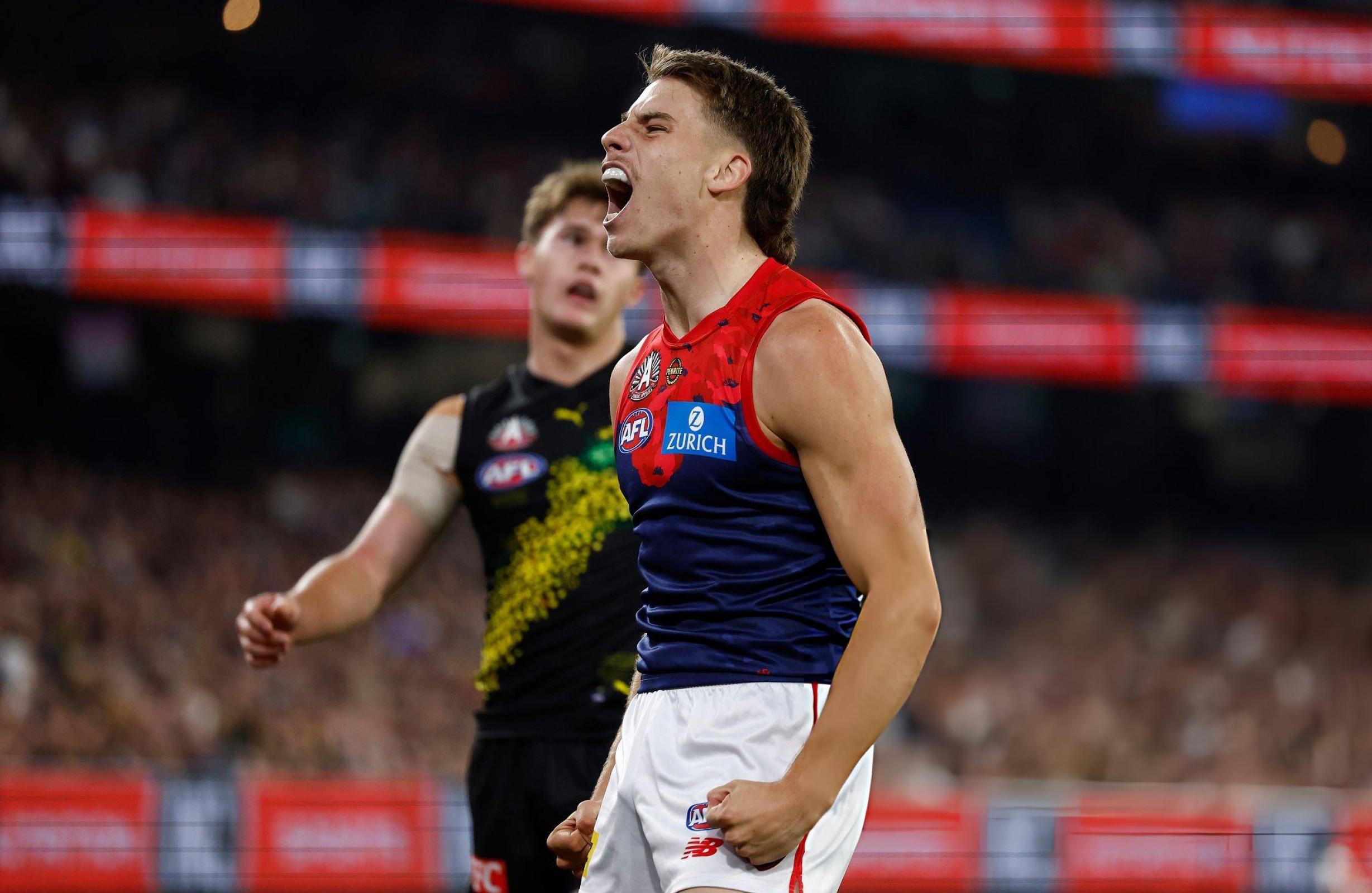
    The Dees have gone 5-0 on their fortress at the MCG brushing aside Richmond by 54 points in a commanding performance on ANZAC Eve.

      • Clap
      • Thanks
      • Like
    • 267 replies
  • PODCAST: Richmond

    Andy is back and the Demonland Podcast will air LIVE on Monday night at 8pm. Get your questions and comments in for the boys as they dissect a win on the big ANZAC Eve Stage over the Tigers at our Fortress at the G.

      • Haha
    • 19 replies
  • VOTES: Richmond

    Captain and reigning back to back Champion Max Gawn has healthy lead over Kozzy Pickett in the Demonland Player of the Year Award. Jack Steele, Harvey Langford & Tom Sparrow round out the Top 5. Your votes please. 6, 5, 4, 3, 2 & 1.

      • Like
    • 44 replies
  • GAMEDAY: Richmond

    It's Game Day on Friday night. ANZAC Eve. The big stage at the ‘G. The Demons return to the spotlight for one of our most significant nights on the football calendar, taking on the Tigers in a clash that always carries extra weight given the gravity of occasion of the commemoration of the ANZAC Spirit. Under the lights, in front of a packed house, this is where moments are made. Can the Dees rise to the occasion and deliver on the big stage, or will Richmond spoil the night? All the build-up, discussion, and in-game reactions here. Go Dees.

    • 637 replies

Account

Navigation

Search

Search

Configure browser push notifications

Chrome (Android)
  1. Tap the lock icon next to the address bar.
  2. Tap Permissions → Notifications.
  3. Adjust your preference.
Chrome (Desktop)
  1. Click the padlock icon in the address bar.
  2. Select Site settings.
  3. Find Notifications and adjust your preference.