Skip to content
View in the app

A better way to browse. Learn more.

Demonland

A full-screen app on your home screen with push notifications, badges and more.

To install this app on iOS and iPadOS
  1. Tap the Share icon in Safari
  2. Scroll the menu and tap Add to Home Screen.
  3. Tap Add in the top-right corner.
To install this app on Android
  1. Tap the 3-dot menu (⋮) in the top-right corner of the browser.
  2. Tap Add to Home screen or Install app.
  3. Confirm by tapping Install.

NAB Replay

Featured Replies

I need help. I have subscribed to an afl pass, assuming I can watch replays. Last week I managed to get to the replay site, clicked on 'watch replay' for the Port versus Melbourne match, the first quarter played but when I clicked on 'watch replay' for any other quarter it defaulted to replaying the first quarter. Any suggestions from the Techno Buffs?


I had the same problem. Missed most of the first quarter trying to get the stinkin app to work.

In the end, even though I was logged in, I had to do it again for some reason. There's also a fairly useless FAQ section where it instructs you to go to the menu to 'restore purchase.' Didn't work for me but who knows. Good luck!


Edited by Roger Mellie
Missed the 'replay' part of the query

The whole process is an overly complicated mess.


Dieter - I found on mobile phone last week selecting the replay after the one you wanted actually worked on iPhone - e.g. select Q2 to see Q1.  On Demonology they also play live and replay. The trick there for replay last week was backspace over the Q1 and replace with Q2.  etc  I can't wait to see what new tech challenges await this old bugga


I ended up writing the number of the quarter directly into the URL i.e. q2 q3 etc, that worked for me

  • Author

Thanks, guys. The links came up later and maybe the link doesn't want to work first thing in the morning...???

 
14 hours ago, gwsampso said:

For a member with 7 posts, this was a very unselfish offering. 

Archived

This topic is now archived and is closed to further replies.

Featured Content

  • PREVIEW: Richmond

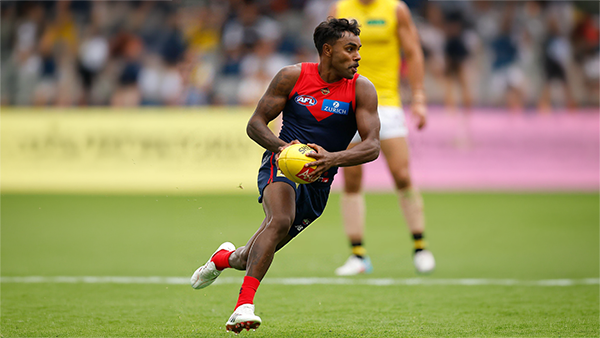
    Who would have imagined, when the season kicked off early last month, that Melbourne would emerge from the opening six weeks with wins over both Queensland powerhouses? At the time, Gold Coast and Brisbane were the competition’s early pace-setters, the flavours of the month, and the prospect of the Demons toppling both within the course of a fortnight seemed remote. Yet here they are, banking those scalps alongside home victories over two traditional Victorian rivals and building a quietly impressive resume.

      • Thanks
      • Like
    • 0 replies
  • PREGAME: Richmond

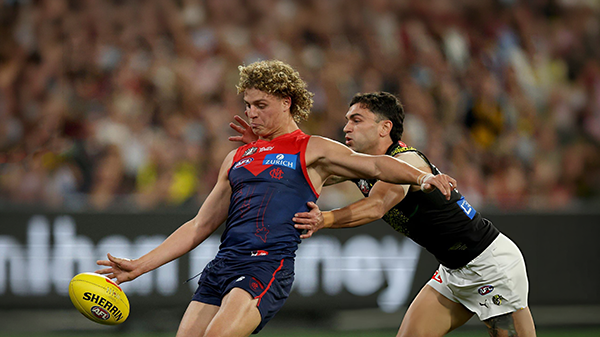
    The Dees hit the big Friday night stage for the first and only time this season when they take on the Tigers under lights on ANZAC Eve at the G. Who comes in and who goes out?

    • 279 replies
  • REPORT: Brisbane

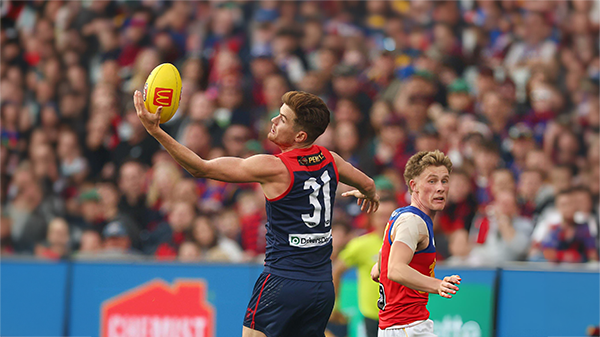
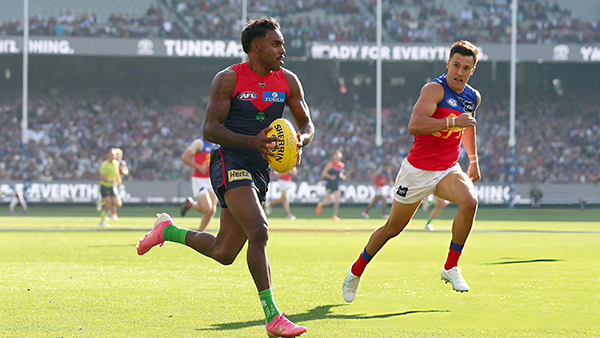
    Before Sunday, the last time the Brisbane Lions had walked onto the turf of the Melbourne Cricket Ground, they celebrated the pinnacle of the sport - an AFL premiership secured in emphatic fashion for the second consecutive year.

      • Clap
      • Thanks
    • 1 reply
  • CASEY: Brisbane

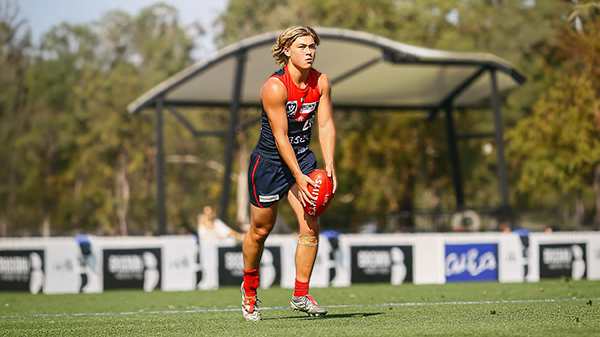
    From the outset, the Casey Demons lacked any spring in their steps. They were out-hustled and out-bustled and finally outplayed by the Brisbane Lions by 38 points on their home turf in perfect conditions at Casey Fields.

      • Thanks
    • 0 replies
  • POSTGAME: Brisbane

    MCG magic strikes again as the Demons unleash a devastating second-half surge to edge Brisbane in a thrilling two-point statement win. Never in doubt 🍀🔴🔵😈

      • Shocked
      • Haha
      • Love
      • Like
    • 514 replies
  • PODCAST: Brisbane

    Andy is still traveling but the boys will still be bringing you a podcast this week so get your questions and comments in for Binman and George as they dissect the thrilling win over the Lions at the G.

      • Thanks
      • Like
    • 14 replies

Account

Navigation

Search

Search

Configure browser push notifications

Chrome (Android)
  1. Tap the lock icon next to the address bar.
  2. Tap Permissions → Notifications.
  3. Adjust your preference.
Chrome (Desktop)
  1. Click the padlock icon in the address bar.
  2. Select Site settings.
  3. Find Notifications and adjust your preference.