Demonland
Primary Administrators
-
Joined
-
Last visited
Everything posted by Demonland
-
Any tips for first goal?
-
Not sure about this Oliver kid. I really wanted Mills and was so disappointed Sydney matched our bid. I also wished we played that kid Weideman. I predict he’ll be clunking marks in the ones in no time.
-
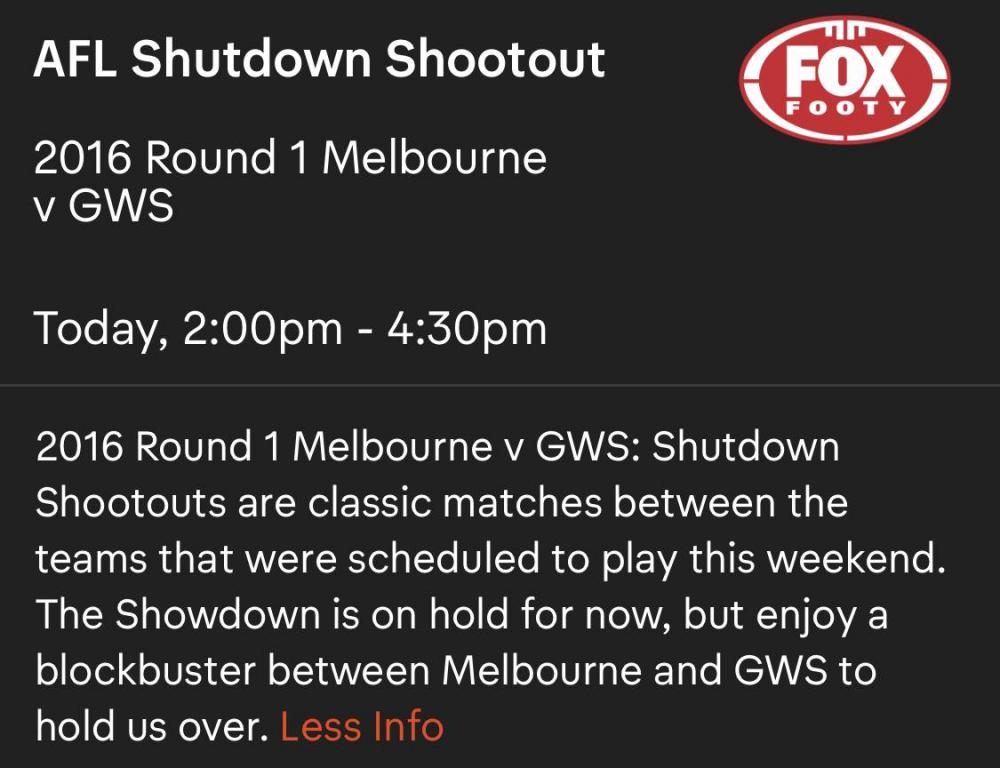
Follow along as the Dees take on GWS in the opening game of the 2016 season. NO SPOILERS.
-
British PM Boris Johnson tests positive for Coronavirus.So who do you want to be our Overlord?Corresponding to the actual scheduled matches. The matches to be aired are still to be determined. Thursday, March 26 @7.25AEDT Collingwood v Richmond Friday, March 27 @7.50 AEDT Sydnev v Essendon Saturday, March 28 from 12pm AEDT Melbourne v Greater Western Sydney Carlton v Western Bulldogs Brisbane Lions v North Melbourne Port Adelaide v Adelaide Sunday, March 29 from 2pm AEDT Geelong v Gold Coast St Kilda v West Coast Fremantle v HawthornThank you.
Account
Navigation
Search
Configure browser push notifications
Chrome (Android)
- Tap the lock icon next to the address bar.
- Tap Permissions → Notifications.
- Adjust your preference.
Chrome (Desktop)
- Click the padlock icon in the address bar.
- Select Site settings.
- Find Notifications and adjust your preference.
Safari (iOS 16.4+)
- Ensure the site is installed via Add to Home Screen.
- Open Settings App → Notifications.
- Find your app name and adjust your preference.
Safari (macOS)
- Go to Safari → Preferences.
- Click the Websites tab.
- Select Notifications in the sidebar.
- Find this website and adjust your preference.
Edge (Android)
- Tap the lock icon next to the address bar.
- Tap Permissions.
- Find Notifications and adjust your preference.
Edge (Desktop)
- Click the padlock icon in the address bar.
- Click Permissions for this site.
- Find Notifications and adjust your preference.
Firefox (Android)
- Go to Settings → Site permissions.
- Tap Notifications.
- Find this site in the list and adjust your preference.
Firefox (Desktop)
- Open Firefox Settings.
- Search for Notifications.
- Find this site in the list and adjust your preference.