





Demonland
Primary Administrators
-
Joined
-
Last visited
Everything posted by Demonland
-
He is there apparently.
-
I sat there last year in Gather Round. That's the more "civil" side of the ground.
-
His name wasn't mentioned in the training reports except to say that there was no sign of him.
-
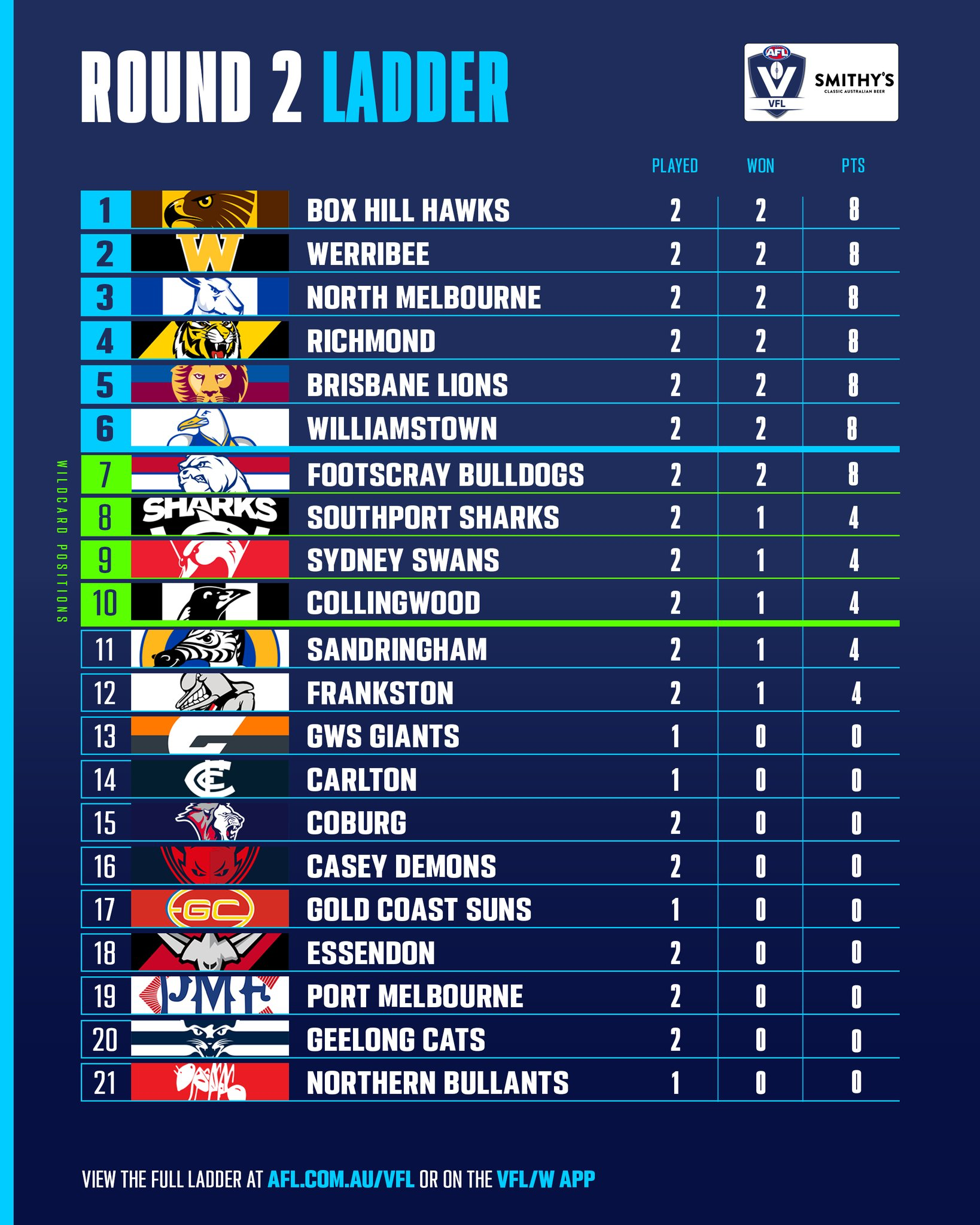
Geelong will most likely overtake us on the Ladder.
-
Saints to face the Tigers without Lynch, Balta and Baker.
-
Schache wasn't brought up with Kolt so I doubt he is in consideration unless he is flown over in the next day or so.
-
They used them all up in the first quarter last week.
-
Cats have had a very soft draw to start the season. Saints at Government Funded Park, an out of form Crows and the Hapless Hawks. Next few games Bulldogs at neutral venue in Adelaide after having played their 2 weeks ago, North and possibly out of form Brisbane at the Gabba. They then have some tests with Blues, Dees and Port (at Government Funded Park).
-
Lynch and Balta likely to miss ANZAC Eve.
-
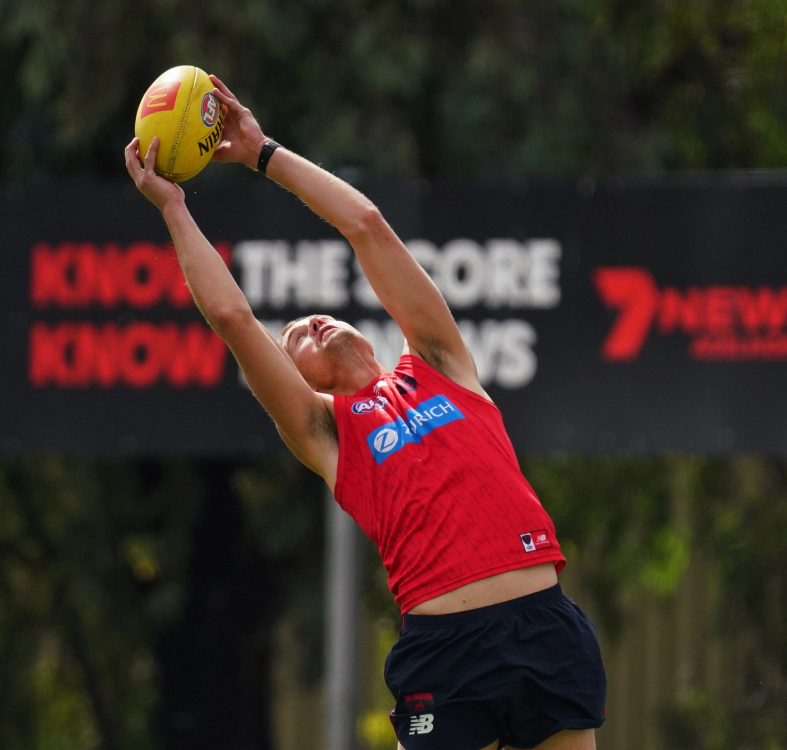
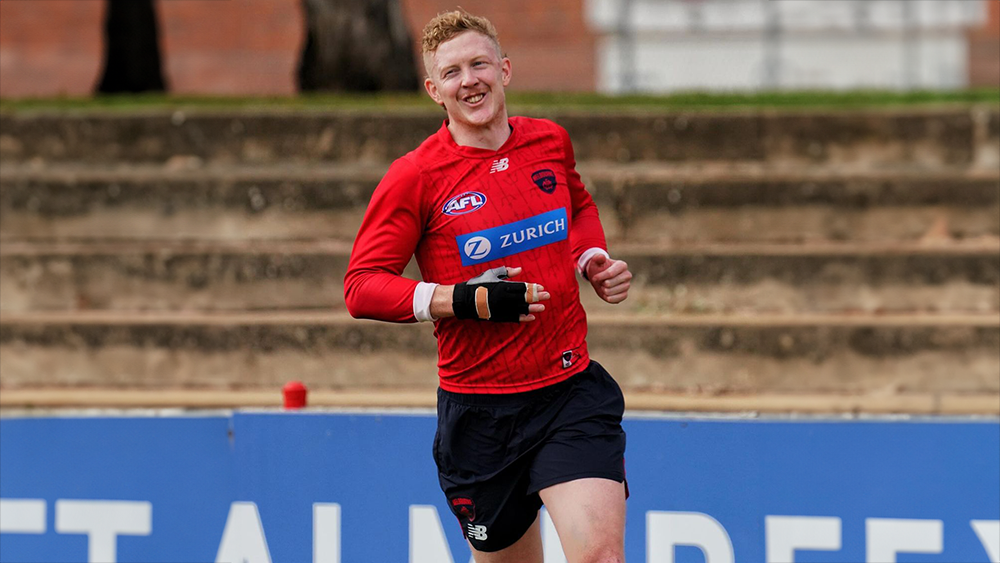
Our man on the spot Bendigo Demon traveled to Adelaide for our back to back games in the City of Churches and brings you his observations from the Demon's training session at Hisense Stadium. Slow start so far!! About 30 spectators, 2 dogs, and an old bloke asking security if the bar is open. Few kids enjoying a kick on the ground. Kids etc cleared off the ground, looks like things are happening. Crowd has swelled to over 100, unfortunately no coffee van, (or for the old bloke, no bar open either.) Slow start, Jake Melksham working really hard with trainers, looks super fit, players wandering out now. Tom McDonald is in runners with left knee strapped. Steven May and Clarry with main group. Clarry wearing hand guard. Ben Brown in sneakers, no sign of Kade Chandler, Shane McAdam, Josh Schache and Kolt here too. I get the feeling McAdam * might play. Lot of love for him from staff and players. * ADMIN EDIT: Shane McAdam was listed as 3-5 Weeks away in the last Injury Report. Kade Chandler in sneakers with heavy strapping on right knee. He’s limping noticeably, can’t see him getting up. Kolt, Shaw, Shane McAdam, Tommo, Bill Laurie and May all training with team from Saturday. BBB and Chin only 2 not with main group. Lots of laughter. Tom McDonald and Trac are in rehab group. I know Steven May is as tough as nails, but he still looks in some discomfort even doing just basic stuff. Tom Mac and Trac have joined main group So, apart from BBB and Chin, all players named are doing run through. BBB walking laps. Chin doing rehab stuff, very low key. BBB doing kick to kick, Chin has started that too. Trac is in cotton wool, doing 50% 60 metre run throughs. He exudes the impression everything isn’t ok. Sorry to be negative. Main group doing lots of ball handling, Tom McDonald fetching balls behind goals and kicking out etc. Clarry handling ball ok, May moving much more freely. Trac back with main group. Trac looks fine, no strapping, just not his normal self. The only people with noticeable strapping are Chin and Tom McDonald As training progresses (very casually) and the boys start handing out little footys, BBB and Chin are alternating on the bike. Clarry is in seemingly no discomfort, Steven May still seems sore, Tom McDonald did stuff all, Trac was VERY limited and had a long chat with Goody, Chin was very down, shaking his head, BBB walking ok, but not trying to do anything intense. Everybody else seemed ok, BUT, I am 58 and I could have completed that training no problem!! And that’s it for today. I will be back Wednesday for more updates.
 We really should have been scheduled to play Port on the Friday night giving us a 6 day break. The AFL should try to avoid 5 day breaks as much as possible if not at all.Congratulations Tom. Pick of the CenturyBeware the Hawks in the 2nd QuarterThat was the one. The camera did pan back to him at the next stoppage and he looked to be walking ok. I think he was off the ground for a little bit after that but they never did any follow up with the boundary riders to get an update.Can't see McAdam being ready yet considering the last injury report listing him at 3-5 Weeks.Have a sneaking suspicion that Kolt could get a call up this week given they've flown him up and with clouds over Chin & perhaps Trac.There was one point in the 3rd that Trac pulled up sore in a contest.








Account
Navigation
Search
Configure browser push notifications
Chrome (Android)
- Tap the lock icon next to the address bar.
- Tap Permissions → Notifications.
- Adjust your preference.
Chrome (Desktop)
- Click the padlock icon in the address bar.
- Select Site settings.
- Find Notifications and adjust your preference.
Safari (iOS 16.4+)
- Ensure the site is installed via Add to Home Screen.
- Open Settings App → Notifications.
- Find your app name and adjust your preference.
Safari (macOS)
- Go to Safari → Preferences.
- Click the Websites tab.
- Select Notifications in the sidebar.
- Find this website and adjust your preference.
Edge (Android)
- Tap the lock icon next to the address bar.
- Tap Permissions.
- Find Notifications and adjust your preference.
Edge (Desktop)
- Click the padlock icon in the address bar.
- Click Permissions for this site.
- Find Notifications and adjust your preference.
Firefox (Android)
- Go to Settings → Site permissions.
- Tap Notifications.
- Find this site in the list and adjust your preference.
Firefox (Desktop)
- Open Firefox Settings.
- Search for Notifications.
- Find this site in the list and adjust your preference.