Skip to content
View in the app

A better way to browse. Learn more.

Demonland

A full-screen app on your home screen with push notifications, badges and more.

To install this app on iOS and iPadOS
  1. Tap the Share icon in Safari
  2. Scroll the menu and tap Add to Home Screen.
  3. Tap Add in the top-right corner.
To install this app on Android
  1. Tap the 3-dot menu (⋮) in the top-right corner of the browser.
  2. Tap Add to Home screen or Install app.
  3. Confirm by tapping Install.

What is wrong with Kayo?

Featured Replies

56 minutes ago, Madz said:

What platform are you watching on?

What kind of internet do you have?

I can’t answer either of these questions. I’m a dinosaur when it comes to this sort of thing. I just turn things on and they work. Except for Kayo


Platform is Chromecast, you mentioned. Shouldn’t be an issue. Likely you have slow or congested net pushing your feed back and back.

Change the quality to SD only and click jump to live (little square live button at the bottom). If that doesn’t work, it could be a very specific bug with the setup you have - try opening up Kayo website on laptop/phone/pc, and test if it’s delayed there also.

You may potentially need another way to watch it, there are many ways/apps to get it on TV without spending money that you might already have (kids Xbox/PS, hdmi from laptop etc.)

Sounds like you attend every game so it’s probably not a massive issue for you unless you watch other games too.

Very strange problem GW. As others have said the delay should be around 30 seconds

I can for example listen to the cricket on the radio and if there's a good shot or a wicket have time to look up and see the bowler starting his run up.

Years ago when kayo used to buffer due to my old internet one might be 5 minutes behind by the end of a game but 15 mins is weird.

 
2 hours ago, Ghostwriter said:

I can’t answer either of these questions. I’m a dinosaur when it comes to this sort of thing. I just turn things on and they work. Except for Kayo

i think you have probably blundered into a time warp and are now a time traveller

1 hour ago, Madz said:

Platform is Chromecast, you mentioned. Shouldn’t be an issue. Likely you have slow or congested net pushing your feed back and back.

Change the quality to SD only and click jump to live (little square live button at the bottom). If that doesn’t work, it could be a very specific bug with the setup you have - try opening up Kayo website on laptop/phone/pc, and test if it’s delayed there also.

You may potentially need another way to watch it, there are many ways/apps to get it on TV without spending money that you might already have (kids Xbox/PS, hdmi from laptop etc.)

Sounds like you attend every game so it’s probably not a massive issue for you unless you watch other games too.

I do watch other games but the delay is okay because I’m not so invested in them. I just turn off notifications on my phone so there’s no spoilers. But this is different… this is our game and the only way to avoid spoilers is to tum my phone off completely.

Thank you for the suggestions. I will try each one.


29 minutes ago, Diamond_Jim said:

Very strange problem GW. As others have said the delay should be around 30 seconds

I can for example listen to the cricket on the radio and if there's a good shot or a wicket have time to look up and see the bowler starting his run up.

Years ago when kayo used to buffer due to my old internet one might be 5 minutes behind by the end of a game but 15 mins is weird.

I’ve got three friends who have the same length delay. One of them is Mrs Fritta. She contacted Kayo and all they did was to tell her how to go about unsubscribing. How’s that for customer service, huh 🙄

Thanks so much all. I never knew there was the jump to live option. And now it’s working perfectly.

Join the conversation

You can post now and register later. If you have an account, sign in now to post with your account.

Guest
Unfortunately, your content contains terms that we do not allow. Please edit your content to remove the highlighted words below.
Reply to this topic...

Featured Content

  • PREGAME: Carlton

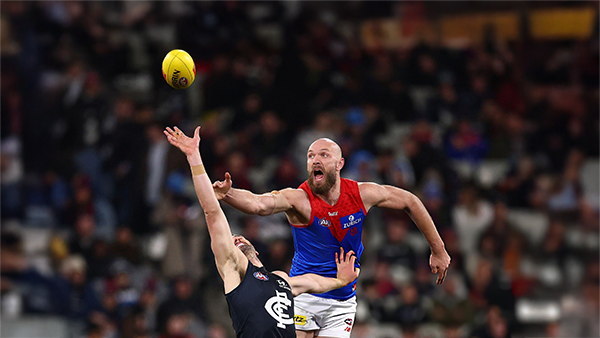
    The Demons return to the MCG next week and will be looking to atone for a dismal performance in Perth as they take on the under the pump Blues. Who comes in and who goes out for our Round 3 match against the Carlton?

      • Like
    • 118 replies
  • REPORT: Fremantle

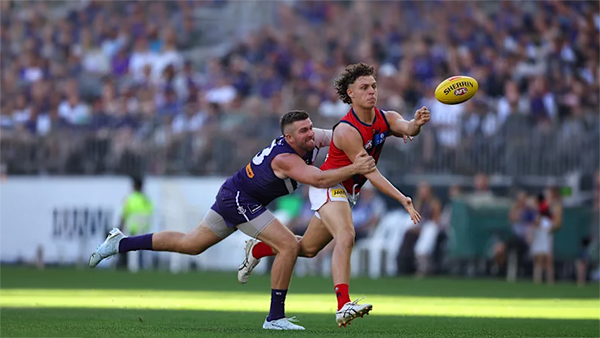
    Melbourne’s early surge of optimism came crashing back to reality in its clash with Fremantle at Optus Stadium on Saturday night. Just six days after unveiling its fun-filled, attack-minded style against the Saints, the Demons were met by a Dockers outfit determined to shut it down with a blend of speed, pressure, and physicality.

    • 0 replies
  • CASEY: Footscray

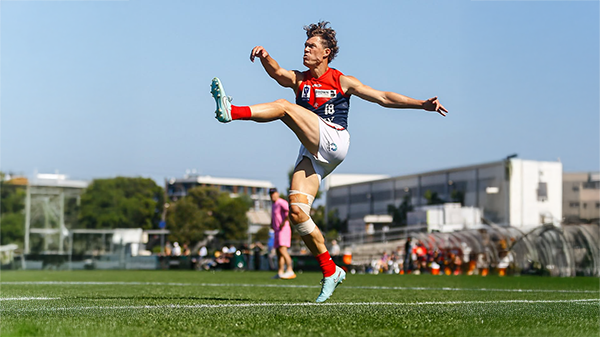
    The Casey Demons faced a tough first up task taking on reigning VFL premiers Footscray at Mission Whitten Oval. The Bulldogs, who unfurled their premiership flag pre-game, had 15 AFL-listed players and their top VFL talent available, setting them up for their 15th consecutive win.

      • Like
    • 5 replies
  • POSTGAME: Fremantle

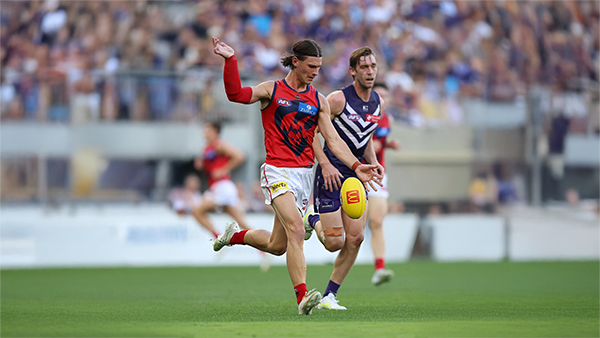
    The Demons were fumbly, inefficient, outrun and outgunned all over the field as they went down to the Dockers by 48 points at Optus Stadium in Perth.

      • Haha
      • Like
    • 282 replies
  • PODCAST: Fremantle

    The Demonland Podcast will air LIVE on Monday, 23rd March @ 8:00pm. Join Binman, George & I as we dissect the Dees dismal loss to the Dockers in Perth.
    Your questions and comments are a huge part of our podcast so please post anything you want to ask or say below and we'll give you a shout out on the show.
    PLEASE TRY TO KEEP THE QUESTIONS/COMMENTS TO ONE SPECIFIC TOPIC/PLAYER IN ORDER TO MAKE THE PREPARATION FOR THE PODCAST EASIER.

      • Love
      • Thanks
      • Like
    • 29 replies
  • VOTES: Fremantle

    Coming off Back to Back Demonland Player of the Year Award wins Captain Max Gawn is already in the lead followed by Jacob van Rooyen, Jai Culley, Kozzy Pickett & Jack Steele. Your votes please. 6, 5, 4, 3, 2 & 1.

      • Like
    • 43 replies

Account

Navigation

Search

Search

Configure browser push notifications

Chrome (Android)
  1. Tap the lock icon next to the address bar.
  2. Tap Permissions → Notifications.
  3. Adjust your preference.
Chrome (Desktop)
  1. Click the padlock icon in the address bar.
  2. Select Site settings.
  3. Find Notifications and adjust your preference.