





Featured Content
-
REPORT: North Melbourne
It’s late February. Two teams widely predicted to finish near the foot of the AFL table in 2026 face off against each other in sweltering 30-degree heat deep in outer suburbia in a match simulation with fresh new faces and uneven team numbers. There are no nearby sheep stations on offer; the result promises nothing more than bragging rights for the winner. Nevertheless, the loser appears hopelessly adrift, whereas the other seems to have found its footing after a couple of years of struggle – perhaps a hint at bigger things to come?-
-
- 4 replies
-
-
POSTGAME: North Melbourne
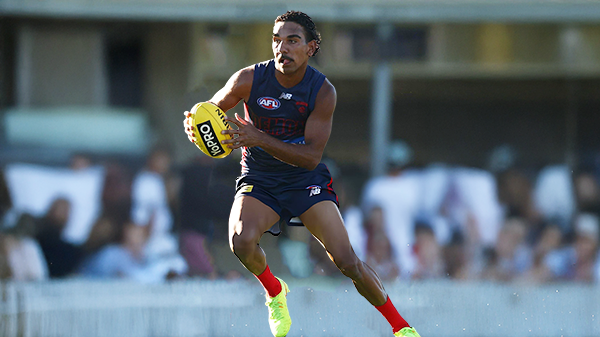
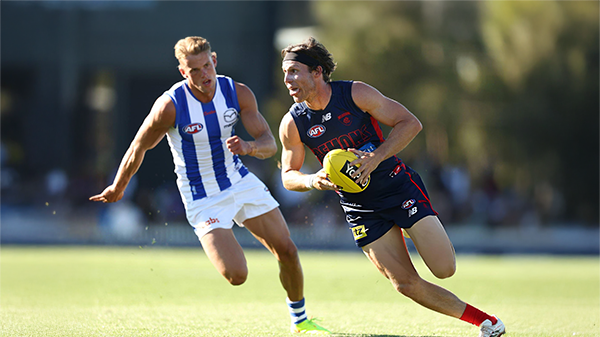
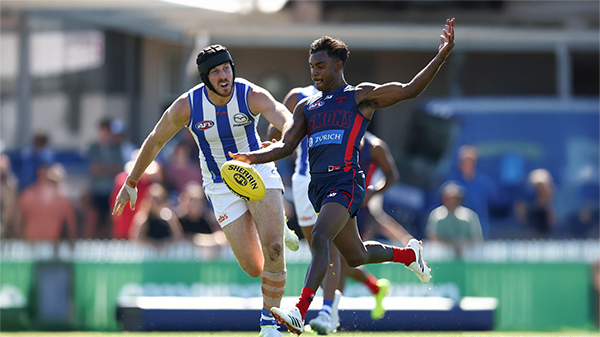
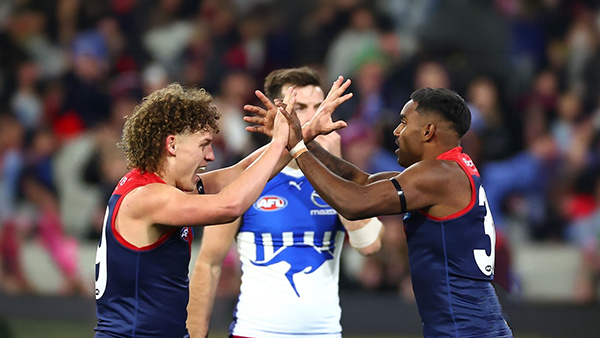
It was only a preseason match but the new look Demons spearheaded by new coach Steven King looked impressive as they put on a clinic against perennial cellar-dwellers North Melbourne as they cruised to an 80 point victory at Casey Fields.-
-
- 249 replies
-
-
VOTES: North Melbourne
The 2026 Preseason is upon us and it is time to vote for the inaugural Demonland Player of the Preseason. Please submit your votes for the Practice Match win over North Melbourne. 6, 5, 4, 3, 2 & 1.-
-
- 24 replies
-
-
GAMEDAY: North Melbourne
It's finally Game Day and the Demons, under new head coach Steven King, will run out onto the field with a new looking lineup and a brand new midfield when they take on the Kangaroos this afternoon at Casey.-
-
- 302 replies
-
-
TRAINING: Wednesday 18th February 2026
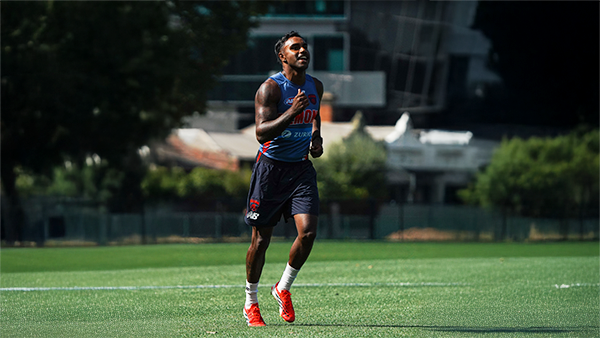
A couple of Demonland Trackwatchers were blessed with some beautiful Wednesday morning weather to give their observations of one of the final open training session at Gosch's Paddock prior to our first practice hit out against another team this weekend.- 0 replies
-
NON-MFC: 2026 Practice Matches
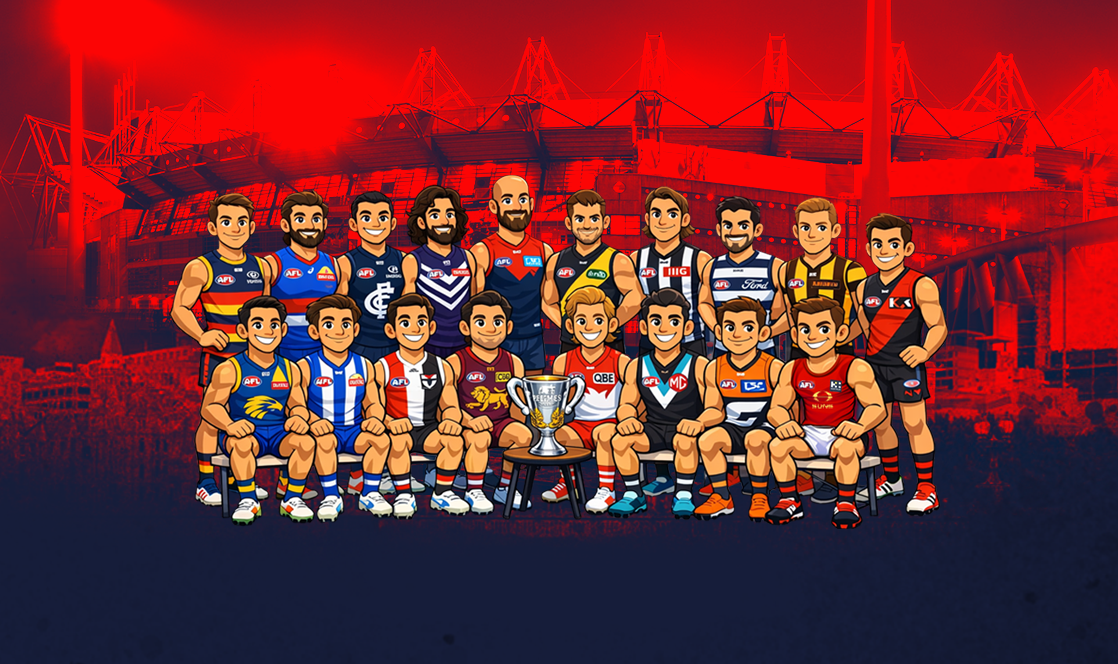
We are just weeks away from the start of the 2026 Premiership Season and the first Practice Matches are about to begin. Discuss all the games that don't involve the Demons in the lead up to Opening Round.-
-
- 58 replies
-







|

|

|

|
 |
 |
 |
 |
 |
 |
 |
 |
Archived
This topic is now archived and is closed to further replies.