Demonland
Primary Administrators
-
Joined
-
Last visited
Everything posted by Demonland
-
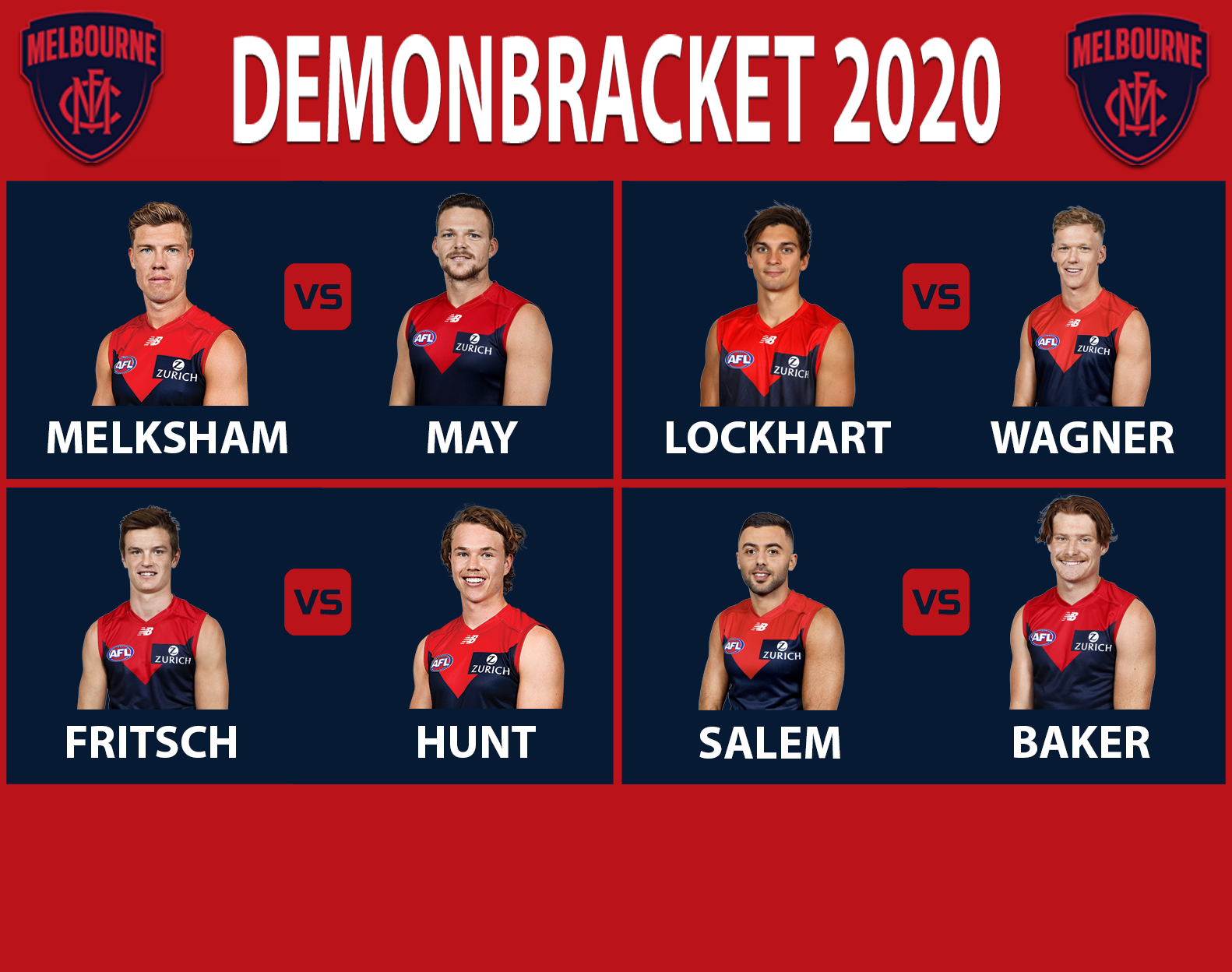
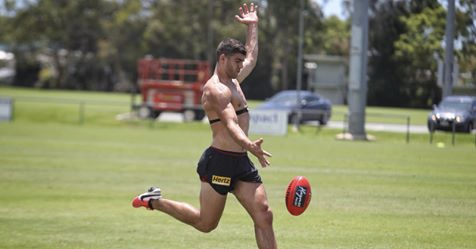
That was from when he injured himself against Geelong at Docklands/Telstra Dome/Etihad Stadium/Marvel Stadium.Fake news. Why would Instagram lie? ?I guess Baker and Dunkley (both injured) aren’t in Maroochydore.Re-energised Demons on mission to atone Defender Christian Salem says Melbourne have reset after their disastrous 2019 campaign and all players are determined to step up this season.Surfs Up“Communication was at a high level and I thought the energy was awesome for a first session.” Trac recaps today's training in Maroochydore. ? ?: https://mfcde.es/2U4E6iN
Account
Navigation
Search
Configure browser push notifications
Chrome (Android)
- Tap the lock icon next to the address bar.
- Tap Permissions → Notifications.
- Adjust your preference.
Chrome (Desktop)
- Click the padlock icon in the address bar.
- Select Site settings.
- Find Notifications and adjust your preference.
Safari (iOS 16.4+)
- Ensure the site is installed via Add to Home Screen.
- Open Settings App → Notifications.
- Find your app name and adjust your preference.
Safari (macOS)
- Go to Safari → Preferences.
- Click the Websites tab.
- Select Notifications in the sidebar.
- Find this website and adjust your preference.
Edge (Android)
- Tap the lock icon next to the address bar.
- Tap Permissions.
- Find Notifications and adjust your preference.
Edge (Desktop)
- Click the padlock icon in the address bar.
- Click Permissions for this site.
- Find Notifications and adjust your preference.
Firefox (Android)
- Go to Settings → Site permissions.
- Tap Notifications.
- Find this site in the list and adjust your preference.
Firefox (Desktop)
- Open Firefox Settings.
- Search for Notifications.
- Find this site in the list and adjust your preference.