





Demonland
Primary Administrators
-
Joined
-
Last visited
Everything posted by Demonland
-
Greene's going to be a big problem for us.
-
Not looking dangerous going forward
-
Nibbler!!!
-
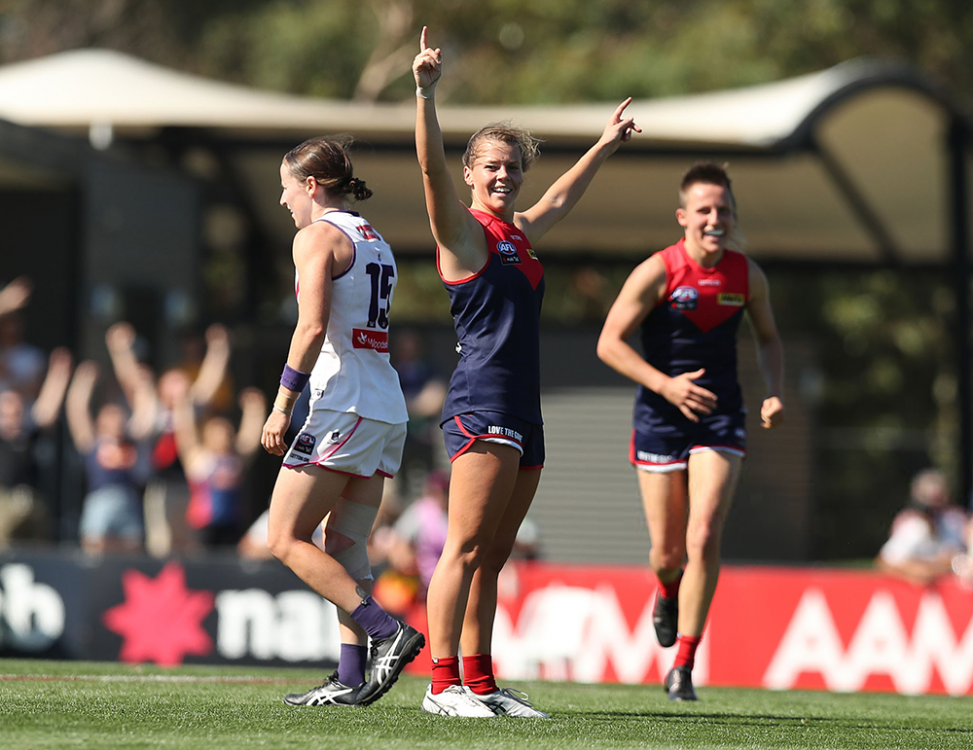
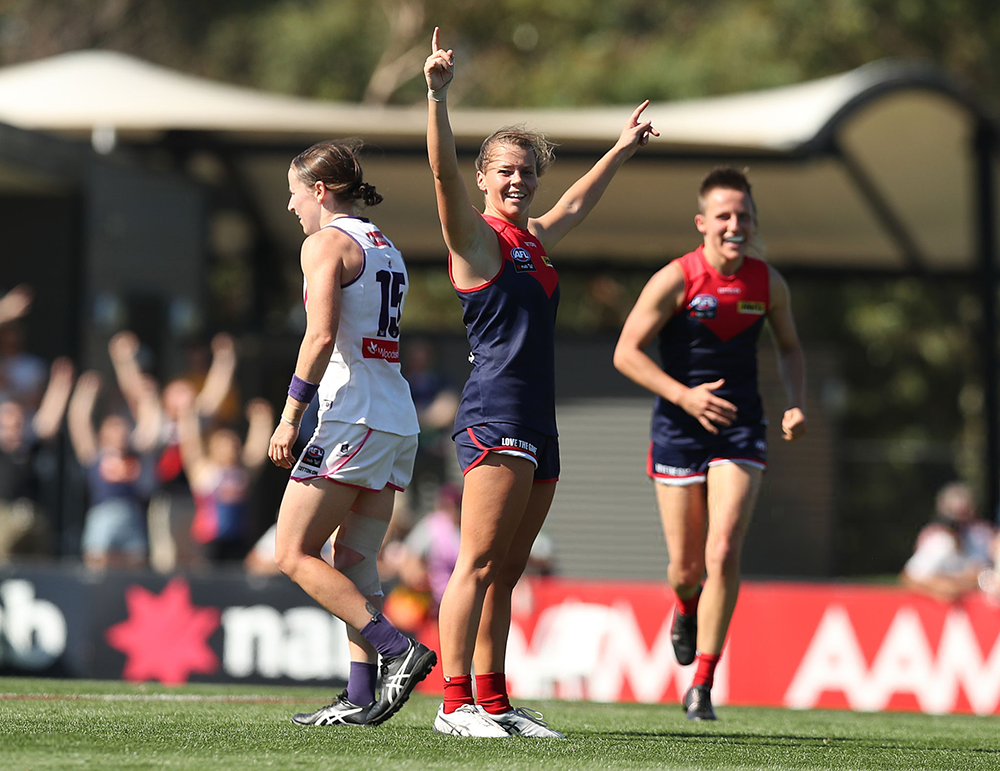
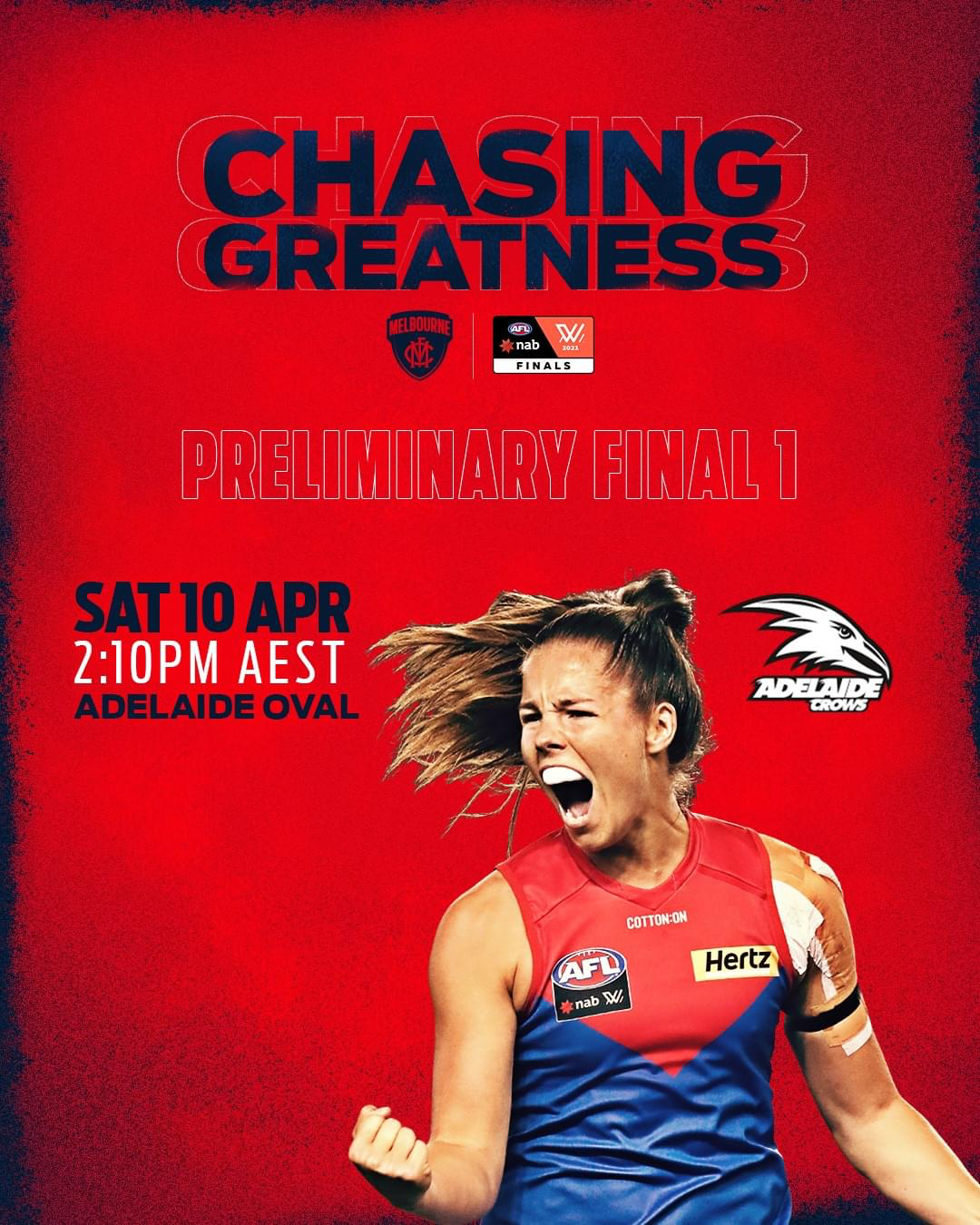
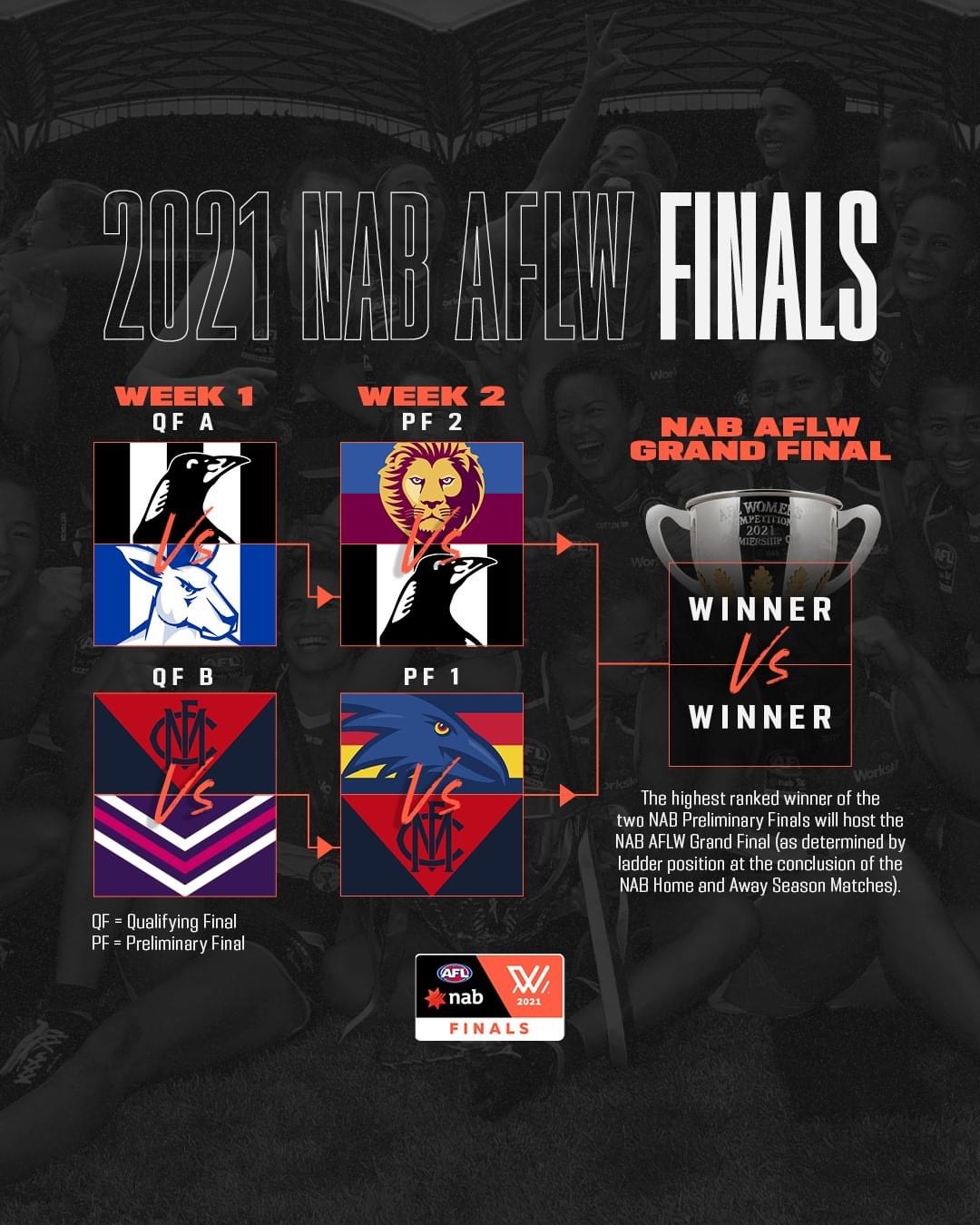
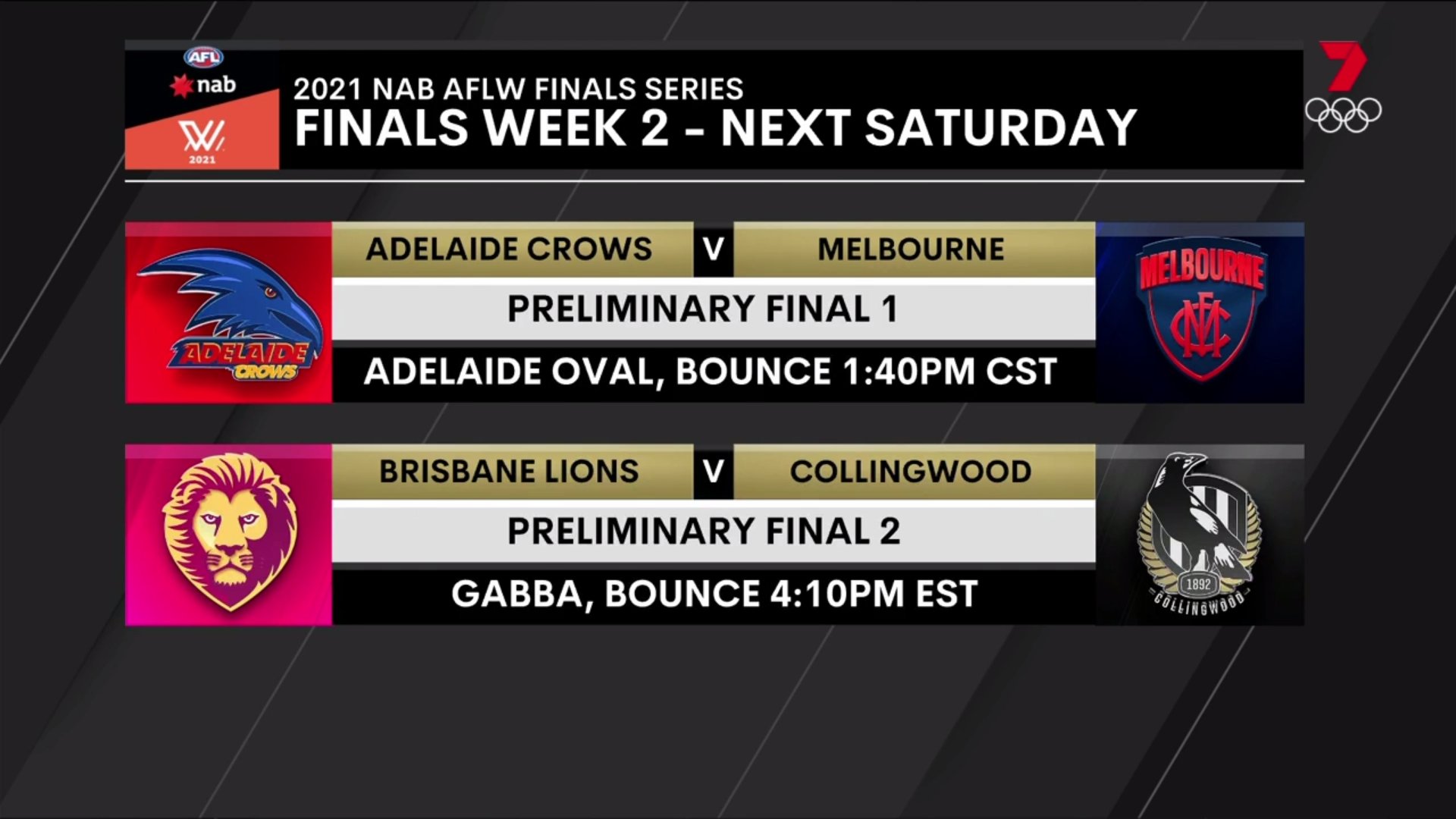
The Demons ran out for their Qualifying Final match against the Fremantle Dockers at Casey Fields as the sounds of Midnight Oils’ “Power and the Passion cascaded over the mainly friendly pro-Melbourne crowd. It was a far cry from the season opener at Carrara in late January where few of their fans were in attendance in high 20’s heat and humidity and silence greeted every score from the slow-starting Demons. They ran away from the lowly Suns, won comfortably in the end and followed that with another easy win against the Tigers. But there were no easy games after that and a mid season two-game slump had coach Mick Stinear and his assistants burning the midnight oil to get the team’s season back on track. They did so to stunning effect bringing a more attacking style to the table and the results have been evident ever since with win after win over highly ranked opponents The Qualifying Final victory - Melbourne’s second in a fortnight against the early season premiership favourites - was emblematic of the team’s new power and passion. The conditions were just as hot as in their opening game but this time the team was strong out of the blocks even against a stiff breeze. Youngster Alyssa Bannan scored the only goal for the opening quarter and the feat of holding the Dockers to a mere two points during that stanza was to prove decisive. Two quick goals to Shelley Scott in the opening five minutes of the second term saw the visitors gasping for air and in arrears by 19 points at the main break. But this was a finals game and the Dockers hadn’t travelled across the continent to be brushed aside so easily. They pushed hard for ten minutes to narrow the gap to 11 points before a goal to Melbourne’s Brenna Tarrant steadied the ship. Then followed another surge that netted two more goals and, at the final break, it was game on with the Demons’ lead cut to a mere four points. Except that the ill winds that often sweep across Casey Fields were in full operation. For the remainder of the game, the ball was mainly in Melbourne’s forward line but goals were hard to score. Seven consecutive behinds were punctuated by a couple of shots out of bounds. The weight of those points had already made the game safe when Maddy Gay finally goaled from a free kick with a minute left to go. Gay (19 touches, 9 tackles) had been great in an all round team effort but, as usual, perennial All Australian Karen Paxman (20 possessions and five tackles) challenged her for the best on ground. Lily Mithen was tigerish in her attack on the footy, Scott’s two goals invaluable, Tegan Cunningham at her best for a while and Eden Zanker demonstrated why she’s regarded as one of the best young talents in the game. Lauren Pearce won in the ruck. The other Pearce — the team’s spiritual leader, Daisy — sat this one out with a knee injury and might not be back out on the field again this season. Whatever the case may be, her Demons proved yesterday that they have the power and the passion to take on Adelaide next week and continue on the path to ultimate success. MELBOURNE 1.2.8 3.3.21 4.3.27 5.10 (40) FREMANTLE DOCKERS 0.2.2 0.2.2 3.5.23 3.5 (23) GOALS Melbourne: Scott 2, Bannan, Gay, Tarrant Fremantle Dockers: Duffy, Houghton, Sharp BEST Melbourne: Paxman, Gay, Scott, Mithen, Cunningham, Zanker Fremantle Dockers: Bowers, Miller, Sergeant, Cain, Seth INJURIES Melbourne: Nil Fremantle Dockers: Nil REPORTS: Nil VENUE: Casey Fields
-
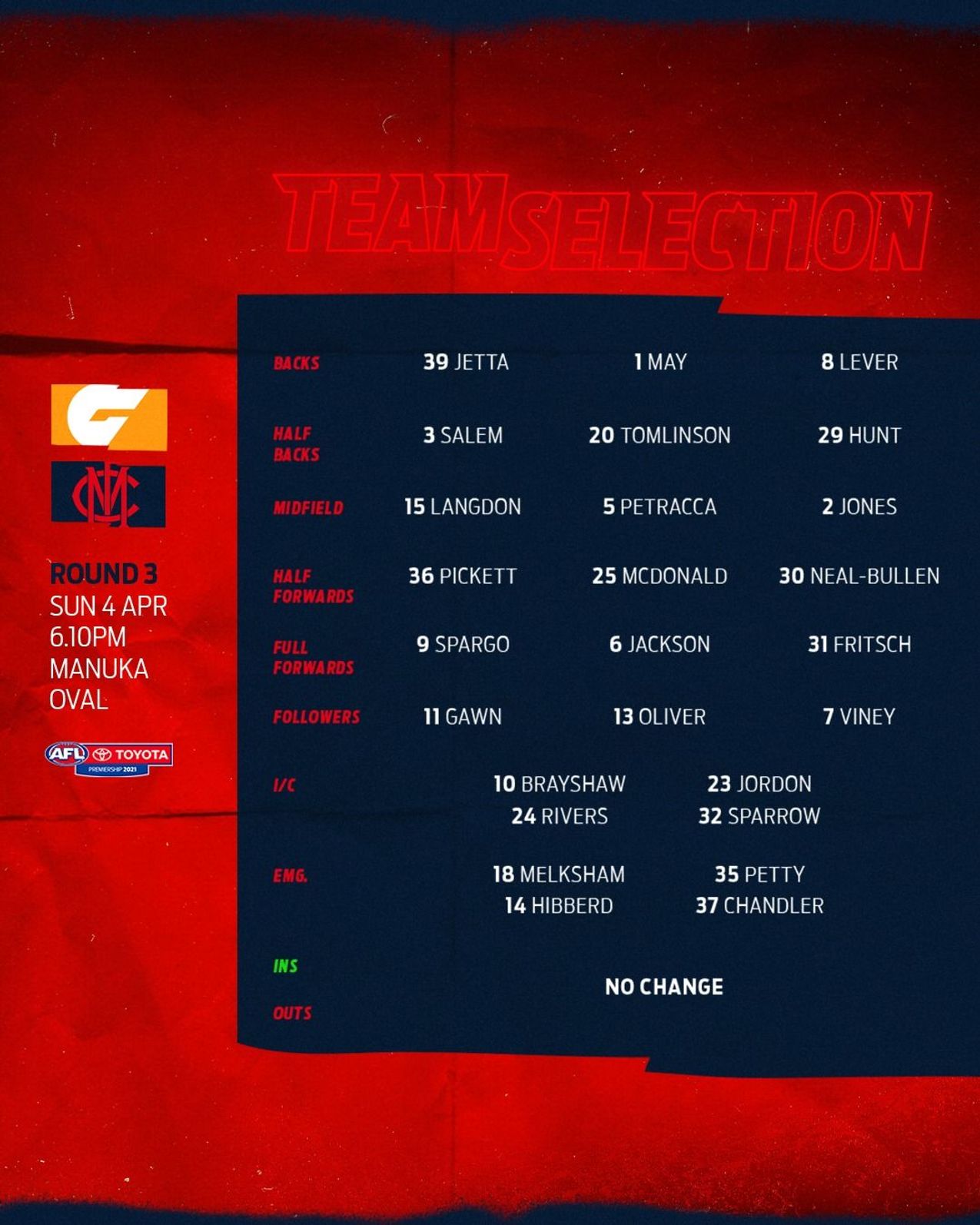
Take the discussion to the Team Selection thread: https://demonland.com/forums/topic/49864-teams-rd-03-vs-gws/Gresham looks badly injuredThey’ll be in a lot of trouble if they lose this one. They play the Eagles, Tigers & Port in the next 3 weeks.Taking it one week at a time of course but where would it be played? Victoria Park?Butler is overrated.Terrible weekend for the North Melbourne Football Club.You’ve spoken too soon. They’ve just hit the front.Game over we’re into a preliminary final Melbourne 5.10.40 Fremantle 3.5.23Behind to Parry Melbourne 4.10.34 Fremantle 3.5.23Behind to Gay Melbourne 4.9.33 Fremantle 3.5.23Behind to Paxman Melbourne 4.8.33 Fremantle 3.5.23Another miss Melbourne 4.7.31 Fremantle 3.5.23Peppering goal but can’t kick one Melbourne 4.6.30 Fremantle 3.5.23Hanks point Melbourne 4.4.28 Fremantle 3.5.233/4 time Melbourne 4.3.27 Fremantle 3.5.23 Dees have the wind in the last but Freo finishing fast.Another goal to the Dockers with less than a minute to go. Melbourne 4.3.27 Fremantle 3.4.22Point to Freo. They’re coming at us hard. Melbourne 4.3.27 Fremantle 2.5.17Quick response to Freo Melbourne 4.3.27 Fremantle 2.4.16






Account
Navigation
Search
Configure browser push notifications
Chrome (Android)
- Tap the lock icon next to the address bar.
- Tap Permissions → Notifications.
- Adjust your preference.
Chrome (Desktop)
- Click the padlock icon in the address bar.
- Select Site settings.
- Find Notifications and adjust your preference.
Safari (iOS 16.4+)
- Ensure the site is installed via Add to Home Screen.
- Open Settings App → Notifications.
- Find your app name and adjust your preference.
Safari (macOS)
- Go to Safari → Preferences.
- Click the Websites tab.
- Select Notifications in the sidebar.
- Find this website and adjust your preference.
Edge (Android)
- Tap the lock icon next to the address bar.
- Tap Permissions.
- Find Notifications and adjust your preference.
Edge (Desktop)
- Click the padlock icon in the address bar.
- Click Permissions for this site.
- Find Notifications and adjust your preference.
Firefox (Android)
- Go to Settings → Site permissions.
- Tap Notifications.
- Find this site in the list and adjust your preference.
Firefox (Desktop)
- Open Firefox Settings.
- Search for Notifications.
- Find this site in the list and adjust your preference.