Demonland
Primary Administrators
-
Joined
-
Last visited
Everything posted by Demonland
-
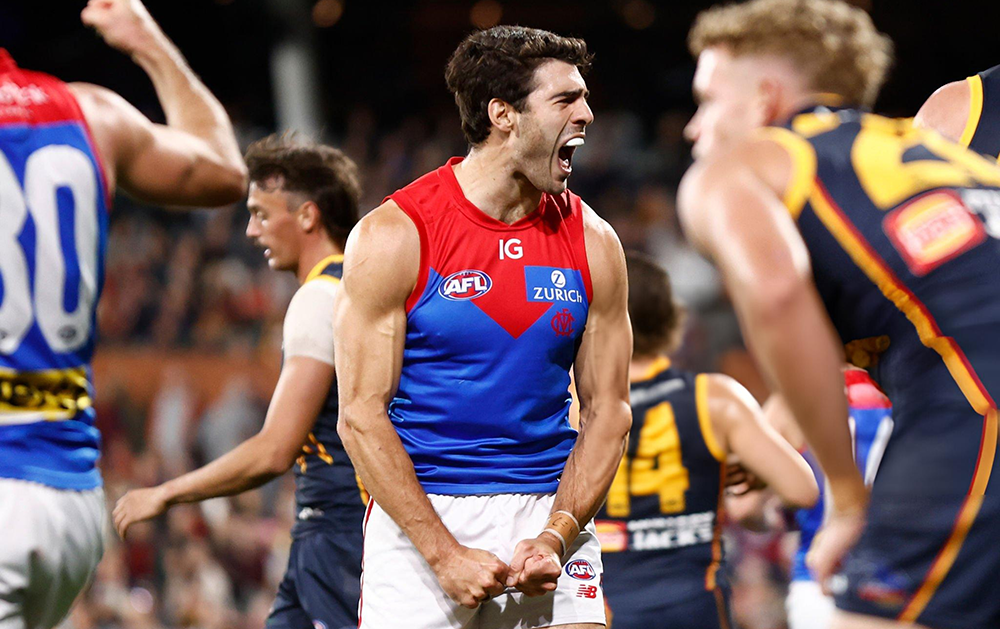
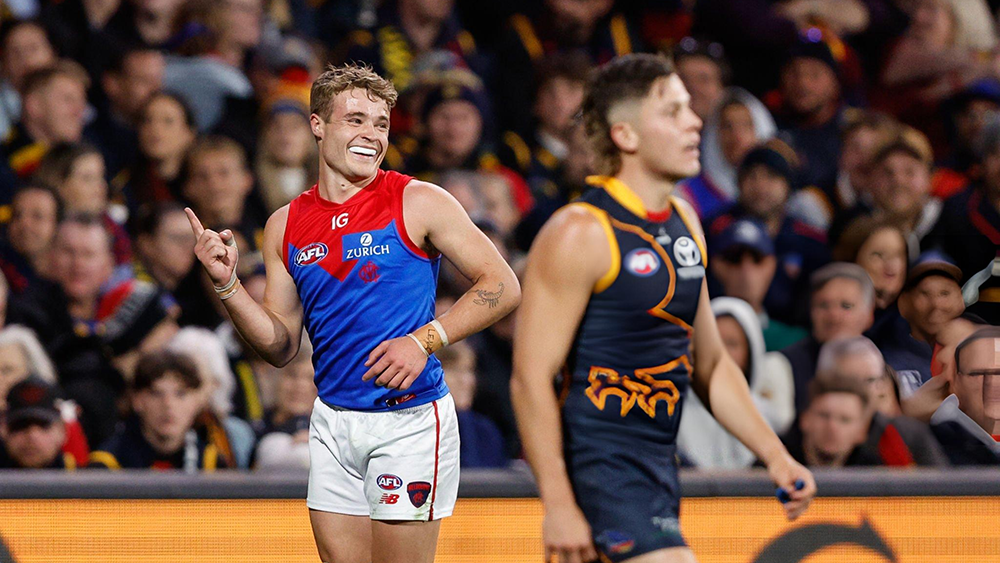
They had to placate the Carlton fans by including Hewitt.Nibbler and Spaz very stiffOne of the ideas behind the Gather Round concept is to give life to the host city, which is something of a challenge for a town like Adelaide where the mid-week entertainment usually involves nothing more exciting than watching the traffic lights change their colour in Rundle Mall. Fortunately, the powers that be gave the Demons the opportunity to help open the show at the Adelaide Oval against the Crows and they duly responded by bringing some bright lights and brilliance to the place with another decisive win against the hometown side. With Melbourne coming off a five-day break from a game against the team from the less salubrious and desirable part of the city, and with Steven May returning from rib and back injuries, surely this was a chance for Adelaide to shine? However, it was not to be, and for a side that missed playing finals in 2022 courtesy of a dodgy AFL non score review, they were shown up by the benchmark side that Melbourne has become for the competition this year. The Dees now have four wins on the trot after playing three of their five games at interstate venues. With the parochial home crowd behind them, and umpires heavily under the influence of the same vociferous baying horde, the going was always going to be tough, and it turned out to be exactly that in the first quarter. The home team had to make a statement early to give themselves any sort of hope by getting in front of, and indeed on top of, the Demon juggernaut. The trouble was that the juggernaut’s defences simply kept denying the Crows thrusts forward. Led by the tough Steven May, with Tex Walker as an opponent, he just kept marking and intercepting the ball. Normal humans would have struggled to lift their arms above their heads with similar rib injuries. May did it with aplomb - nineteen disposals for the game, including an incredible five marks in the first quarter alone. Alongside May, young Judd McVee was the main man repelling Adelaide attacks, and with his eleven first quarter disposals, he also recorded an incredible seven intercepts in the same period at 100% efficiency. Amazingly, he has played just thirty games and is a mere 20 years of age. With the standards down back set by these two in the first stanza, it was a repeat of the scoreline for the Crows from their previous week, as they could only manage 2.5. A solitary goal conceded in the next quarter, reinforced the strength of the Melbourne defence, as others like Jake Lever, Tom McDonald, Blake Howes, Trent Rivers and Christian Salem chipped in to hold them at bay. There were no leading lights in the Crows forward line, and like their Rundle mall counterparts, the signs were flashing “caution” in the Adelaide coaching box by half time. What they failed to see was the “Go” sign that signified the Melbourne third term blitz, led by Bayley Fritsch, who despite having barely contacted the Sherrin in the first half, booted three majors in the third, to effectively put the game to bed. Little was left for the Crows to do, other than throw everything they had at the Dees in that final quarter, but despite closing the gap by two goals in the dying minutes, Melbourne had already put up the shutters to block out any light. In the end the scoreline of 63 - 78 was emblematic of two tired sides coming off five- and six-day breaks, respectively. Many players went for extended periods without any impact on the game, but the Melbourne players know what is required at the business end of the season. And it was interesting to hear Steven May at the end of the game, saying something like “ we came over here on a business trip.” In other words, this “Gather Round” was not a weekend celebration, but rather, part of the job description for a professional team with a strong culture. Another shining light for the Demons this week was a player in only his fifth game for the Club – Caleb “The Duke” Windsor. Normally a young player at the dawn of his career can be a little overwhelmed by the intensity and strength required at AFL level, but not so for Caleb. We all know that he is lightning fast, but he uses his speed, not only to break away, but also as a closing weapon as well. He fears not tackling or the in-and-under stuff. With 461 metres gained from sixteen touches in this match playing as a wingman, it is easy to see why comparisons are being drawn with the great Robbie Flower. Oh, and while we are mentioning the brilliance of others, then the skipper with an incredible eighty-six ruck contests attended, four contested marks and five clearances, simply outshone anyone who Adelaide could muster to compete against him. Equally, it is easy to not notice the standout supernova of Christian Petracca and the extraordinary ability he has to extract the ball, burst through tackles that would impede others and so strongly impact the game, both in possession and on the scoreboard. With the Demons’ shining lights showing the way to finals football, the broken-down Adelaide Crows Camry was left at the Rundle Mall lights with steam emitting from the bonnet, out of business and suddenly realizing it was in a dead-end street! It’s something that Melbourne does these days as part of its business plan. MELBOURNE 2.0.12 6.7.43 10.13.73 10.18.78 ADELAIDE 2.5.17 3.8.36 6.9.45 8.15.63 GOALS MELBOURNE Fritsch 3 Pickett van Rooyen 2 Chandler Petracca Petty ADELAIDE Fogarty 2 Dawson Keays Laird Rachele Rankine Walker BEST MELBOURNE Petracca May Gawn McVee Sparrow Viney ADELAIDE Soligo Dawson Laird Keane Rankine INJURIES MELBOURNE Nil ADELAIDE Nil REPORTS MELBOURNE Nil ADELAIDE Nil SUBSTITUTIONS MELBOURNE Taj Woewodin (replaced Ben Brown in the fourth quarter) ADELAIDE Sam Berry (replaced Chris Burgess in the third quarter) UMPIRES Simon Meredith Nathan Williamson Craig Fleer Martin Rodger CROWD 48,020 at the Adelaide Oval
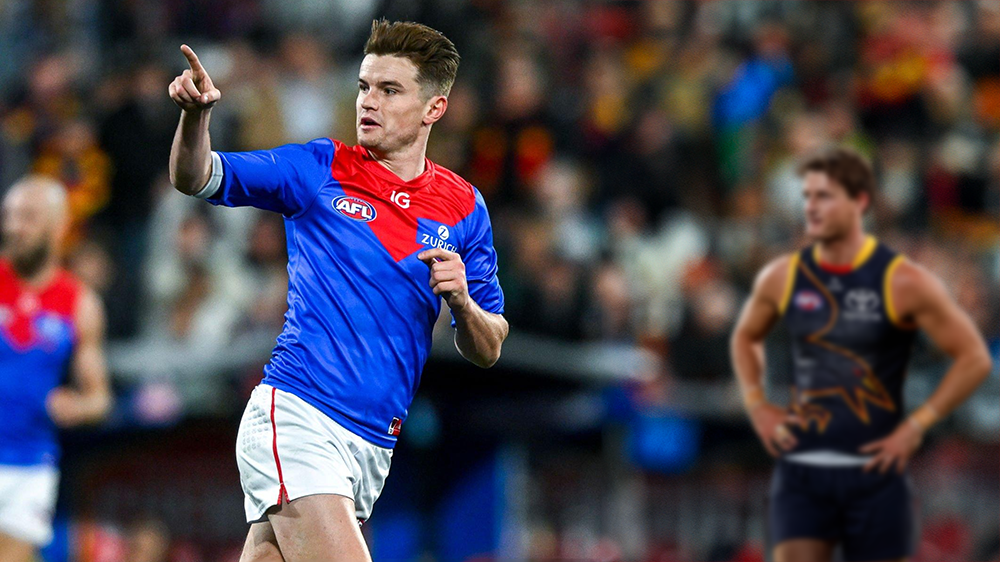 South Australians drafted by the Melbourne Football Club and the players taken before them by Adelaide: 2019 Pick 6 - Fisher McAsey Pick 12 - Kysaiah Pickett 😈 2018 Pick 9 - Chayce Jones Pick 16 - Ned McHenry Pick 27 - Tom Sparrow 😈 Rookie - Kade Chandler 😈 2017 Pick 12 - Darcy Fogarty Pick 37 - Harrison Petty 😈 2014 Pick 14 - Jake Lever (damn) Pick 35 - Harrison Wigg Pick 40 - Alex Neal-Bullen 😈And Trac has taken the outright lead ... 55. Christian Petracca 49. Max Gawn 34. Steven May 27. Alex Neal-Bullen 24. Jack Viney 22. Clayton Oliver 19. Bayley Fritsch 15. Judd McVee 12. Christian Salem 11. Blake Howes 10. Jack Billings 8. Tom Sparrow 6. Kade Chandler Trent Rivers 4. Ed Langdon Jake Lever Kysaiah Pickett 2. Adam Tomlinson Caleb Windsor 1. Jake BoweyThe Demonland Podcast will air LIVE on Monday, 8th April @ 8:30pm. Join George, Binman & I as we analyse the Demons victory at the Adelaide Oval over the Crows in the Round 04. You questions and comments are a huge part of our podcast so please post anything you want to ask or say below and we'll give you a shout out on the show. If you would like to leave us a voicemail please call 03 9016 3666 and don't worry no body answers so you don't have to talk to a human. Listen & Chat LIVE: https://demonland.com/podcast Call: 03 9016 3666 Skype: Demonland31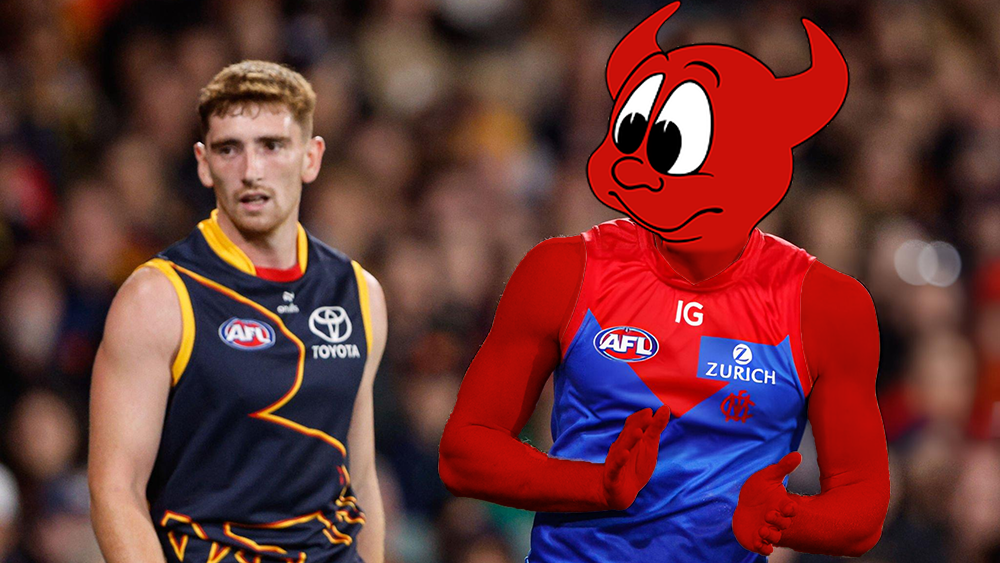
Account
Navigation
Search
Configure browser push notifications
Chrome (Android)
- Tap the lock icon next to the address bar.
- Tap Permissions → Notifications.
- Adjust your preference.
Chrome (Desktop)
- Click the padlock icon in the address bar.
- Select Site settings.
- Find Notifications and adjust your preference.
Safari (iOS 16.4+)
- Ensure the site is installed via Add to Home Screen.
- Open Settings App → Notifications.
- Find your app name and adjust your preference.
Safari (macOS)
- Go to Safari → Preferences.
- Click the Websites tab.
- Select Notifications in the sidebar.
- Find this website and adjust your preference.
Edge (Android)
- Tap the lock icon next to the address bar.
- Tap Permissions.
- Find Notifications and adjust your preference.
Edge (Desktop)
- Click the padlock icon in the address bar.
- Click Permissions for this site.
- Find Notifications and adjust your preference.
Firefox (Android)
- Go to Settings → Site permissions.
- Tap Notifications.
- Find this site in the list and adjust your preference.
Firefox (Desktop)
- Open Firefox Settings.
- Search for Notifications.
- Find this site in the list and adjust your preference.