





Demonland
Primary Administrators
-
Joined
-
Last visited
Everything posted by Demonland
-
You should apply for a job at the Dockers.
-
Welcome Braydon Preuss and Pick 62 for Dom Tyson.
-
It was news to Fagan. Wouldn't be surprised if the Filth are driving this one.
-
@Drunkn167 is a contracted and required poster in 2019.
-
If this happens then Jesse better unpack his bags. NO DEAL.
-
I think the only way they will accept 11 is if we bundle in a player like Tyson. Yeah I know Tyson doesn't want to go but ...
-
They are the same commentators that will denigrate the Demons if they don't get 2 first rounders for Jesse once the trade period is over.
-
Breaking News: They've deleted the post.
-
If we lose Hogan & Tyson and get May, Preuss , Kolodjashnij and PICK 5, then Trade Week is a huge tick.
-
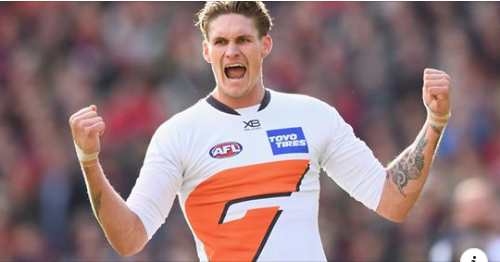
Do Fremantle even have the half sleeve jumpers to make a play for Lobb?
-
I'm not so confident we get May for 11. I think they'll ask for 5. I pray we don't blink first.
-
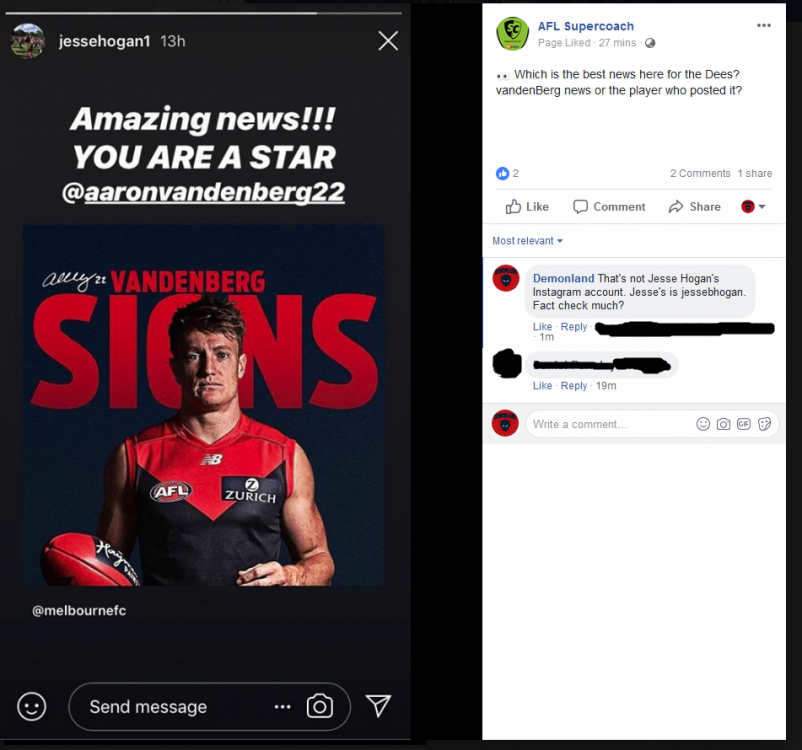
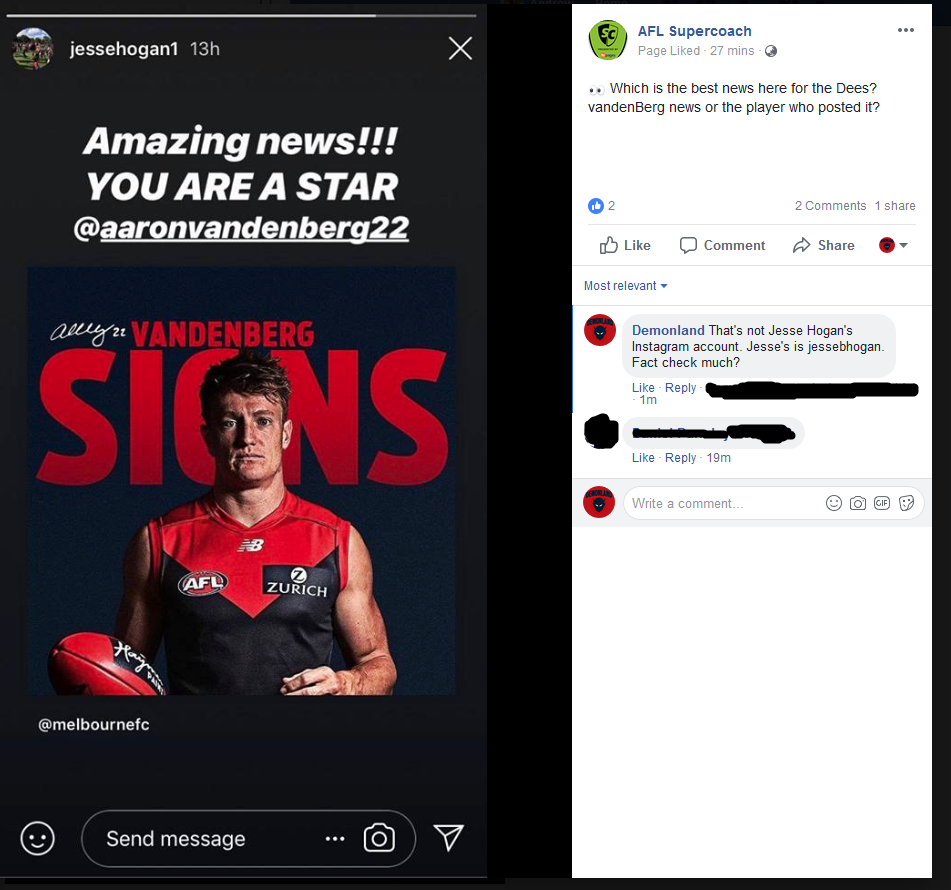
Damn you @DavidNeitz9 and your quick clicking.Finishes Wednesday at 8:30pm right in time for the Demonland Podcast featuring Peter Jackson and our trade week and a half wrap up. http://demonland.com/podcastAnd on that note.. now that the Gaff saga is over, this is moving back to the main Demonland board.I'd be touted as a number 1 Draft pick based on my 17 seconds of highlights.I just want him to stay so I don't have to update the banner or podcast logo.Can we please dispense with reacting to comments you don't agree with by calling the poster an idiot or similar.I did give both of the choices for us to get used to. We either accept that Freo aren't going to sell the farm for Hogan or we keep Hogan and go through another year of speculation and then possibly lose him for less next year.I just cannot see us getting this despite us all wanting this. Freo will not give us this particularly with Lobb in their sights. If we don't budge on this point then I think Freo will take their chances next year going head to head with the Eagles. We're going to have to get used to either taking a first rounder and a player/later pick or Jesse staying for the year and then leaving us next year when we'll get less.That's not correct. Channel 7 only reported that Freo had missed out on Jesse. I have no idea where that CH 7 got that story. No mention of failed medicals. The Facebook page above reported on the CH 7 report an added in their own commentary about the failed medical without saying it was their own opinion leading people to falsely believe that CH 7 had also reported that. Those two "stories:" merged into a single narrative that spread without any corroboration.






Account
Navigation
Search
Configure browser push notifications
Chrome (Android)
- Tap the lock icon next to the address bar.
- Tap Permissions → Notifications.
- Adjust your preference.
Chrome (Desktop)
- Click the padlock icon in the address bar.
- Select Site settings.
- Find Notifications and adjust your preference.
Safari (iOS 16.4+)
- Ensure the site is installed via Add to Home Screen.
- Open Settings App → Notifications.
- Find your app name and adjust your preference.
Safari (macOS)
- Go to Safari → Preferences.
- Click the Websites tab.
- Select Notifications in the sidebar.
- Find this website and adjust your preference.
Edge (Android)
- Tap the lock icon next to the address bar.
- Tap Permissions.
- Find Notifications and adjust your preference.
Edge (Desktop)
- Click the padlock icon in the address bar.
- Click Permissions for this site.
- Find Notifications and adjust your preference.
Firefox (Android)
- Go to Settings → Site permissions.
- Tap Notifications.
- Find this site in the list and adjust your preference.
Firefox (Desktop)
- Open Firefox Settings.
- Search for Notifications.
- Find this site in the list and adjust your preference.