Skip to content
View in the app

A better way to browse. Learn more.

Demonland

A full-screen app on your home screen with push notifications, badges and more.

To install this app on iOS and iPadOS
  1. Tap the Share icon in Safari
  2. Scroll the menu and tap Add to Home Screen.
  3. Tap Add in the top-right corner.
To install this app on Android
  1. Tap the 3-dot menu (⋮) in the top-right corner of the browser.
  2. Tap Add to Home screen or Install app.
  3. Confirm by tapping Install.

Site Software Update

Featured Replies

  • Author
28 minutes ago, Skuit said:

I'm really invested in this trivial conversation now. Does forum reputation bestow any benefits? Don't we all just assess reputation ourselves and collectively? What is reputation? I would be happy for my snarky laugh responses to hand over a reputation point to a notorious poster if it meant my chuckles awarded others. Wouldn't it even out over time anyway? 

I doesn't really mean anything.

 
  • Author
14 minutes ago, Sir Why You Little said:

How do i turn off notifications for a Reaction??

On Desktop click the Bell Icon at the top of the page and there is a link to Notification Settings. I'm not sure which one is for Reactions but play around with it.

I'm not and have never received a notification for a Reaction. I do get notifications for people Quoting.

  • Author
6 minutes ago, Lucifer's Hero said:

I had used the 'Ha Ha' icon for this post but worried you might think I was ridiculing your comments so changed it to 'Like'.?

Most of the time the laugh reaction is used for a genuinely funny comment. I just didn't like "reputation" being bestowed upon a comment where it was being used in a negative.

Having said that Reputation is meaningless as I switched off negative points for the angry reaction so you can never lose reputation.

 
  • Author
8 minutes ago, gs77 said:

@Demonland This is a wonderful site, forum and community. The Gameday threads provide a lot of added entertainment and outlet during our games, and I've learned a lot about the tactical and operational sides of the game from the many discussions herein and on the Podcast. 

Thanks for your ongoing work. 

Thank you. Always nice to get feedback. Cheers and Go Dees.

2 minutes ago, Demonland said:

On Desktop click the Bell Icon at the top of the page and there is a link to Notification Settings. I'm not sure which one is for Reactions but play around with it.

I'm not and have never received a notification for a Reaction. I do get notifications for people Quoting.

Just as an update to my previous post - I had a look at separating reaction notifications from quote notifications and it doesn't seem possible.


  • Author
5 minutes ago, Skuit said:

Just as an update to my previous post - I had a look at separating reaction notifications from quote notifications and it doesn't seem possible.

At the bottom uncheck like I have done. With this setup I seem to still receive updates when someone quotes a post of mine but not any reaction notifications.

notifications.png

23 minutes ago, Demonland said:

On Desktop click the Bell Icon at the top of the page and there is a link to Notification Settings. I'm not sure which one is for Reactions but play around with it.

I'm not and have never received a notification for a Reaction. I do get notifications for people Quoting.

Cheers Andy. I will sort it when i get home and let you know

Join the conversation

You can post now and register later. If you have an account, sign in now to post with your account.

Guest
Unfortunately, your content contains terms that we do not allow. Please edit your content to remove the highlighted words below.
Reply to this topic...

Featured Content

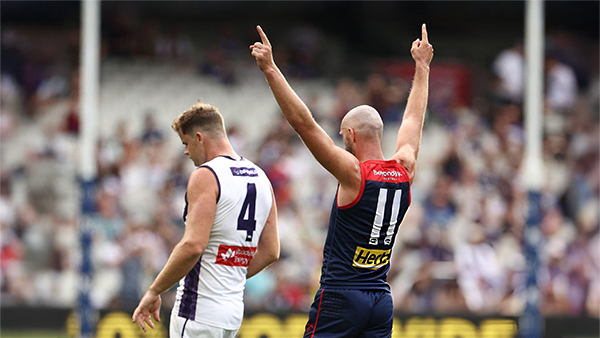
  • PREGAME: Fremantle

    After a stunning victory over the Saints in the first round of the Season the Demons head over to Perth to take on the Dockers who choked in their first match against the Cats. Who comes in and who goes out?

      • Vomit
      • Thumb Down
      • Haha
      • Like
    • 111 replies
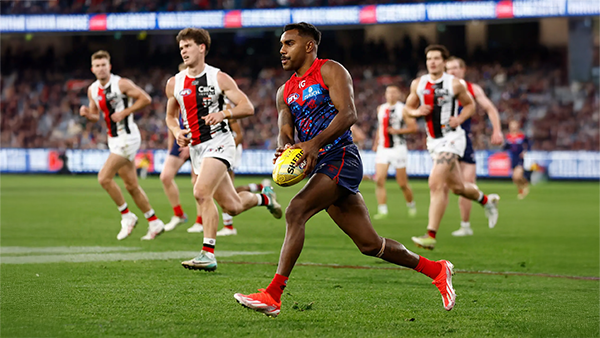
  • REPORT: St. Kilda

    One of the big stories of the AFL off-season was the spending spree of Melbourne’s Round 1 opponent, St Kilda. They splashed out heavily, first to retain Nasiah Wanganeen-Milera - the hero of last year’s epic come-from-behind miracle victory -turning him into a $2 million man. They then effectively took out an expensive overdraft to recruit a string of expensive players from other clubs. It was a risky investment strategy and, although it’s still early days, it certainly failed to pay off in Sunday’s season opener, with much of the glitter turning to fool’s gold.

    • 2 replies
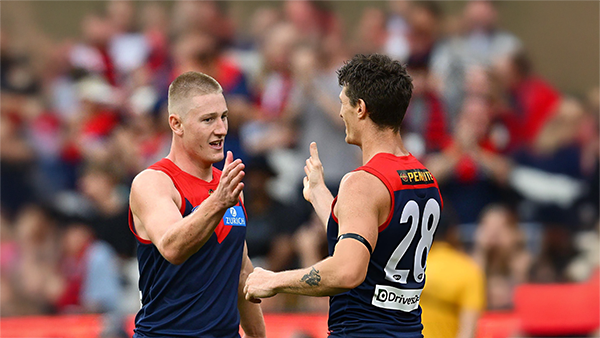
  • POSTGAME: St. Kilda

    Never in doubt!!! In Steven King’s first game at the helm of the Melbourne Football Club, the Dees outlasted Saints in a wild, momentum-swinging thriller at the MCG, running out 13-point winners.

      • Love
      • Thanks
      • Like
    • 486 replies
  • PODCAST: St. Kilda

    The Demonland Podcast will air LIVE on Monday, 16th March @ 8:00pm. Join Binman, George & I as we dissect the Dees stunning victory over the Saints at the MCG.
    Your questions and comments are a huge part of our podcast so please post anything you want to ask or say below and we'll give you a shout out on the show.

      • Like
    • 32 replies
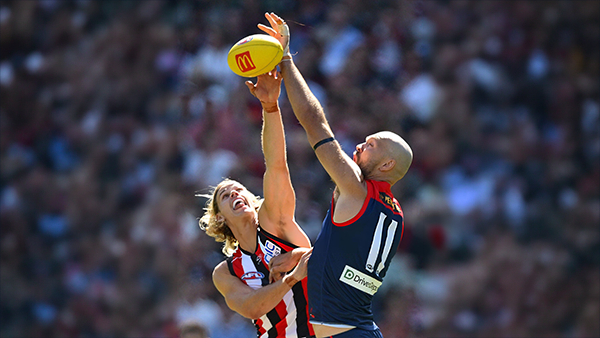
  • VOTES: St. Kilda

    Max Gawn is gunning for his 5th Demonland Player of the Year award after going back to back for the past two season. Your votes for the Dees thrilling win over the Saints at the MCG. 6, 5, 4, 3, 2 & 1.

      • Thanks
      • Like
    • 69 replies
  • GAMEDAY: St. Kilda

    It’s Game Day, and 205 days have passed since the final siren sounded at the MCG, bringing Melbourne’s 2025 season to a close and marking the end of an era. In just a few hours, a new chapter begins for the Demons. What are you most hoping to see from Melbourne today?

      • Like
    • 579 replies

Account

Navigation

Search

Search

Configure browser push notifications

Chrome (Android)
  1. Tap the lock icon next to the address bar.
  2. Tap Permissions → Notifications.
  3. Adjust your preference.
Chrome (Desktop)
  1. Click the padlock icon in the address bar.
  2. Select Site settings.
  3. Find Notifications and adjust your preference.