
General Malaise
Members
-
Joined
-
Last visited
Everything posted by General Malaise
-
 Hot Sauce: - NT games to continue. Basically have no choice (financially and we're in too deep with sponsorship/relationships etc). Didn't specify Darwin, but I got the impression it was status quo (no rolling over or laying down). - Both games are either NT or Docklands, definitely not MCG. Hot Sauce knows, not guessing. Over.
 -
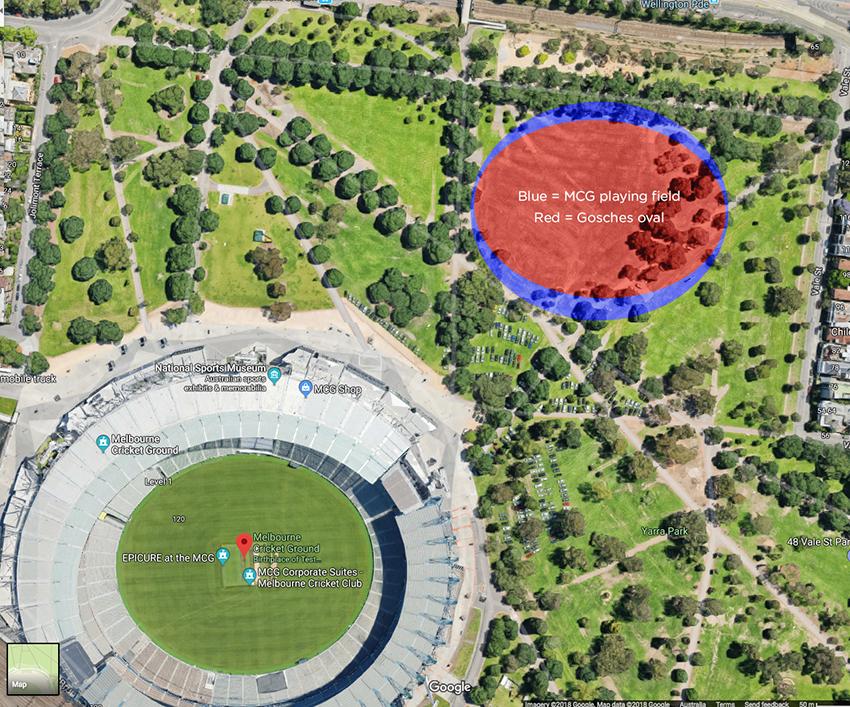
The fit. Assuming Google maps is in scale with itself. The blue is equivalent to MCG surface. Red is what we currently use at Gosches. A little replanting and re-routing of paths.
-
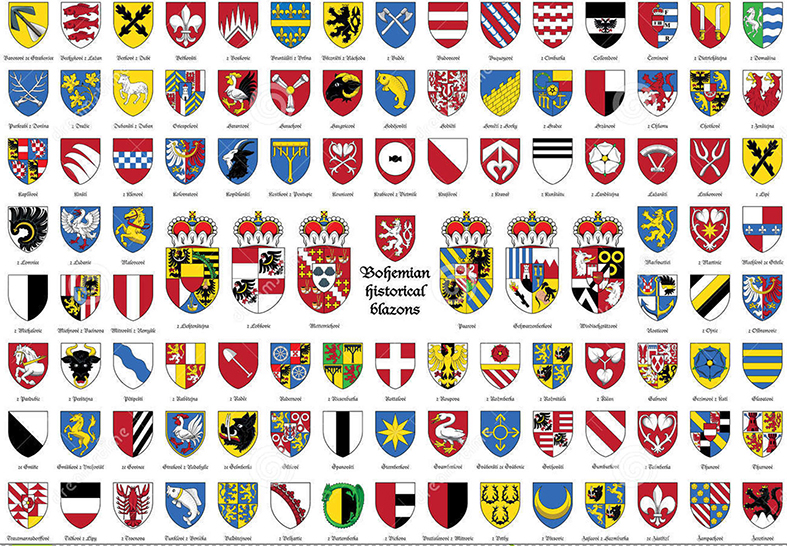
So it's a rip-off of both Liverpool AND Barca, even though they each look nothing like each other? Similar elements (as admitted by CS) in a totally different design doesn't make it plagiarism. I don't believe ours could remotely be mistaken for theirs. Heraldic Tradition I say. Meanwhile the Marylebone Cricket Club called. They want their monogram back.

-
Oh. Sorry I thought you were DISagreeing, that’s usually the case when people respond to me with “that doesn’t make any sense.” It happens a fair bit, and they’re usually right.
-
Hey slow down CW, you’ll see we’re saying the same thing.
-
Yeah but... a shield isn’t an idea, it’s a “device”. Like squares, circles, colours, words. Hence we replaced it with another shield.
-
Serious? Absolutely no resemblance. Other than a shield.