





Demonland
Primary Administrators
-
Joined
-
Last visited
Everything posted by Demonland
-
I have spoken with the club just now in regards to this and they apologised profusely about the miscommunication about training. It was an honest mistake and are genuinely apologetic that some supporters travelled long distances and were put out by the mistake. If any one who was affected by this (actually going to Gosch’s not waiting for a report on here — admin) and want to take it up further with the club please contact them through the membership department.
-
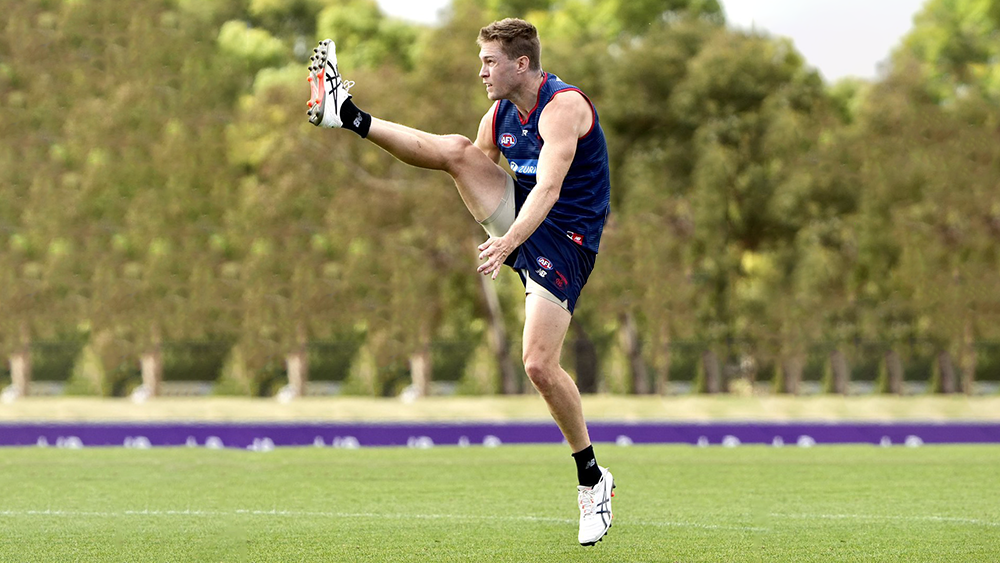
PICKET FENCE'S TRAINING REPORT REHAB Clarry, Max, Farris-White, Melky, Matt Jefferson, Jakey Lever, Joel Smith & 1 Other I couldn't place. Glad to see the Club being ultra cautious with Clarry's thumb BUT the fact he is still troubled with it is worrying (God I hate Selwood) Got there at 10.50 to see Full match Simulation Game between the Blues and the Whites. Quite clearly the Blues were the A Team and the Whites were the possibles. Some interesting faces in the white Team headed by JvR and on todays form I couldn't pick him for a place in the ones just yet. James Jordon also in White team as was Michael Hibberd and Josh Schache . Saw about an Hour and 15 of solid match sims. A few takes. Ben Brown was in SCINTILLATING form. he must have kicked 5 or 6 goals gave about 3 away. Took strong marks in pack and on the lead. Completely overshadowed Adam Tomlinson who although tried was just outmanoevered. HE IS A LOCK FOR ROUND 1 IMV. Brodie Grundy was all over it like a flock of angry seaguls fighting over a legless prawn. His ruckwork was great and his run and carry and work below his knees was flawless. Bayley Fritsch was also in scarry good form kicking some goals and cleverly placing himself in irresistable and dangerous positions. Lachie Hunter He is going to be a weapon and a half with his Run and carry up and down the wing and Flawless disposal. James Harmes, Jack Viney, and Kozzy were just phenomenal in the midfield and just racked up disposals at will. Charlie Spargo complemented the run and carry of the mids and was involved in several chains which resulted in Goals. TMac was a little quiet by his standards but still imposes and with his hi end run and leads created many opportunities. Jake Bowey playing in the Blue team was impassable across half back and his disposals were alway creative and on the money smart. Looks to have maybe beaten Hibbo for that HBF spot perhaps. The defense of May, Harrison (THE HEARTBREAKER) Petty were frugal and meaner and madder than a mosquito in a manikin factory. Kade Chandler also played for the Blue team and he was busier than a one armed man trying to hang a picture! Kicked some opportunistic goals and was really involved. Thats about all I have and I'll be back at Casey next week with another Blockbuster trainin. I hope this mini report makes up somewhat for all you Landers that went to Gosch's which would also have infuriated me! You can read the entire training thread here: https://demonland.com/forums/topic/54812-training-wednesday-1st-february-2023/
 Was traded to Essendon in the Weideman trade. * * kiddingThis reads like a Tom Browne both sides of the fence to cover all bases comment.We get the most reports on the Wednesday Open Sessions at Gosch's. Seems like today would have been a bounty.FWIW I checked today before I went to training this morning yet here we are.The MFC website's training page has now been updated. Please note that Training times & locations are subject to change at late notice. https://www.melbournefc.com.au/teams/training-times AFL Training Sessions Date: Wednesday 8th February Time: 9:30am Location: Gosch's Paddock *Please note: There are no public undercover areas available at Gosch's Paddock so please come prepared for weather conditions. Training times and locations are subject to change at late notice.I agree with you. Unadvertised sessions are at your own risk. Changes to advertised sessions should be updated on any and all communication channels including the website, social media and informing the office staff.They're selling like hotcakes.About as long as it took you to post that question. Perhaps longer for you Boomers. 🤪I have no problem with them changing venues, the training times page warns of just that. A simple post on Facebook/Twitter/Instagram would have prevented some disappointment amongst some little and bigger kids (me and a few other Demonlanders).I do not know whether this statement is true and would have no way of knowing.I heard someone there talking about calling the club and the people in the office thought that training was a Gosch's today and weren't aware of any change.I would do it for free.Out of bounds ...We should start counting from 2012 when GWS entered the competition. Hawthorn 3 Richmond 3 Geelong 1 Melbourne 1 Sydney 1 West Coast 1 Western Bulldogs 1 The Rest 0No training on Friday either.No training at Gosch’s today. Apparently it’s out at Casey today. I know the training times page comes with a caveat but they should have some comms on social media if an advertised open session is moved or canceled.This is the book where the claim is made.1870 - https://en.m.wikipedia.org/wiki/1870_Victorian_football_season 1872 - https://en.m.wikipedia.org/wiki/1872_Victorian_football_season 1876 - https://en.m.wikipedia.org/wiki/1876_Victorian_football_season





Account
Navigation
Search
Configure browser push notifications
Chrome (Android)
- Tap the lock icon next to the address bar.
- Tap Permissions → Notifications.
- Adjust your preference.
Chrome (Desktop)
- Click the padlock icon in the address bar.
- Select Site settings.
- Find Notifications and adjust your preference.
Safari (iOS 16.4+)
- Ensure the site is installed via Add to Home Screen.
- Open Settings App → Notifications.
- Find your app name and adjust your preference.
Safari (macOS)
- Go to Safari → Preferences.
- Click the Websites tab.
- Select Notifications in the sidebar.
- Find this website and adjust your preference.
Edge (Android)
- Tap the lock icon next to the address bar.
- Tap Permissions.
- Find Notifications and adjust your preference.
Edge (Desktop)
- Click the padlock icon in the address bar.
- Click Permissions for this site.
- Find Notifications and adjust your preference.
Firefox (Android)
- Go to Settings → Site permissions.
- Tap Notifications.
- Find this site in the list and adjust your preference.
Firefox (Desktop)
- Open Firefox Settings.
- Search for Notifications.
- Find this site in the list and adjust your preference.