Demonland
Primary Administrators
-
Joined
-
Last visited
Everything posted by Demonland
-
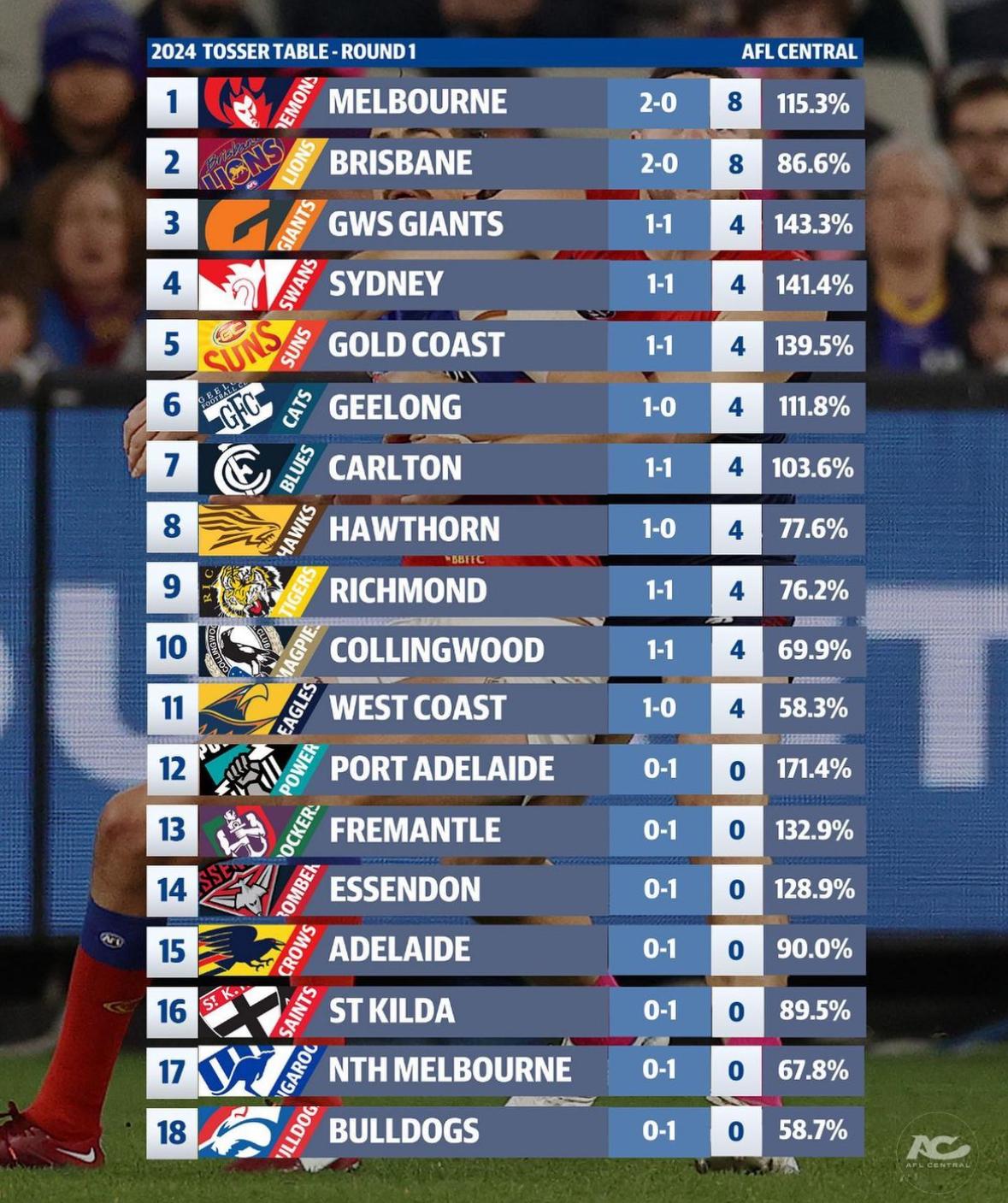
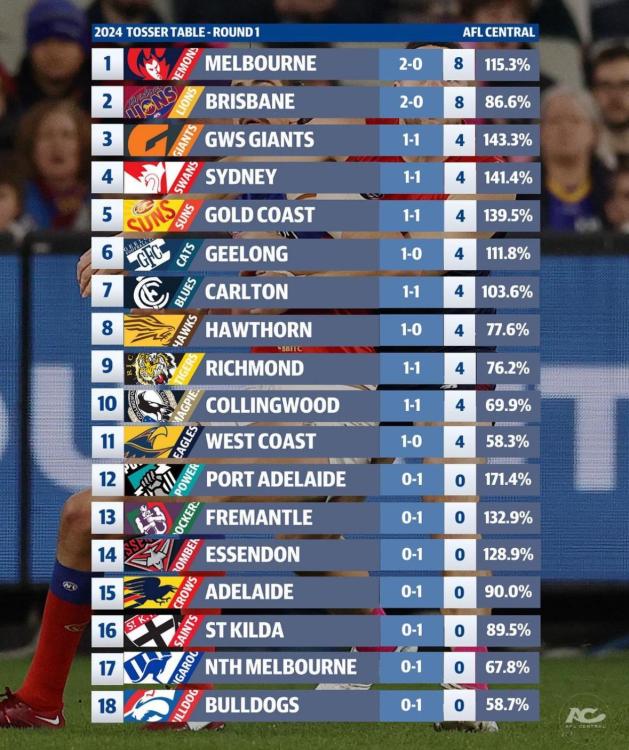
I commented on that in the comments on YouTube.THURSDAY, MARCH 21 St Kilda v Collingwood at the MCG, 7.30pm AEDT ST KILDA In: J.Sinclair, Z.Jones Out: L.Collard (omitted), B.Crouch (omitted) Last week's sub: Lance Collard COLLINGWOOD In: B.Frampton, T.Mitchell, R.McInnes Out: C.Dean (omitted), A.Johnson (omitted), W.Hoskin-Elliott (managed) Last week's sub: Fin MacraeCoin Toss Ladder for those keeping score Teams that won the coin toss in Round 1 went 6-3
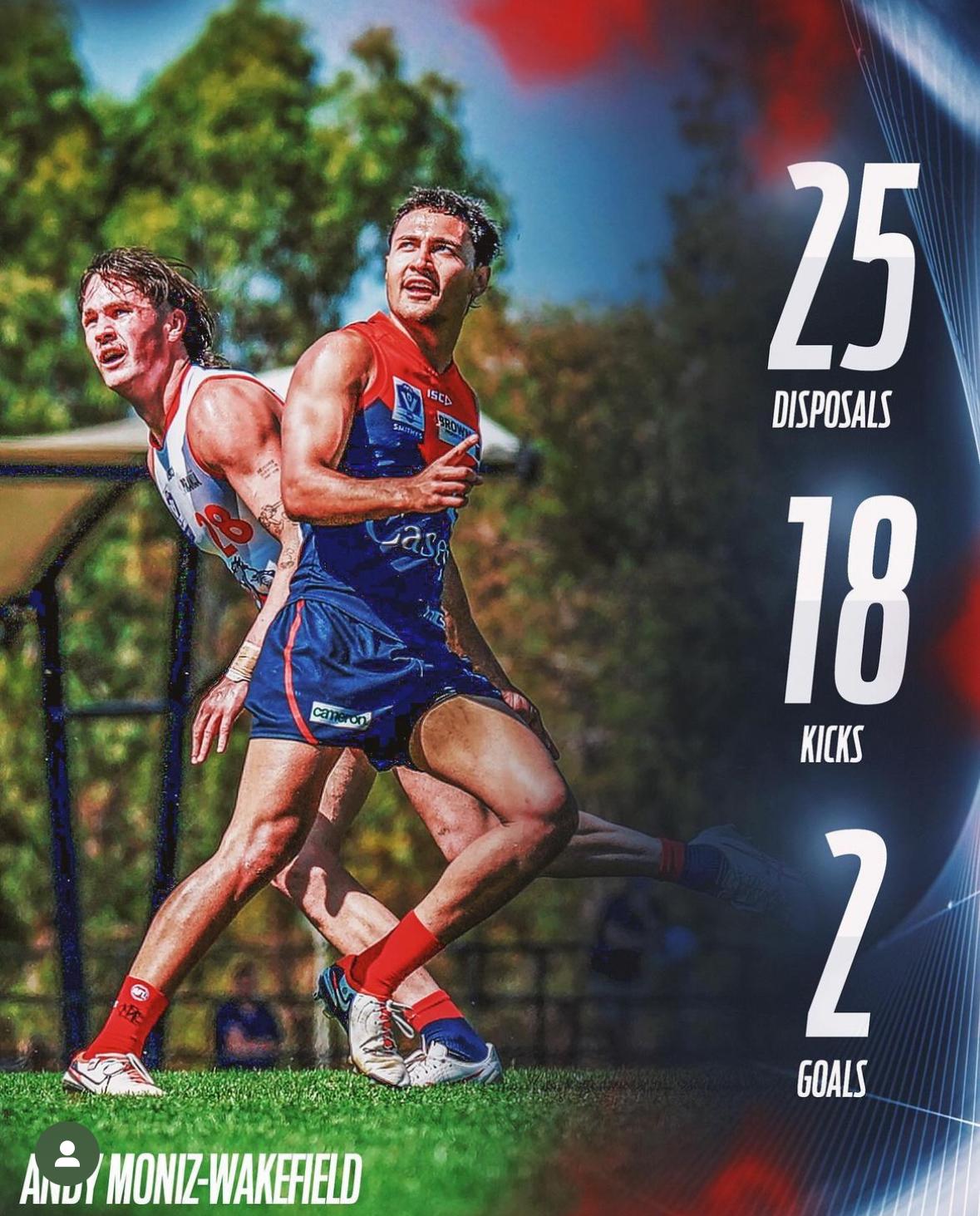
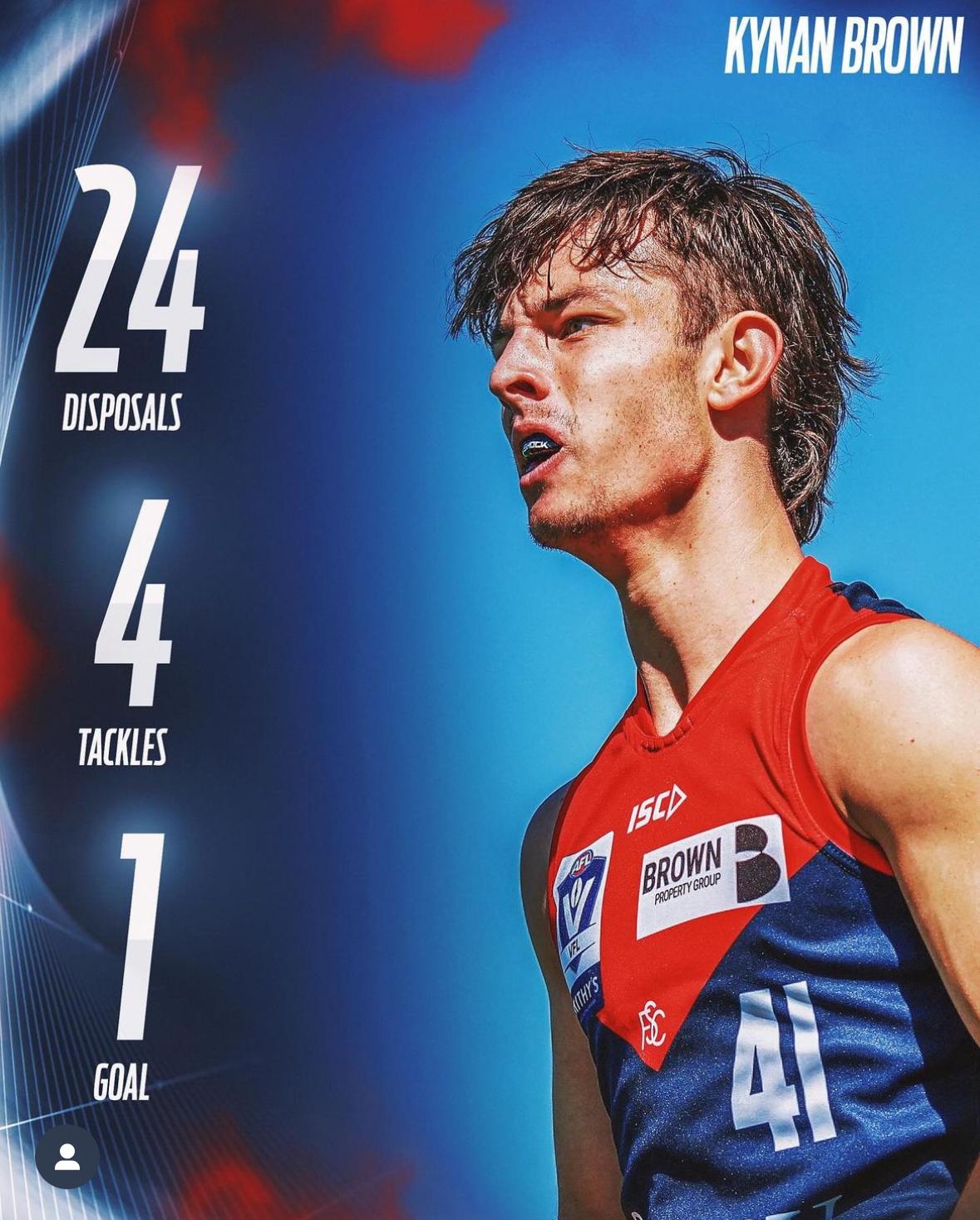
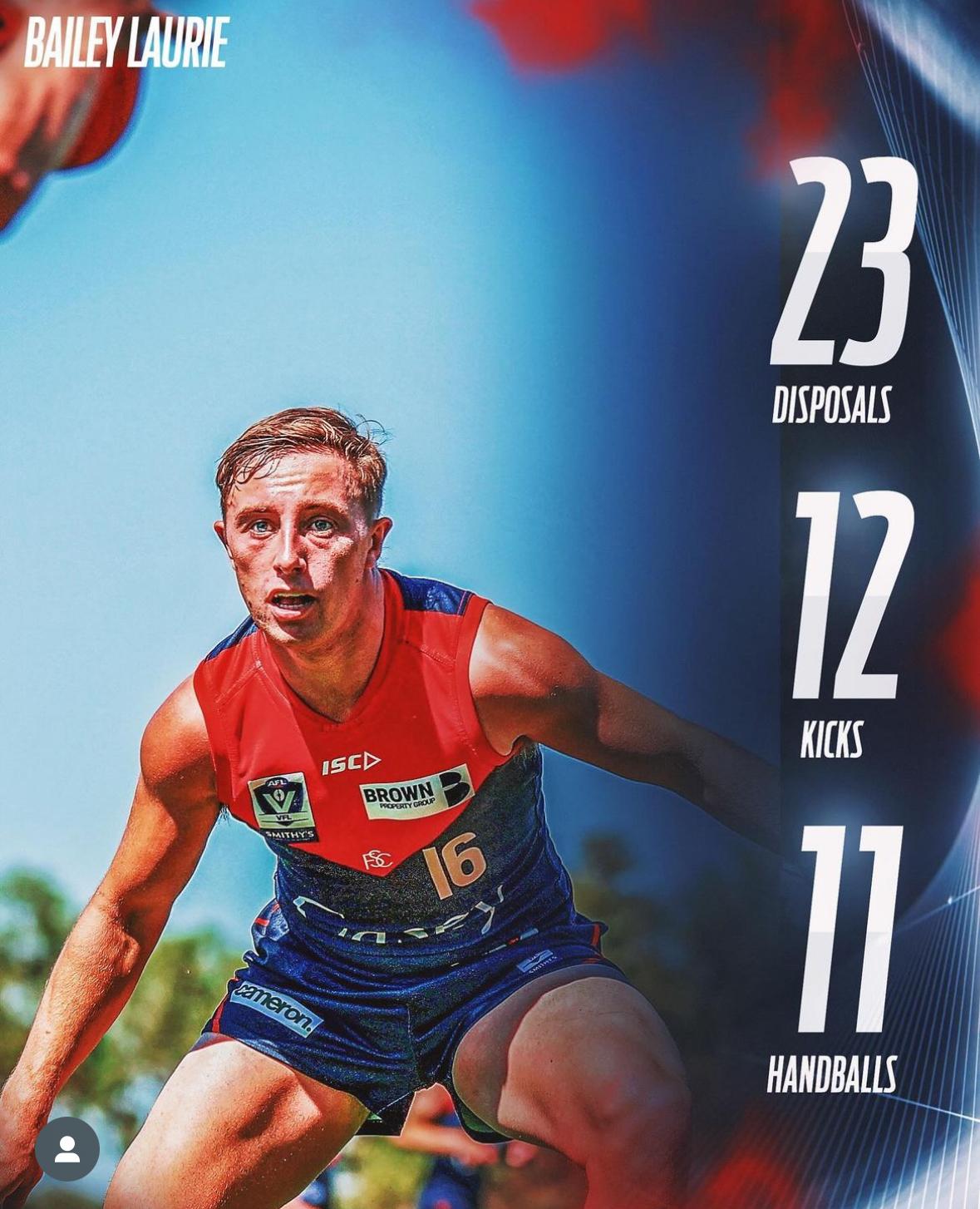
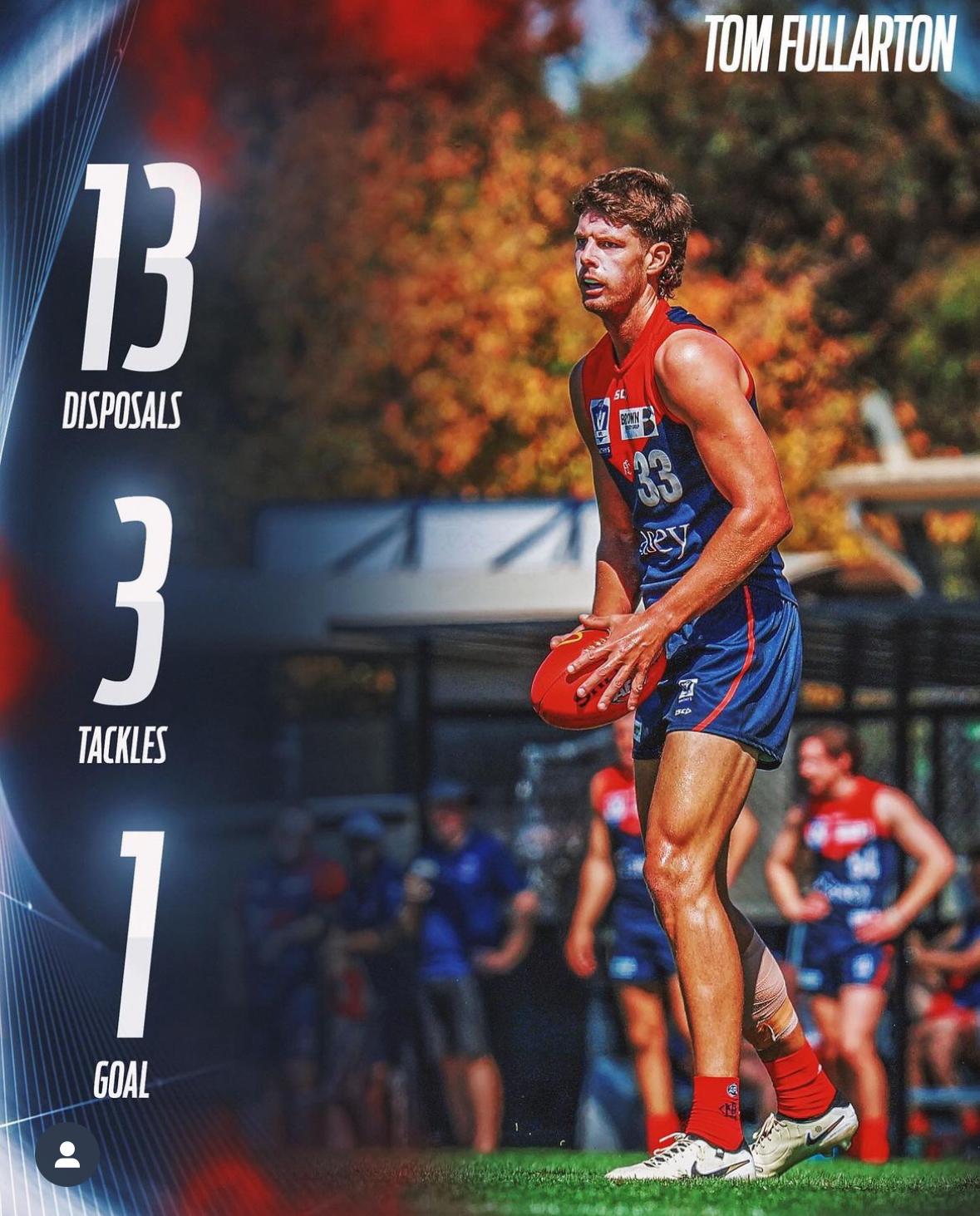
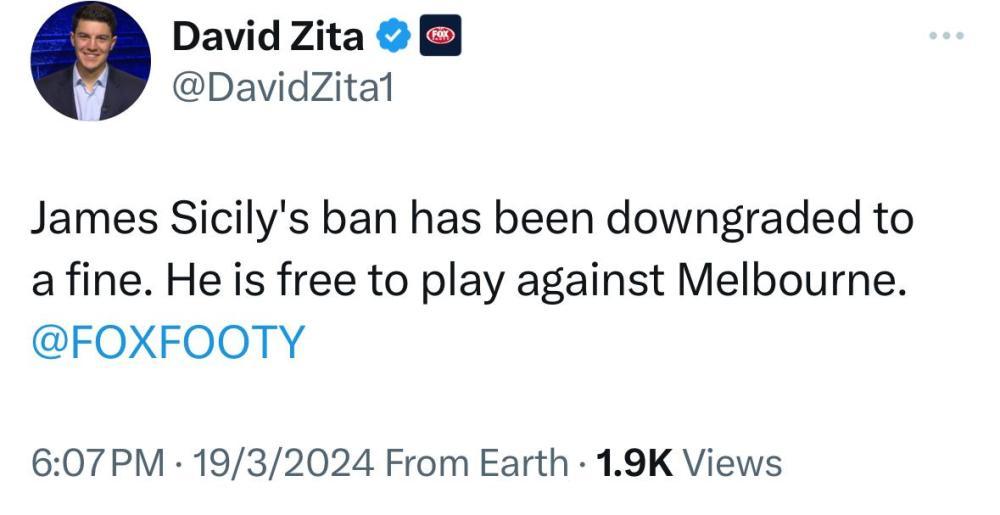
 The stat I heard about 0-2 was only 18% of teams starting 0-2 since 2000 made the finals. I imagine the % for 0-3 is a lot lower.I'm not a moderator. I'm just a lowly Administrator. Post the thread and I will take it up with the mods at our AGM.Members can't pin a post on the Forum. Only Moderators have that ability.3 Reps from Casey Campbell Hustwaite, Roan Steele & Mitch White.@WalkingCivilWar It was held up for another players name namely J Smith because we have to moderate posts about him because posters wouldn’t head our requests not to post about his case.This week Melbourne takes on Hawthorn hot on the heels of a six-day break after its encouraging response to a disappointing season opener in steamy Sydney. The Hawks were disappointingly wasteful last week, but they also failed to bring sufficient pressure into the contest and, as a consequence, the Bombers scored goals at will. Against the Demons, a repeat would be fatal. The Hawks are still in the rebuilding phase and need everything to go right against Melbourne which is gradually building up to overcome some of the deficiencies felt by its fall from grace in departing last year’s finals series in straight sets. Hawthorn is no pushover. Despite being in development mode, the Hawks managed to upset both 2023 grand finalists, Collingwood and the Brisbane Lions during the home and away season. Against the former, they completely took apart the Magpies’ system including shutting down a rampant Nick Daicos until he was injured. The problem was that which many young, inexperienced teams face - a lack of consistency. But more about the Hawks later. One of the consequences of the Demons’ tumultuous offseason has been the debate about its standing in the competition. While some observers were willing to write the club off even before a single ball was bounced, others believed the intrinsic strength of the list, coaches and support staff ensures its status as a premiership contender. I read a piece this week that was critical of the Demons for their lack of key forwards, an explanation for its poor “forward connection”, and for its aging list with most of its elite players being in the mid 20s and over. I’m not impressed by these lines of criticism because neither can be validated statistically. Melbourne’s forward woes in the latter part of last season were more in terms of conversion and the absence of key forwards through injury. As for aging, there are several other clubs with far worse age demographics (Geelong and Collingwood for example) and Sunday’s outing showed the club’s mix of players to be in solid shape. I tend to look at the playing group in terms of its binary nature with many of the club’s qualities coming in twos:- Leadership - ruckman Max Gawn, the best ruckman in the country, and the toughest midfielder in the game, Jack Viney leading by example. Midfielders - Christian Petracca and Clayton Oliver, the best midfield duo going around and still young enough to be in that mix for half a decade. Defenders - How can anyone go past key defenders Jake Lever and Steven May? Mature age recruits - Jack Billings and Marty Hore are great mature age pick ups, adding to the club’s needs in attack and defence respectively. Emerging talents - Trent Rivers and Tom Sparrow are premiership players. Each is primed for a break out season. Debutants - Blake Howes and Caleb Windsor made their respective AFL debuts less than a fortnight ago and are already making an impact. Comeback kids - how about Ben Brown (key forward) and Tom McDonald (key back), both of who were virtually written off over the summer? The odd couple - Alex Neal-Bullen, a relentless running machine in the forward line and Jake Bowey who doesn’t cover as much ground but has great disposal skill. Second year talent - Judd McVee and Jacob van Rooyen. Both were kept on the back burner in the VFL in their first seasons, both were outstanding debutants last year and both are kicking on in 2024. Small forwards - the attack looked so much more potent with Kozzy Pickett in the team and Kade Chandler back in form and kicking goals. There’s more of that in the club’s armoury but let’s return to Saturday afternoon and Hawthorn who face up to Melbourne and a game plan that works in modern football. A team that dominates defensively and through the middle and is now primed to play more directly when going forward. I believe the six day break should not worry the Demons as it will be offset by the benefit of the extra game in their legs at this stage of the season. Hawthorn has a long injury list including Will Day, Denver Grainger-Barras, Changkuoth Jiath and Chad Wingard and are lucky to have James Sicily after his visit to the AFL Tribunal. The Hawks still have a decent midfield but will have their hands full with the Melbourne engine room. In the last encounter between the teams, tagger-in-chief Finn Maginness was given the task on Clayton Oliver and fulfilled it admirably but that was in the early days of Clarrie’s return from a long term injury. Even if Maginness gets the job again and succeeds in keeping him down, there are plenty of options available to the Demons which is something the Hawks lack. That’s where the club’s binary kit bag makes it such a difficult proposition to overcome and why the Demons will win this after a tough tussle. Melbourne by 31 points. THE GAME Melbourne v Hawthorn at the MCG Saturday 23 March 2024 at 4.35pm HEAD TO HEAD Overall Hawthorn 87 wins Melbourne 82 wins 1 draw At the MCG Hawthorn 46 wins Melbourne 42 wins 1 draw Last 5 meetings Hawthorn 0 wins Melbourne 4 wins 1 draw The Coaches Mitchell 0 wins Goodwin 2 wins THE LAST TIME THEY MET Melbourne 13.9.87 defeated Hawthorn 9.6.60 in Round 23, 2023 at The MCG The Demons locked in a top four spot on the AFL 2023 ladder on Sunday with a 27-point victory against the Hawks in the penultimate round of the season. It was a tough, hard tussle with barely a goal or two in it until the Demons broke the shackles in the final term. Jake Melksham was the their best player with three telling three goals. THE TEAMS HAWTHORN B J. Weddle, S. Frost, J. Sicily HB J. Impey, J. Scrimshaw, M. D'Ambrosio C K. Amon, D. Moore, C. Macdonald HF J. Ginnivan, M. Lewis, C. Nash F L. Breust, M. Chol, Nick Watson FOLL N. Reeves, J. Newcombe, J. Worpel I/C B. Hardwick, C. Mackenzie, F. Maginness, J. Ward SUB J. Gunston EMG H. Hustwaite, H. Morrison M. Ramsden NO CHANGE MELBOURNE B J. McVee, S. May, B. Howes HB T. Rivers, J. Lever, C. Salem C E. Langdon, C. Petracca, A. Neal-Bullen HF T. Sparrow, B. Brown, K. Pickett F B. Fritsch, J. Van Rooyen, K. Chandler FOLL M. Gawn, J. Viney, J. Billings I/C T. McDonald, C. Oliver, H. Petty, C. Windsor SUB M. Hore EMG T. Fullarton, B. Laurie, T. Woewodin IN H. Petty OUT T. Woewodin (omitted) Injury and Suspension List: Round 2 Harrison Petty — toe/ available Ollie Sestan — concussion/ 1 week Lachie Hunter — calf/ 2 weeks Daniel Turner — hip/ 5 - 6 weeks Jake Bowey — shoulder/ 8 weeks Shane McAdam — hamstring/ TBC Jake Melksham — knee/ TBC Charlie Spargo — Achilles/TBC Joel Smith — suspended/ TBC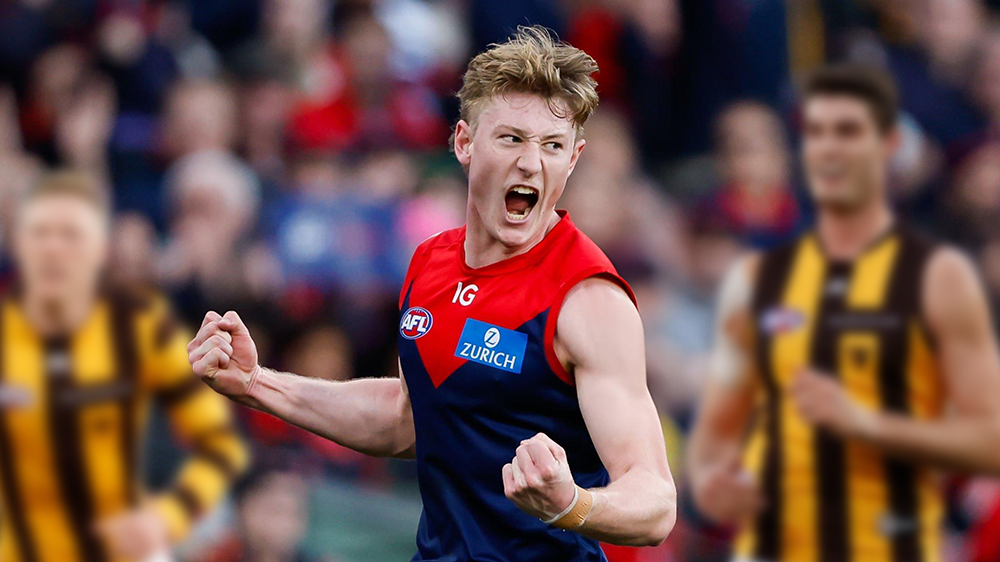
 Saints really poking the Magpies today.
Account
Navigation
Search
Configure browser push notifications
Chrome (Android)
- Tap the lock icon next to the address bar.
- Tap Permissions → Notifications.
- Adjust your preference.
Chrome (Desktop)
- Click the padlock icon in the address bar.
- Select Site settings.
- Find Notifications and adjust your preference.
Safari (iOS 16.4+)
- Ensure the site is installed via Add to Home Screen.
- Open Settings App → Notifications.
- Find your app name and adjust your preference.
Safari (macOS)
- Go to Safari → Preferences.
- Click the Websites tab.
- Select Notifications in the sidebar.
- Find this website and adjust your preference.
Edge (Android)
- Tap the lock icon next to the address bar.
- Tap Permissions.
- Find Notifications and adjust your preference.
Edge (Desktop)
- Click the padlock icon in the address bar.
- Click Permissions for this site.
- Find Notifications and adjust your preference.
Firefox (Android)
- Go to Settings → Site permissions.
- Tap Notifications.
- Find this site in the list and adjust your preference.
Firefox (Desktop)
- Open Firefox Settings.
- Search for Notifications.
- Find this site in the list and adjust your preference.