




COACHES VOTES: Round 12

Featured Replies
Featured Content
-
PREVIEW: Richmond
Who would have imagined, when the season kicked off early last month, that Melbourne would emerge from the opening six weeks with wins over both Queensland powerhouses? At the time, Gold Coast and Brisbane were the competition’s early pace-setters, the flavours of the month, and the prospect of the Demons toppling both within the course of a fortnight seemed remote. Yet here they are, banking those scalps alongside home victories over two traditional Victorian rivals and building a quietly impressive resume.- 0 replies
-
PREGAME: Richmond
The Dees hit the big Friday night stage for the first and only time this season when they take on the Tigers under lights on ANZAC Eve at the G. Who comes in and who goes out?-
-
- 279 replies
-
-
REPORT: Brisbane
Before Sunday, the last time the Brisbane Lions had walked onto the turf of the Melbourne Cricket Ground, they celebrated the pinnacle of the sport - an AFL premiership secured in emphatic fashion for the second consecutive year.- 1 reply
-
CASEY: Brisbane
From the outset, the Casey Demons lacked any spring in their steps. They were out-hustled and out-bustled and finally outplayed by the Brisbane Lions by 38 points on their home turf in perfect conditions at Casey Fields.- 0 replies
-
POSTGAME: Brisbane
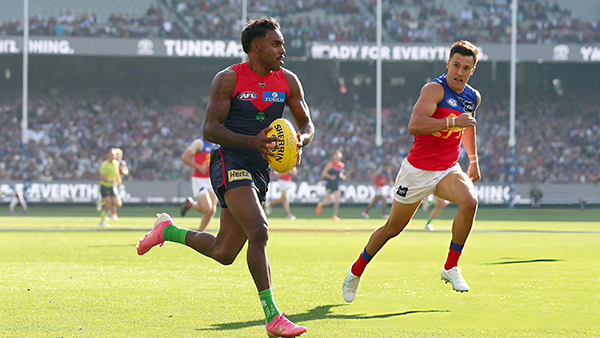
MCG magic strikes again as the Demons unleash a devastating second-half surge to edge Brisbane in a thrilling two-point statement win. Never in doubt 🍀🔴🔵😈-
-
- 514 replies
-
-
PODCAST: Brisbane
Andy is still traveling but the boys will still be bringing you a podcast this week so get your questions and comments in for Binman and George as they dissect the thrilling win over the Lions at the G.- 14 replies




|

|

|

|
 |
 |
 |
 |
 |
 |
 |
 |
Join the conversation
You can post now and register later. If you have an account, sign in now to post with your account.