Skip to content
View in the app

A better way to browse. Learn more.

Demonland

A full-screen app on your home screen with push notifications, badges and more.

To install this app on iOS and iPadOS
  1. Tap the Share icon in Safari
  2. Scroll the menu and tap Add to Home Screen.
  3. Tap Add in the top-right corner.
To install this app on Android
  1. Tap the 3-dot menu (⋮) in the top-right corner of the browser.
  2. Tap Add to Home screen or Install app.
  3. Confirm by tapping Install.

Hey Moderators!

Featured Replies

I am sure that I am not the only poster that has trouble understanding the abbreviations, idioms, nick-names etc used in the Forums. There are a number of reasons why posters abbreviate but every day I come across posts that I struggle to understand. Could I ask that a glossary be created as a pinned thread in the 'Melbourne Demons' and 'Double Dip Drafting and Trading Board' forums. I'm not sure how you would go about it but I would love it. Today I read about training and the term "run throughs" was being used - I think I understand what this means but I'm not sure. I asked somebody else and they were not sure either. Too many times I have had to review posters names or get out the team list or check coach's names or admin names to work out what or who certain initials refer to. 'fd' for Football Department is one I'll never forget.

Cheers

cf

Edited by Courtney_Fish


cf,

It's a good discussion piece, do you have any other examples.

"Run Throughs" generally means repetitive sprints or 3/4 pace bursts during drills or recovery work in running. For example it could be done at the finish end of a drill (repetitively) after having received the ball and executing it to a teammate. Or recovery work such as 10 x 200m with 30sec rest in between.

Have a look at some threads or perhaps do a "Glossary" search in the forums, there may already be something similar which you can Bump if need be.

I'd suggest starting a thread on the main forum - your initial post can be updated as people come up with new info.


Archived

This topic is now archived and is closed to further replies.

Featured Content

  • NON-MFC: Round 03

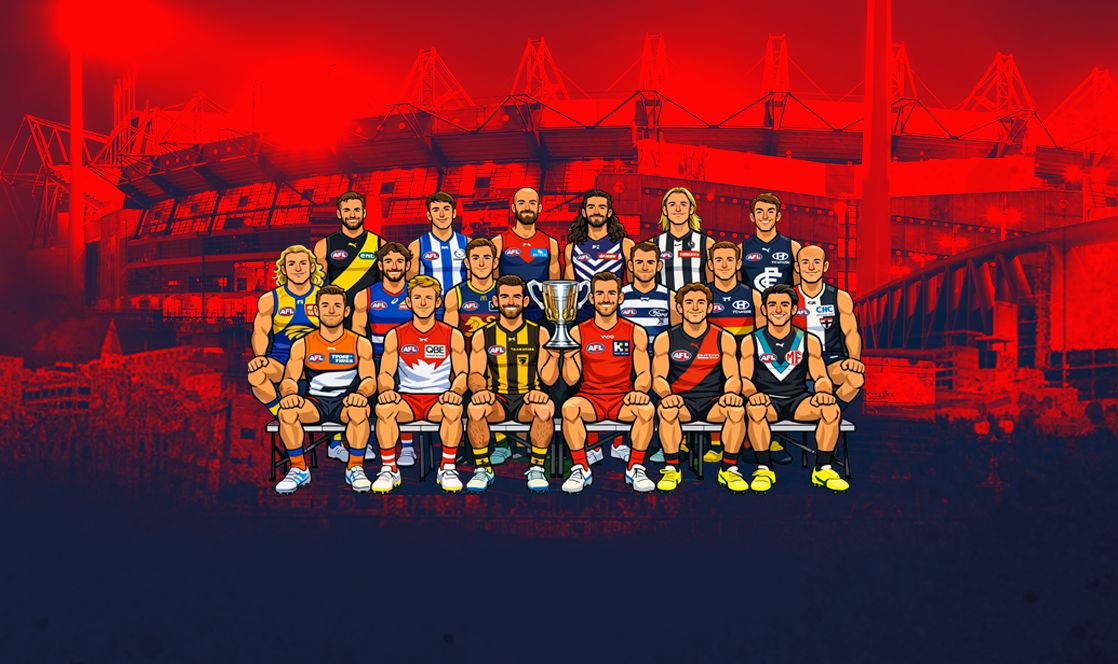
    Round 3 of the 2026 AFL Premiership Season kicks off on tonight. Follow along and discuss all the big games not involving the Dees. Who are you tipping this week and what are the best results for the Demons?

    • 144 replies
  • PREVIEW: Carlton

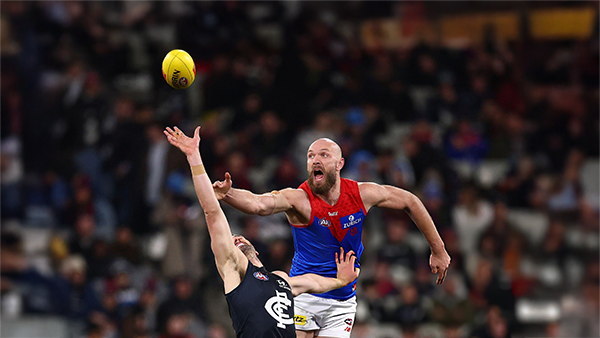
    Recent meetings between Melbourne and Carlton have developed a striking and somewhat familiar narrative, underscored by a series of closely contested encounters ultimately decided by narrow margins. The Blues have won out on each of the past four occasions:- 

      • Clap
      • Thanks
      • Like
    • 2 replies
  • PREGAME: Carlton

    The Demons return to the MCG next week and will be looking to atone for a dismal performance in Perth as they take on the under the pump Blues. Who comes in and who goes out for our Round 3 match against the Carlton?

      • Love
      • Thanks
    • 426 replies
  • REPORT: Fremantle

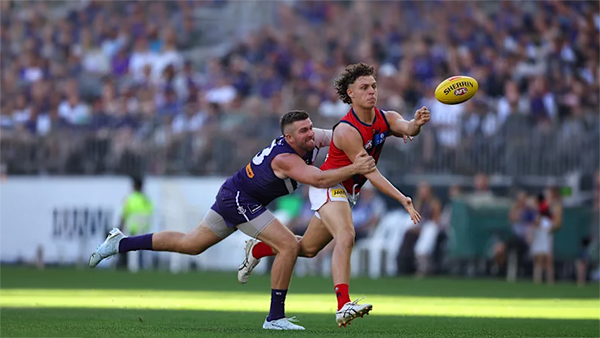
    Melbourne’s early surge of optimism came crashing back to reality in its clash with Fremantle at Optus Stadium on Saturday night. Just six days after unveiling its fun-filled, attack-minded style against the Saints, the Demons were met by a Dockers outfit determined to shut it down with a blend of speed, pressure, and physicality.

      • Clap
      • Thanks
    • 0 replies
  • CASEY: Footscray

    The Casey Demons faced a tough first up task taking on reigning VFL premiers Footscray at Mission Whitten Oval. The Bulldogs, who unfurled their premiership flag pre-game, had 15 AFL-listed players and their top VFL talent available, setting them up for their 15th consecutive win.

      • Thanks
    • 5 replies
  • POSTGAME: Fremantle

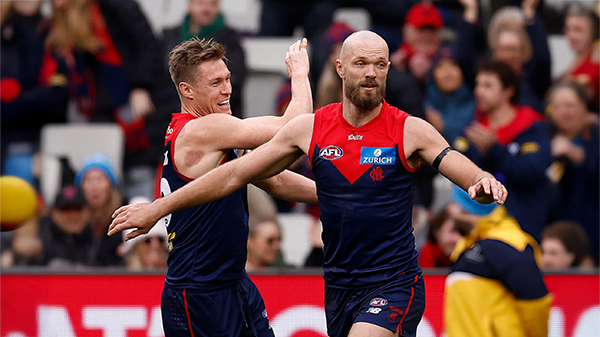
    The Demons were fumbly, inefficient, outrun and outgunned all over the field as they went down to the Dockers by 48 points at Optus Stadium in Perth.

      • Sad
      • Thanks
      • Like
    • 312 replies

Account

Navigation

Search

Search

Configure browser push notifications

Chrome (Android)
  1. Tap the lock icon next to the address bar.
  2. Tap Permissions → Notifications.
  3. Adjust your preference.
Chrome (Desktop)
  1. Click the padlock icon in the address bar.
  2. Select Site settings.
  3. Find Notifications and adjust your preference.