





Demonland
Primary Administrators
-
Joined
-
Last visited
Everything posted by Demonland
-
until
Melbourne Demons 2020 Fixture -
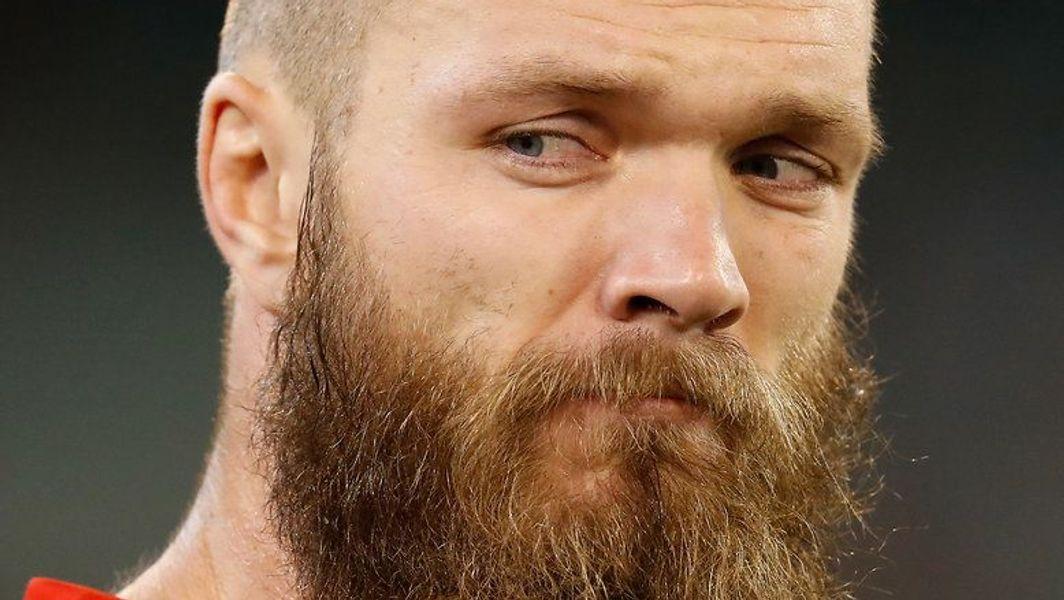
Never to early to cast our eyes ahead. PLAYER INJURY ESTIMATED RETURN Blake Acres Hamstring 6-8 weeks Joel Hamling Ankle 9-11 weeks Stephen Hill Quad TBC Jesse Hogan Mental health Indefinite David Mundy Leg TBC Alex Pearce Ankle 3-4 weeks Nathan Wilson Toe 3-4 weeks Updated: Tuesday, March 10 Early prognosis Andrew Brayshaw had his foot stomped on during the win against West Coast and he underwent scans that cleared him of any break. The Dockers have not put a timeframe on Stephen Hill's return after he sustained another quad injury. Blake Acres' hamstring tendon injury is serious and he could miss up to eight weeks. Joel Hamling's ankle injury remains the long-term concern for the club, while David Mundy, Alex Pearce and Nathan Wilson lifted the intensity of their running and are pushing for early-season returns, potentially in the first month. Hayden Young is having his training loads managed and was left out of the team that played West Coast. - Nathan SchmookNothing much has changed from last week except that we have 3 or 4 new injuries. PLAYER INJURY ESTIMATED RETURN Matt Flynn Knee TBC Tommy Sheridan Calf 3-4 weeks Tim Taranto Shoulder 4-5 months Callan Ward Knee 4-6 weeks Updated: Tuesday, March 10PLAYER INJURY ESTIMATED RETURN Oscar Allen Ankle Test Jarrod Cameron Pubic bone 6-8 weeks Tom Cole Thumb 6-8 weeks Jack Darling Cheekbone Test Luke Foley Pubic bone TBC Daniel Venables Concussion Season Updated: Tuesday, March 10PLAYER INJURY ESTIMATED RETURN Harley Bennell Calf TBC Kade Chandler Wrist 1-2 weeks Kyle Dunkley Foot Test Mitch Hannan Groin TBC Kade Kolodjashnij Concussion TBC Harry Petty Groin TBC Braydon Preuss Knee 4-6 weeks Christian Salem Glandular fever 1-2 weeks Aaron vandenBerg Foot TBC Sam Weideman Ankle Test Updated: Wednesday, March 11 FULL AFL INJURY LISTFFS Premiership teams often carry surgeries and injuries into the following season but Richmond, remarkably, will enter the season with virtually no injuries and a full list, with the notable exception of retired champion defender Alex Rance. Remarkable Richmond have everyone available for round onePLAYER INJURY LENGTH Toby Bedford Ankle TBC Kyle Dunkley Ankle TBC Mitch Hannan Groin TBC Harrison Petty Groin TBC Christian Salem Glandular Fever TBC Joel Smith Quad TBC Sam Weideman Ankle TBC Aaron vandenBerg Foot TBC Kade Chandler Wrist 1 Week Braydon Preuss Knee 4-6 Weeks Harley Bennell Calf Indefinite Kade Kolodjashnij Head Indefinite Aaron Nietschke Knee SeasonSurely scans have been done for both AVB and Weid. Not sure why we haven't heard anything good or bad. Perhaps the silence is to not give anything away to the Eagles in terms of matchups in the case of Weid who is our only tried back up ruckman.This might be the MFCSS talking and I don't think I'm going out on a limb here but I don't think Harley will ever play a game for the Demons.I don't believe the Weideman/vandenBerg information here is based on anything official. It's most likely conjecture based on the little facts we already know.We're LIVE in 30 minutes ... Listen & Chat LIVE: https://demonland.com/podcast Call: 03 9016 3666 Skype: Demonland31We're LIVE Tonight 10/3 @ 8:30pm to discuss our clean sweep of the Marsh Series and other Demons related stories. Listen & Chat LIVE: https://demonland.com/podcast Call: 03 9016 3666 Skype: Demonland31Bayley Fritsch is going to win the Coleman Medal this year. Max Gawn is so sure of it that he broke the rules to let the world know! Why Bayley Fritsch will be this year's Coleman Medallist Gawn says he broke the rule because, well, he wants to be right at the end of the season. “It was me. I saw that question and I did see that we weren’t allowed to vote from our own team, but I’m not going to not vote for the Coleman Medallist winner,” Gawn told SEN’s Dwayne’s World. “Throughout training this year he has done some things that are pretty spectacular who does it from very little impact in the actual game. He’ll have five touches, five marks, five goals. “He’s kicked easily the most goals for us in this little pre-season bit and he does it on Steven May and then he does it on Neville Jetta so he’s a pretty exciting player.” Gawn doubled down on rule breaking as the only captain who voted for Demons first-round draftee Luke Jackson for the NAB Rising Star.Join us LIVE Tonight 10/3 @ 8:30pm to discuss our clean sweep of the Marsh Series and other Demons related stories. Listen & Chat LIVE: https://demonland.com/podcast Call: 03 9016 3666 Skype: Demonland31I don't believe this is based on new information. Hopefully the club makes an announcement on vanders, Weid and Bedford. The 14 big names now in doubt for Round 1 of the AFL season Aaron vandenBerg (Melbourne) This luckless Demon continues to have a nightmare injury run. VandenBerg returned for Melbourne’s opening Marsh Community Series game against Adelaide last month, before coming from the ground against Hawthorn on Friday night with another foot injury. The 28-year-old has only managed seven games since the end of 2016 and didn’t play a single game in 2019 due to ongoing issues with his troublesome foot. Simon Goodwin got new skipper Max Gawn back against the Hawks, but doesn’t look like having vandenBerg for the trip to face West Coast in Round 1.I saw this this morning but wasn't sure if it was different to his End of Footy Year 2019 rankings.GWS football department in lockdown amid coronavirus concerns: Edmund “GWS at the moment have locked down their football department. As of yesterday, no visitor can enter the GWS football department."




Account
Navigation
Search
Configure browser push notifications
Chrome (Android)
- Tap the lock icon next to the address bar.
- Tap Permissions → Notifications.
- Adjust your preference.
Chrome (Desktop)
- Click the padlock icon in the address bar.
- Select Site settings.
- Find Notifications and adjust your preference.
Safari (iOS 16.4+)
- Ensure the site is installed via Add to Home Screen.
- Open Settings App → Notifications.
- Find your app name and adjust your preference.
Safari (macOS)
- Go to Safari → Preferences.
- Click the Websites tab.
- Select Notifications in the sidebar.
- Find this website and adjust your preference.
Edge (Android)
- Tap the lock icon next to the address bar.
- Tap Permissions.
- Find Notifications and adjust your preference.
Edge (Desktop)
- Click the padlock icon in the address bar.
- Click Permissions for this site.
- Find Notifications and adjust your preference.
Firefox (Android)
- Go to Settings → Site permissions.
- Tap Notifications.
- Find this site in the list and adjust your preference.
Firefox (Desktop)
- Open Firefox Settings.
- Search for Notifications.
- Find this site in the list and adjust your preference.