





Demonland
Primary Administrators
-
Joined
-
Last visited
Everything posted by Demonland
-
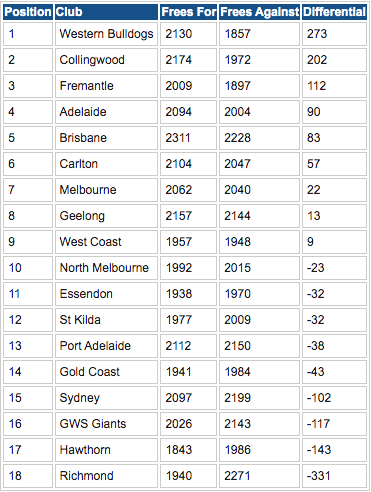
Free Kick Bulldogs Best differentials 1 - Western Bulldogs (+273) 2 - Collingwood (+202) 3 - Fremantle (+112) 4 - Adelaide (+90) 5 - Brisbane (+83) Worst differentials 1 - Richmond (-331) 2 - Hawthorn (-143) 3 - GWS Giants (-117) 4 - Sydney (-102) 5 - Gold Coast (-43) Most frees for 1 - Brisbane (2311) 2 - Collingwood (2174) 3 - Geelong (2157) 4 - Western Bulldogs (2130) 5 - Port Adelaide (2112) Least frees for 1 - Hawthorn (1843) 2 - Essendon (1938) 3 - Richmond (1940) 4 - Gold Coast (1941) 5 - West Coast (1957) Most frees against 1 - Richmond (2271) 2 - Brisbane (2228) 3 - Sydney (2199) 4 - Port Adelaide (2150) 5 - Geelong (2144) Least frees against 1 - Western Bulldogs (1857) 2 - Fremantle (1897) 3 - West Coast (1948) 4 - Essendon (1970) 5 - Collingwood (1972)
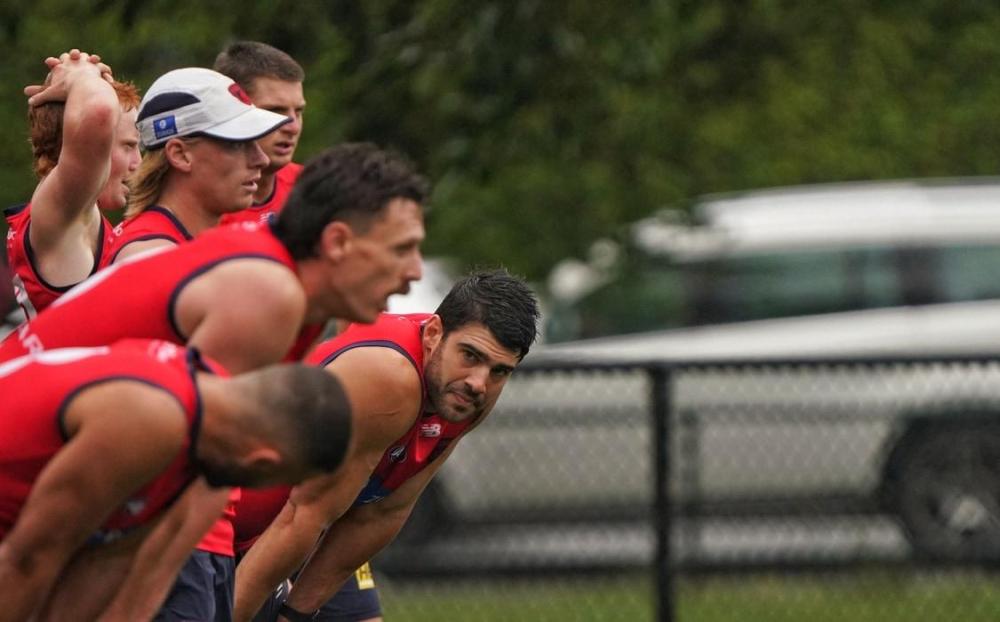
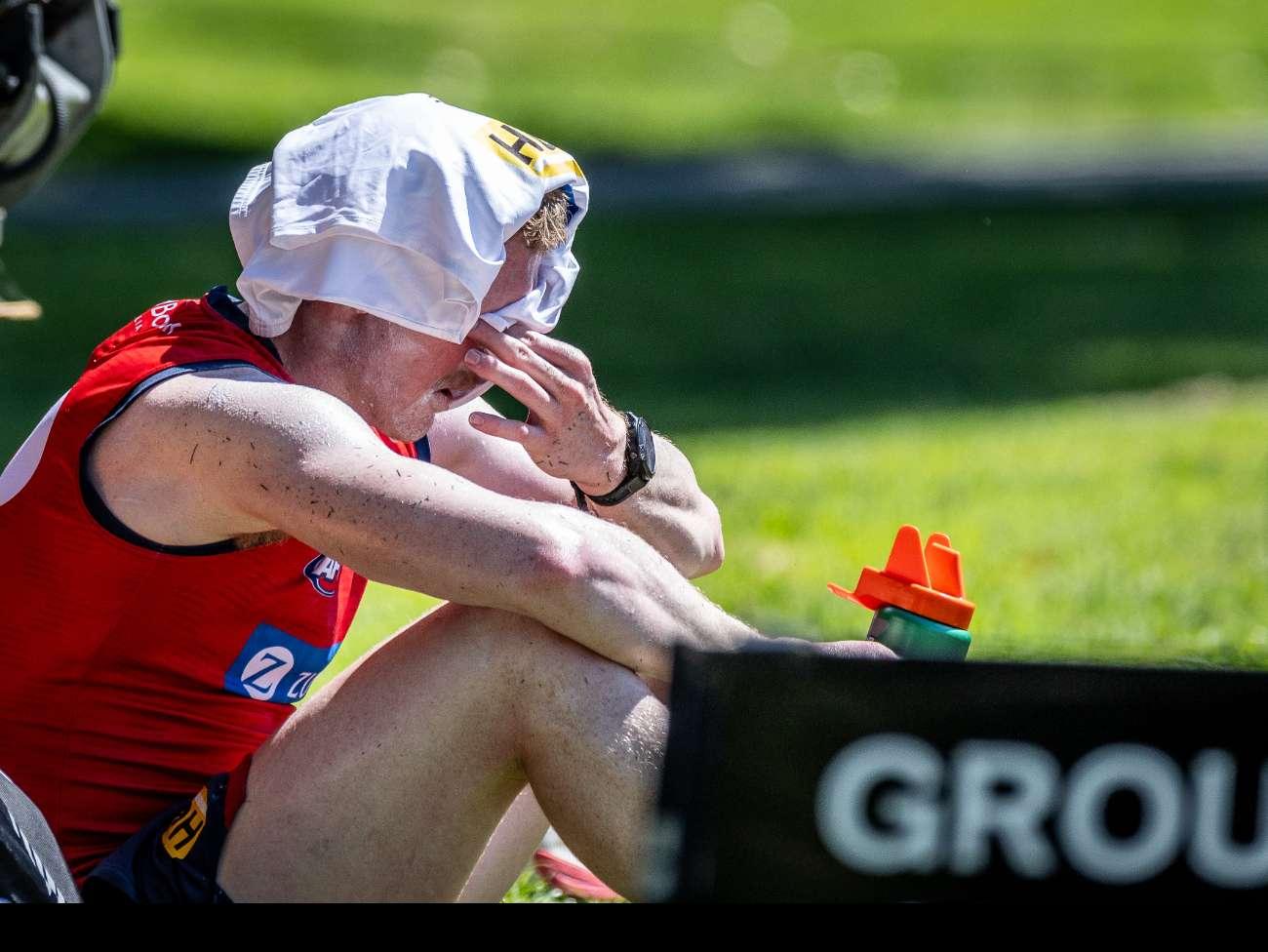
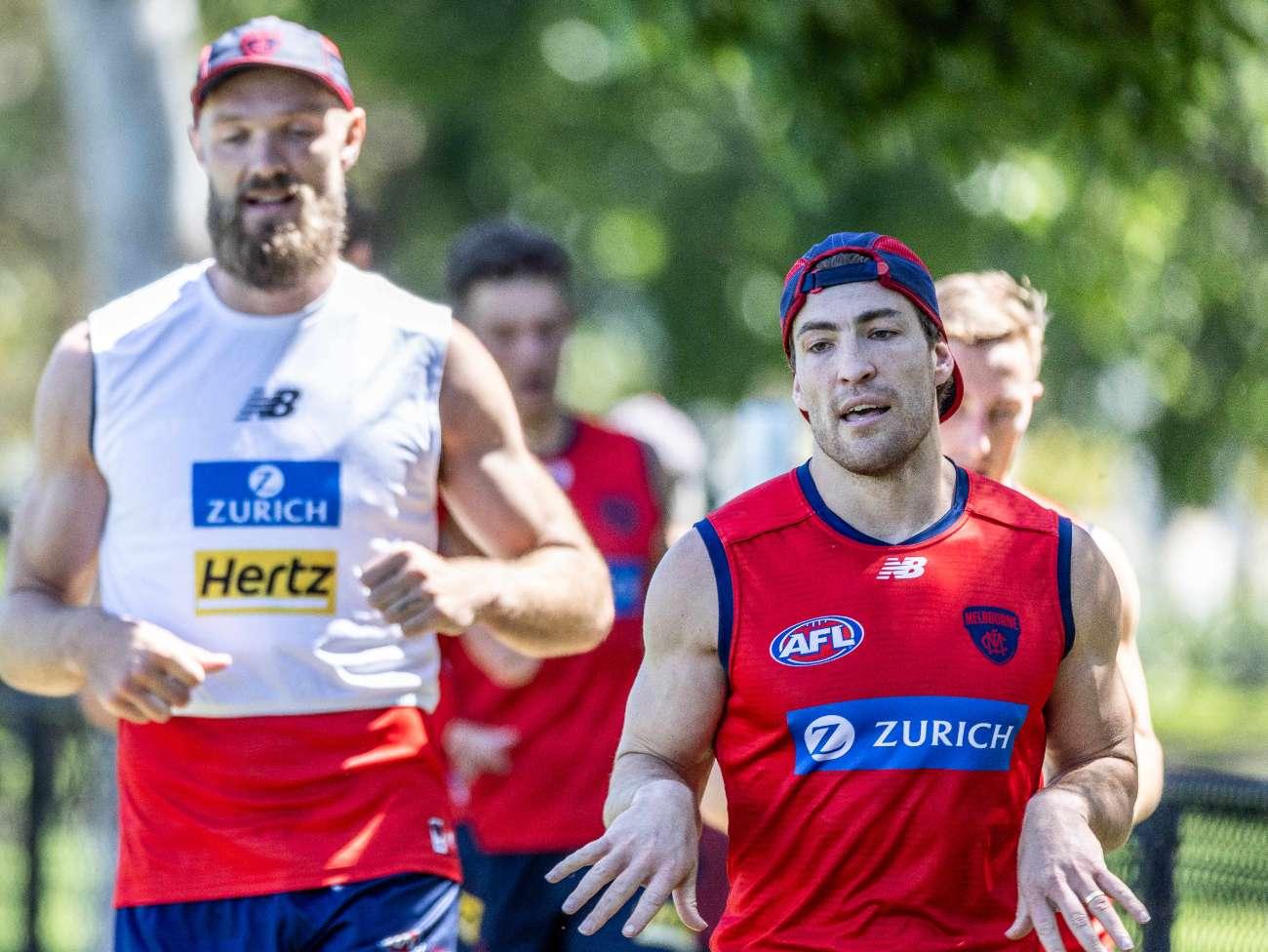
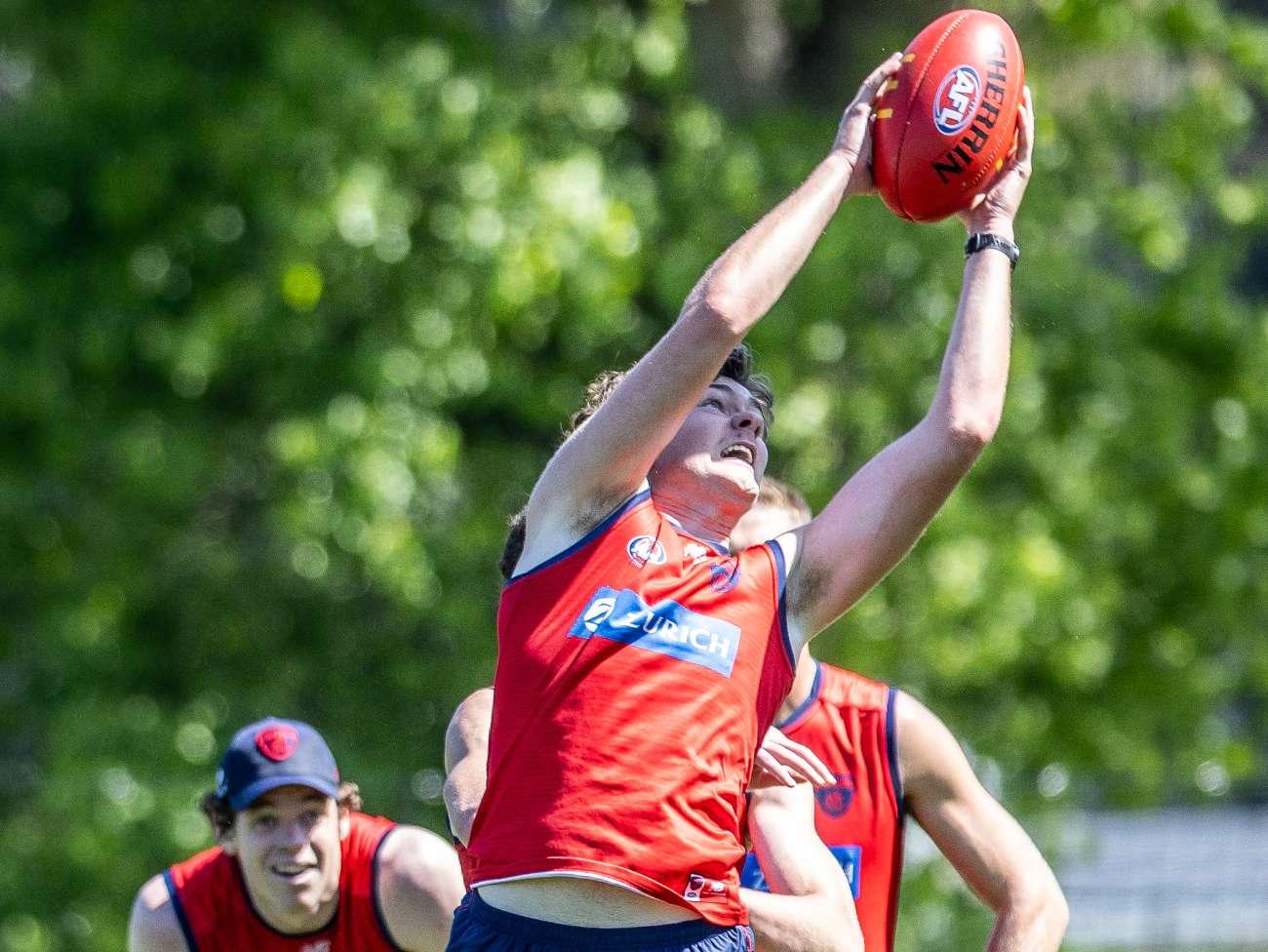
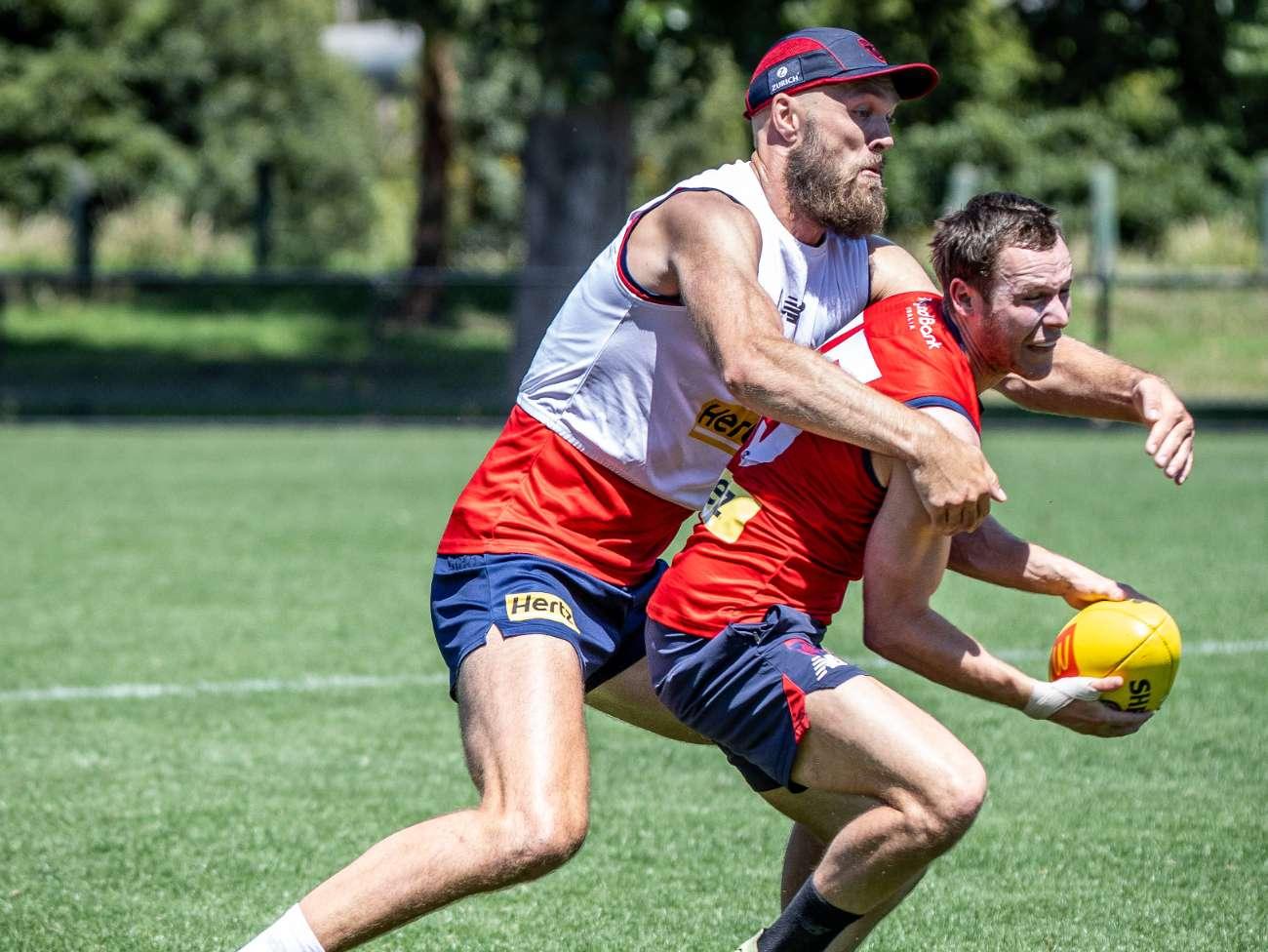
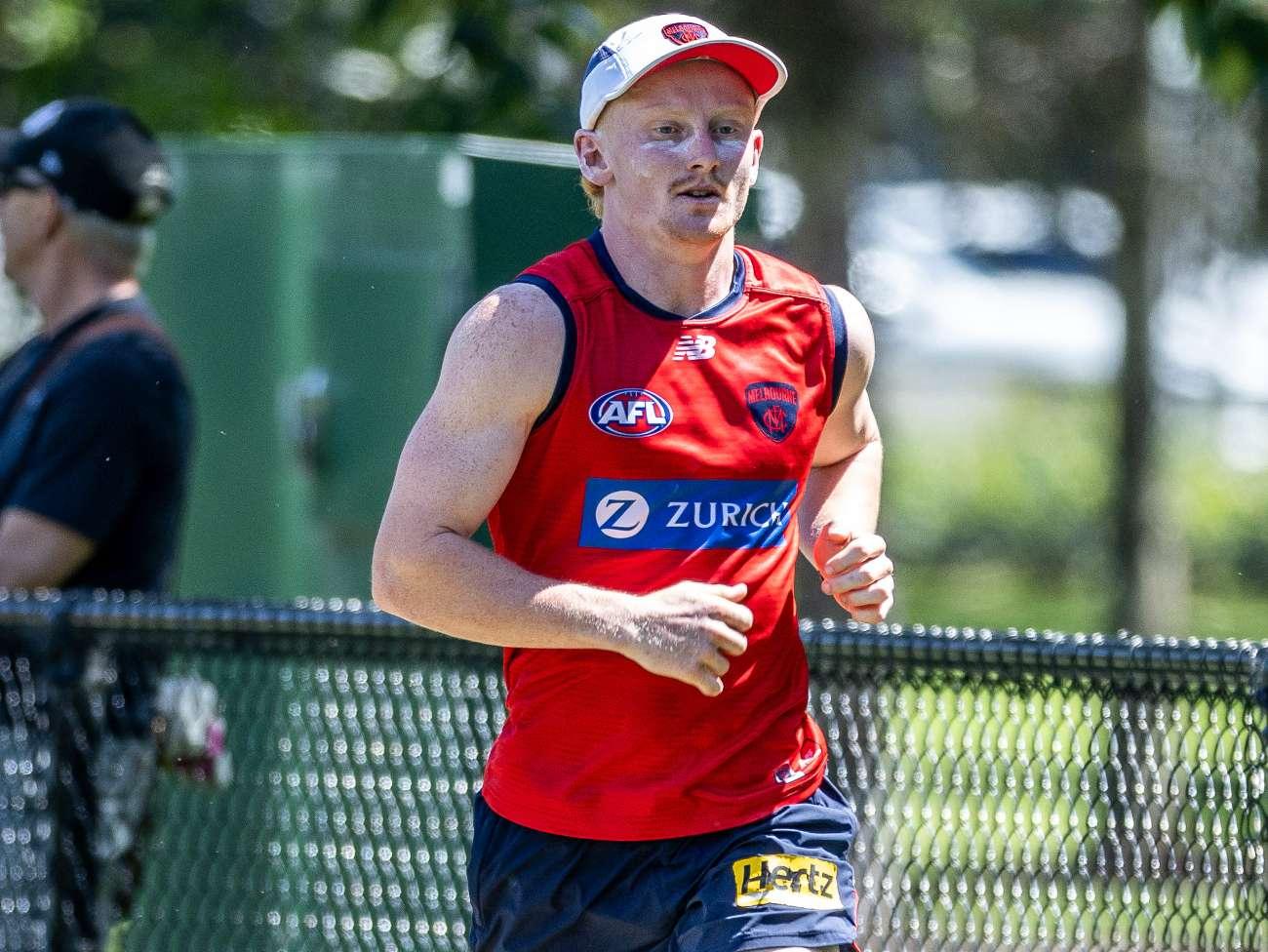
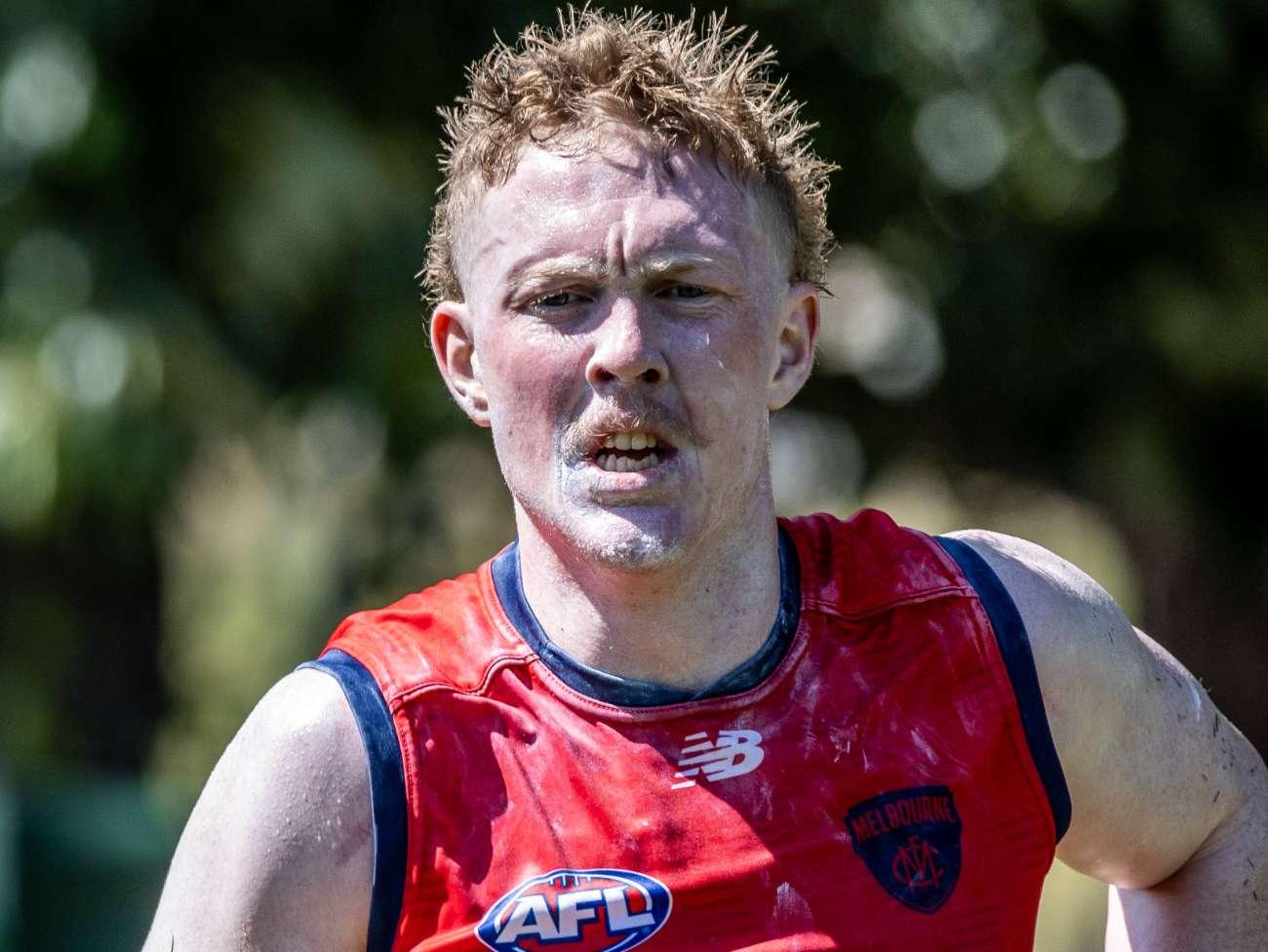
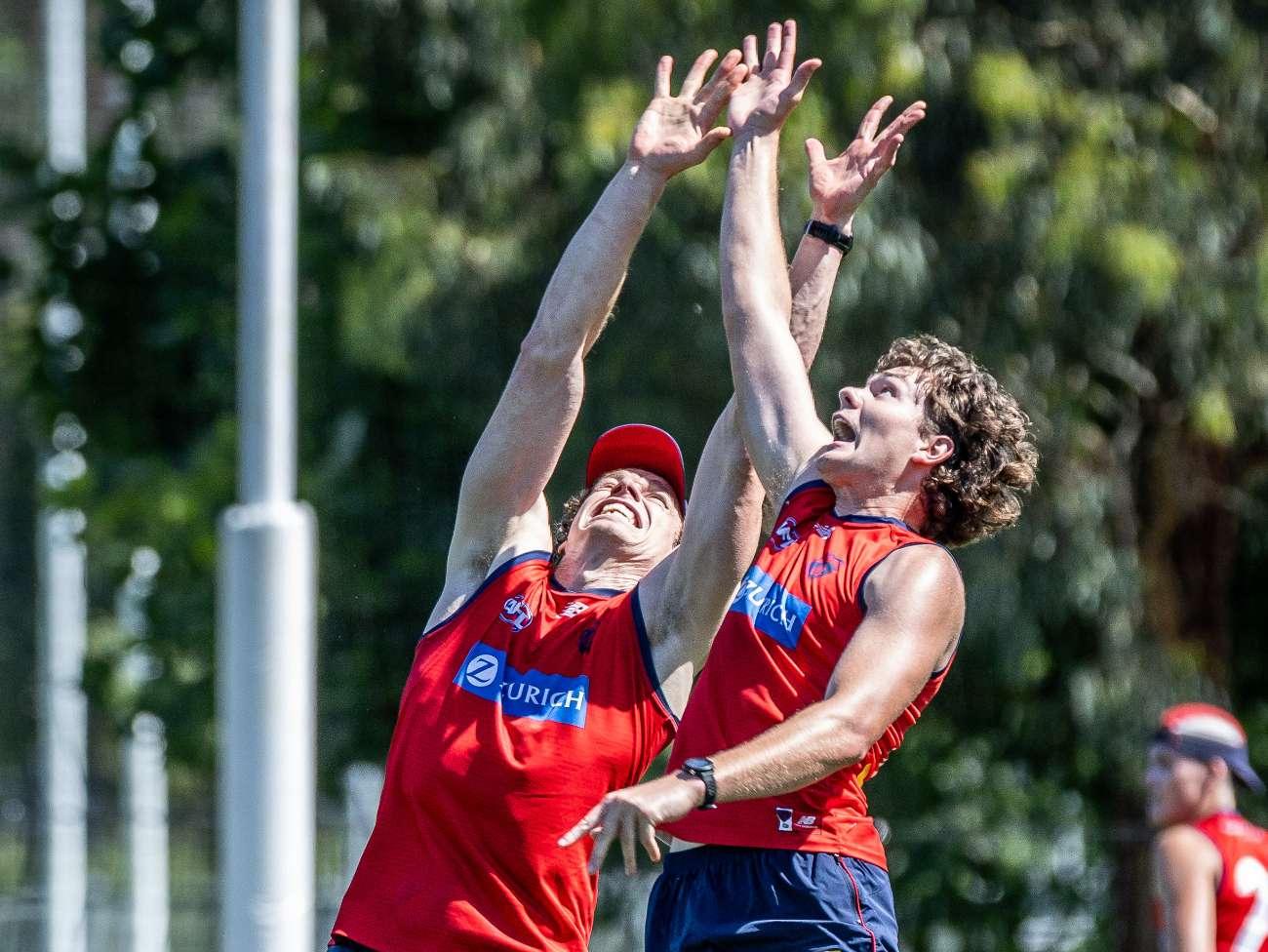
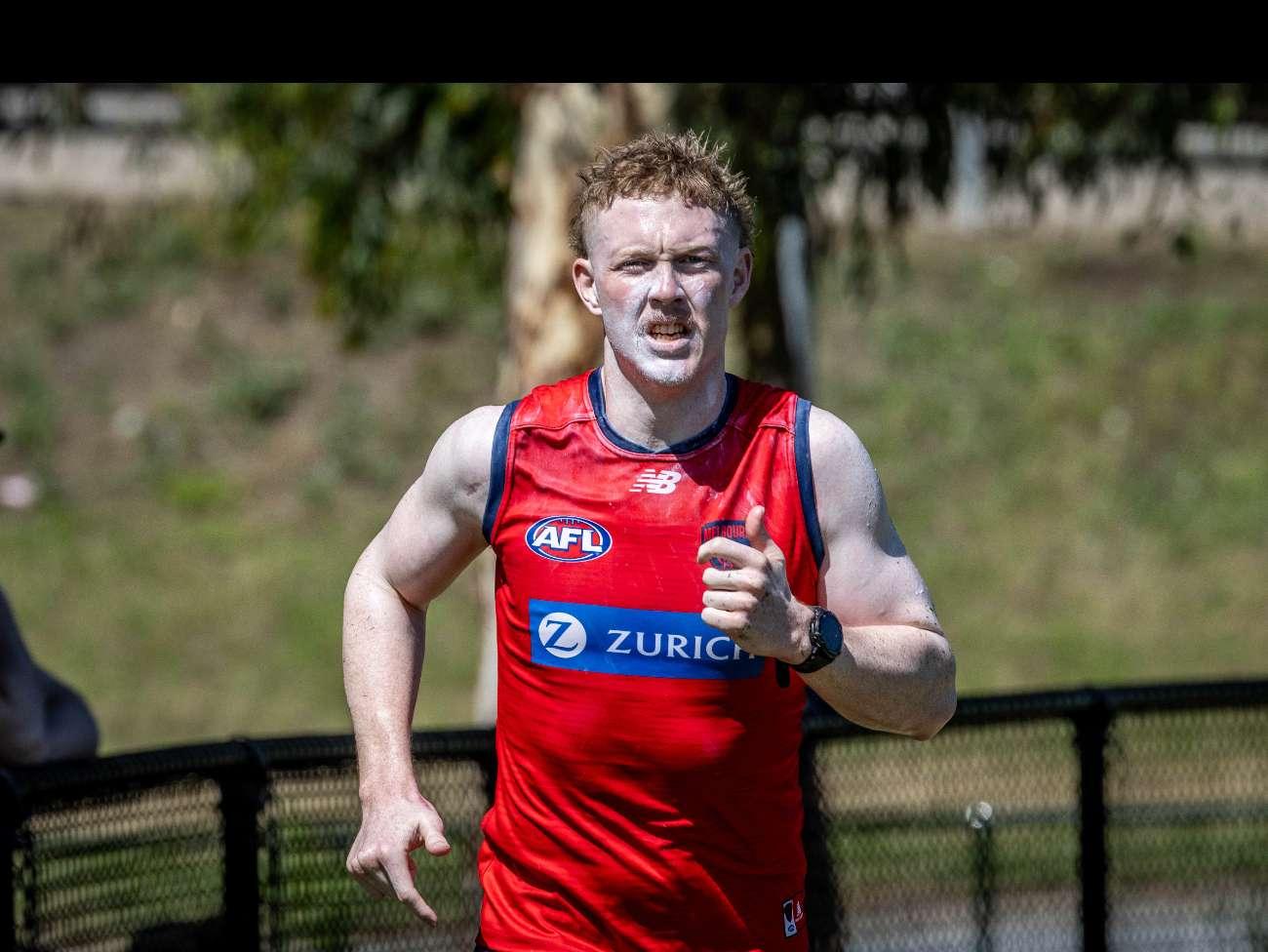
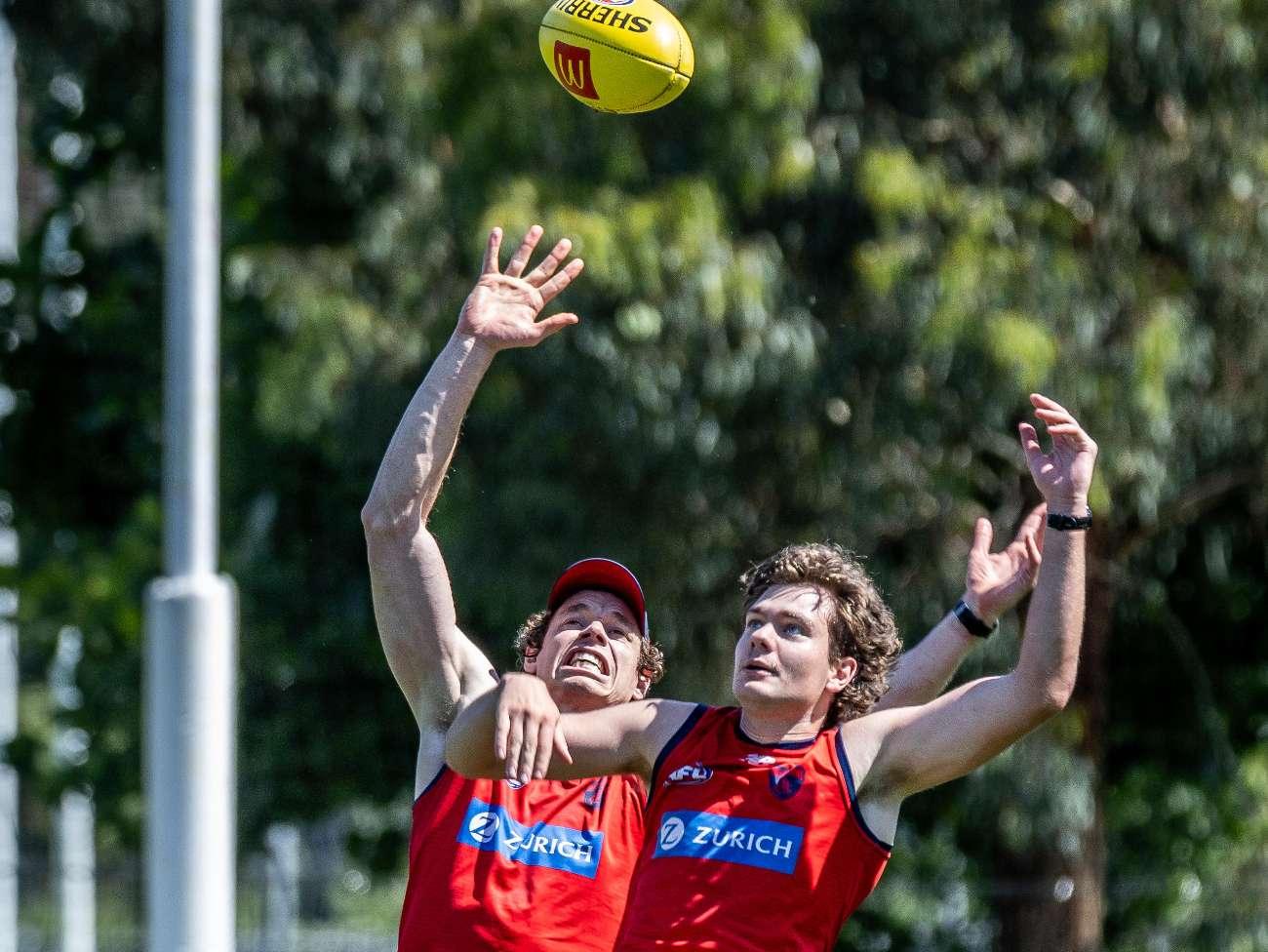
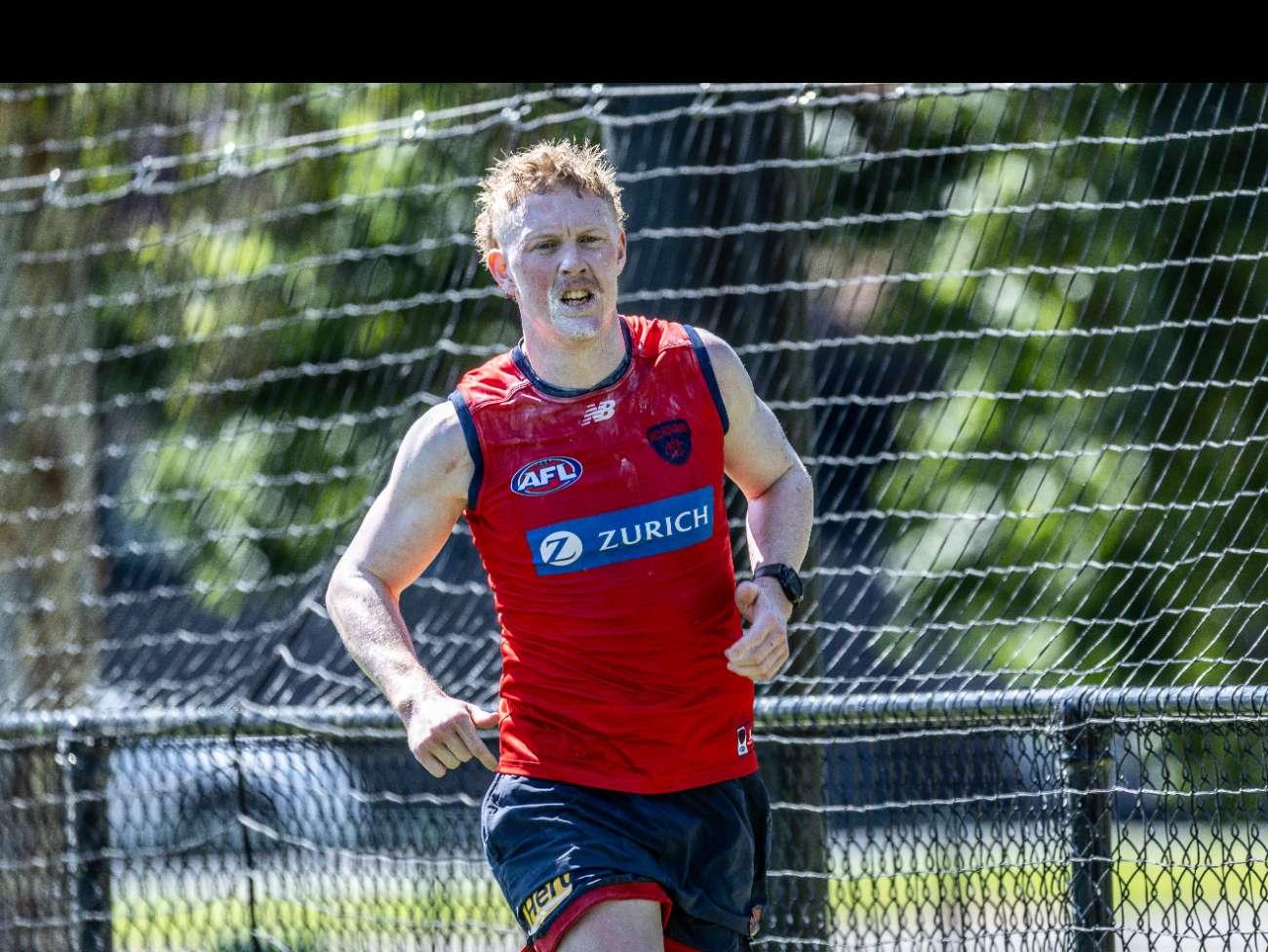
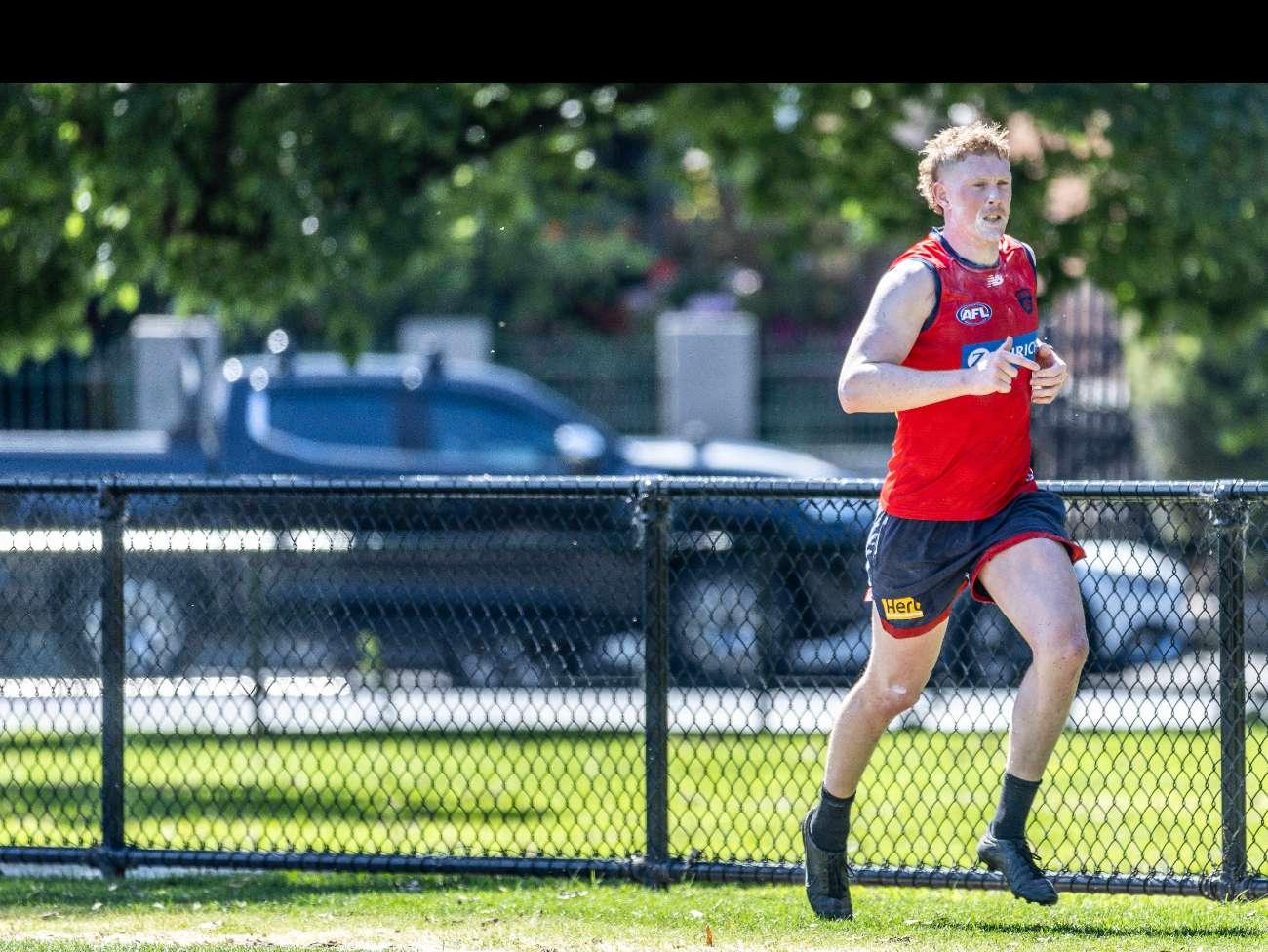
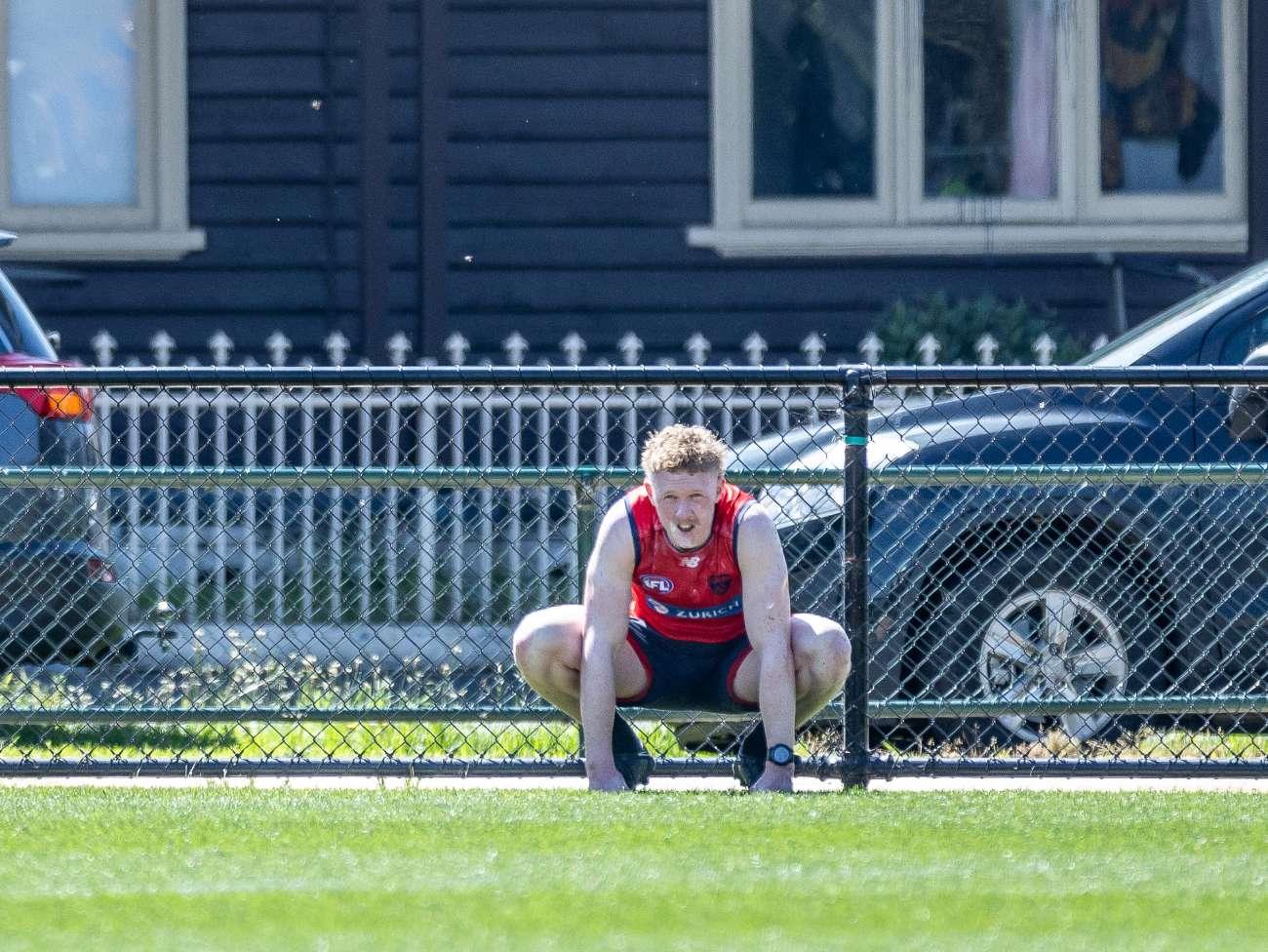
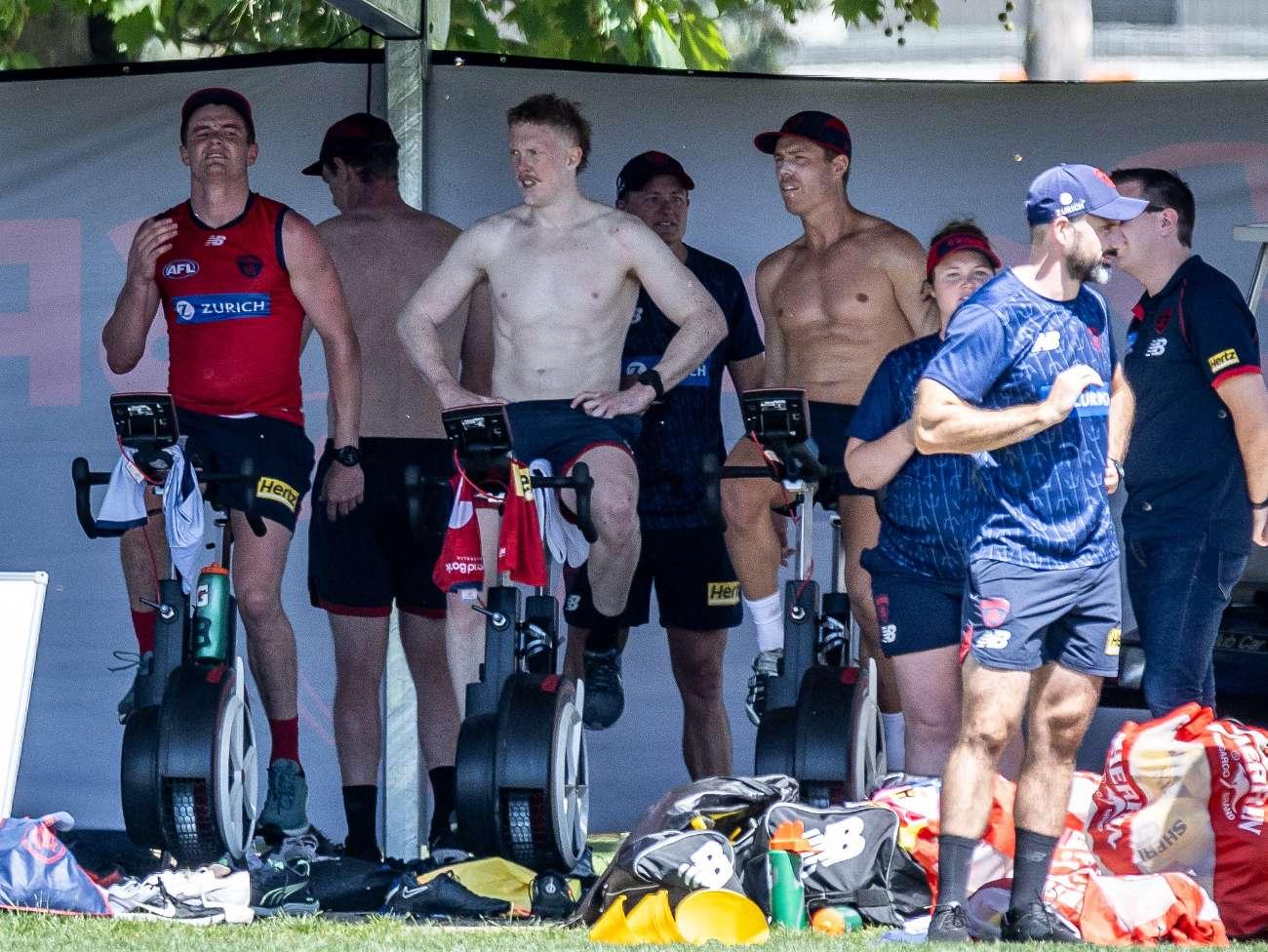
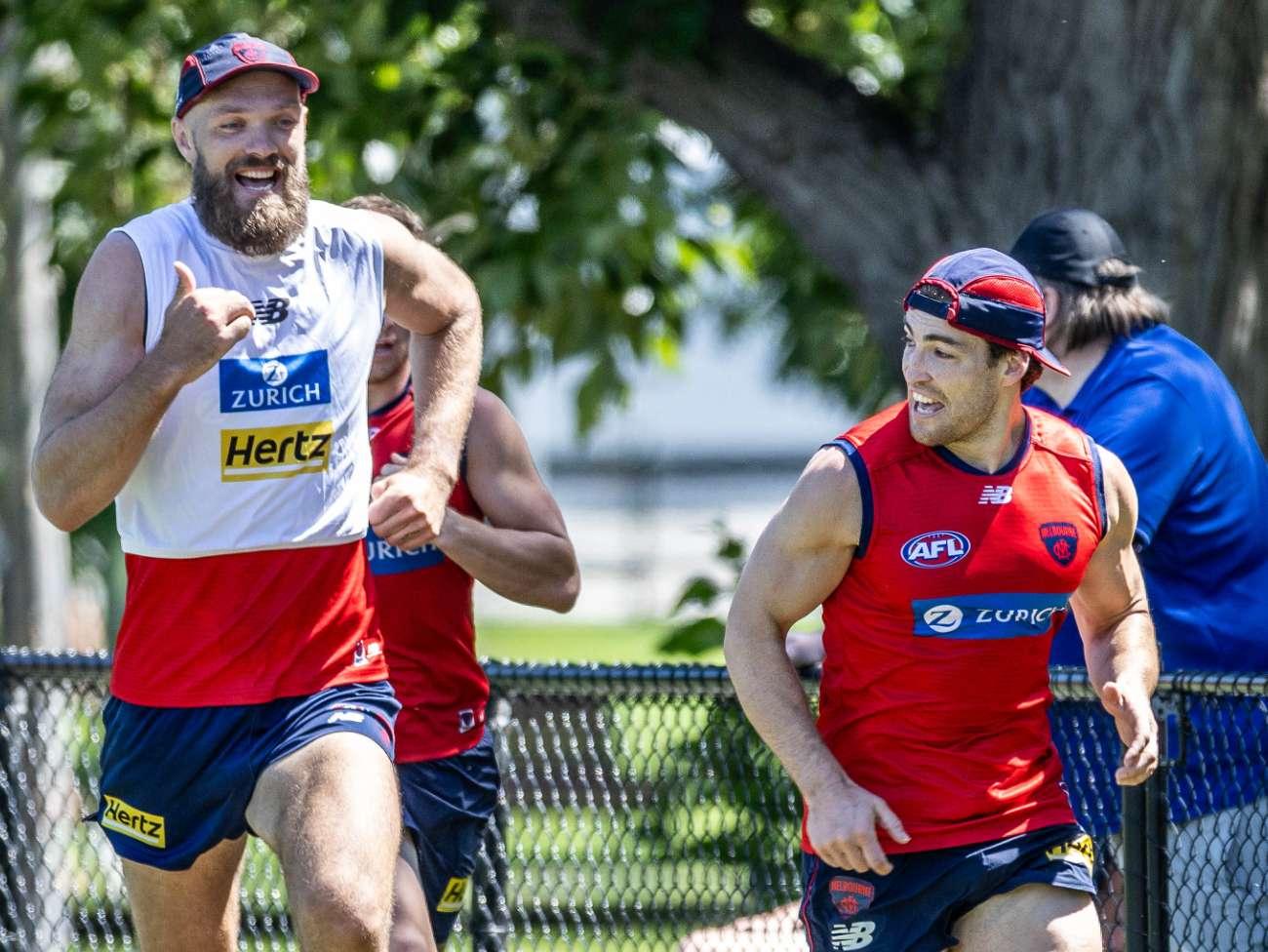
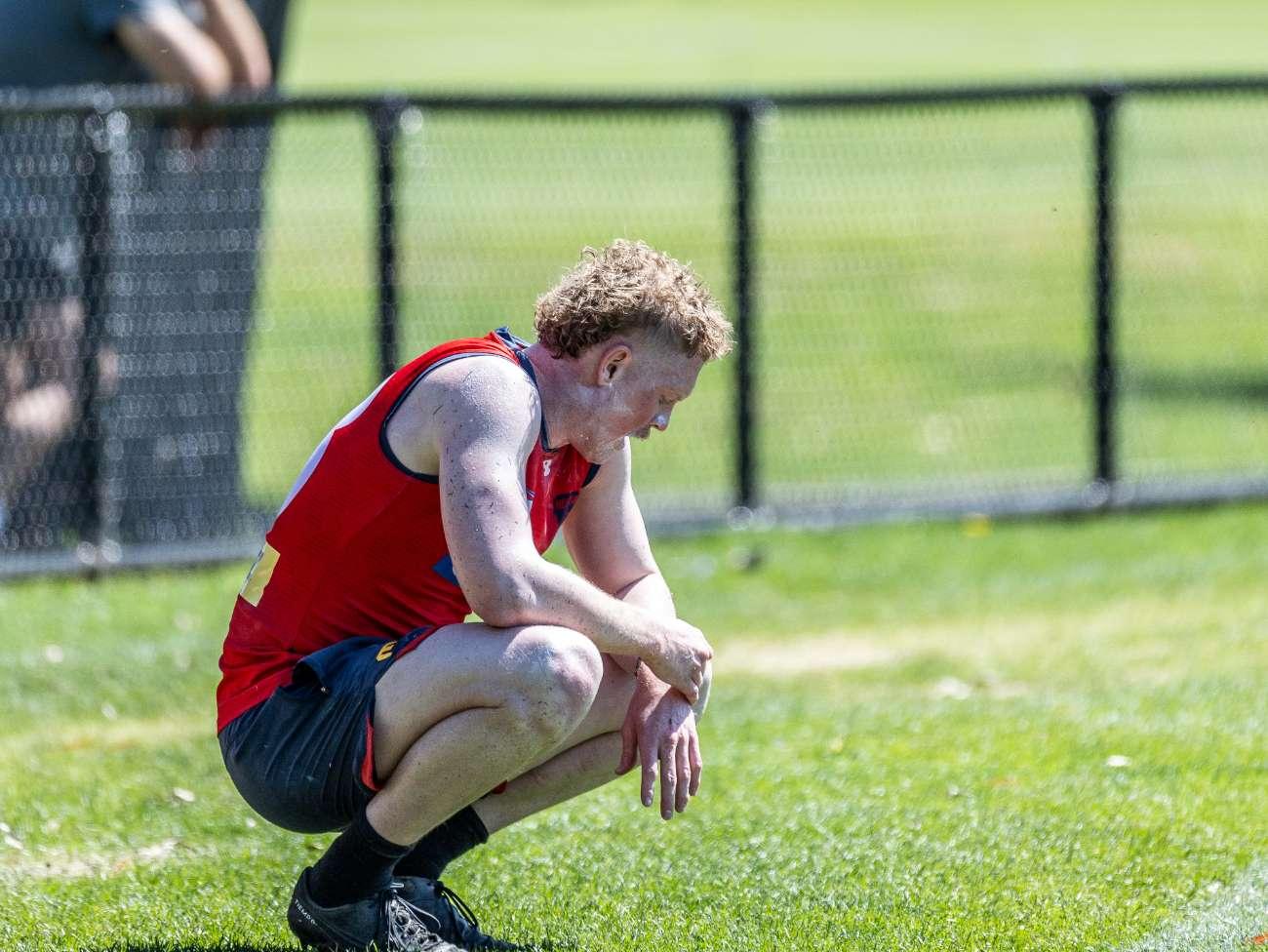
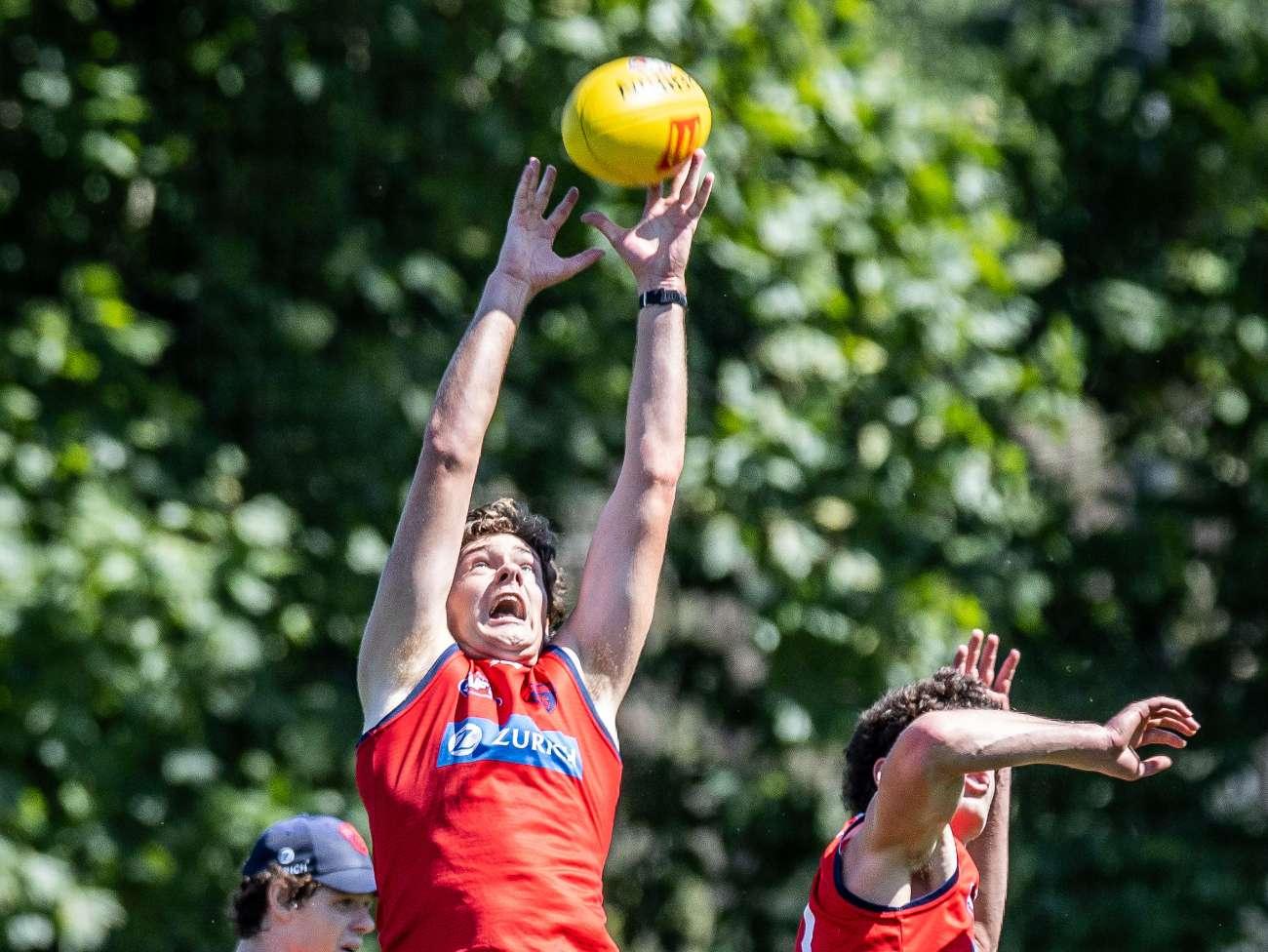
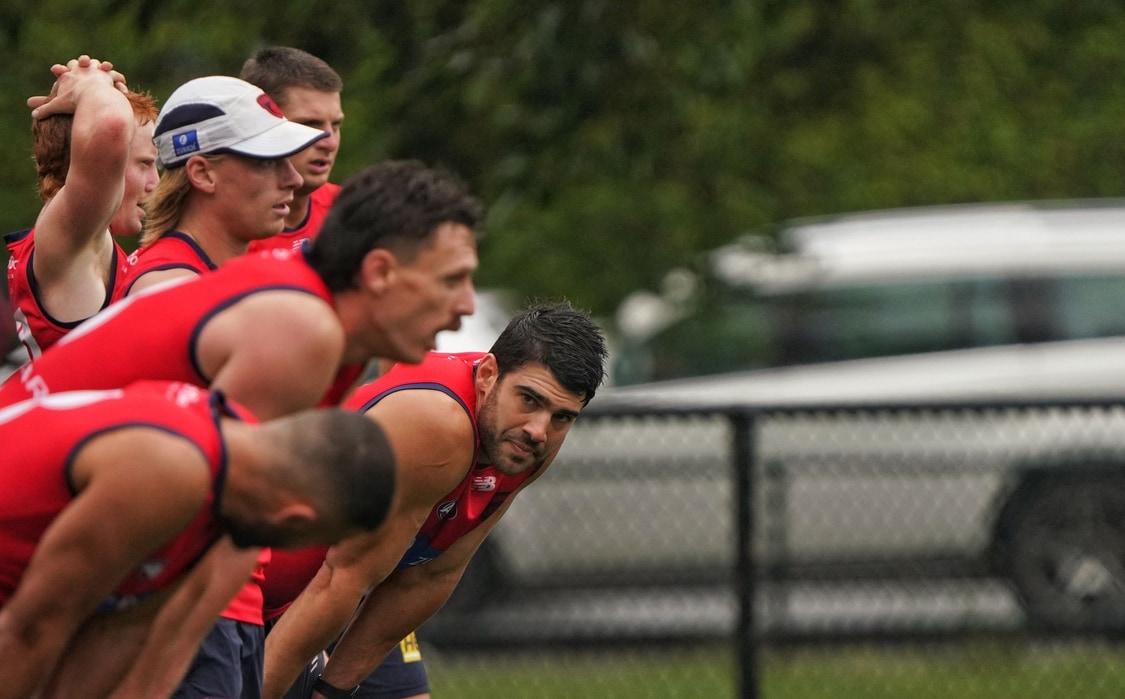
 From the Herald Sun: Melbourne midfield star Angus Brayshaw has been given formal approval to continue his AFL career as he made an impressive return to pre-season training on Monday. Brayshaw was knocked out in the Demons’ qualifying final loss to Collingwood in one of the most dramatic moments of the season, with good friend Brayden Maynard ultimately cleared by the AFL appeals board. Brayshaw’s brother said in the immediate aftermath he would consider his football future but as his symptoms cleared Demons mid Angus was always determined to continue his AFL career. On Monday as the Demons senior players returned to training with a 2km time trial Brayshaw ran impressively in baking Melbourne heat then joined his teammates in training. The fluro yellow hat which indicated he was not yet allowed contact was the only indication that Brayshaw would be treated differently to his teammates. The Demons have ticked every medical box and had his return approved by the AFL, which means a player contracted to 2028 will have ambitious plans to play a full 2024 season. Melbourne’s players broke up into smaller groups for that 2km time trial and Charlie Spargo, who played only 14 senior games this year, set a withering pace. He led home Jack Viney, Brayshaw and Lachie Hunter in one group, while Adam Tomlinson burnt off hard-running Alex Neal-Bullen in the battle of the club’s best runners. Ben Brown was limited to only seven AFL games given knee issues in 2023 but ran freely as he pushed Steven May hard and was excellent in match simulation as he enters the final season of his contract. TRAINING NOTES Melbourne star Clayton Oliver will be held back from full training until mid-January as he continues to rehabilitate his knee after off-season surgery. The Demons had said Oliver was four weeks from integrating into full training but the expectation is that the Demons medicos will treat his return date with caution. Melbourne has few issues with his physical conditioning as he ran sprints, kicked the football to fellow rehab group member Bayley Fritsch and did some light touch work. And while he will be footy’s most scrutinised man this off-season Melbourne is also optimistic he has made gains away from football with his personal issues. Coach Simon Goodwin recently admitted Oliver’s complicated personal challenges “have been ongoing for multiple years”. He was admitted to hospital after a seizure the Demons star said was partly attributed to ADHD medication. The Demons also have swingman Joel Smith awaiting a date from Sports Integrity Australia for a hearing date over his match-day cocaine positive. Smith has accepted a provisional suspension and is unable to train with the Demons but will face a short SIA ban as well as a likely Demons internal suspension. NEW FACES Melbourne’s draftees in Caleb Windsor and Koltyn Tholstrup were both in action but it was the veterans in former Demon Marty Hore and ex-Saint Jack Billings who will be worth watching over summer. Billings hit up teammates including full forward Brown with impressive foot skills in match drills to show exactly why the Demons traded for the left-footer. Hore was the VFL’s best interceptor in the past two seasons and could get early games with Harrison Petty playing forward and Smith potentially suspended. Tom McDonald and Adam Tomlinson will both be pushing for that third defensive spot behind May and Jake Lever, who was impressive pushing McDonald in their 2km time trial. Ex-Lions tall Tom Fullarton also ran well as he prepares to back up Gawn in the ruck. INJURY ISSUES Melbourne is confident Harry Petty will be in full training well before round 1 as he recovers from a serious lisfranc injury that ended his 2023 season. Petty, keen to return to Adelaide but not released by the Demons, will play as a key forward alongside Jacob Van Rooyen. Van Rooyen and ex-Crows forward Shane McAdam were both at the forefront as the Demons slotted straight into mid-forward connection drills. The Demons failed miserably to capitalise on their welter of inside 50s as they lost in straight sets for the second season in a row. Fritsch was on light duties after his foot issues of 2023 which included a mid-season fractured foot and then toe ligament injury which he endured through finals. Kysaiah Pickett ran the time trial but then did run-throughs instead of training with the main group he battles some low-level groin soreness. Jake Melksham is ahead of schedule in his early recovery from an ACL tear but will only be back late next season.Melbourne midfield star Angus Brayshaw has been given formal approval to continue his AFL career as he made an impressive return to pre-season training on Monday. Brayshaw was knocked out in the Demons’ qualifying final loss to Collingwood in one of the most dramatic moments of the season, with good friend Brayden Maynard ultimately cleared by the AFL appeals board. Brayshaw’s brother said in the immediate aftermath he would consider his football future but as his symptoms cleared Demons mid Angus was always determined to continue his AFL career. On Monday as the Demons senior players returned to training with a 2km time trial Brayshaw ran impressively in baking Melbourne heat then joined his teammates in training. The fluro yellow hat which indicated he was not yet allowed contact was the only indication that Brayshaw would be treated differently to his teammates. The Demons have ticked every medical box and had his return approved by the AFL, which means a player contracted to 2028 will have ambitious plans to play a full 2024 season.A number of Demonland Trackwatchers braved the heat to venture down to Gosch's Paddock as the entire list returned to the training track for the annual time trials. Here are some observations from KEV MARTIN, CLANIKO, WALKING CIVIL WAR, WAYNE WUSSELL, DEEZ MAN & OLD 55. KEV MARTIN’s PRESEASON TRAINING OBSERVATIONS Summer training, time trials and all back into it. 45 players in the squad, including a strong looking Noah Yze (did not time trial). I think the only one missing was Chandler. Great to see Angus out there in the yellow cap. He participated in the non-contact program. Even the small bumps and body contact drills were avoided. He looked very sharp, 100% efficiency I reckon. Oliver has started on a full rehab program now. Running, kicking, gym work. He was not time trialled. Occasionally appeared a little frustrated with the running, but kept the head down, and did what was asked. Fritsch must be very close to full training. Some kicking drills really worked him over. Had a spill and clumsily hit the ground as he fumbled. He did not look like making any errors after that, doing the rest of his work with style. Has passion and commitment. Looking stronger and heavier through his hips. Petty did a little kicking, no running, plenty of gym. Was vocal when hanging around the structured sims. Helping out Jefferson, giving some pointers about body and arm work in the lead up to a contest. Melky on a similar program to Petty. Both in blue tops, while the rest had training jersey's on. Kossie did the time trial, but I think not up to standard, as he was placed on a running program alongside Fritsch doing 5 km and no participation in the simulations. Wasn't particularly happy by the end of it. Though, like Olivercompleted it. At the end of training, Kossie and McAdam were walking together, and Goody places his arms around both and gives them the emotional, caring support. Maisie appears to be working hard as a leader. When he wasn't running, he was on the boundary, offering encouragement. He was very vocal about the skills he liked about McAdams. McAdams struggled a bit with the time trial, but excelled in the sims. Has the ability to find the footy on a lead and gets front and centre of the pack and is a ball magnet. Fullarton and Max were matched during the structured sims, and Farris-Whitewas up against Verral. All four are doing well. Max appears unhindered, Farris-White getting more involved, Verral works well, especially below his knees. I think Fullerton (good agility and run) will be Max's back-up at this stage. Sparrow has the rig, and a few made him aware of it at the start of the time trial. He was in the fast pack, with Tomlinson, ANB, Langdon, McVee, Taj, maybe another one, but cannot recall, and could be wrong about the group. Spargo and Bowey were the hardest working players during the structured sims. After the action on the field, they got them sprinting 25 m around the boundary as another group entered. The simulations can be a full oval, with players having more choice of style and ball movement, or a set play kind of a structured sim. Today's structured sims, appeared to be about movement from the backline, and then a sim of getting the forwards well set when creating 50 re-entries. Emphasis was in making two fwds hold back and the other fwds pushing out. They finished with timed runs down the centre of the paddock. They had to do extra, as a few didn't get under the time, this disappointed a few, but the word got around to make sure you take your mates with you. The four new young one's did not do these run troughs. Viney looks to have put on more muscle. Thought Hunter was looking a bit slower. Tomlinson was looking big and strong. Howes, Adams, Turner, and Billing all going about it professionally. Windsor and K. Brown competed well in the sims. Sestan has great hands. Salem was flying under the radar, only noticed him when they first entered the field. There was an aerial clash of four players at one stage, with the coaches voice of that's what we expect. No-one was hurt. Last on the track were some smalls working on ground ball gets, Viney, Laurie, and two others, with Tracc and Kolt kicking goals. Tracc was very accurate, I think it helps his kicking, with someone else following him and having him as a mentor. It was a long session. CLANIKO's PRESEASON TRAINING OBSERVATIONS: • Regarding Angus Brayshaw's return to training and whether he was training with the main group or on a modified program - Doing his time trial currently, appears to be with the main group. • Looks like it, they're doing their time trials in groups so it's a bit hard to tell who's in the rehab group and who's just not doing theirs currently. • Oliver, Fritsch, Salem and a kid in #46 I don't recognise look like they're doing the rehab program. • Tommo and Nibbler are miles ahead of their group and almost racing each other with Tommo just pulling ahead • Time trials done. All going over to get a much needed drink. • They picked a rough day to do time trials, might only be 10am but in the sun it's bloody hot • Oliver kicking to Fritta on a lead, both clearly doing a modified program to main group. • Salem wandered off somewhere also not with the main group • Tyla Hanks is here. Not sure if she's helping out with the session or just watching. • Split into two groups doing a drill working the ball up the wing to a leading target with some defenders. • Leading targets started B. Brown, Jefferson, JvR and Sestan. • Now Schache, McAdam, Brown and someone wearing #14 I don't recognise. • Pretty sure I just saw Billings in #33 getting called JB so maybe him and Fullarton have swapped jumpers. • Kosi and Fritta doing some running separate to the group. • Currently doing ground ball gets or marks with tackling pressure. • Notable absences - Kosi and Fritta doing some running together. Oliver doing some running. And Gus doing a separate drill with a trainer in the dreaded fluro cap • Forwards vs defenders now • Defenders start with the ball then work it out to miss who turn over then practice a forward entry • Defenders: May, TMac, Judd, Bowey and Disco? (I can't tell) , • Forwards: McAdam, JvR, Laurie, Sestan and Brown • Similar thing happening on the other side of the ground but I'm too far to see any detail • Cannot believe I'm saying this but Ben Brown looked really good. Took a strong contested mark and another on a lead • Choco came over for a chat • He seemed very impressed with McAdam, pencil him in for a round 1 (or opening round 🙄) appearance. • Kosi on a different program because he just got back from SA and they don't want to overdo him. • When I asked about TMac training with the backs he suggested I was an opposition scout 😂 and didn't go into any more detail. • He confirmed #46 is Noah Yze training with them WAYNE WUSSELL'S PRESEASON TRAINING OBSERVATIONS Wandered in for a gander right on time for time trial. Tomlinson and Spargo ran as though they were here to protect their round 1 spots! Other impressive runs by Fullarton, Tholstrup and Adams (special mention to Jack Viney, who only knows one way!) I was amazed at how vigorous Melksham was in his rehab exercises. Also good to see Fritsch and Oliver progressing well. When they began full oval work in several groups, I walked around to watch the young talls on the Punt Road wing. I was impressed with how much effort coach Stafford put in with his instruction to this group. They were primarily engaged in one-on-one marking contests with a small running past to mop up after the contast. Most impressive in the air was Verall, who consistently got the better of Farris-White, Jefferson (who took a couple of good grabs) and Schache. When Benny Brown joined for a short stint, he was excellent at putting his opponent off balance and clunking the ball. I haven't seen Ben looking this strong for some time. In general, noticed how smooth Billings was in run and disposal. Fullarton and McAdam did not stand out for me in these full ground exercises. Tholstrup looks the closest to senior selection of the newbies. DEEZ MAN's PRESEASON TRAINING OBSERVATIONS Went down to training with my old man today and I'll do my best to recount what we noticed. Fritsch, Kozzie & Oliver did plenty of running away from the main group. Melky looked a lot more mobile than I was expecting but didn't partake in much. Gussy was there and ran the time trial and seemed to miss out on a couple of drills but was involved in most of the day. McAdam really looks like a player we've been missing, in the match sim he was constantly leading to the right places and got on the end of a few, including one diving grab out the back. I'm prepared to say he's very likely to be in round one team - though he didn't appear to run the 2km well. Likely one of the worse performers though I don't know what his fitness was like coming to us. Based on what I saw today, Tholstrup will be in the team very early and I'm actually prepared to say he'll play round 1 and give us a really dynamic option up forward. He brought some really nice energy when playing up forward, won a 50/50 contest and snapped truly. He then kicked another goal a couple minutes later and was clean the entire session. He also ran really well and just looked really at the level already. I am very confident he's going to be a player and he's going to add to us immediately despite not wanting to put too much pressure on him. A few others mentioned how good Ben Brown looked and he really surprised me too. He was moving well, took a few really nice grabs and finished his work. My dad and I were both impressed by number 14 who we later learned was Tom Fullarton. He was involved in a lot of things and really surprised me by how well he moved and his skills for a player his size. I'm going to go out on a limb and also say he'll be in the team round 1. He ran well today too. Admittedly, he didn't get on the end of any but he was playing up the ground more. It looks like they're going to play Tmac back this year, he was in the backline and did a few good things. One interesting play billings had the ball at half forward and Tmac was marking McAdam. McAdam manage to evade him found a nice channel and Billings put it on his chest. May told Tmac keep your eyes on the ball carrier instead of your player in that scenario. Billings was being used a lot in the match sim as the player to distribute the ball inside 50 and he was heavily involved and using it quite well. He's another I think will be a big chance to play early if not round 1. Viney looked outstanding and did his usual things, max ran well, sparrow ran well and looked good. Noah Yze was a lot bigger and more mature looking than I was expecting and was running around in #46. Sestan had a good impact up forward and kicked a nice goal, his running is a mile off though. He was probably the worst of the 2km time triallers, but he's also just so big through the hips. Anyway Go Dees! OLD55's PRESEASON TRAINING OBSERVATIONS The only player I didn't see was Kade Chandler. As reported Salem left the track at the start so didn't participate. AFAIK everyone else was there and active at some level. Noah Yze has a good frame - looks to be 188 or so and broad shoulders so size won't hold him back. Right footer. It was a long session especially when kicked off with the TT. As reported Tommo blitzed the A team group in that. WALKING CIVIL WAR's PRESEASON TRAINING OBSERVATIONS • The band’s back together! • SOOO good to see Gussy. i got a greasy hug. Sunscreen everywhere. He apologised, I said worth it just to see you looking so well. He noticed my Demonland T-shirt, I told him everyone on DL loves him and are stoked he’s playing on. • Noah Yze is here! Looks like his dad. • Kozzie looks great, so fit! • Today’s session is easy for me to explain… running. Running, running and more running. Poor bastards, I’m knackered just watching them 🥵 • Maysie just walked past and said “this is the worst, I [censored] hate this” 🤣 The rig on Tommo!!! Apparently he just ran the fastest, according to my buddy who timed them. So, not official. But hella fast. • Kolt aka my new bestie came over to say hello. He said, “nice sunnies!” They’re wraparounds so I said, “Yep, I’m rocking the Kolt look today, except mine are Versace, you probably bought yours at the servo for $20” He said, “$25 actually.” 😂 From the Herald Sun: Melbourne midfield star Angus Brayshaw has been given formal approval to continue his AFL career as he made an impressive return to pre-season training on Monday. Brayshaw was knocked out in the Demons’ qualifying final loss to Collingwood in one of the most dramatic moments of the season, with good friend Brayden Maynard ultimately cleared by the AFL appeals board. Brayshaw’s brother said in the immediate aftermath he would consider his football future but as his symptoms cleared Demons mid Angus was always determined to continue his AFL career. On Monday as the Demons senior players returned to training with a 2km time trial Brayshaw ran impressively in baking Melbourne heat then joined his teammates in training. The fluro yellow hat which indicated he was not yet allowed contact was the only indication that Brayshaw would be treated differently to his teammates. The Demons have ticked every medical box and had his return approved by the AFL, which means a player contracted to 2028 will have ambitious plans to play a full 2024 season. Melbourne’s players broke up into smaller groups for that 2km time trial and Charlie Spargo, who played only 14 senior games this year, set a withering pace. He led home Jack Viney, Brayshaw and Lachie Hunter in one group, while Adam Tomlinson burnt off hard-running Alex Neal-Bullen in the battle of the club’s best runners. Ben Brown was limited to only seven AFL games given knee issues in 2023 but ran freely as he pushed Steven May hard and was excellent in match simulation as he enters the final season of his contract. TRAINING NOTES Melbourne star Clayton Oliver will be held back from full training until mid-January as he continues to rehabilitate his knee after off-season surgery. The Demons had said Oliver was four weeks from integrating into full training but the expectation is that the Demons medicos will treat his return date with caution. Melbourne has few issues with his physical conditioning as he ran sprints, kicked the football to fellow rehab group member Bayley Fritsch and did some light touch work. And while he will be footy’s most scrutinised man this off-season Melbourne is also optimistic he has made gains away from football with his personal issues. Coach Simon Goodwin recently admitted Oliver’s complicated personal challenges “have been ongoing for multiple years”. He was admitted to hospital after a seizure the Demons star said was partly attributed to ADHD medication. The Demons also have swingman Joel Smith awaiting a date from Sports Integrity Australia for a hearing date over his match-day cocaine positive. Smith has accepted a provisional suspension and is unable to train with the Demons but will face a short SIA ban as well as a likely Demons internal suspension. NEW FACES Melbourne’s draftees in Caleb Windsor and Koltyn Tholstrup were both in action but it was the veterans in former Demon Marty Hore and ex-Saint Jack Billings who will be worth watching over summer. Billings hit up teammates including full forward Brown with impressive foot skills in match drills to show exactly why the Demons traded for the left-footer. Hore was the VFL’s best interceptor in the past two seasons and could get early games with Harrison Petty playing forward and Smith potentially suspended. Tom McDonald and Adam Tomlinson will both be pushing for that third defensive spot behind May and Jake Lever, who was impressive pushing McDonald in their 2km time trial. Ex-Lions tall Tom Fullarton also ran well as he prepares to back up Gawn in the ruck. INJURY ISSUES Melbourne is confident Harry Petty will be in full training well before round 1 as he recovers from a serious lisfranc injury that ended his 2023 season. Petty, keen to return to Adelaide but not released by the Demons, will play as a key forward alongside Jacob Van Rooyen. Van Rooyen and ex-Crows forward Shane McAdam were both at the forefront as the Demons slotted straight into mid-forward connection drills. The Demons failed miserably to capitalise on their welter of inside 50s as they lost in straight sets for the second season in a row. Fritsch was on light duties after his foot issues of 2023 which included a mid-season fractured foot and then toe ligament injury which he endured through finals. Kysaiah Pickett ran the time trial but then did run-throughs instead of training with the main group he battles some low-level groin soreness. Jake Melksham is ahead of schedule in his early recovery from an ACL tear but will only be back late next season. FULL PRESEASON TRAINING THREAD FROM MONDAY 4TH DECEMBER 2023
 Are they all (those who are not injured) doing their time trials this morning?Training with the main group? Modified program? Or just present at Gosch’s?When: Monday 4th December Where: Gosch's Paddock Time: 9:30am - 12:00pm If any Demonland Trackwatchers are heading down to Gosch’s Paddock today we’d love to hear your observations including who is training, who isn’t and who is on a modified program.
PLAYERS UNDER 24: Tom Sparrow (23), Kysaiah Pickett (22), Trent Rivers (22), Jake Bowey (21), Bailey Laurie (21), Daniel Turner (21), Jacob Van Rooyen (20), Blake Howes (20), Judd McVee (20), Andy Moniz-Wakefield (20), Taj Woewodin (20), Jed Adams (19), Will Verrall (19), Oliver Sestan (19) Matthew Jefferson (19), Kynan Brown (18), Koltyn Tholstrup (18), Caleb Windsor (18) TOP 5: Kysaiah Pickett, Jacob Van Rooyen, Trent Rivers, Tom Sparrow, Jake Bowey. The Demons are covered across all lines with this group but there doesn’t appear a standout player that is going to lead Melbourne to its next premiership. Kysaiah Pickett can still be anything, as can Jacob Van Rooyen. But aside from the draftees from the past two years, there feels a ceiling on most others, although several are certainly best 22 players. Trent Rivers, Jake Bowey and Judd McVee are all examples of players in Melbourne’s best side for the next decade if they want to be, but how much they can continue to improve is the big question. League ranking: 15th Seb MottramI posted the above more out of concern for the lack of punctuation from a sister fan group.
Are they all (those who are not injured) doing their time trials this morning?Training with the main group? Modified program? Or just present at Gosch’s?When: Monday 4th December Where: Gosch's Paddock Time: 9:30am - 12:00pm If any Demonland Trackwatchers are heading down to Gosch’s Paddock today we’d love to hear your observations including who is training, who isn’t and who is on a modified program.
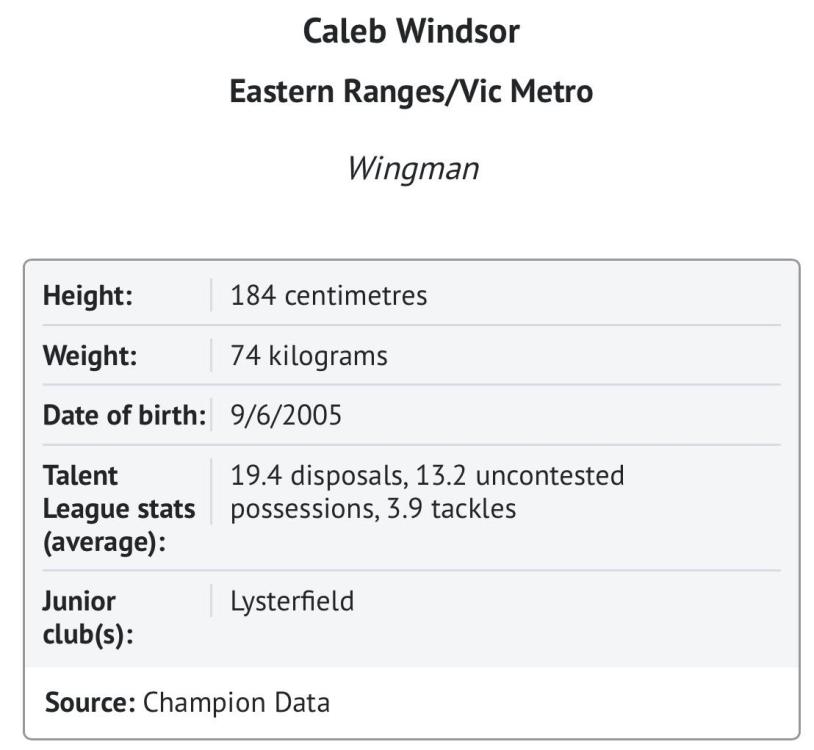
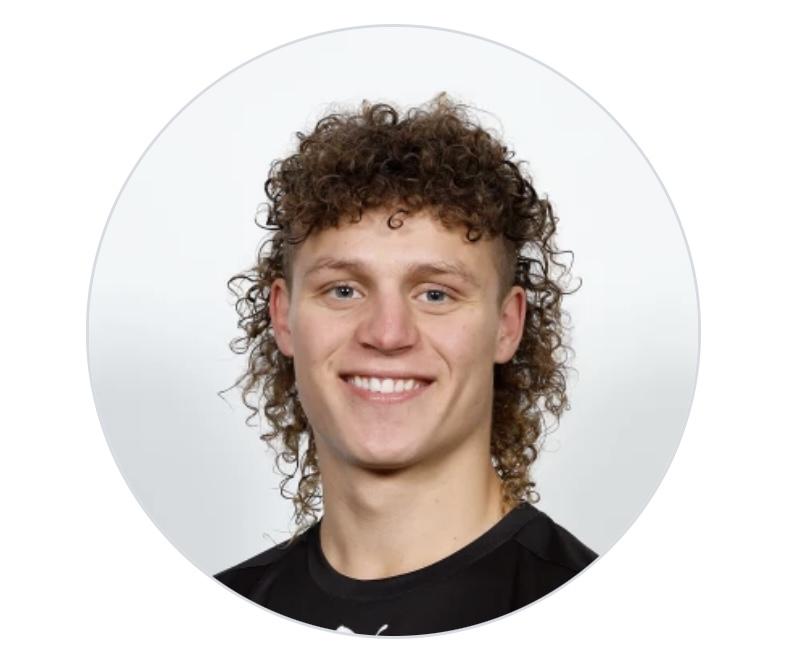
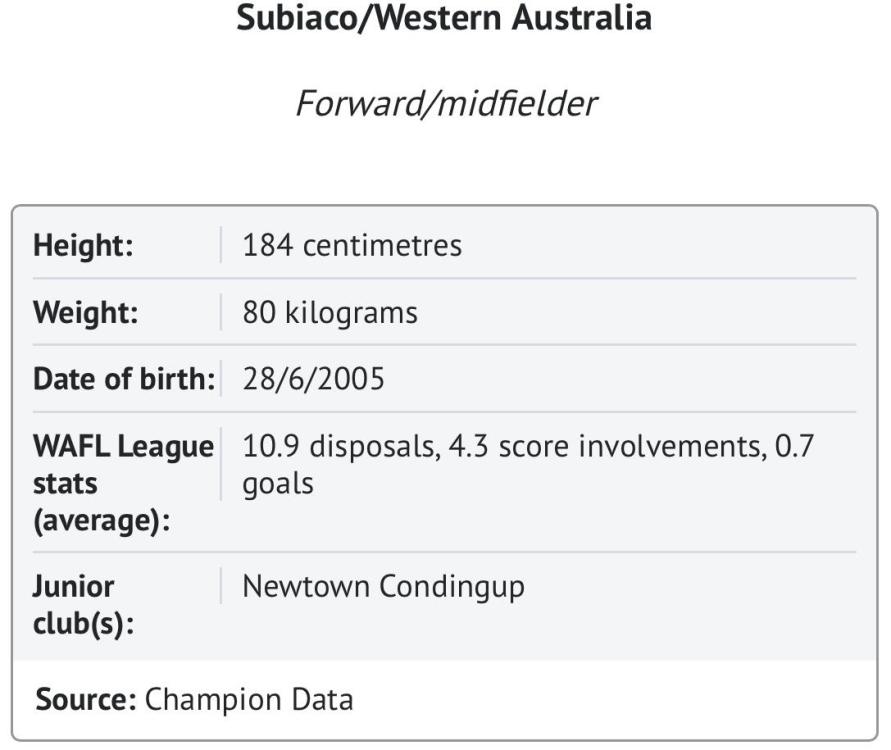
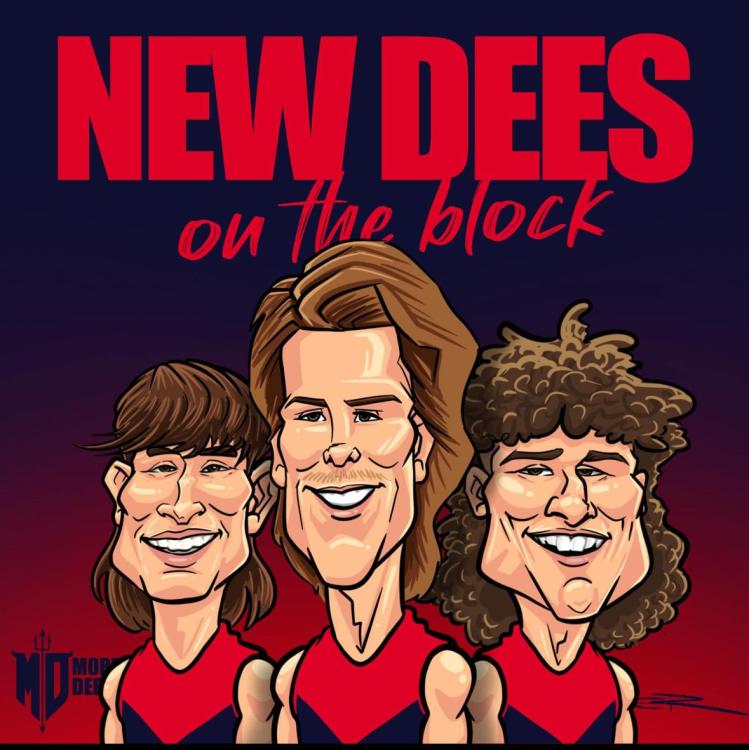
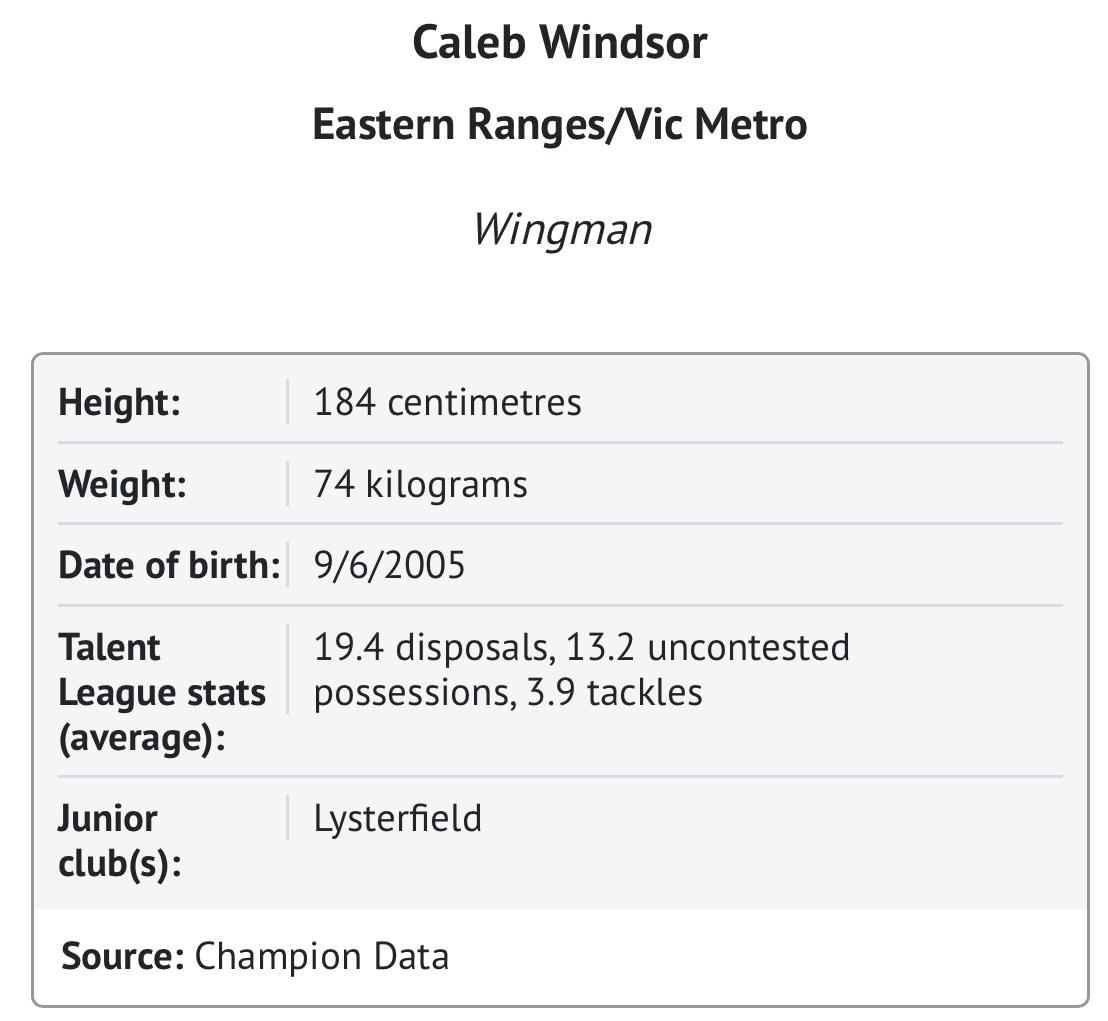
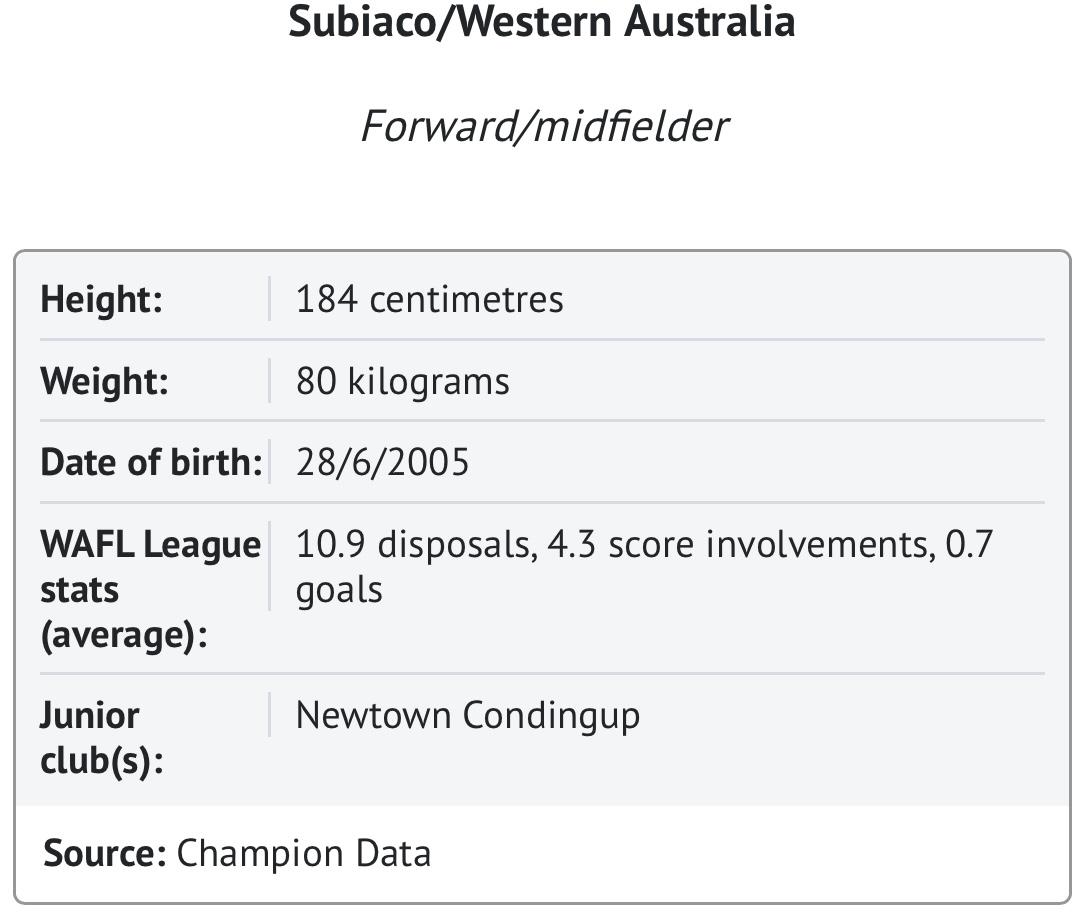
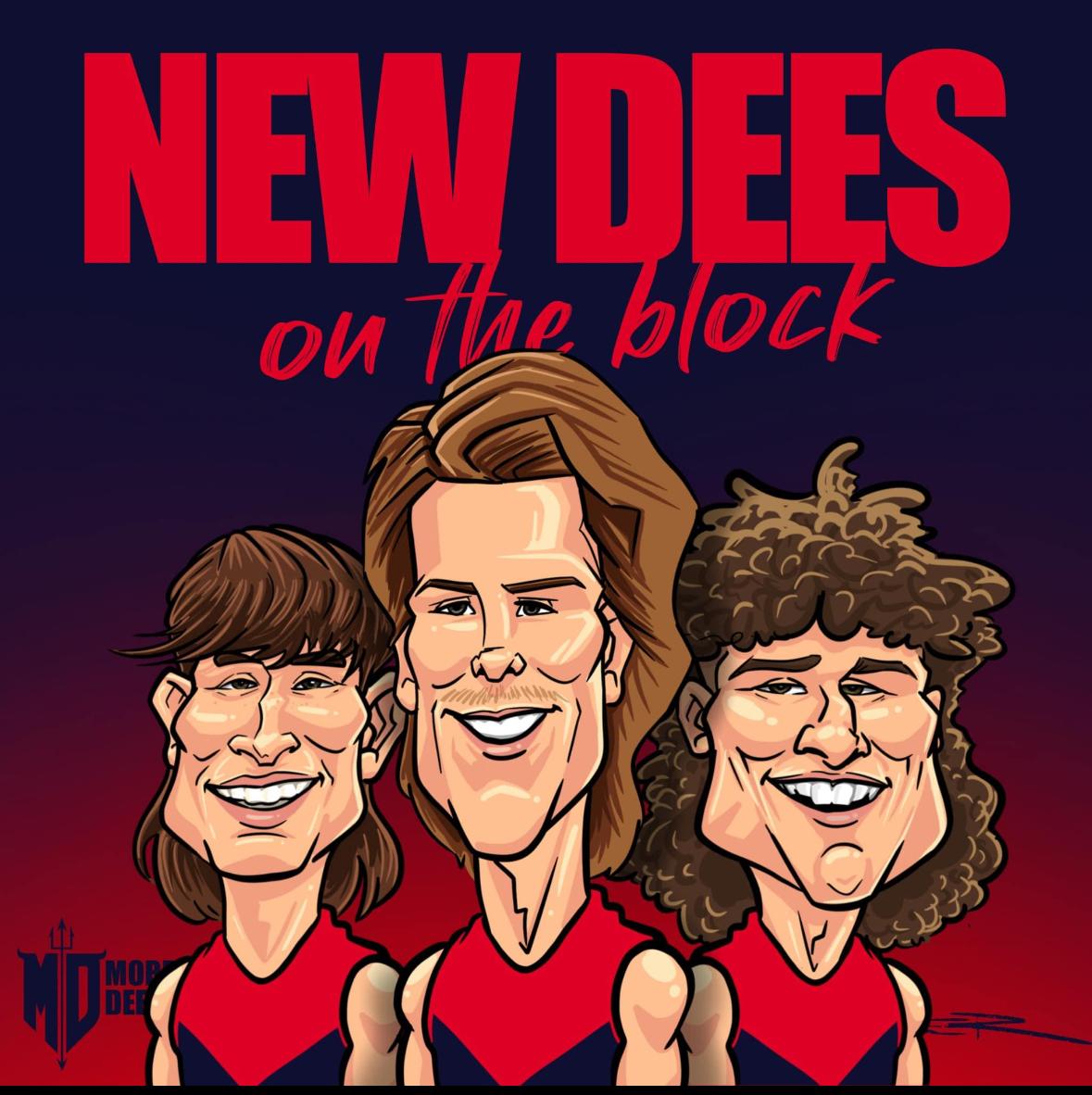
PLAYERS UNDER 24: Tom Sparrow (23), Kysaiah Pickett (22), Trent Rivers (22), Jake Bowey (21), Bailey Laurie (21), Daniel Turner (21), Jacob Van Rooyen (20), Blake Howes (20), Judd McVee (20), Andy Moniz-Wakefield (20), Taj Woewodin (20), Jed Adams (19), Will Verrall (19), Oliver Sestan (19) Matthew Jefferson (19), Kynan Brown (18), Koltyn Tholstrup (18), Caleb Windsor (18) TOP 5: Kysaiah Pickett, Jacob Van Rooyen, Trent Rivers, Tom Sparrow, Jake Bowey. The Demons are covered across all lines with this group but there doesn’t appear a standout player that is going to lead Melbourne to its next premiership. Kysaiah Pickett can still be anything, as can Jacob Van Rooyen. But aside from the draftees from the past two years, there feels a ceiling on most others, although several are certainly best 22 players. Trent Rivers, Jake Bowey and Judd McVee are all examples of players in Melbourne’s best side for the next decade if they want to be, but how much they can continue to improve is the big question. League ranking: 15th Seb MottramI posted the above more out of concern for the lack of punctuation from a sister fan group. CHANGES 2023 Part 3: The Long Run by The Oracle The first round of this year’s AFL National Draft was the deepest of its kind in the history of the AFL draft due to the significant number of Next Generation Academy and Father/Son bids that were matched by clubs in that round. As a consequence, 29 players were selected in the longest running first night of a draft ever, almost half the total number of players drafted overall. Melbourne was well placed in the draft with two picks at the top end which were ultimately picks 7 and 13 although it did make an unsuccessful attempt to secure the first pick which would have netted Harley Reid who was favourite for top spot throughout the year. For their first selection at #7, the Demons opted for the outside run and class of Caleb Windsor from Eastern Ranges who was described by AFL Draft Central* … “[S]omewhat of a bolter, Caleb Windsor is a wingman capable of holding down his spot for the long-term. He plays the outside role expertly and is one of the draft’s best athletes – demonstrating a strong speed-endurance mix both through his agility and ability to snatch metres with each possession. “Windsor worked on his deficiencies this year – from ground balls, to kicking on the run – and accelerated from being a first round chance to top 10 draftee. The Dees describe his work as classy and were very happy to add him to an already very strong list.” According to the Melbourne Age, Windsor told Fox Footy that he was "grateful for the opportunity", after getting the biggest cheer of the night when his name was read out. Six picks later, Melbourne chose hard working Koltyn Tholstrup, already a regular in WAFL State League side Subiaco who, like Windsor, is considered not far away from being AFL ready. According to AFL Draft Central*, “The West Australian impressed with his willingness to perform roles in Subiaco’s senior side this year, shaping as a character who will only boost the quality of a team’s culture. “He plays with great energy and flair going both ways, which should quickly endear him to fans. Even his exploits off the field are eye-catching. While he’ll likely start as a forward, Tholstrup certainly has scope to shift into the on-ball group in future.” Tholstrup was invited to the draft in person, according to Fox Footy, but declined to spend the night with his family in Western Australia. Demons recruiting manager Jason Taylor said of his two first round selections: "Caleb is speedy, he's quite fast and he covers a lot of ground as well so it's a speed-endurance combination. He's a 60-80m player, he really carries the ball and he's a goalkicker. “He adds a bit of class. We think he can grow into an outstanding athlete and he's someone we really wanted to add to our footy club. Koltyn is a great character, a really powerful medium forward who, we've got no doubt at some point in his career, can go through the midfield. He's going to add some real quality both as a person and player to our footy club." The club’s trading of players in October had left it with very little need in terms of spots available on its playing lists. The final primary list space was taken by the uplifting of rookie Daniel Turner so the recruiters had an easy second night of the draft as onlookers while 35 more picks were added by the other clubs. On the following afternoon, the Demons preselected father/son pick, Kynan Brown, 181cm 71kg, who had featured in the Coates Talent League Team of the Year as a Category B Rookie. AFL Draft Central* said of him - “Brown turned out for Oakleigh Chargers over the last couple of seasons and was one of Vic Metro’s most consistent, albeit unheralded performers at the Under 18 National Championships. Expect him to provide handy list depth and work to get the best out of himself at the top level.” As expected, the club also rookie listed the injured Jake Melksham in the rookie draft and, at the first available opportunity, retook defender Marty Hore earlier this week as a supplemental selection after spending two seasons in the VFL. The 2023 changes now leave the club’s lists looking like this: PRIMARY LIST: — Jed Adams Jack Billings Jake Bowey Angus Brayshaw Ben Brown Kade Chandler Tom Fullarton Bayley Fritsch Max Gawn Blake Howes Lachie Hunter Matthew Jefferson Ed Langdon Bailey Laurie Jake Lever Shane McAdam Tom McDonald Steven May Alex Neal-Bullen Clayton Oliver Christian Petracca Harrison Petty Kysaiah Kropinyeri Pickett Trent Rivers Christian Salem Josh Schache Joel Smith Charlie Spargo Tom Sparrow Koltyn Tholstrup Adam Tomlinson Daniel Turner Jacob van Rooyen Jack Viney Caleb Windsor Taj Woewodin ROOKIE LIST: CATEGORY A — Marty Hore Judd McVee Jake Melksham Oliver Sestan Will Verrell ROOKIE LIST: CATEGORY B — Kynan Brown Kyah Farris-White Andy Moniz-Wakefield * 2023 AFL Draft Review: Melbourne
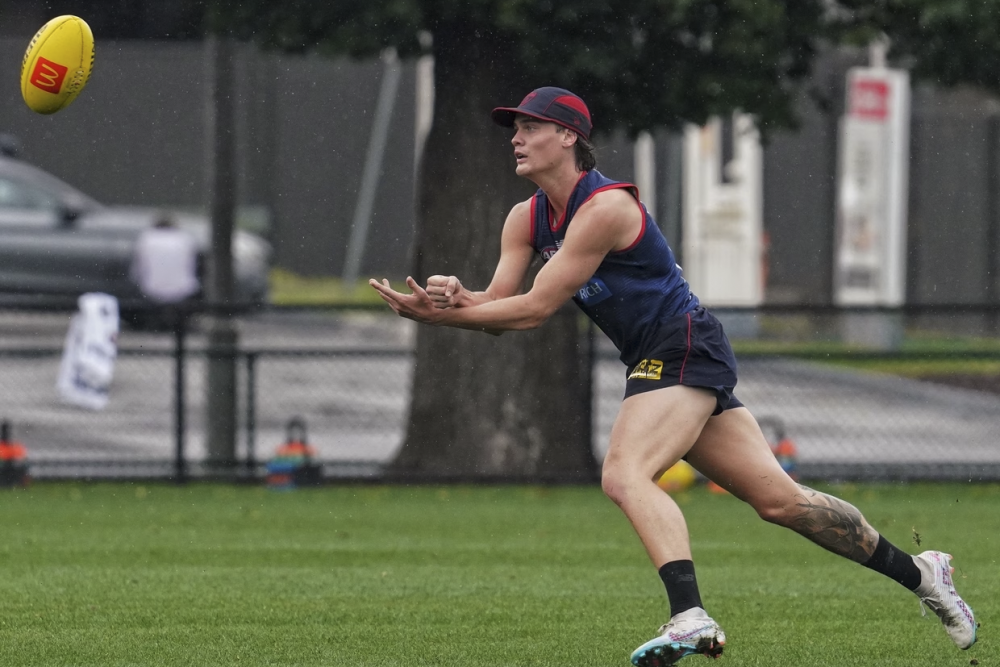
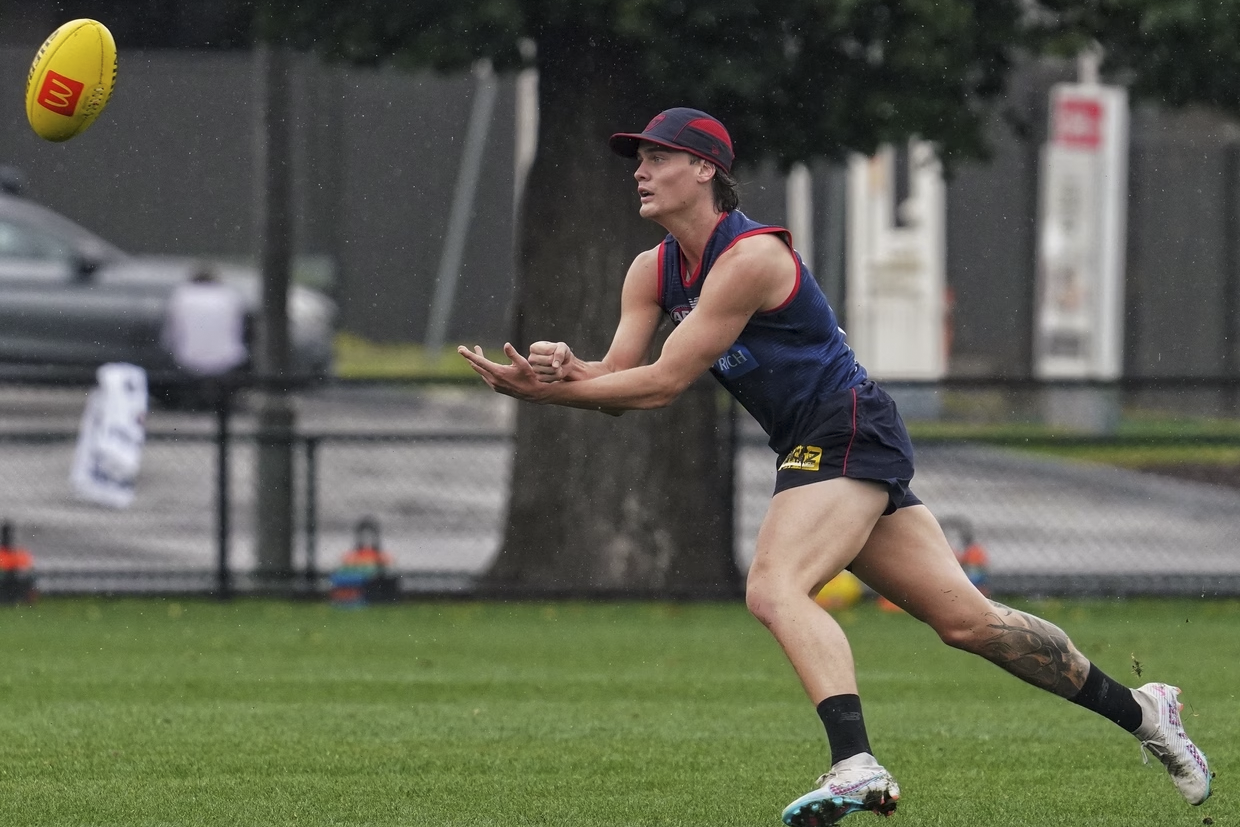
 Foo Fighters have concerts at AAMI Park next week and then January the Australian Open is on.Welcome to Demonland.Demonland Trackwatchers WERRIDEE, HAWK THE DEMON, DEMON WHEELS, WALKING CIVIL WAR, SCOOP JUNIOR & KEV MARTIN ventured down to Gosch's Paddock to bring you their observations from Friday's Preseason Training Session which closes out the first week back on the track for the Demons. WERRIDEE'S RUNNING COMMENTARY OF HIS OBSERVATIONS: Farris-White and Sestan out there early kick to kick Rivers and Bowey running laps Roo and Laurie kick to kick Billing’s in no33 McVee Howes and Turner kicking in a triangle the rest having shots on goal Howes and Sestan practicing hip and shoulder techniques and tackling techniques They seperate into 2 groups one doing resistance training the other doing jumps and stretches They are all doing resistance training now Now they are doing run throughs Now they are dropping back then leading forward Melksham is training away from the rest as you’d expect Now they are stretching Now they separate into 6 groups as they pass the ball and also picking up the ball at their feet Melksham skipping and jumping Now there doing passing exercises with B.Brown and Roo leading out Petty is there but not doing anything Re: Senior players in attendance: McDonald Gawn trac the rest are youngsters Clarry on the sideline doing resistance training Now they all over the ground passing exercises with Roo and McAdam leading out Riv looks like he’s going to have a superb year Lever is also there Petty doing one on one marking with Melksham kicking it to him The taller players are doing ruck drills while the mids are doing tackling drills They have now switched Now they are doing match sim white and orange tops defending Norma tops attacking trac just done a beautiful pass to McAdam Roo has just turned it over Laurie gets his kick well spoiled by Lever Hore in everything Petty is not in a moon boot and Fritta is not here Clarry still training away from the group I think Petty and Melksham are done for the day Trac Riv and Hore dominating Windsor just got his ball smothered by Riv Trac another brilliant pass to McAdam Bowey just put it down the throat of the opposition in Adams Great smother by Billings Gawn nice pass to Moniz-Wakefield Clarry just told me he’s a month til full training Fullerton just beat McDonald one on one to applause Jefferson just beat Turner one on one Now the yellow vests b normal billing’s in a white vest just dropped a sitter Sestan just kicked a dribbler McDonald on Roo Roo just took a good mark Tholstrup KBrown Windsor and McAdam not participating Bowey is now in the white vest Verrall good intercept Roo kicks a goal for the red team McVee just got stopped in his tracks by Riv Good pass from Hore to Farris-White to Moniz-Wakefield for a goal McVee now in the white vest When asked whether Tom McDonald is training forward or back - BACK When asked whether Trent Rivers is training backs or mids - BACKS Schache just kicked a goal Now everybody’s favourite push ups Just handball drills now HAWK THE DEMON'S OBSERVATIONS ON ATTENDENCE: Petty not in a moonboot, but not training. New attendees today - Schache, B Brown and Melksham doing exercises with Jack McLean the physio. Apparently training will be at Gosch's on Monday before they head to Casey for the remainder of the year. Clayton doing his run throughs again - will probably re-join the main group before Christmas. Non-attendees so far this week - Chandler, May, Viney, Brayshaw, Kosi, Langdon, Tomlinson and Smith. Assume will all be there on Monday, other than Joel of course. DEMON WHEELS' OBSERVATIONS FROM TRAINING: Dropped in for a quick 30 minute visit while they happened to be doing match-sim for the bulk of that time. General Observations: – Quite open play with lots of kicking to targets both short and long – Coaches pushing for the kicker to follow-up and connect / overlap which happened more frequently after a bit of fatigue had set in – Good quality kicking and marking with the odd longer kick missing the target (bit blustery out there so forgivable) Player Observations: – Impressed by almost all of our tall young players getting involved in the match sim at certain times – Verrall and Adams did some good things and had some nice touches – Farris-White is a beast and didn’t look out of place – Jefferson did some good things and was quite amongst it to begin with, faded a bit towards the end. Did well in the earlier ‘marks-up’ one-on-one where he either beat or neutralised against JVR, Turner and one other tall (can’t recall who). He was quite agile in these marking attempts and got busy even if out of position to make a contest, he looks to be building to me – Fullarton looks a player as well – McVee, Bowey, Woey, Laurie, Rivers all getting touches and trying to link up through the middle – TMac playing as the last defender did an impressive job and his kicking was good too – All the new draftees don’t look too light in terms of body shape at all – Trac looks like a cat on a hot tin roof when he gets the footy, just electric feet – JVR looks primed and just doesn’t give in. Took a few nice grabs and just competes non-stop – Gawn looks fit, fresh and healthy. Took a few nice grabs as well and was actually jumping And lastly Tim Lamb was walking around the boundary with a big tall kid – who else but Kalani White. Looks like he was there for a bit of a meet and greet / orientation of sorts as he was introduced to Andrew McQualter. Go Dees. WALKING CIVIL WAR'S TRAINING OBSERVATIONS Bloody l-o-n-g session. Close to three hours. As usual Tracc stayed out there for about half an hour after the others had all left, having shots on goal. He does this after sessions, totally his choice. Tracc is dedication personified. Like, next level invested. LOL… I told him he needs to get to work on his muscles. He looked shocked and said, “Who, me???!” I said, “Relax, I’m kidding!” He said, “Phew, for a minute there…” 😁 Like he should pay any mind to what a slightly deranged fan says, amirite?! I told Marty Hore welcome back and he said he’s so happy to be back because this is where he really wants to be, and that he feels like he never left. 💖 Clarrie started later than the others. We chatted a little before he started. Wednesday wasn’t a one-off. He’s definitely on the right track. Happy to chat, super positive, walks with a spring in his step and his head held high. Hashtag body language tells all. Also had interesting chats with Chocco and Perty and Goody, all separately, but all instilled a strong sense of positivity and I’d even say excited anticipation. They’re clearly pumped for next season, as are the players. It really shows. The whole vibe this week has been amazing, which bodes well so early in the preseason. Best thing about today? Two words… [censored] MELKSY! Was NOT expecting to see him moving so well! It was such a sight to behold. Last time I saw him he looked (and was) gutted. Totes different today, all smiles and really buoyed. Perty said his recovery won’t be like “your regular ACL recovery” I said, “he looks ahead of schedule already.” Perty said at this rate he’ll be right “middle of the season.” YAY 🥳 PS Adorable little George Gawn stole the show on the boundary. Heartwarming moment: Tracc walking towards him, George runs to greet him, arms outstretched wanting Tracc to pick him up, which Tracc did, making George so happy he buried his little head into Tracc’s shoulder. I know, right?! 🥹 SCOOP JUNIOR'S TRAINING OBSERVATIONS I was able to get down to training this morning. Those who I didn't see there - May, Salem, Viney, Spargo, Gus, Hunter, Langdon, Tomlinson, Smith, ANB, Fritsch, Sparrow, Kozzie, Chandler Oliver was doing numerous run throughs on the boundary and then some ground ball work. Not running at full speed but was doing a decent chunk of slow running. Melksham and Petty did some kicking and then went in early. No moon boot on Petty. Neither did any running. I got there just before 10am and they were initially doing some transition work without tackling. Fairly easy ball movement stuff without any pressure / tackling. They then split into groups - talls and smalls. The smalls did one-on-one ground balls, one player would win possession and the other would tackle. The talls did one-on-one marking. They then swapped so the talls did ground balls and the smalls did marking. No real surprises in the split up here, the only one of interest was that McAdam was with the talls. After this, they then did a drill where the ball was kicked to about 40m out in the D50, a ground ball would ensue, and the defensive team would win the ground ball and then try transition the ball forward to an inside 50. This was under pressure as there was an opposition. The focus seemed to be on running hard off half back. Again no positional surprises, other than perhaps McAdam as a tall deep forward. It appears he may be earmarked to play a bit out of the goal square. I think of Kozzie in the Carlton final where he created problems with his speed as a deep forward. McAdam has speed but is better in the air. They then repeated this drill but on the other half back flank / side of the ground. The next drill was a kick out from the pocket in the attacking team's 50 and the attacking team would win the ground ball and then look for a re-entry inside 50m. Whereas the previous drill was a deep turnover (at half back), this was a high turnover (between half-forward and wing). They looked to switch it a fair bit so that the inside 50 entry was to the fat side where there were less numbers and less congestion. It was a bit messy but there did appear to be a focus to get it to the fat side rather than a down-the-line re-entry to congestion. This was also done under pressure with a defending team. Finally there was some full ground ball movement drills. By this stage some of the new boys went and did running so it was probably something like 11 v 11. As a result there was a lot of space so it obviously didn't replicate the kind of pressure and lack of space you'd see in a game. TMac played key back for this. Maybe just to stand in for May, but who knows. I left soon after this as they were doing some handballs in tight and shots for goal/snaps. I find it hard to read too much into player performance at training so I've focused more on what they did as a group. One thing I will mention is there is something about the Tholstrup boy. The big mop of curly hair that makes his head stand out in a crowd and what appears to be a level of confidence / self-belief. I didn't get the impression that he was a new guy there. He really pushed hard on the run throughs, leading the way when running with Windsor, Brown and McAdam. He then encouraged Windsor and McAdam to beat the required times when they were doing some extra running after he finished. He went and helped up the skipper off the ground after they did push ups. I don't know exactly what it is but there does look to be something a bit different and unique about him. If he can play, he seems the type of player who will be really fun to watch. KEV MARTIN'S TRAINING OBSERVATIONS Wandered down for a squizz at the bizz on Gosch's. Melksham rehabbing, not doing a running program yet. Oliver appears underdone. Working a running program, though not very advanced in exertion. Completely opposite to how he turned up last pre-season (fittest of the lot). Petty was having just strolling around. The field was dry and the ball handling for pre-season was good. Some stabb passes early in the session dropped in front of the leading players, at least they weren't bombing away. There was some emphasis on creating fwd 50 marks, plenty of short ball hit ups in the simulations. They started with runs and short kicks, then into station drills of low pick-ups, one on one positioning to high balls with push off, and side tackling after receiving high the ball. The atmosphere was great. Get a sense they have a point to make. Everyone was supportive of each other, the noise level was high, and they were looking like a great young squad. They took knees a few times, with group discussions and some frivolity. Plenty of instructions and guidance from the coaches during the process. Goal kicking practice was about snaps, based on the musical chairs game, but with the ball going around, with a couple of defenders and the manikins, making it tougher. McQualter (Mini) gets right in there with the mids, emphasising the spacing. Some drills were created to make the fwds hold position deep, and spread fast as a turnover happens when the opposition leaves our 50 area but loses the ball. Loved our run, we look fast. Standouts include Bowey, McVee, Tholstrup, Laurie. Laurie was baulking everyone, so much composure and looks to be a big improver. Tholstrup is a born leader, supporting team-mates, working hard, one of the last on the field, Also appears to have the will to get to the contest and has that explosiveness after getting the ball. AFL speed won't worry him, a good size and solidness about him. Bowey looking stronger and faster, impacts when he gets the ball. McVee has that composure, runs to the right places and looks explosive. McAdam was definitely struggling with the running program, though out in the sims he gets involved and has nice skills. Verral was getting plenty of 1%er's going, earning praise from the coaches. His is looking slim and moving well. Must have been working hard off season. Howes is looking to be all muscle, barely any fat on him, looks ready for some hard at it footy. Rivers was linking everything during sims. Max and Lever cannot keep away from the play, plenty of involvement. T'Mac was playing in the back line during sims, moving freely, though not winning the run throughs as he used to. Billings adds another dimension to us. Finds space and has a good finish. Kynan Brown has great vision, runs good angles, if he gets some consistency in skills, and a bit more bulk I believe he will make it. Windsor was low-key, I didn't notice him too often. I reckon JVR needs to have a full and hard working pre-season, looks a bit off, his usual aggression didn't seem there. Jefferson was dancing around well and wants to goal when he gets it. Working up and down the field, a few fumbles, and in and out of the play during Sims. Sestan has improved his fitness, no longer gasping after the exertion, and has plenty of composure. Adams has bulked up and playing well by sitting behind the ball. Turner was working up the field off the backline, providing carry of the ball. Farris-White, looks like his skills have improved, has a bit more bulk about him. AMW, seems more mature, getting to the right positions and kicking goals in the sims. Taj is going about it very professionally, straightens the ball movement up and continues to bring intelligence to the game. Hore has not missed a beat. Schache is working hard, getting on the end of plenty. BBB looking faster, and turning well. Still has his own running program. He and Tracc last on the paddock doing goal kicking practice. The new young ones, did not compete in Sims. There is going to be plenty of pressure for places. We will be batting deep. Go Dees EMDE's TRAINING OBSERVATIONS I've been to Monday's and today's training. In no particular order.. The best 10-12 we know and will again be our core. Melsham was doing his drills just in from of me. There's minimal difference in his quads, he was jumping off either foot, doing side step jumps then short kicking with either leg. He must have done a power of rehab to be this far advanced so soon after a knee recon. BBB was moving really well, and moving quickly in his leads to the ball. KFY and Verrall are both very mobile and would make other rucks look sluggish if they can maintain this in a game scenario. Taj especially but Dan Turner, Jed Adams and Jefferson all looking very much stronger. Schache doing what he likes best and avoiding contact. Of McAdam, Billings and Fullarton - they are going to have to bring serious game sense, skill and endeavour to be in the best 22. Which is what we really want. Laurie & Taj look like they really want a spot. But the 2 stand outs for me were Marty Hore and Oli Sestan. Hore was in everything, knew where to position himself in the drills, clean, precise, moving really well. Sestan played one drill on the lead out of the goal square. Never fumbled, nialed them from everywhere. Another, he was link man- precise foot skills, clean hands, looking 1 or even 2 moves ahead of the rest. Hope his tank is larger this year - he looks fitter and dare I say a bit trimmed down below the waist. If JT was correct in his summation 12 months ago when questioned about this choice, he said that we couldn't afford to let Sestan slip another year and thought he might be worth a punt. Lastly, Kynan Brown will never let anyone die wondering if he's put in enough effort to get to play AFL. He never stopped. Looks like he has massive tank. Needs 2 preseasons to get 10kg on his frame. FYI FULL PRESEASON TRAINING FOR FRIDAY 1ST DECEMBER 2023 THREAD
 A bookend to this affair








Account
Navigation
Search
Configure browser push notifications
Chrome (Android)
- Tap the lock icon next to the address bar.
- Tap Permissions → Notifications.
- Adjust your preference.
Chrome (Desktop)
- Click the padlock icon in the address bar.
- Select Site settings.
- Find Notifications and adjust your preference.
Safari (iOS 16.4+)
- Ensure the site is installed via Add to Home Screen.
- Open Settings App → Notifications.
- Find your app name and adjust your preference.
Safari (macOS)
- Go to Safari → Preferences.
- Click the Websites tab.
- Select Notifications in the sidebar.
- Find this website and adjust your preference.
Edge (Android)
- Tap the lock icon next to the address bar.
- Tap Permissions.
- Find Notifications and adjust your preference.
Edge (Desktop)
- Click the padlock icon in the address bar.
- Click Permissions for this site.
- Find Notifications and adjust your preference.
Firefox (Android)
- Go to Settings → Site permissions.
- Tap Notifications.
- Find this site in the list and adjust your preference.
Firefox (Desktop)
- Open Firefox Settings.
- Search for Notifications.
- Find this site in the list and adjust your preference.