






red and blue forever
-
Joined
-
Last visited
Posts posted by red and blue forever
-
-
all i have received from both Melbourne and afl orders are delay notices :(
i ordered a t-shirt from mfc,
was supposed to arrive last week. but got a notice it has been further delayed.
scarf keyring and hat from afl.
not a note yesterday saying they haven't forgotten me. but it will be a while before i get my order...
-
-
Edited by red and blue forever
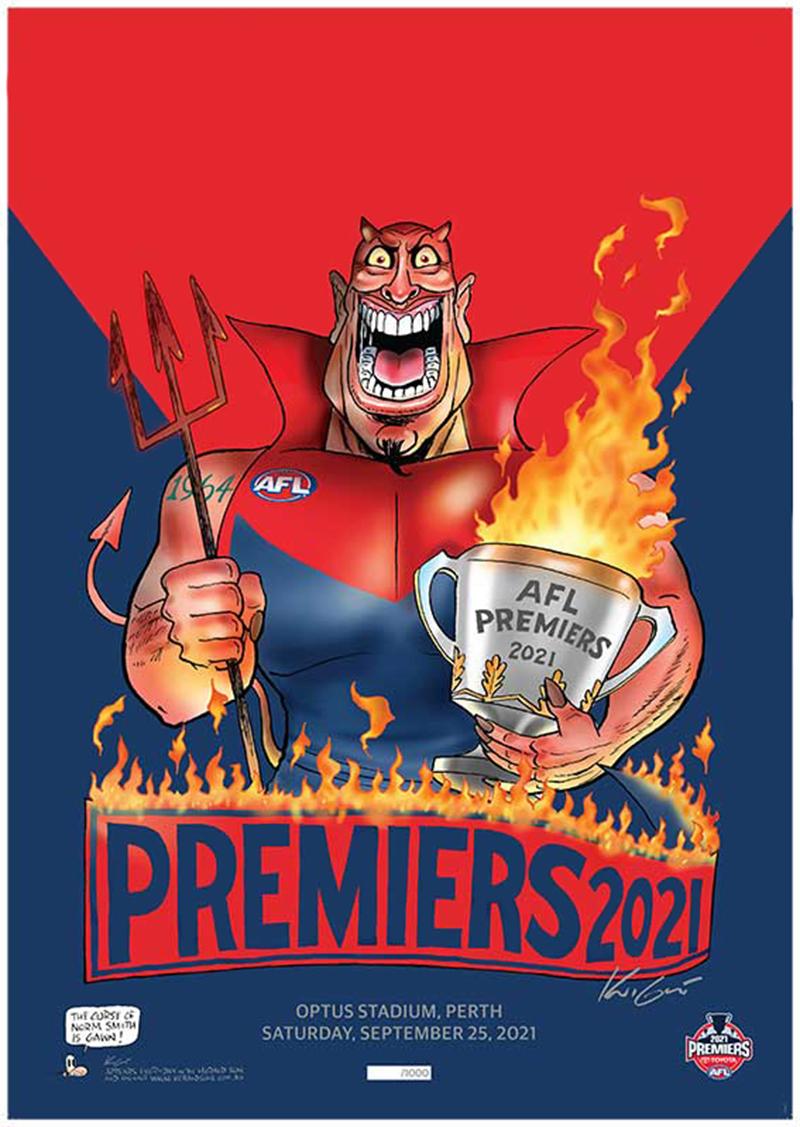
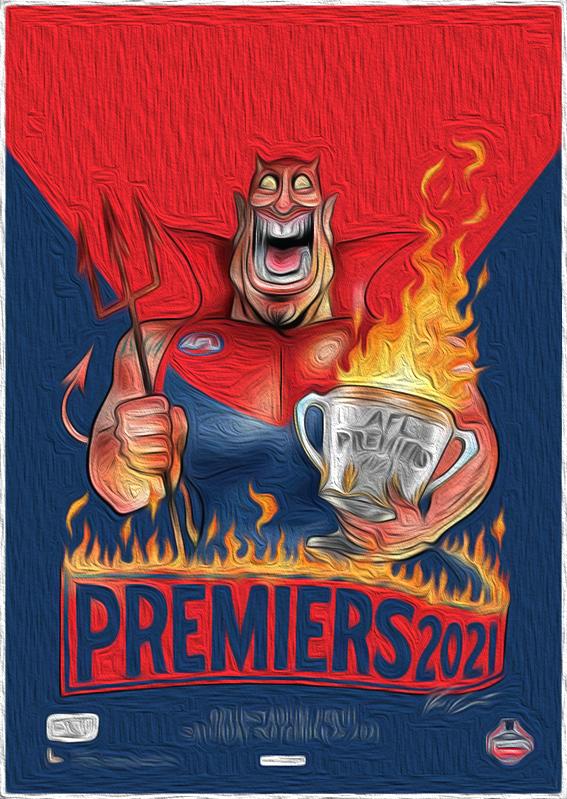
cleaned it up a bit, so i have a nice digital copy....
and then played with photoshop, and liked the result

-
 4
4
-
-
-
41 minutes ago, Want a Flag said:
Finally my 2 sons (25 and 22) have officially forgiven me for making them support Melbourne.
It was a battle during the Neeld years and only the lure of impending MCC membership kept them on board.
But we've got them for ever now.
Did I actually see that or was it the sweetest dream ever?
i have finally forgiven my dad.... and i'm 41
-
 3
3
-
-
FFFFFFFFFFFFFFFFFUUUUUUUUUUUUUUUUUUUUUUUUUUUUUUCCCCCCCCCCCCCCCCCCCCCCCCCCKKKKKKKKKKKKKKKKKK
YYYYYYYYYYYYYYYYYEEEEEEEEEEEEEEEEAAAAAAAAAAAAAAAAAAHHHHHHHHHHHHH
!!!!!!!!!!!!!!!!!!!!!!!!!!!!!!!!!!!!!!!!!!!!!!!!!!!!!!!!!!!!!!!!!!!!!!!!!!!!!!!!!!!!!!!!!!!!!!!!!!!!!!!!!!!!!!!!!!!!!!!!!!!!!!!!!!!!!!!!!!!!!!!!!!!!!!!!!!!!!!!!!!!!!!!!!!!!!!!!!!!!!!!!!!!!!!!!!!!!!!!!!!!!!!!!!!!!!!!!!!!!!!!!!!!!!!!!!!!!!!!!!!!!!!!!!!!!!!!!!!!!!!!!!!!!!!!!!!!!!!!!!!!!!!!!!!!!!!!!!!!!!!!!!!!!!!!!!!!!!!!!!!!!!!!!!!!!!!!!!!!!!!!!!!!!!!!!!
-
15
-
 3
3
-
5
-
-
-
-
-
1
-
-
-
-
I Feel sorry for Jess, hope he recoveres well and soon
Can't help thinking it was the BEST thing for us to get rid of him when we did
and
the WORST thing for Jessie to leave us when he did...
-
1
-
-
-
-
-
-
-
-
1
-
-
-
15 minutes ago, Demonland said:
This is not the 2019 Banner. This is 2018 version 2.0.
Just checking... that's Goodwin right?
-
1
-
-
-
-
-




Tonight’s Draft - The Second Crack
in Melbourne Demons
94 and 119 i think...