




Article by Jake Niall

Guest unstable punt
Featured Replies
Featured Content
-
TRAINING: Friday 5th December 2025
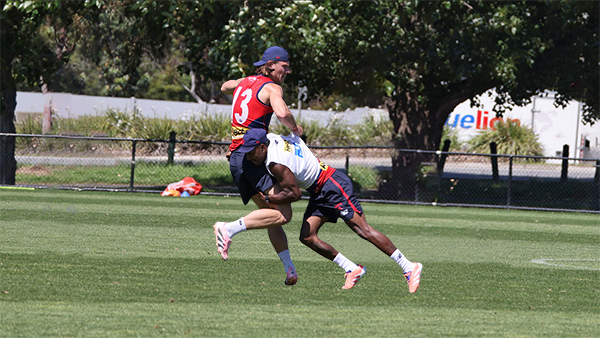
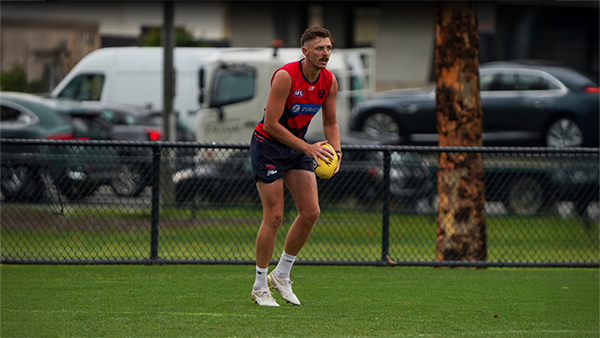
A number of Demonland Trackwatchers descended upon Gosch's Paddock on a glorious Summer morning in Melbourne to bring you their observations from Preseason Training.- 1 reply
-
TRAINING: Wednesday 3rd December 2025
A couple of Demonland Trackwatchers ventured out to a sunlit Gosch's Paddock to bring you their observations from the Demon's Wednesday morning Preseason Training session.- 0 replies
-
TRAINING: Monday 1st December 2025
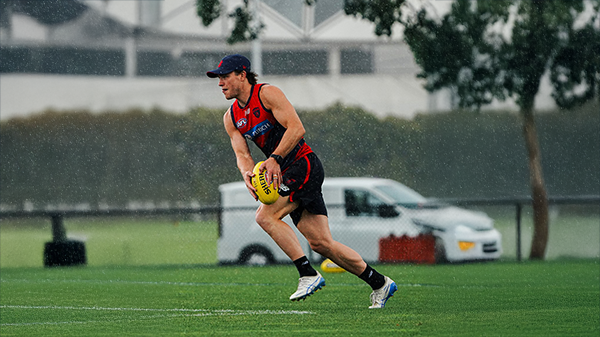
The team is back from their Community Training Camp and it is the first time that the whole squad is together at Gosch’s Paddock. A couple of intrepid Demonlanders braved the 4 seasons in one day on the first day of Summer to bring you their observation of the morning's session.- 0 replies
-
TRAINING: Thursday 27th November 2025
Demonland Trackwatcher Where Demons Dare was our man on the spot at the Demon's Community Training Camp Open Training to bring you his observations from the Session.- 3 replies
-
2026 Player Numbers
The official Player Guernsey Numbers are in for the 2026 Season with a couple of players getting an upgrade and the new recruits getting their new numbers.-
-
- 56 replies
-
-
AFLW REPORT: North Melbourne
No team had come close to cracking North Melbourne all season, and Melbourne — up by six at the final change — nearly broke that trend in a pulsating preliminary final at IKON Park.- 3 replies







|

|

|

|
 |
 |
 |
 |
 |
 |
 |
 |
Archived
This topic is now archived and is closed to further replies.